RUBBERMAN
Paid Members
-
Joined
Everything posted by RUBBERMAN
-
 I don't know about you, but I have been enjoying Ailey's wild masturbating when she was alone, "now that she has a roommate "Kassanda" I wonder if she well be able to get off like she did or well it even stop."......dam Kassanda should have gotten her own room. LOL
 These two really don't mind sharing their bodies with others, but last night seemed to be a mind blower, I did see some anger and jealousy with the head house lady and her visiting female friend "who seemed to have gotten fingered...and just maybe wanted a little bit more but didn't get it." LOL


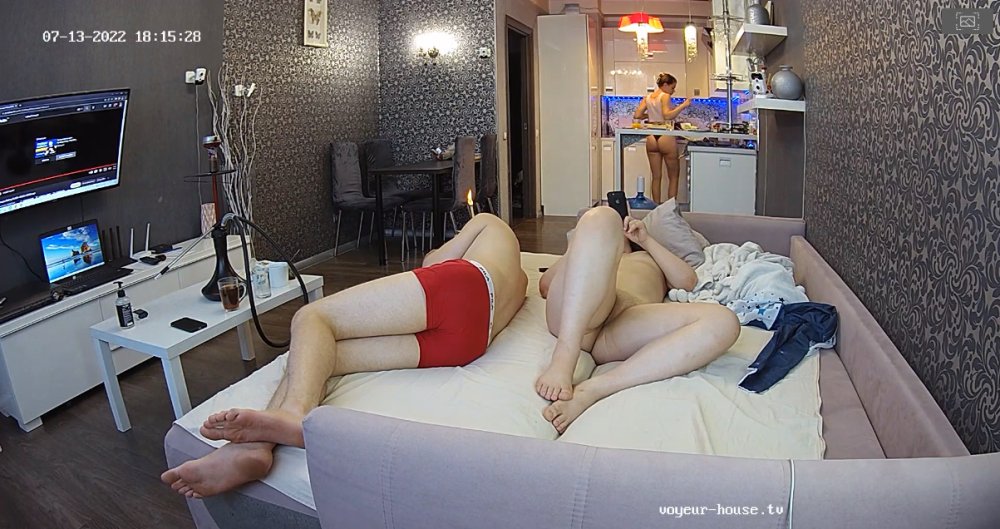


 I am still trying to figure her out..."why until now give us so much now that she is carrying a child, and well she stick around this time, normally she sat's up things for others then leaves." Well this be the new norm for VHTV "ladies completing their pregnancy on site as another apartment couple seemed to have done?"
Account
Navigation
Search
Configure browser push notifications
Chrome (Android)
- Tap the lock icon next to the address bar.
- Tap Permissions → Notifications.
- Adjust your preference.
Chrome (Desktop)
- Click the padlock icon in the address bar.
- Select Site settings.
- Find Notifications and adjust your preference.
Safari (iOS 16.4+)
- Ensure the site is installed via Add to Home Screen.
- Open Settings App → Notifications.
- Find your app name and adjust your preference.
Safari (macOS)
- Go to Safari → Preferences.
- Click the Websites tab.
- Select Notifications in the sidebar.
- Find this website and adjust your preference.
Edge (Android)
- Tap the lock icon next to the address bar.
- Tap Permissions.
- Find Notifications and adjust your preference.
Edge (Desktop)
- Click the padlock icon in the address bar.
- Click Permissions for this site.
- Find Notifications and adjust your preference.
Firefox (Android)
- Go to Settings → Site permissions.
- Tap Notifications.
- Find this site in the list and adjust your preference.
Firefox (Desktop)
- Open Firefox Settings.
- Search for Notifications.
- Find this site in the list and adjust your preference.