RUBBERMAN
Paid Members
-
Joined
Everything posted by RUBBERMAN
-
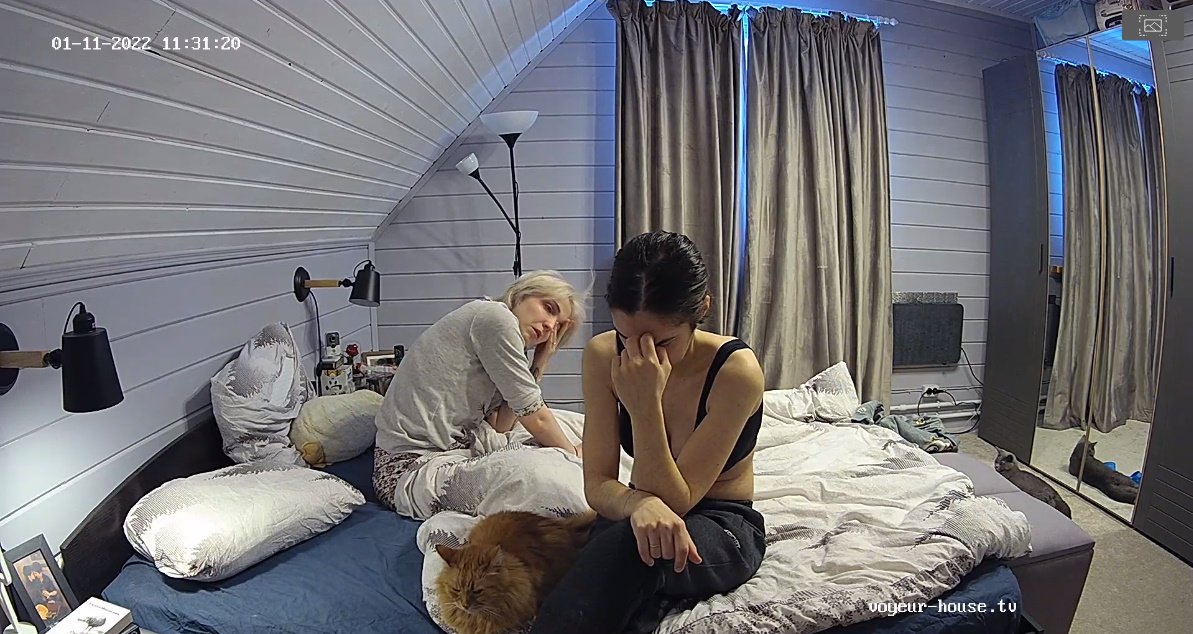
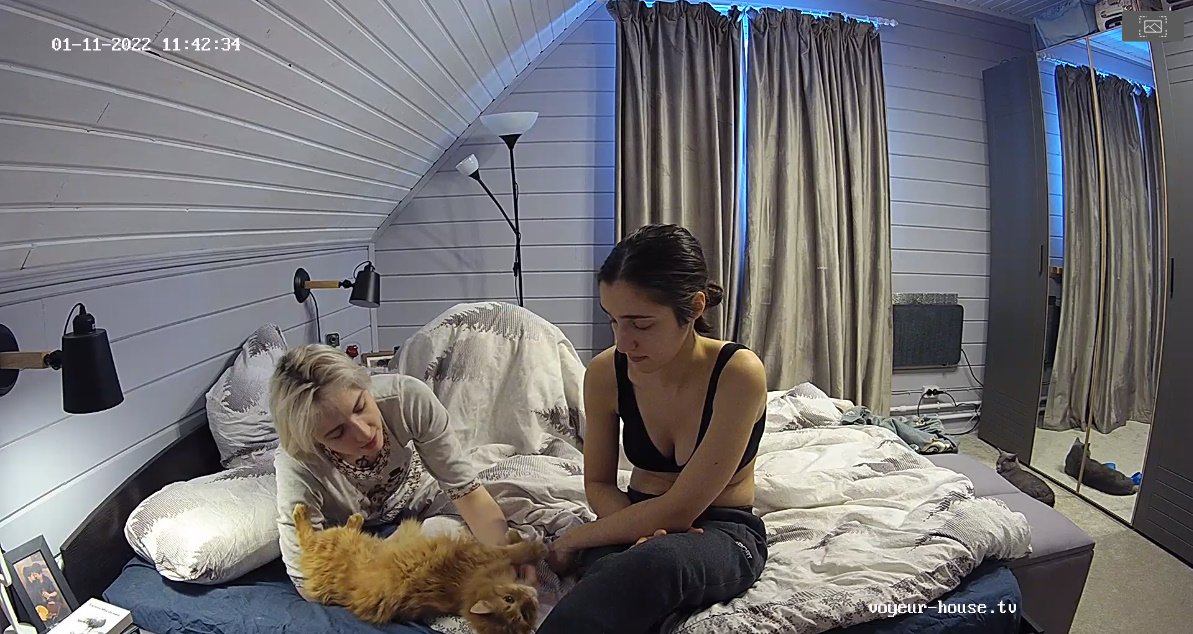
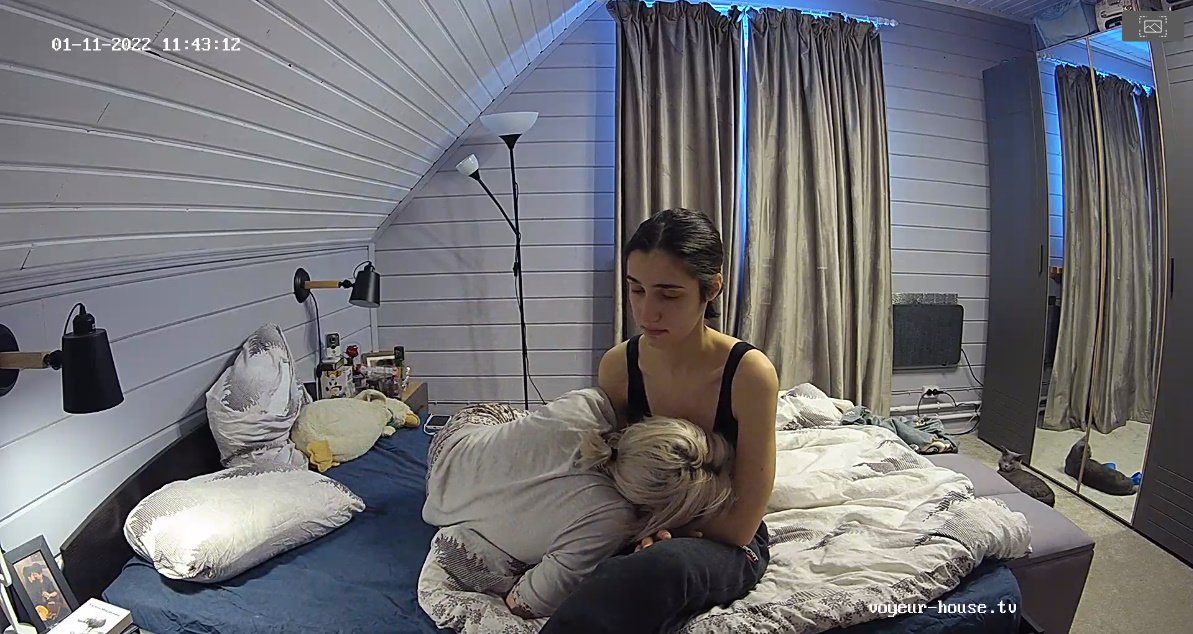
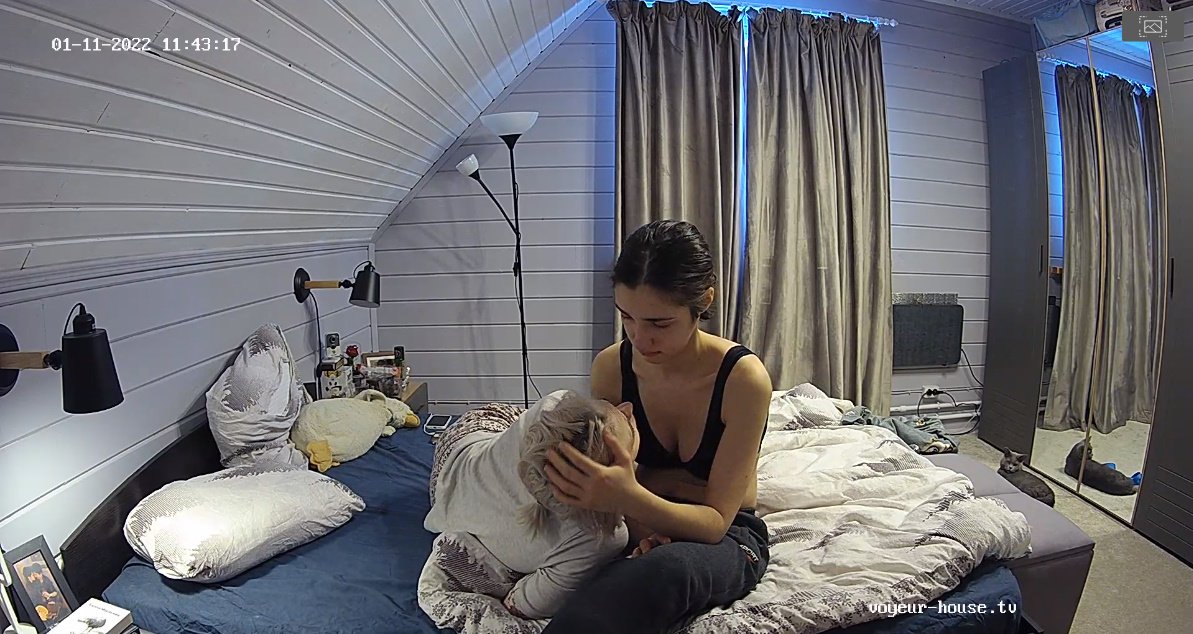
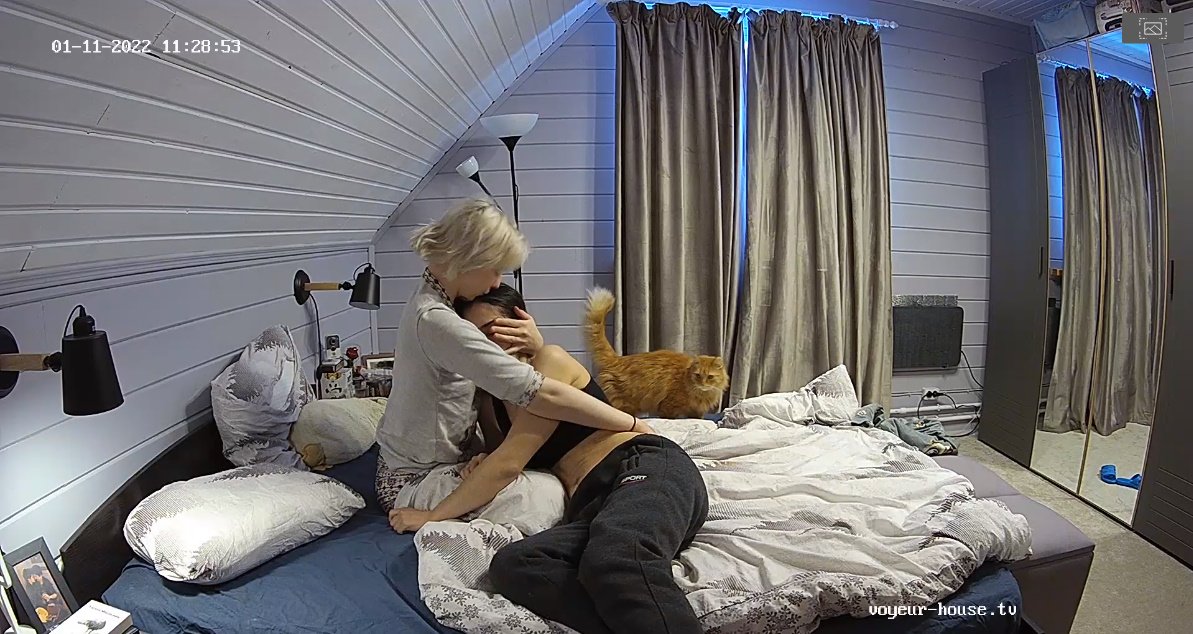
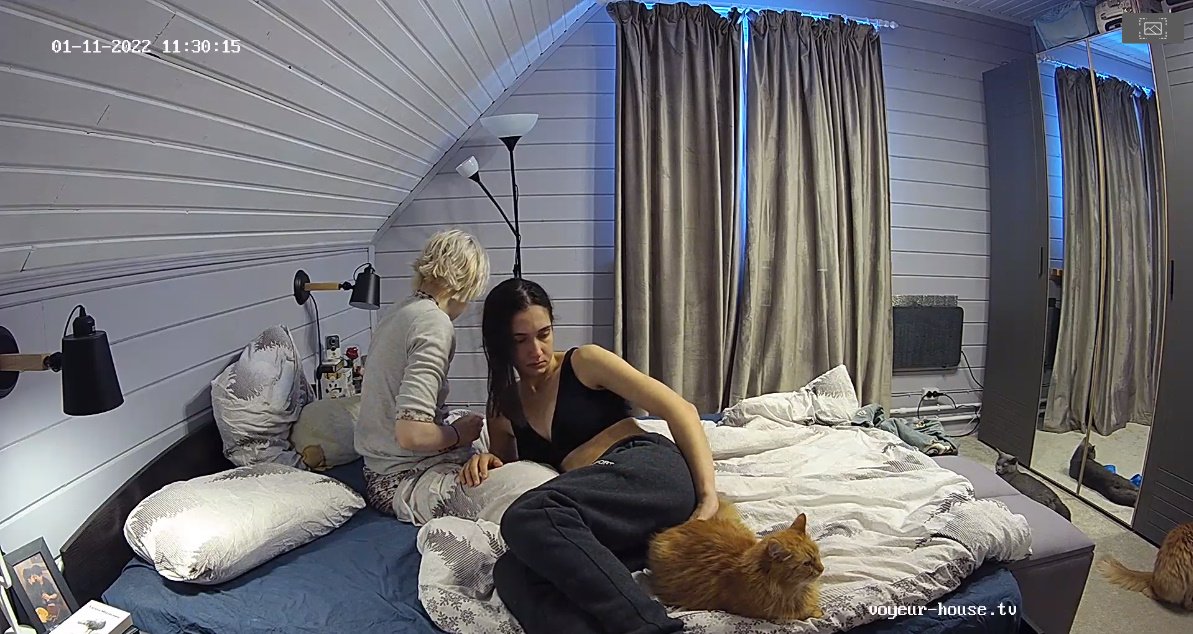
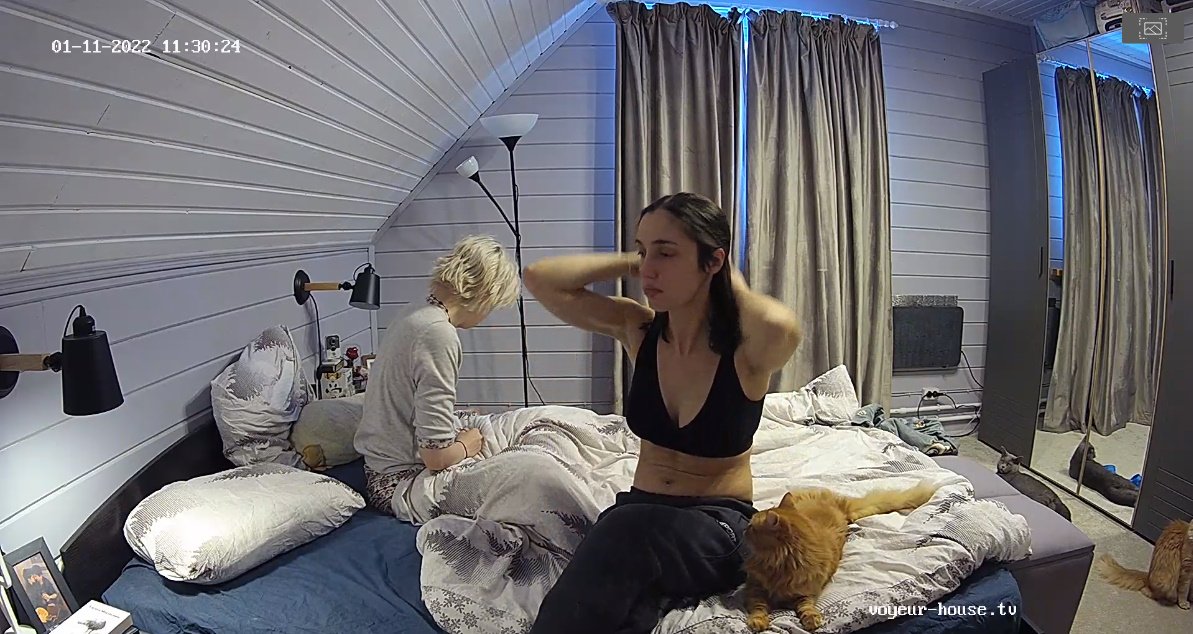
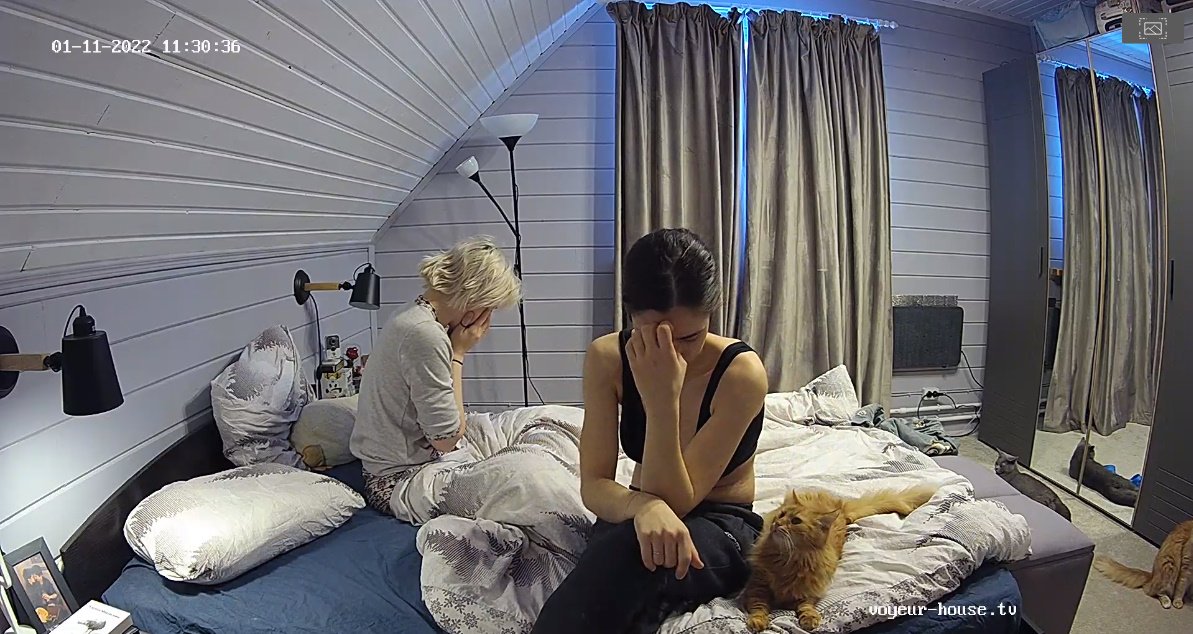
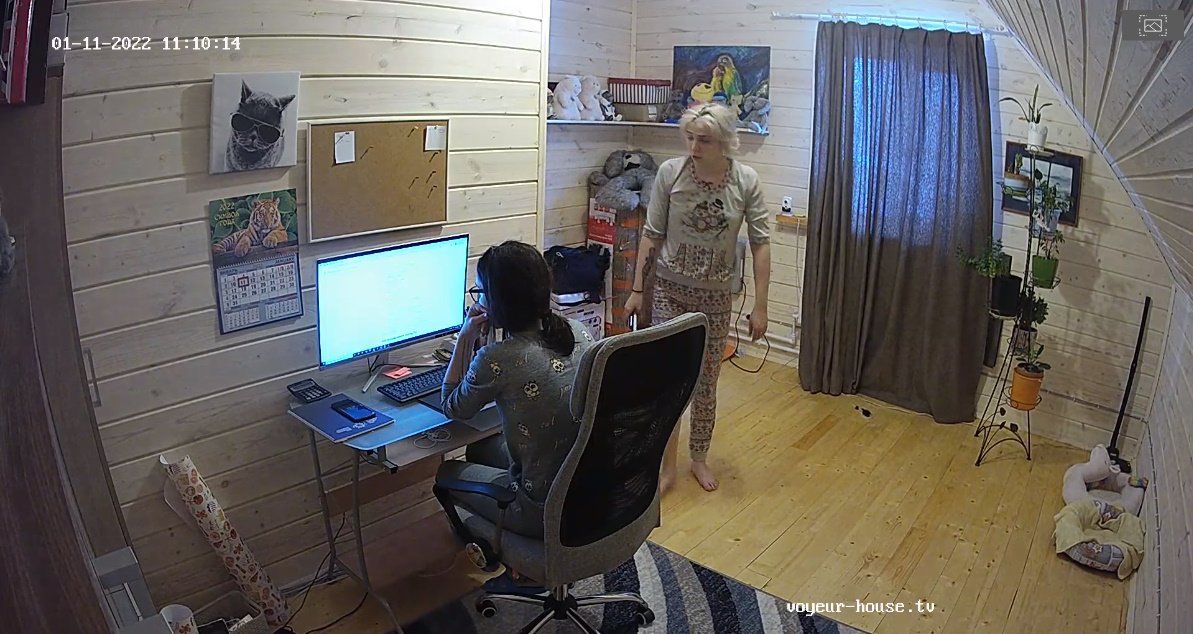
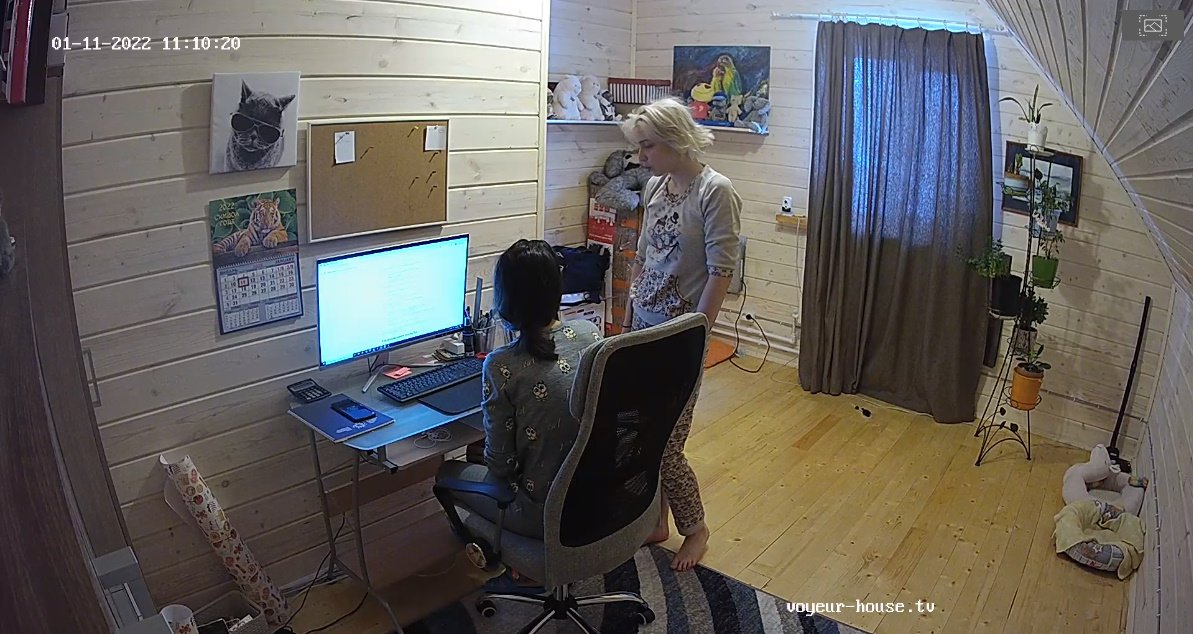
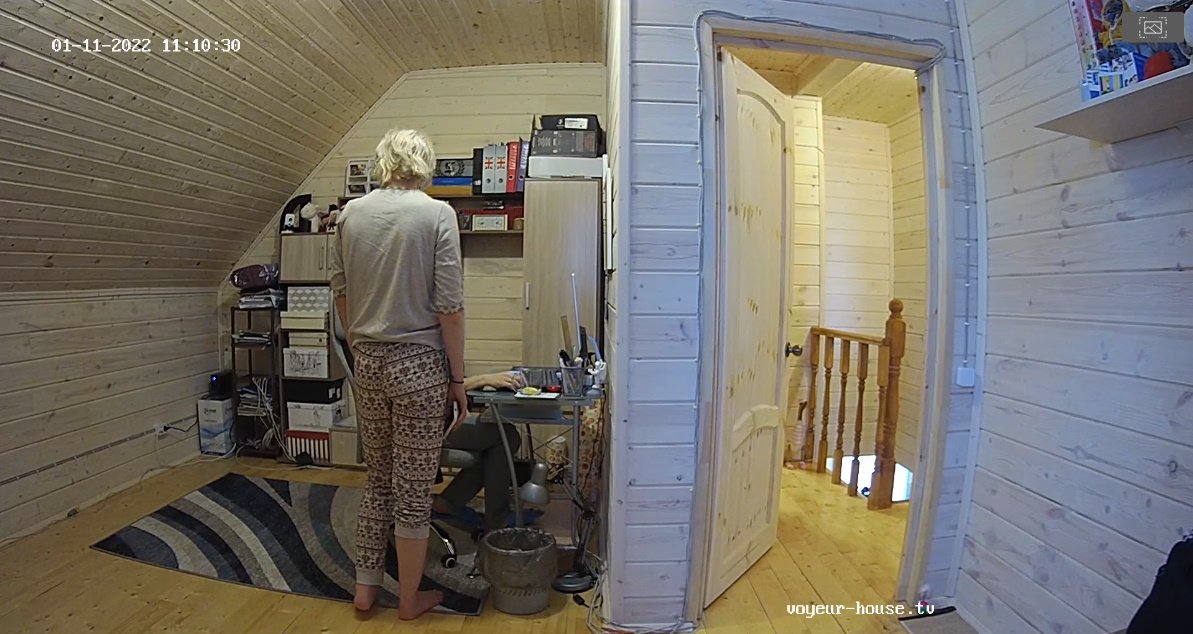
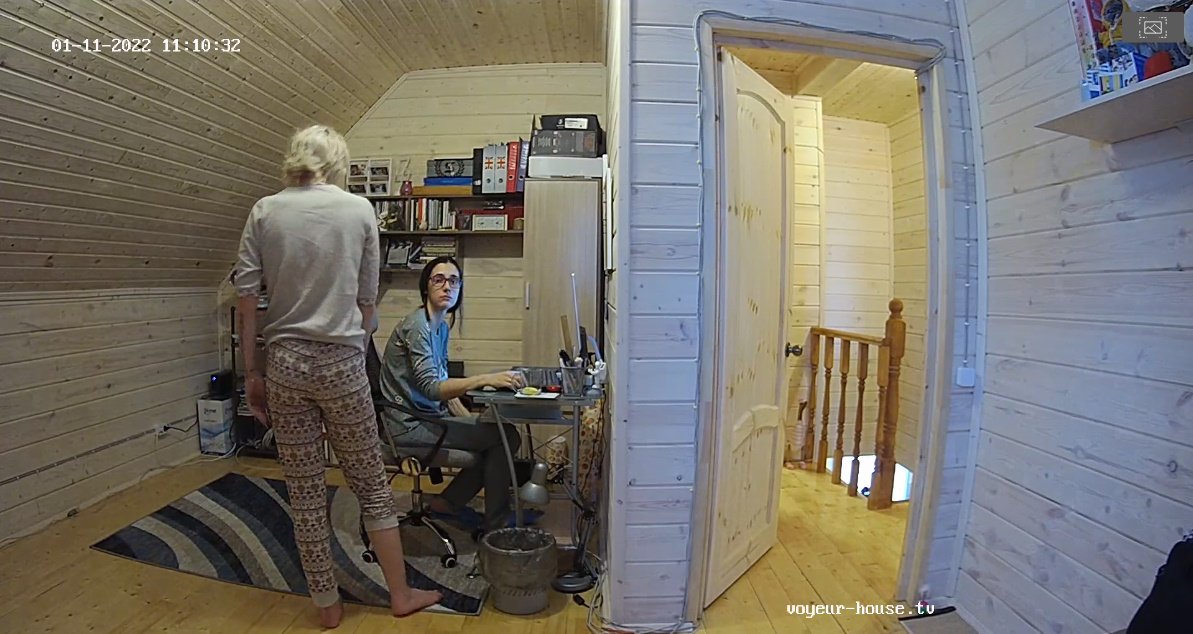
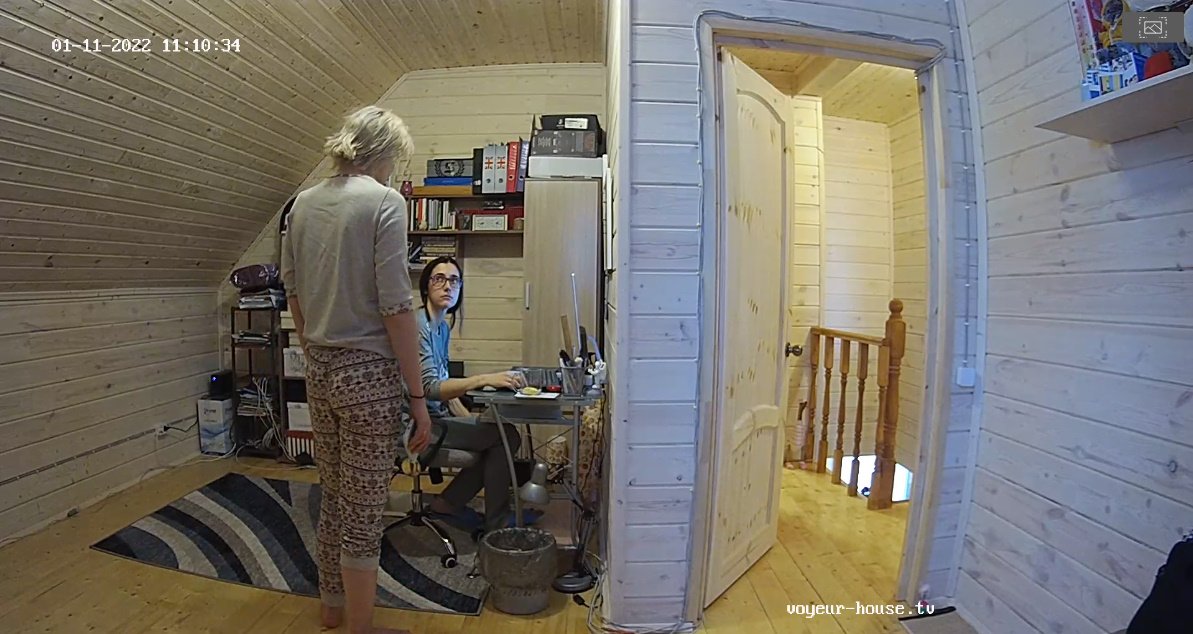
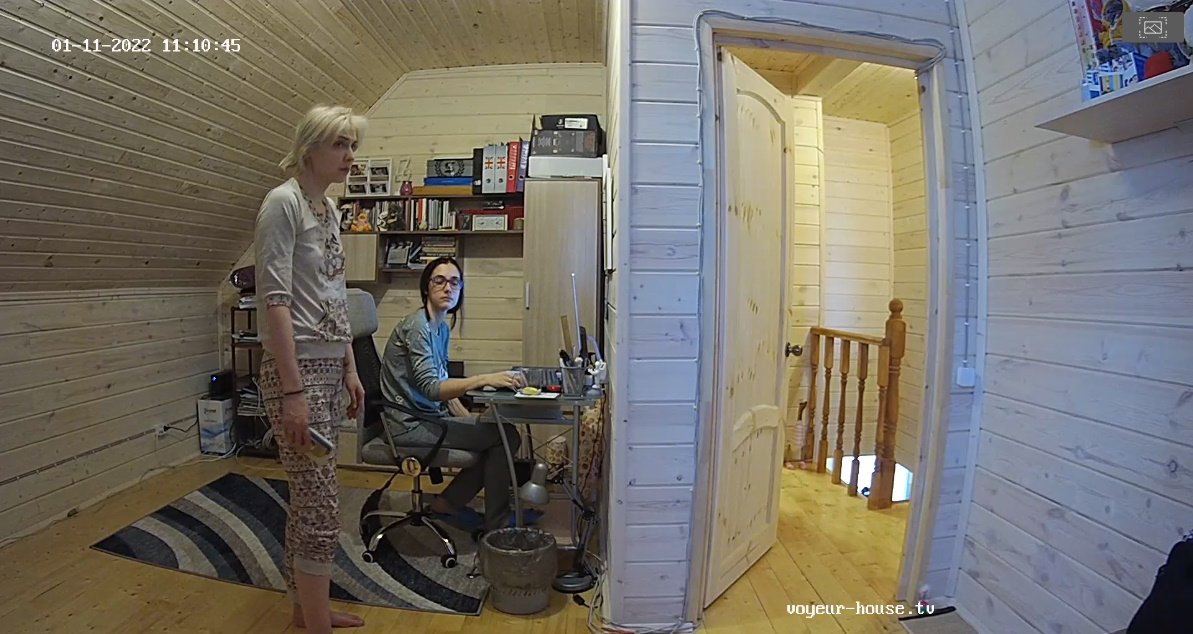
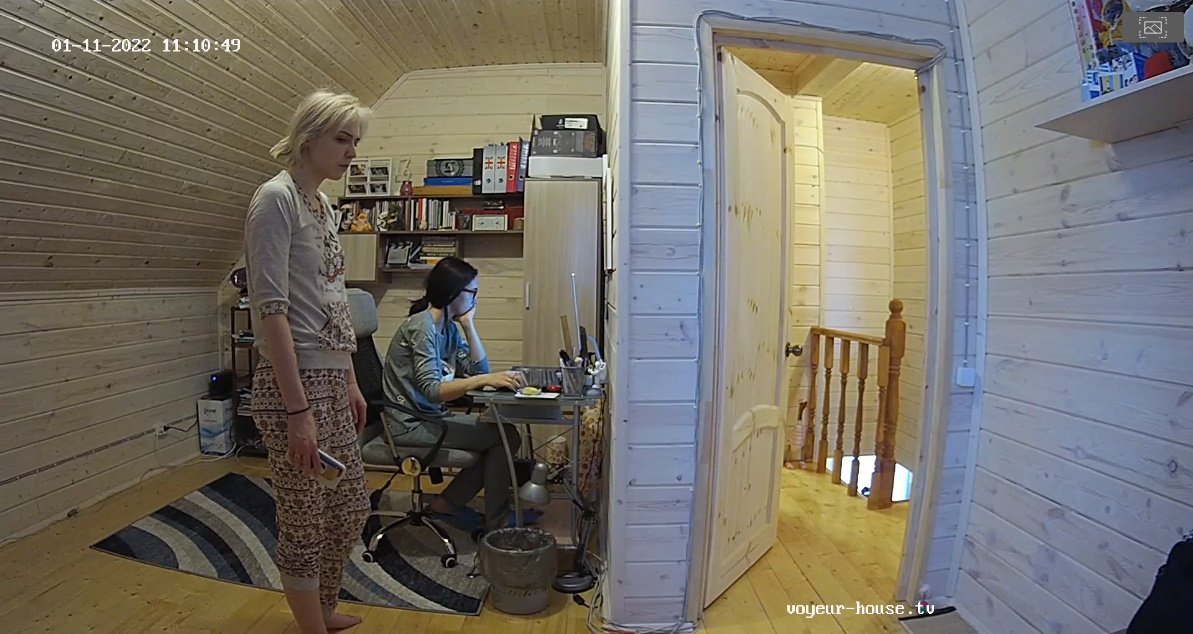
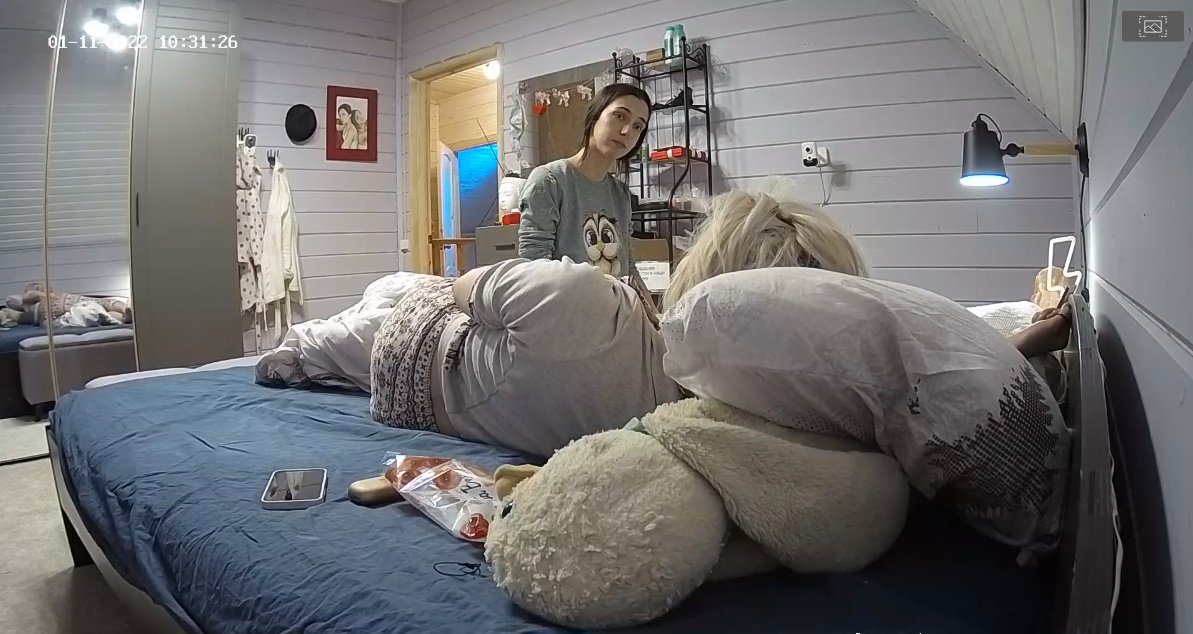
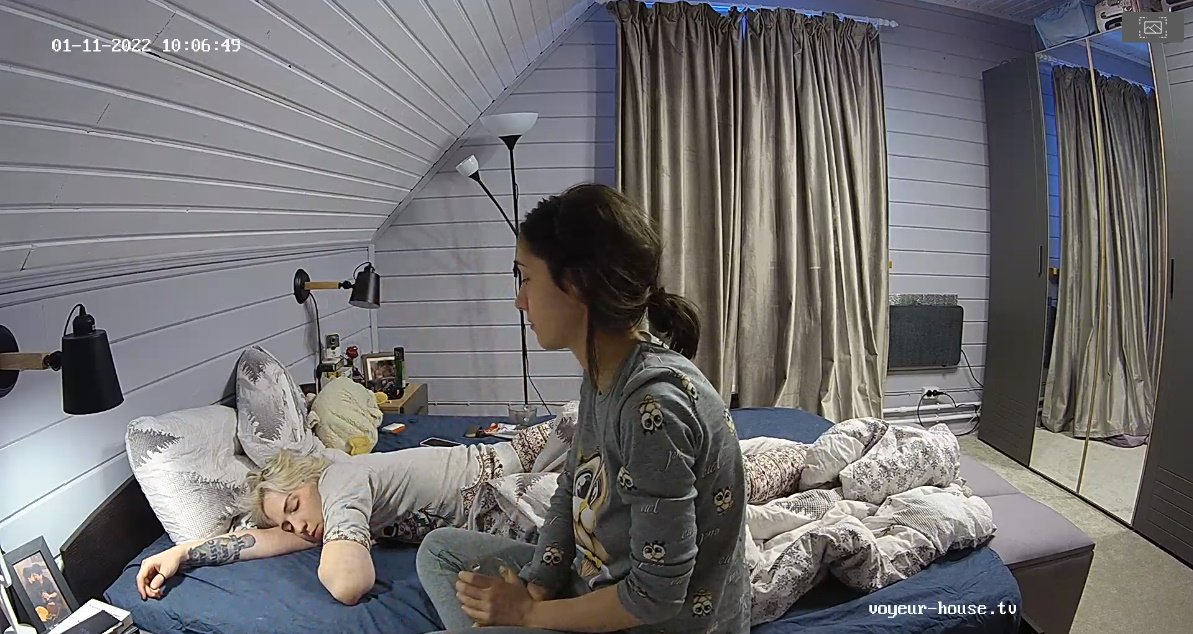
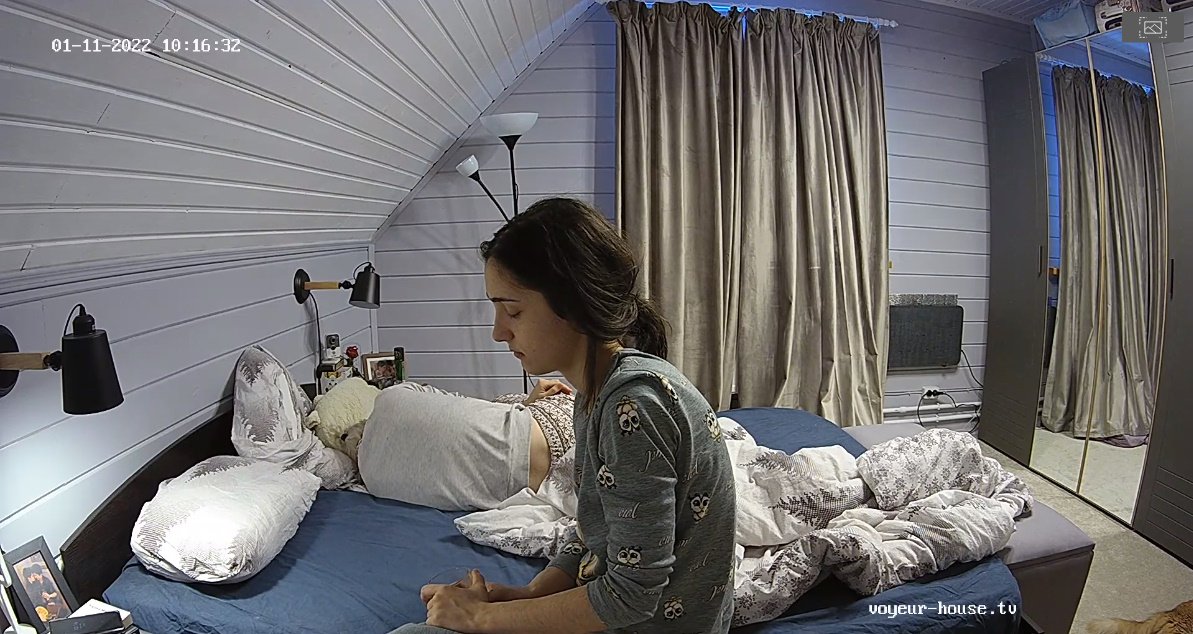
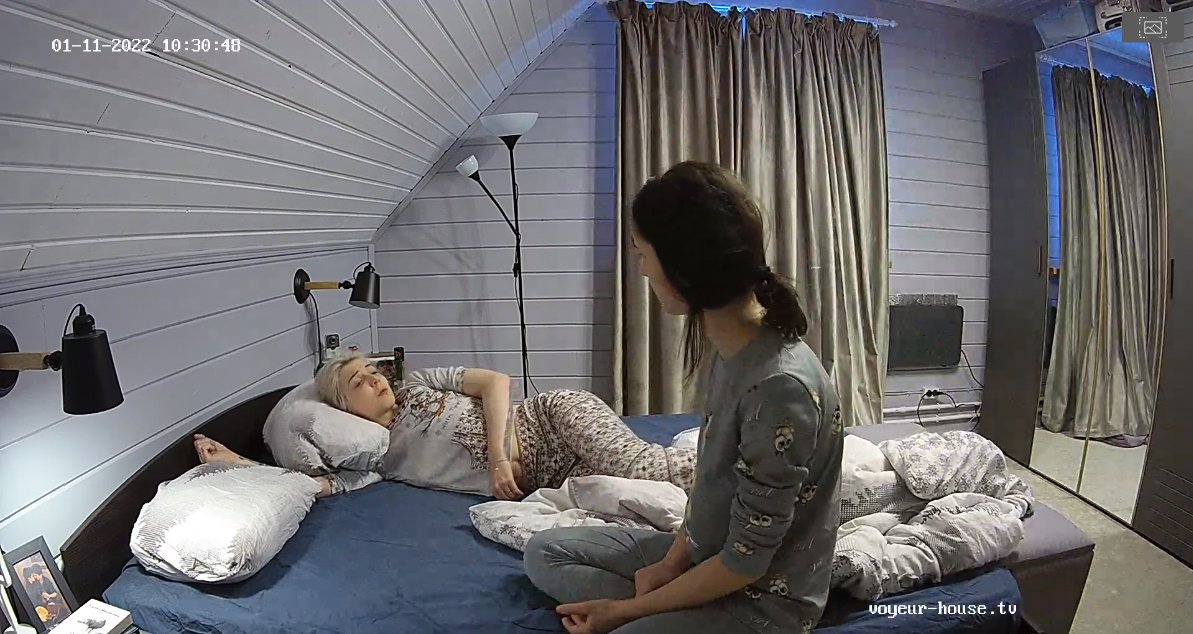
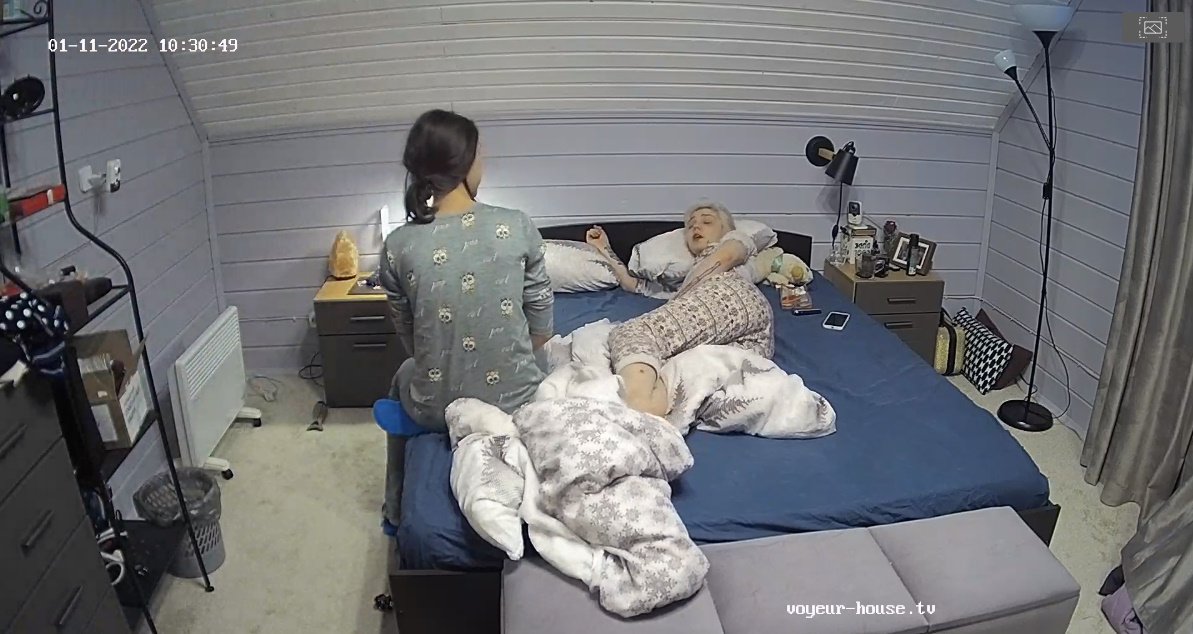
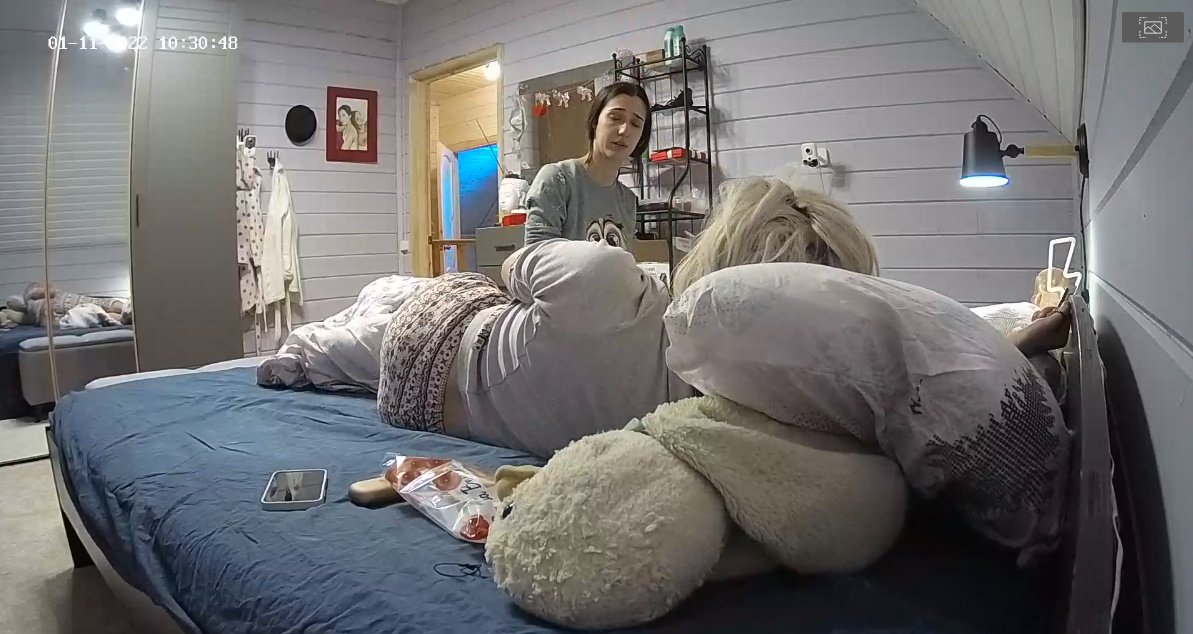
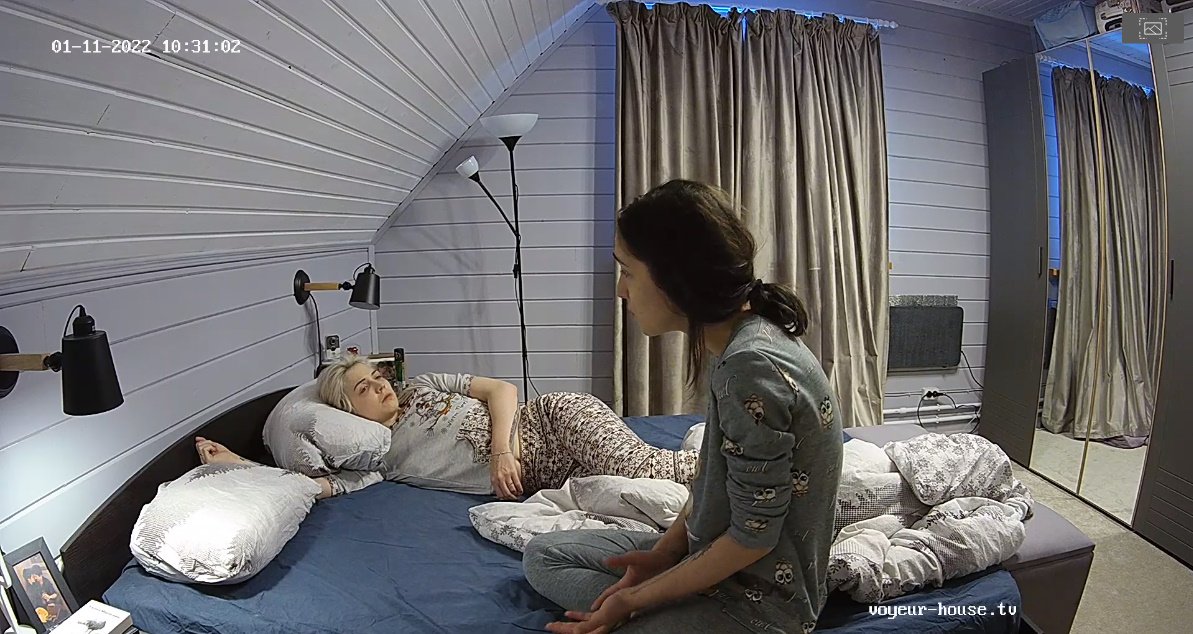
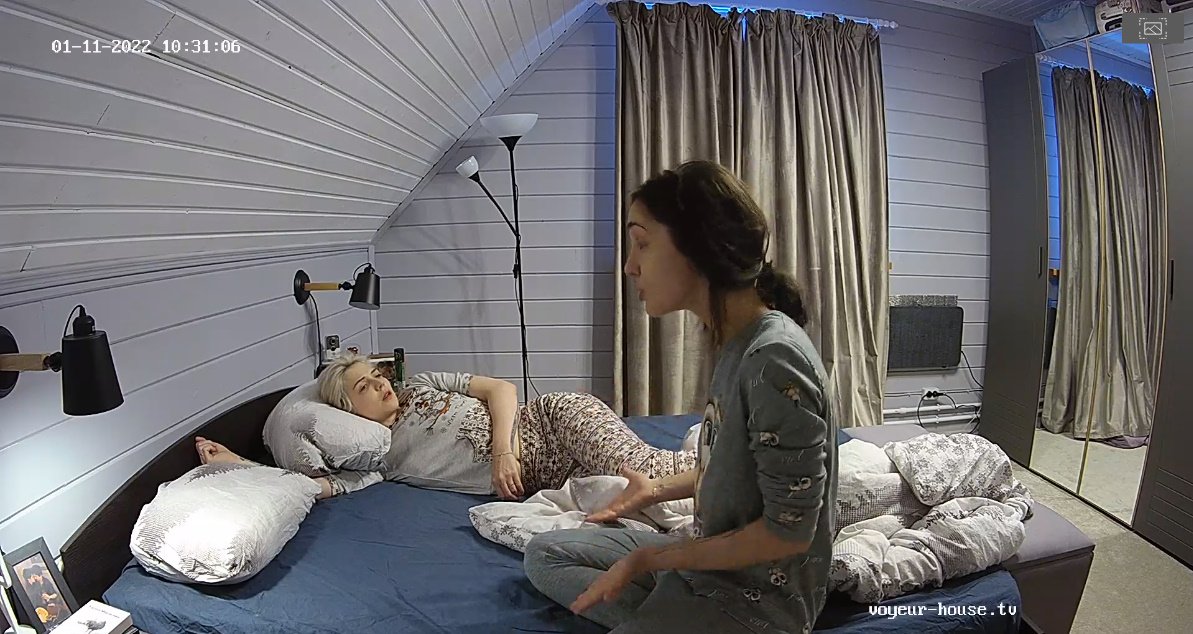
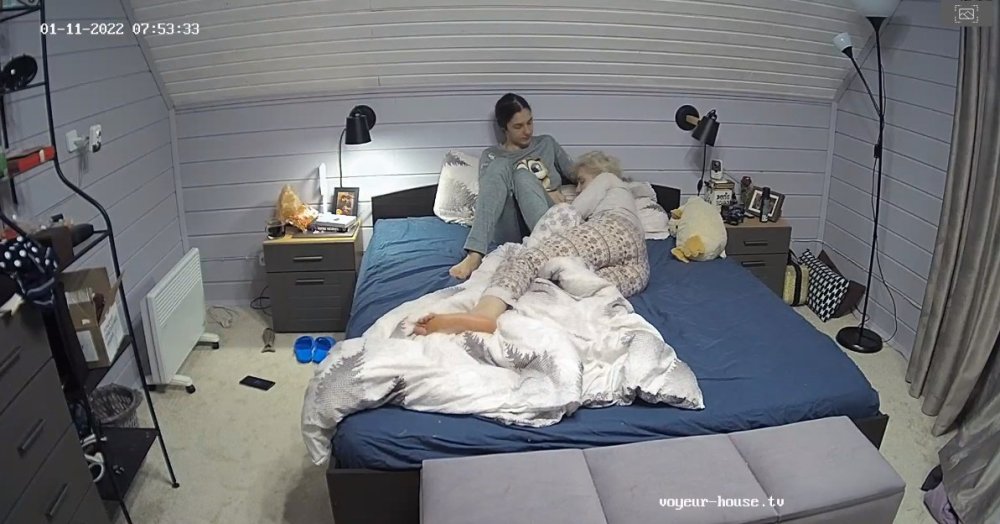
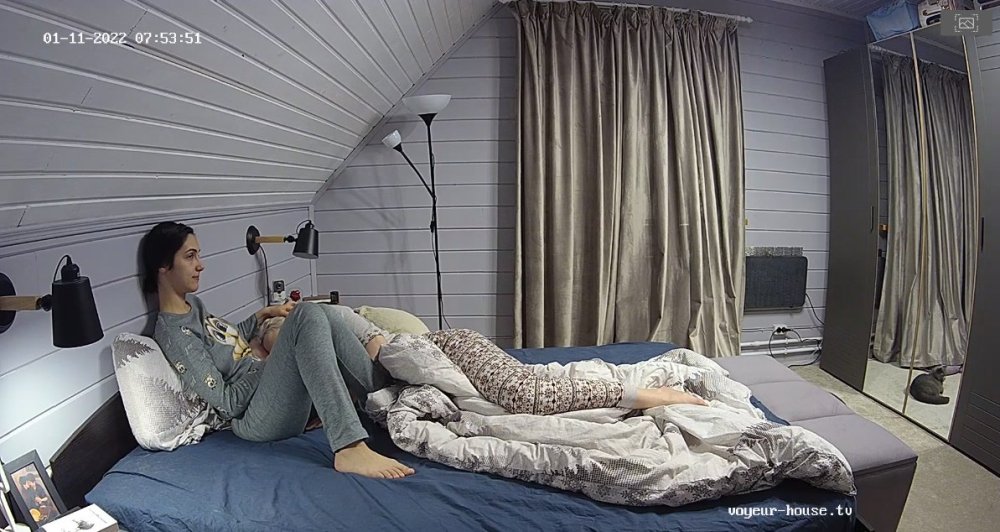
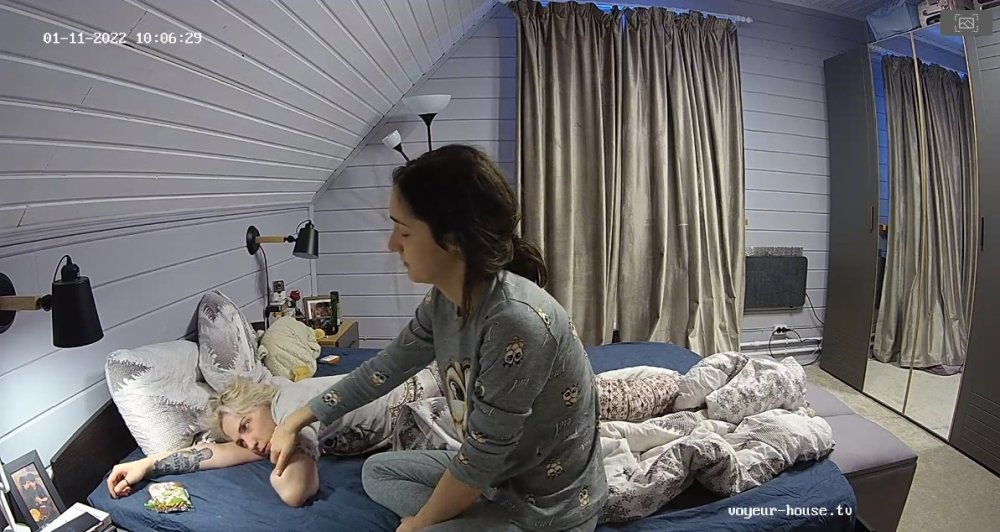
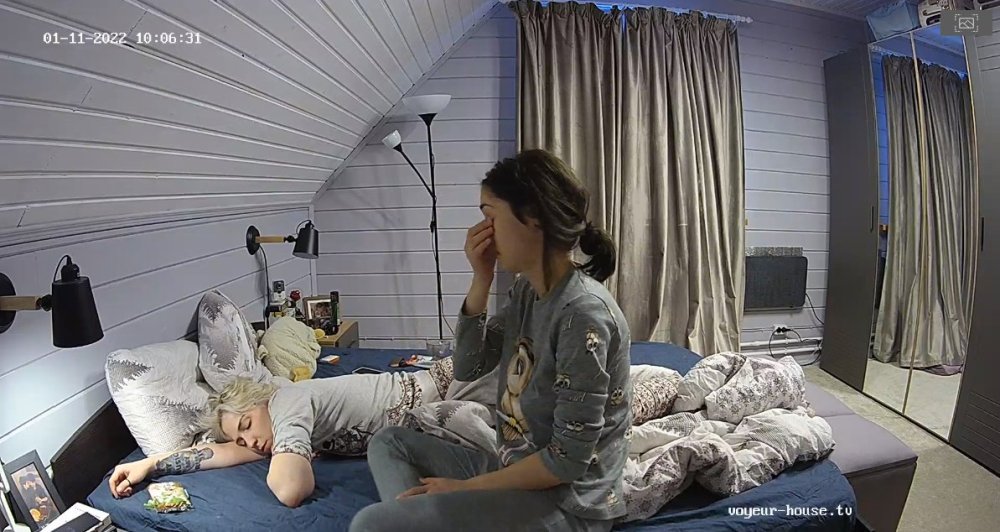
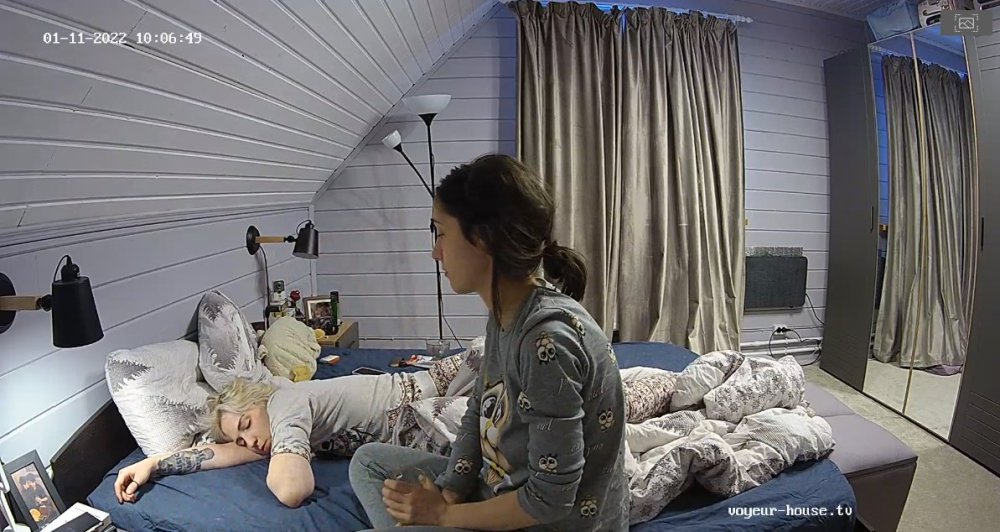
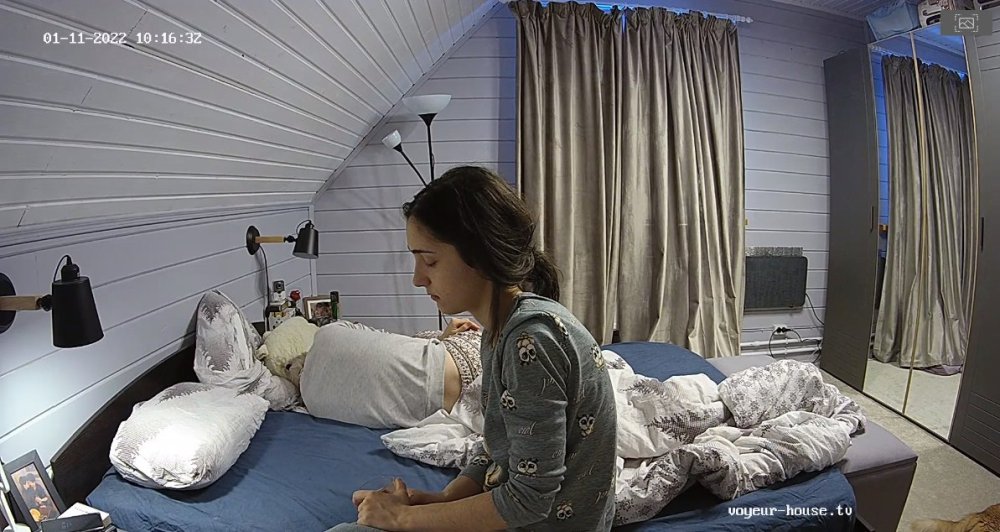
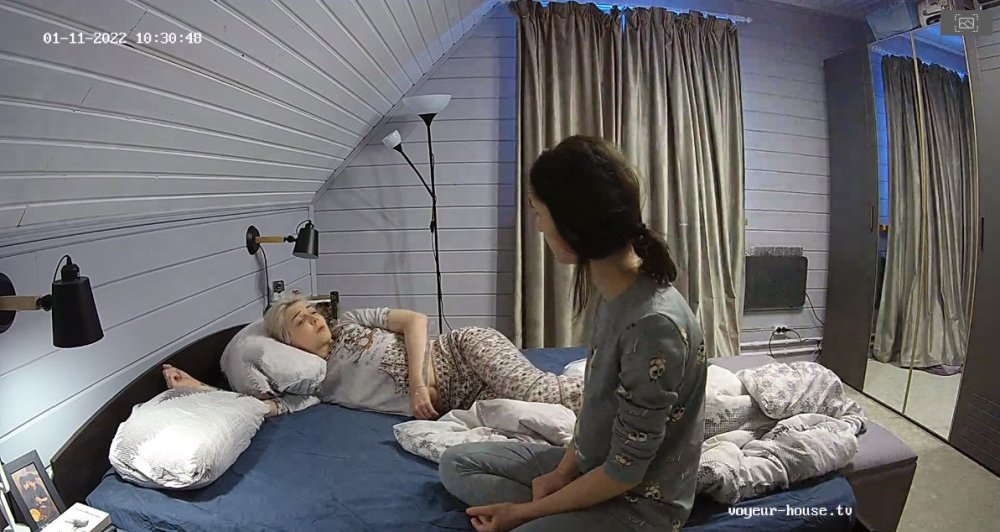
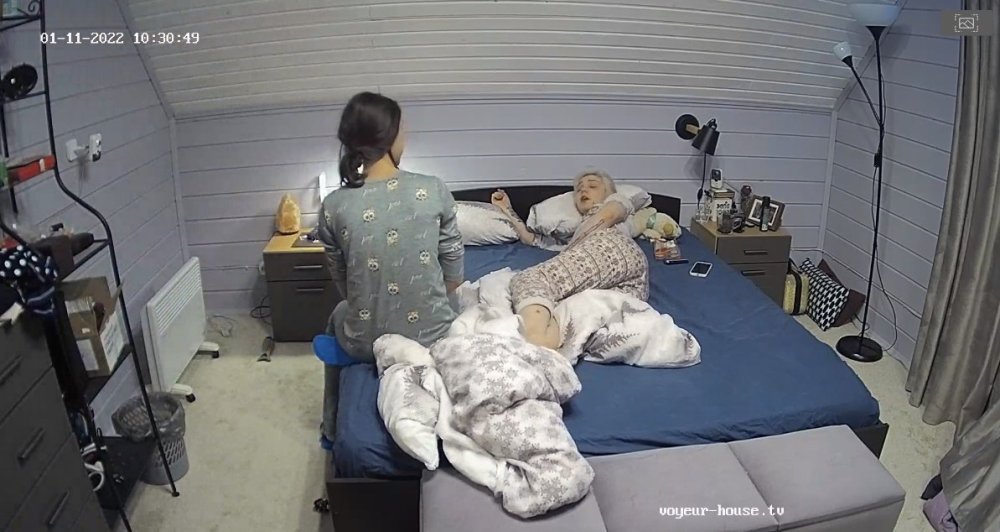
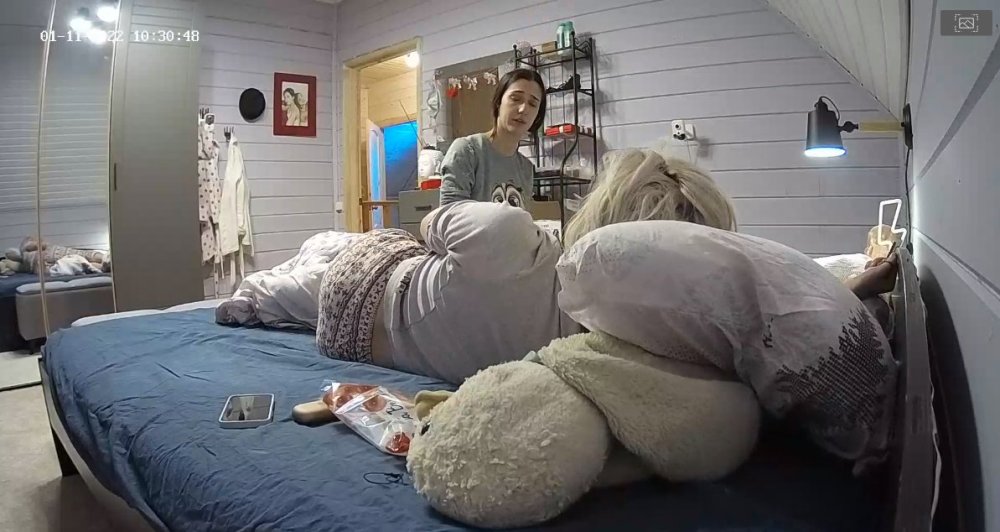
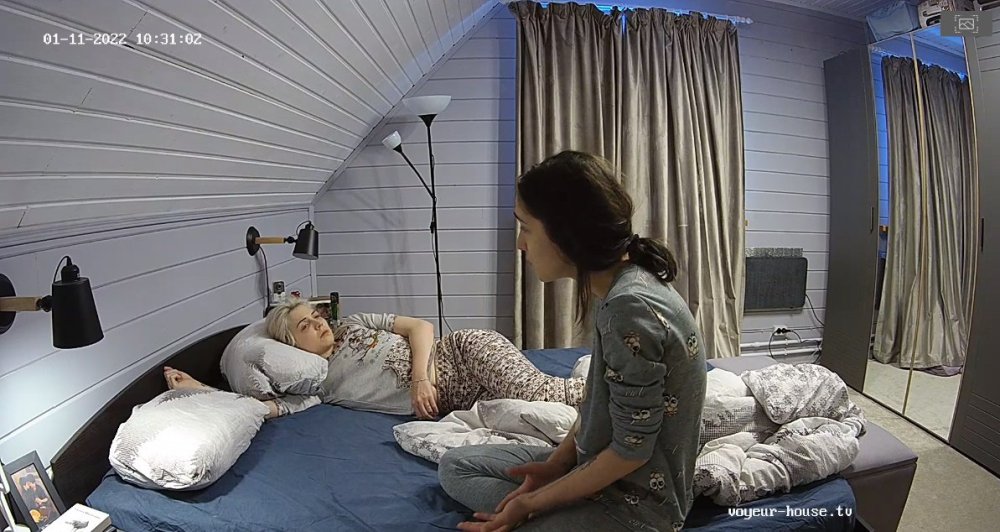
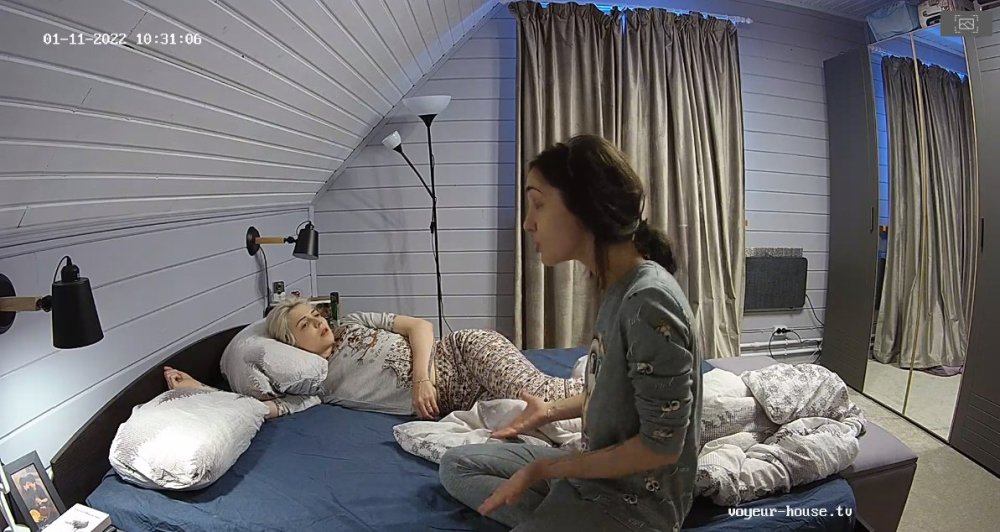
 Of course I did catch and viewed some of their verbal fight that was announced in the Chat Room earlier today. I feel that Kira may be under some stress being that she is always home alone since they moved into their new apartment while Nina is gone most of the time. Kira also like in the last apartment and when they was on RLC Kira had the daily task of waking up Nina every morning...lol...which as some of us know is not so easy to do either. Surly they made up after a few tears and getting some stress off their minds. I do think that Nina may need to give Kira more attention. Lets hope the next couple of days things well get better for the both of them...."and us viewers too."LOL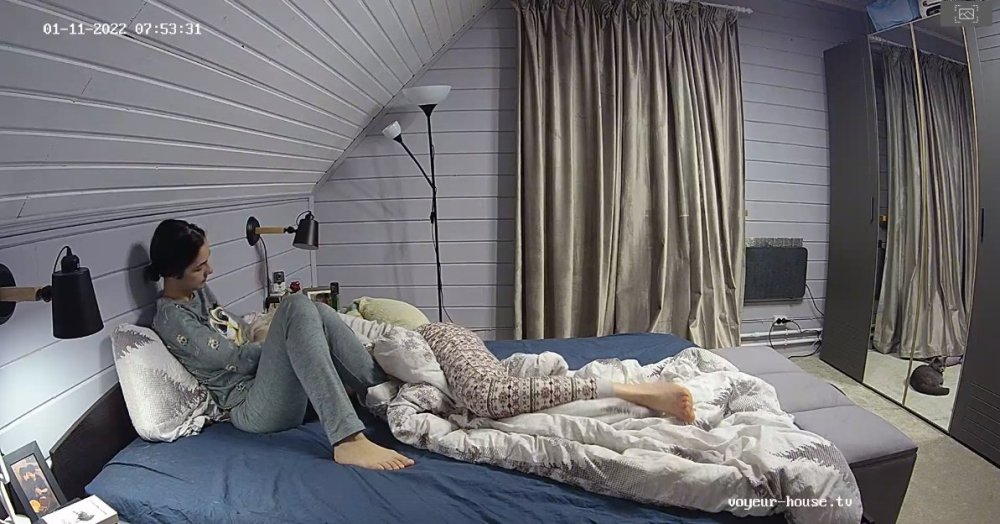
Account
Navigation
Search
Configure browser push notifications
Chrome (Android)
- Tap the lock icon next to the address bar.
- Tap Permissions → Notifications.
- Adjust your preference.
Chrome (Desktop)
- Click the padlock icon in the address bar.
- Select Site settings.
- Find Notifications and adjust your preference.
Safari (iOS 16.4+)
- Ensure the site is installed via Add to Home Screen.
- Open Settings App → Notifications.
- Find your app name and adjust your preference.
Safari (macOS)
- Go to Safari → Preferences.
- Click the Websites tab.
- Select Notifications in the sidebar.
- Find this website and adjust your preference.
Edge (Android)
- Tap the lock icon next to the address bar.
- Tap Permissions.
- Find Notifications and adjust your preference.
Edge (Desktop)
- Click the padlock icon in the address bar.
- Click Permissions for this site.
- Find Notifications and adjust your preference.
Firefox (Android)
- Go to Settings → Site permissions.
- Tap Notifications.
- Find this site in the list and adjust your preference.
Firefox (Desktop)
- Open Firefox Settings.
- Search for Notifications.
- Find this site in the list and adjust your preference.