RUBBERMAN
Paid Members
-
Joined
Everything posted by RUBBERMAN
-
 Leora does not have any hatters "if she did, we and that means you!! would not keep watching her." LOL We just want more from her, other then that we well keep waiting and viewing her and her big juicy ass like always!! LOL
I waited and waited for a good masturbation set, but never got it...dam!!! LOL
Leora does not have any hatters "if she did, we and that means you!! would not keep watching her." LOL We just want more from her, other then that we well keep waiting and viewing her and her big juicy ass like always!! LOL
I waited and waited for a good masturbation set, but never got it...dam!!! LOL

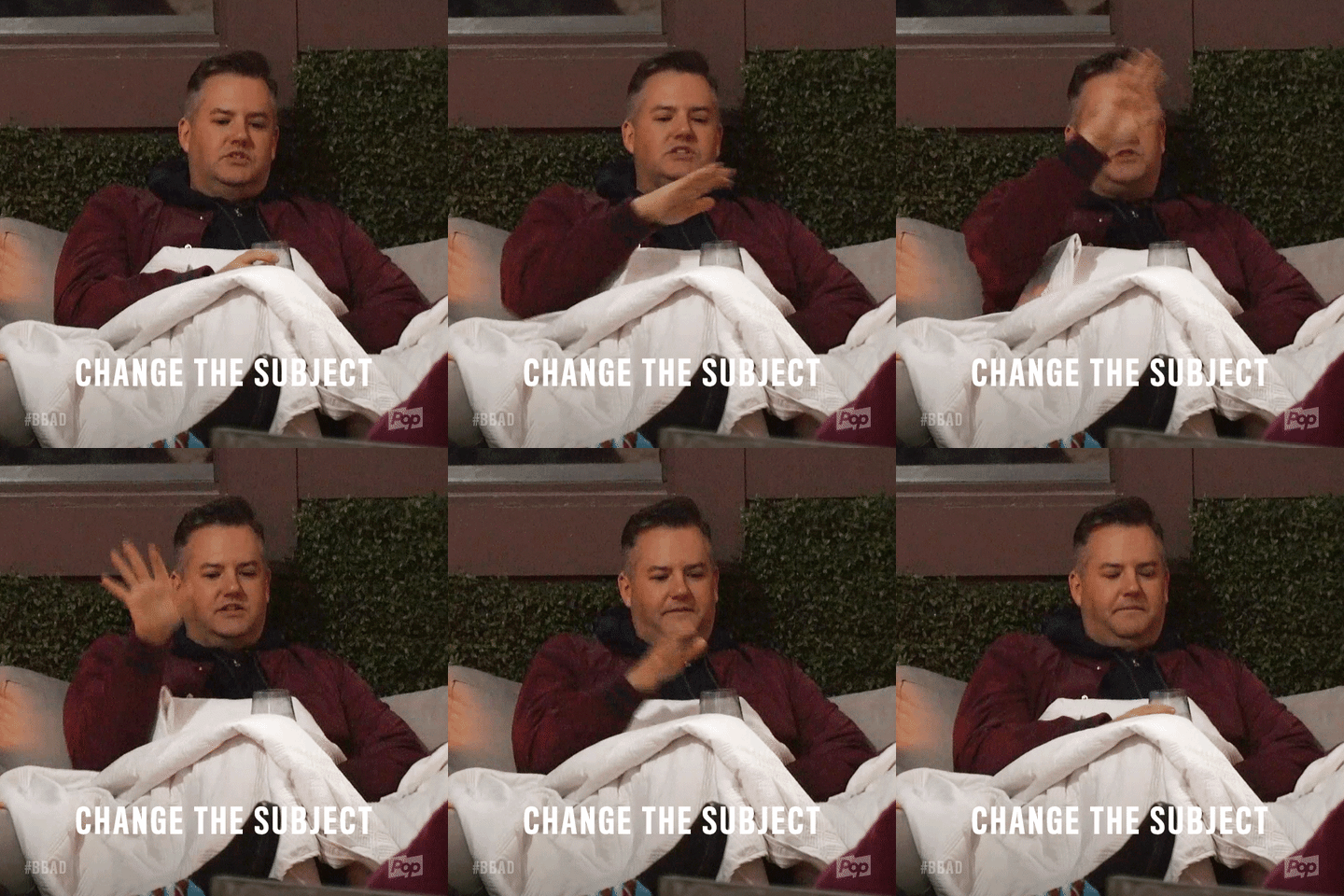
 Getting in the Chat Room seems to be a little bit more easy now for some reason.."even though you may not get a response from some, but if you wait sooner or later one well come alone and either answer your question or give you some kind of response." LOL I do think that after a few min's of reading those that are more privilege to speak to others I see the number one subject is still the same "those amazing Barc-girls" and their nightly shows. I have seen others join in on the Chat Room and have tried to change the subject but have failed due to the much older that's stuck....lol..."who's hand are probably stuck on their groin and don't want to make a change. LOL Either be the Chat Room is growing again and well grow even bigger once all the old dust leaves!! Just maybe VHTV's subject matters well start up..."after all its real and non-fake and not many know's anything about any of the workers personnel lives." LOL
 Who cares if she can threw the ball or not!! LOL
I am trying to figure why are they still around if they aren't really doing nothing?? "but either way their replacements are here...lol...we just might get our monies worth out of these to old ladies then Nina and Kira." LOL
Who cares if she can threw the ball or not!! LOL
I am trying to figure why are they still around if they aren't really doing nothing?? "but either way their replacements are here...lol...we just might get our monies worth out of these to old ladies then Nina and Kira." LOL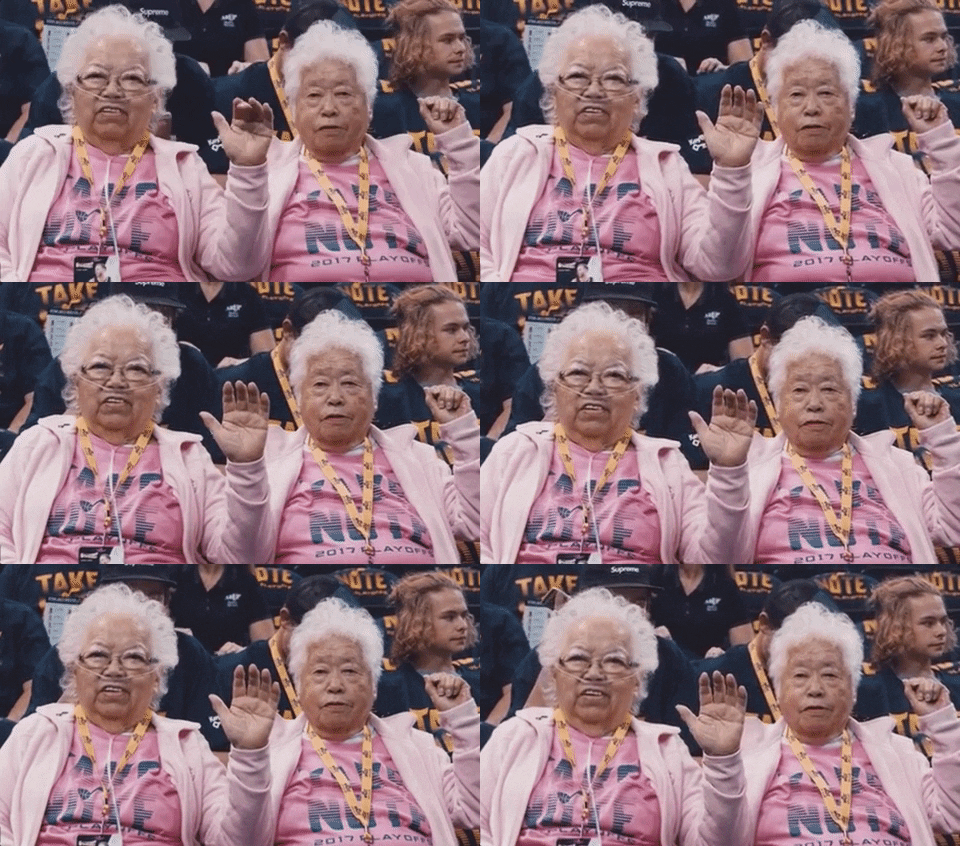
Account
Navigation
Search
Configure browser push notifications
Chrome (Android)
- Tap the lock icon next to the address bar.
- Tap Permissions → Notifications.
- Adjust your preference.
Chrome (Desktop)
- Click the padlock icon in the address bar.
- Select Site settings.
- Find Notifications and adjust your preference.
Safari (iOS 16.4+)
- Ensure the site is installed via Add to Home Screen.
- Open Settings App → Notifications.
- Find your app name and adjust your preference.
Safari (macOS)
- Go to Safari → Preferences.
- Click the Websites tab.
- Select Notifications in the sidebar.
- Find this website and adjust your preference.
Edge (Android)
- Tap the lock icon next to the address bar.
- Tap Permissions.
- Find Notifications and adjust your preference.
Edge (Desktop)
- Click the padlock icon in the address bar.
- Click Permissions for this site.
- Find Notifications and adjust your preference.
Firefox (Android)
- Go to Settings → Site permissions.
- Tap Notifications.
- Find this site in the list and adjust your preference.
Firefox (Desktop)
- Open Firefox Settings.
- Search for Notifications.
- Find this site in the list and adjust your preference.