RUBBERMAN
Paid Members
-
Joined
Everything posted by RUBBERMAN
-
 I don't think that there any Sad members here in the forum, now Chat Room that's another story and that just might be the truth..."When a member keeps records of all the members in the apartments of RLC "that's needing help." When a member spends more time worrying about a piece of ass that he well never get in and on the RLC cam site "that member needs help." When a member in the Chat Room spends his break time on his so call real job worrying about whats going on in the RLC site with there working girls "that's not only sad, it's sick and obsessive." When another a member in the Chat Room thinks that he or she owns the Chat Room and RLC site and wants everyone to kiss his or her ass and whinn's like a real bitch when one doesn't have the same thoughts and disagree's with him or her "that's sick, dumb and crazy." LOL So I do believe those in the forum are very or mentally healthy in the head...."then some in the Chat Room.....remember some not all for those who are thinking about getting a medical check up." And don't for get the words for the end of the day people.."HOLD THE DOOR." LOL
 You think some are Wolfs dressed in Sheep's clothing?....lol.."that was a joke for those who doesn't have a sense of humour."LOL
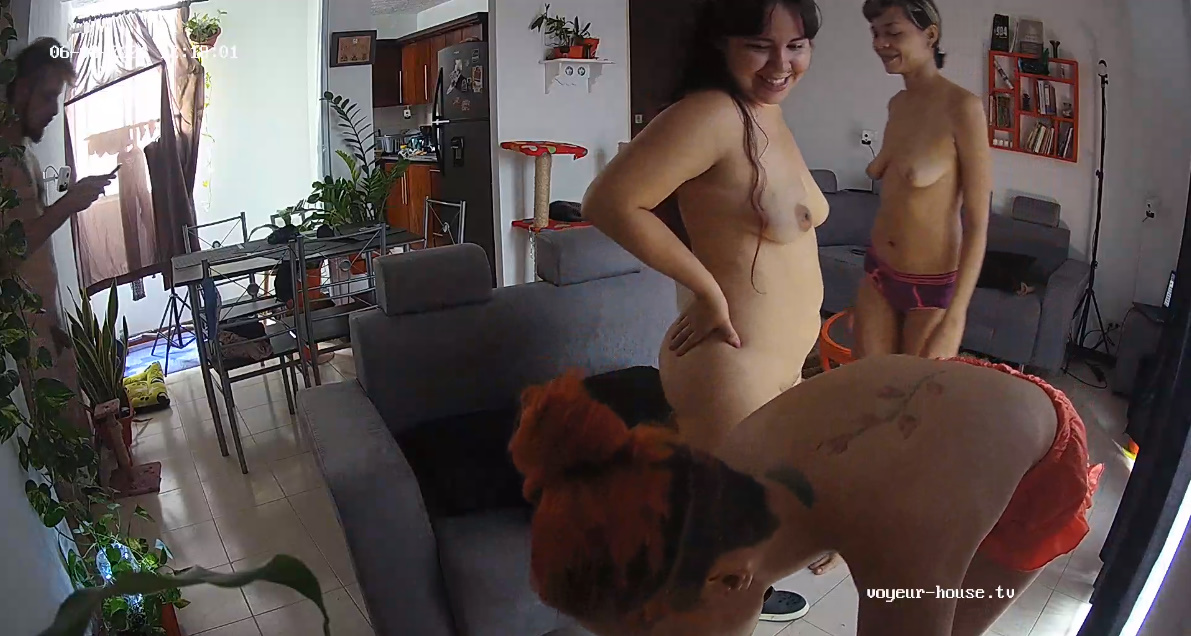
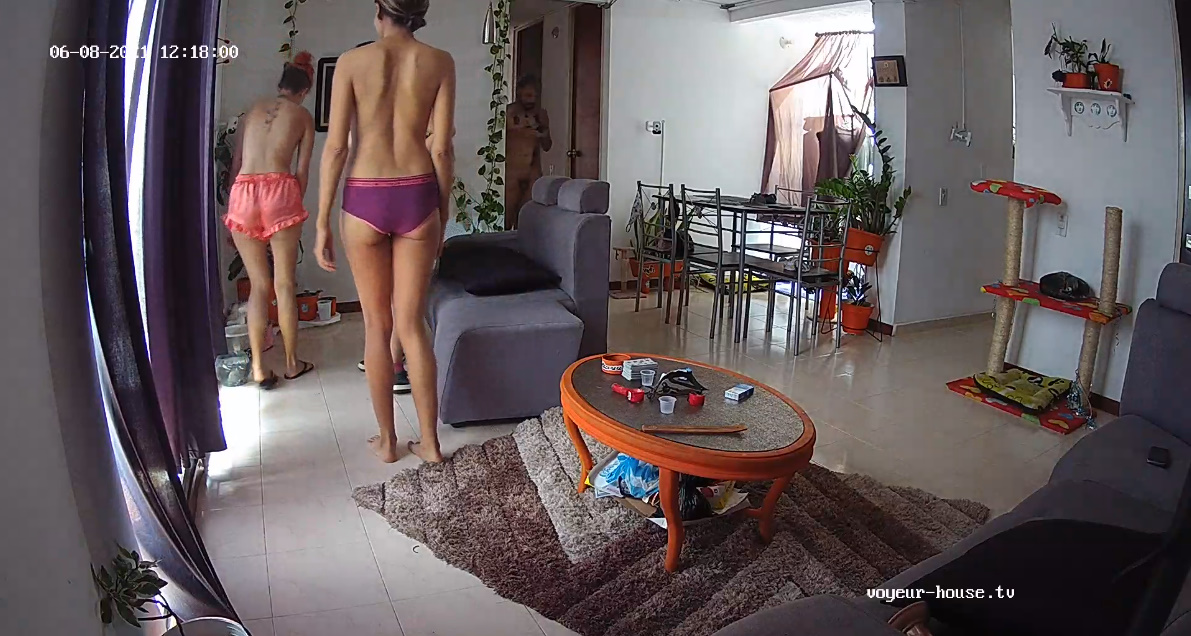
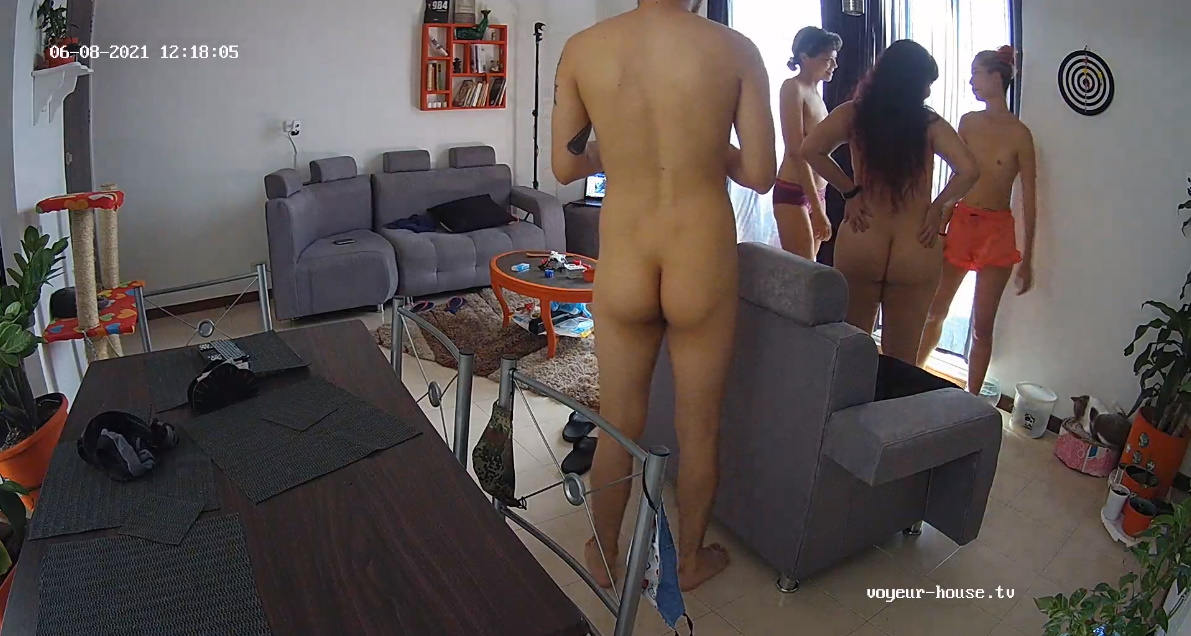
 Great crew!!! "I just wished they VHTV would re-arrange the cams in that apartment."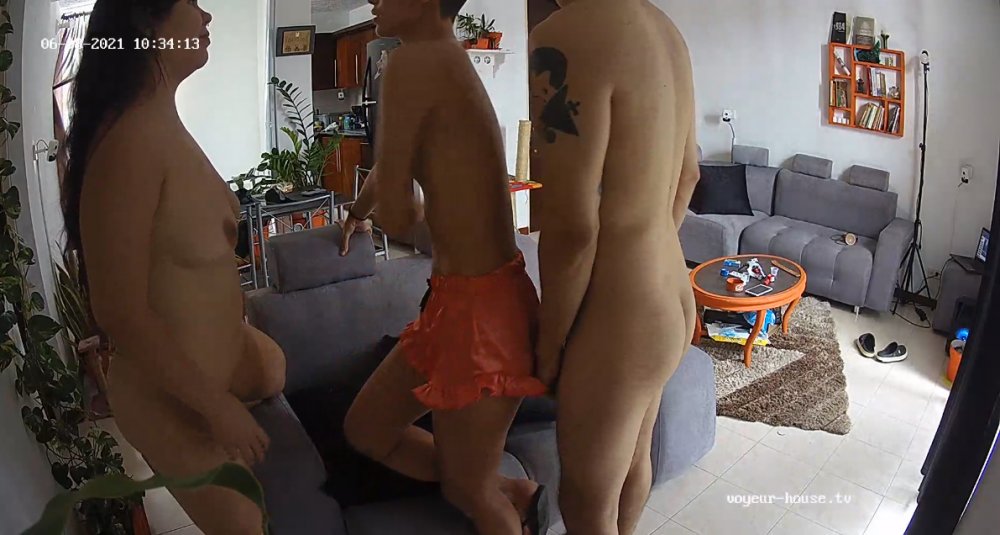
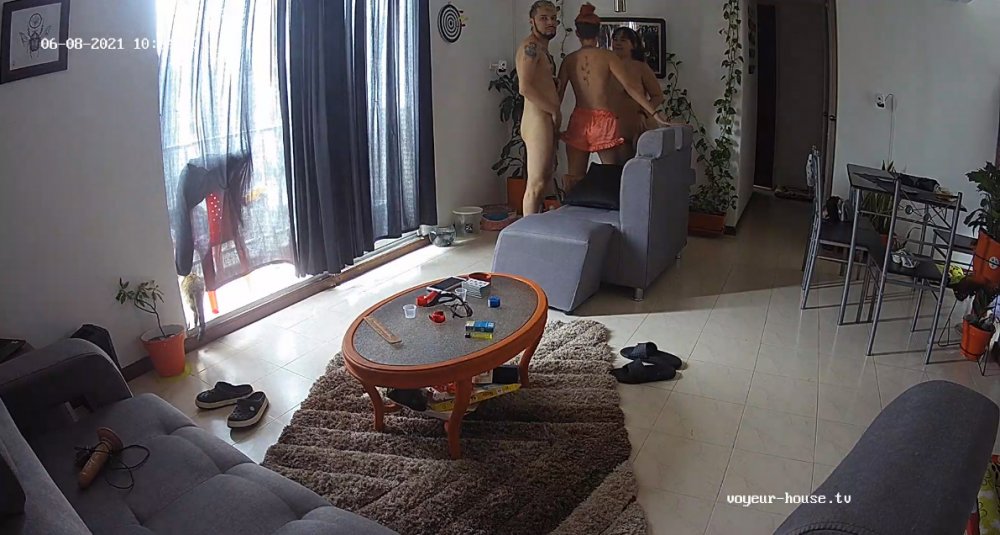
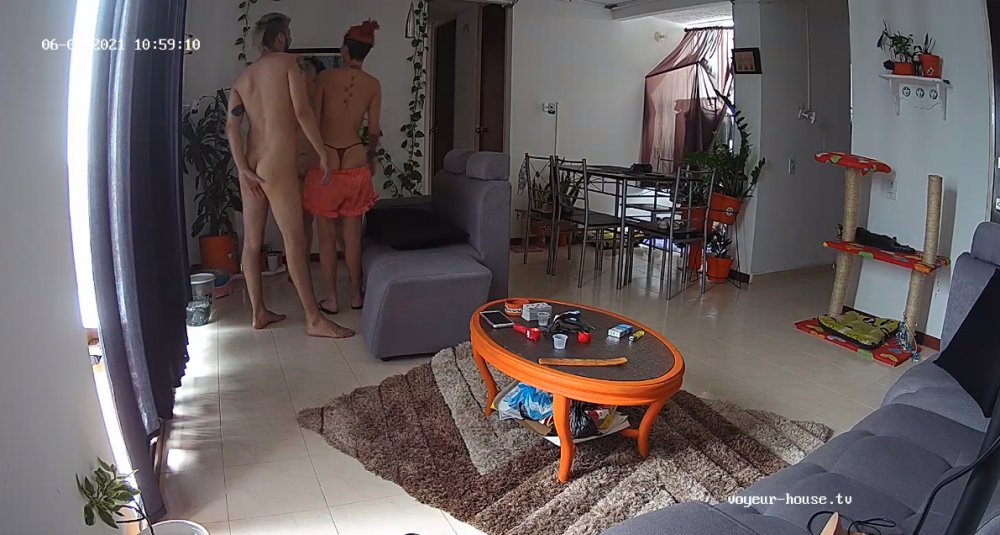
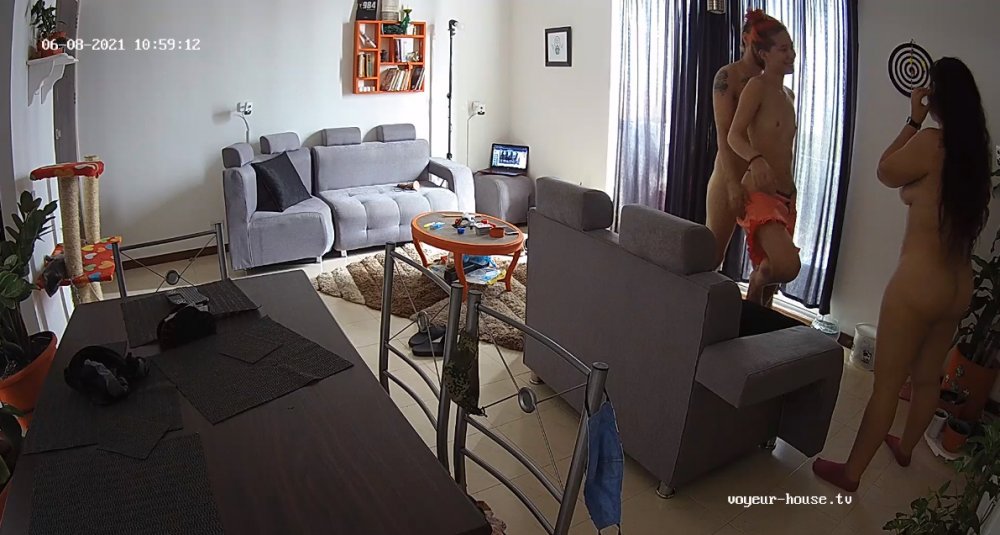
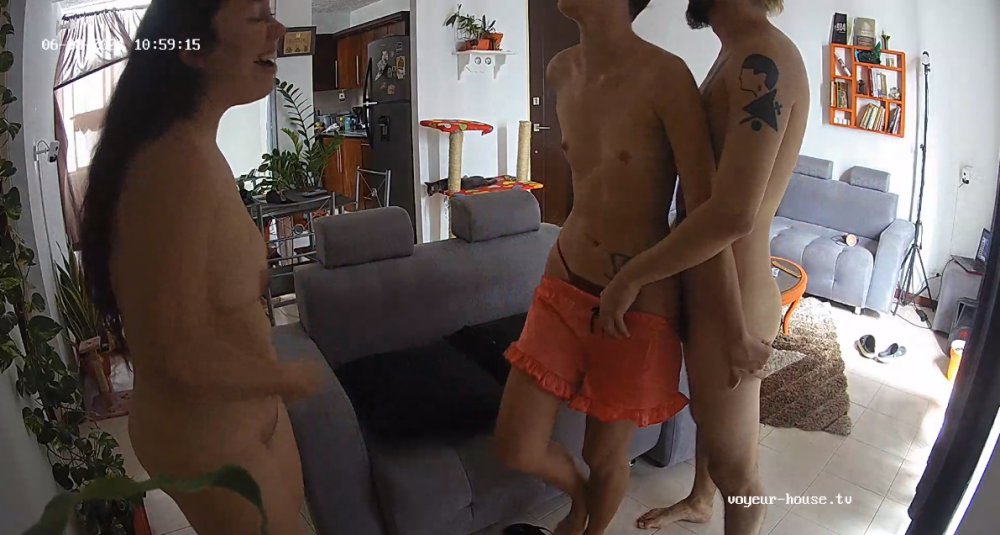
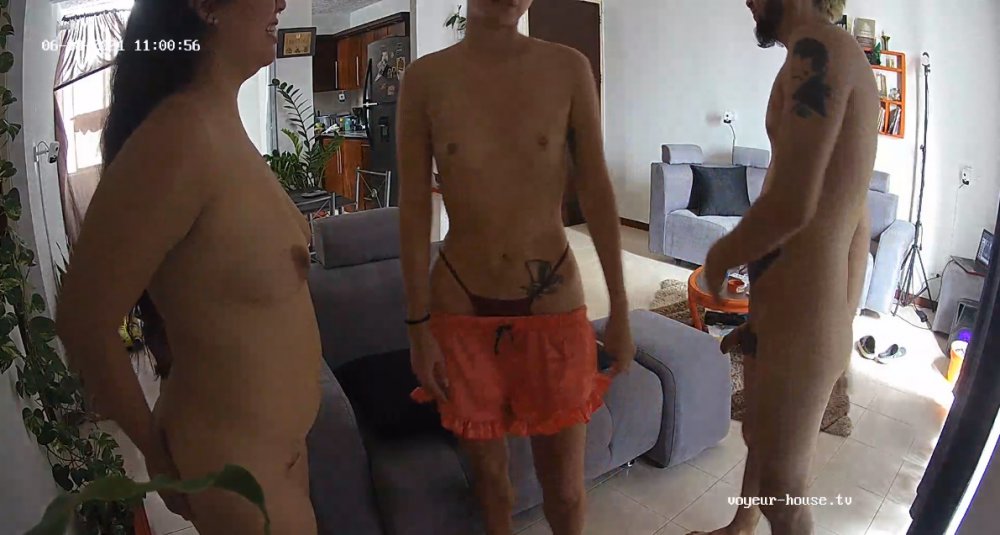
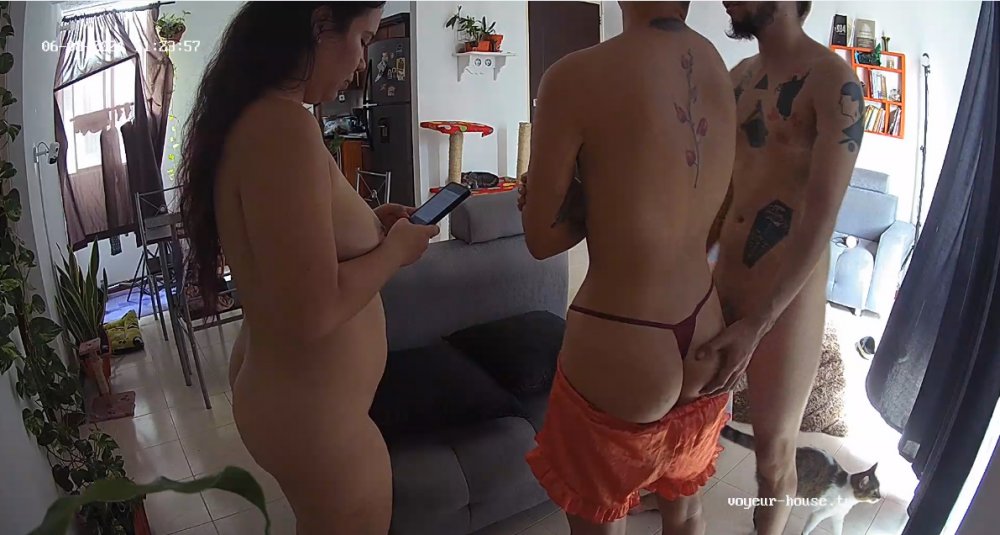 Looks like things has picked up a lot in the pass two months even though one or two apartments may have slipped threw the cracks and do more sleeping then screwing. Anyway VHTV still has a lot give and show, all the way to the last drop....You can always count on a pair of tits swinging and catching all your hot thoughts. LOL
Account
Navigation
Search
Configure browser push notifications
Chrome (Android)
- Tap the lock icon next to the address bar.
- Tap Permissions → Notifications.
- Adjust your preference.
Chrome (Desktop)
- Click the padlock icon in the address bar.
- Select Site settings.
- Find Notifications and adjust your preference.
Safari (iOS 16.4+)
- Ensure the site is installed via Add to Home Screen.
- Open Settings App → Notifications.
- Find your app name and adjust your preference.
Safari (macOS)
- Go to Safari → Preferences.
- Click the Websites tab.
- Select Notifications in the sidebar.
- Find this website and adjust your preference.
Edge (Android)
- Tap the lock icon next to the address bar.
- Tap Permissions.
- Find Notifications and adjust your preference.
Edge (Desktop)
- Click the padlock icon in the address bar.
- Click Permissions for this site.
- Find Notifications and adjust your preference.
Firefox (Android)
- Go to Settings → Site permissions.
- Tap Notifications.
- Find this site in the list and adjust your preference.
Firefox (Desktop)
- Open Firefox Settings.
- Search for Notifications.
- Find this site in the list and adjust your preference.