RUBBERMAN
Paid Members
-
Joined
Everything posted by RUBBERMAN
-
 Want to see something new "Join VHTV."
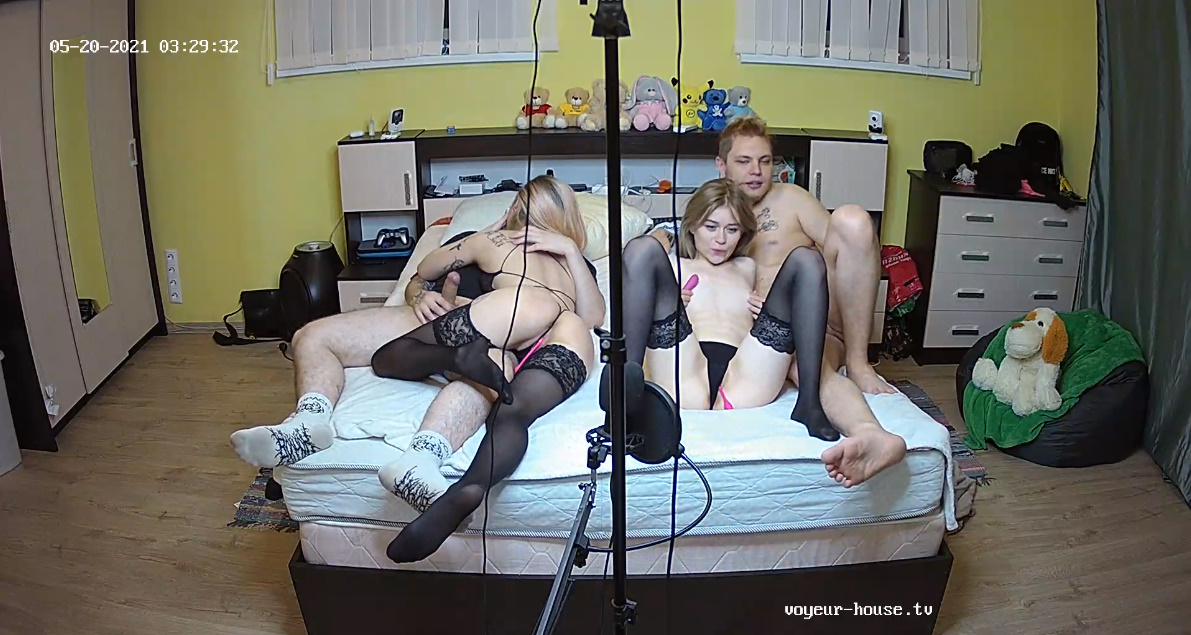
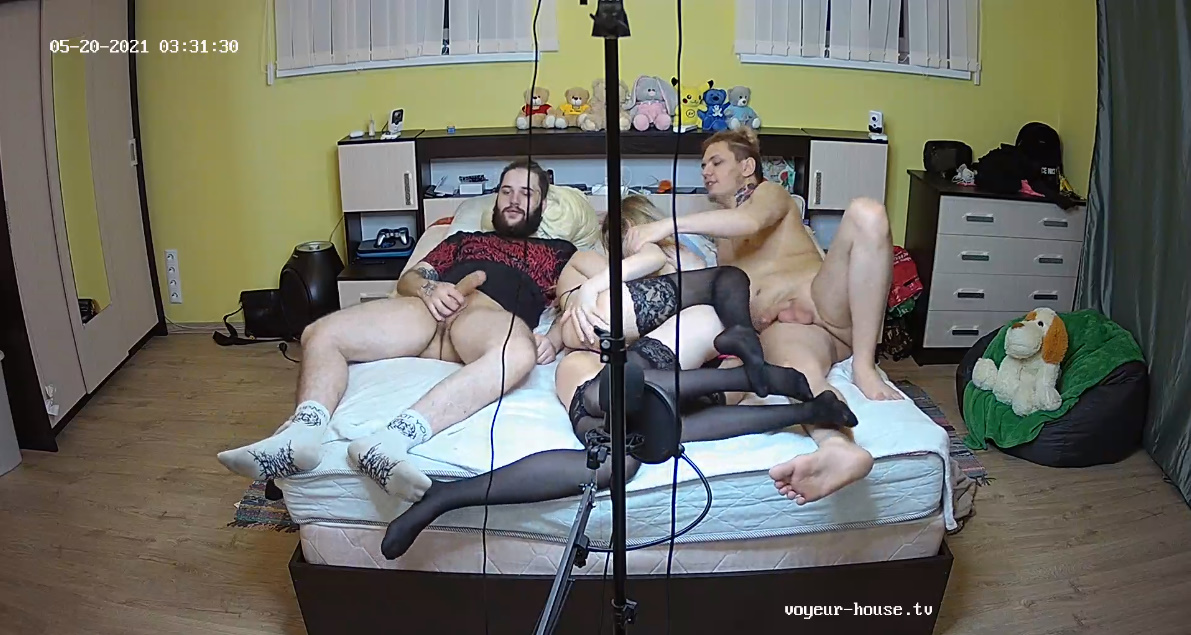
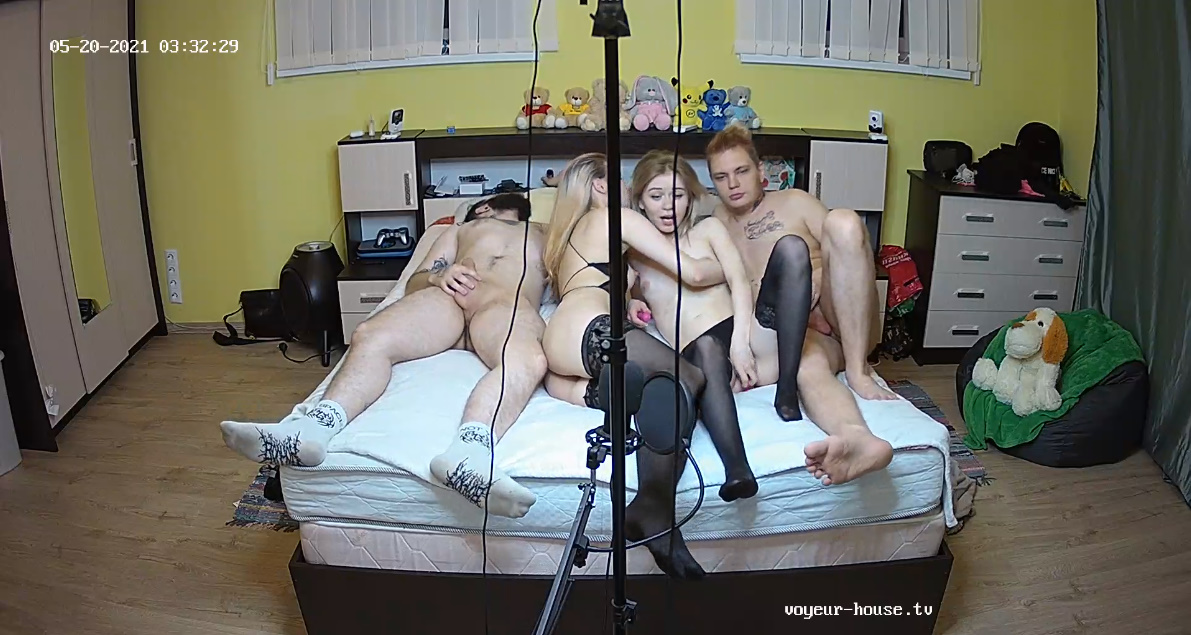
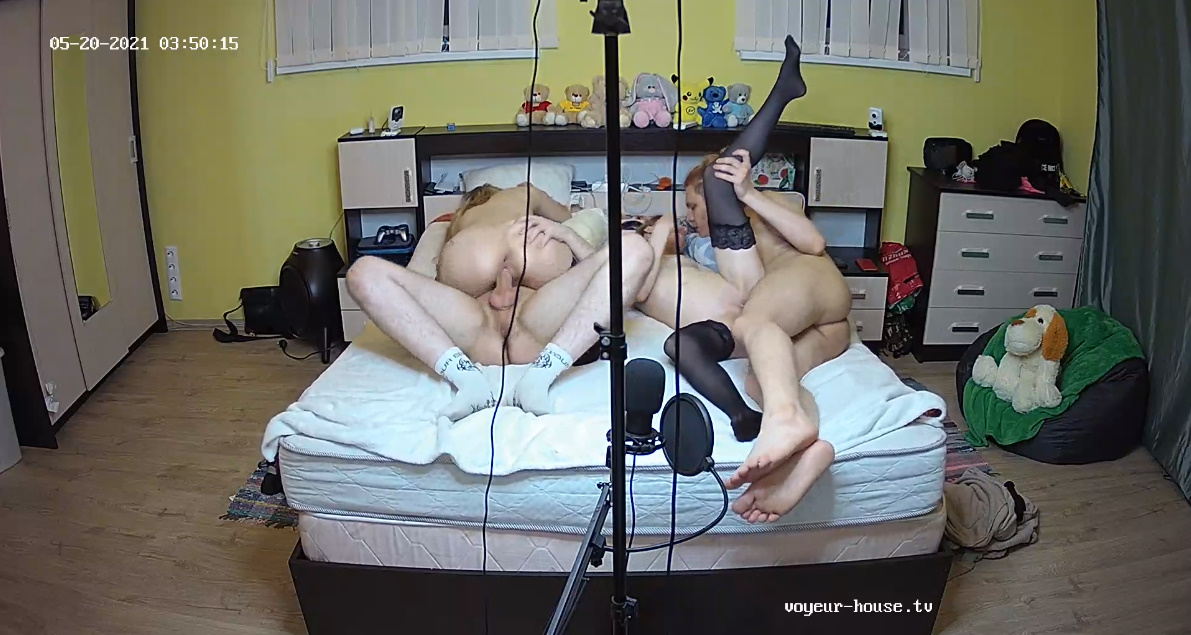
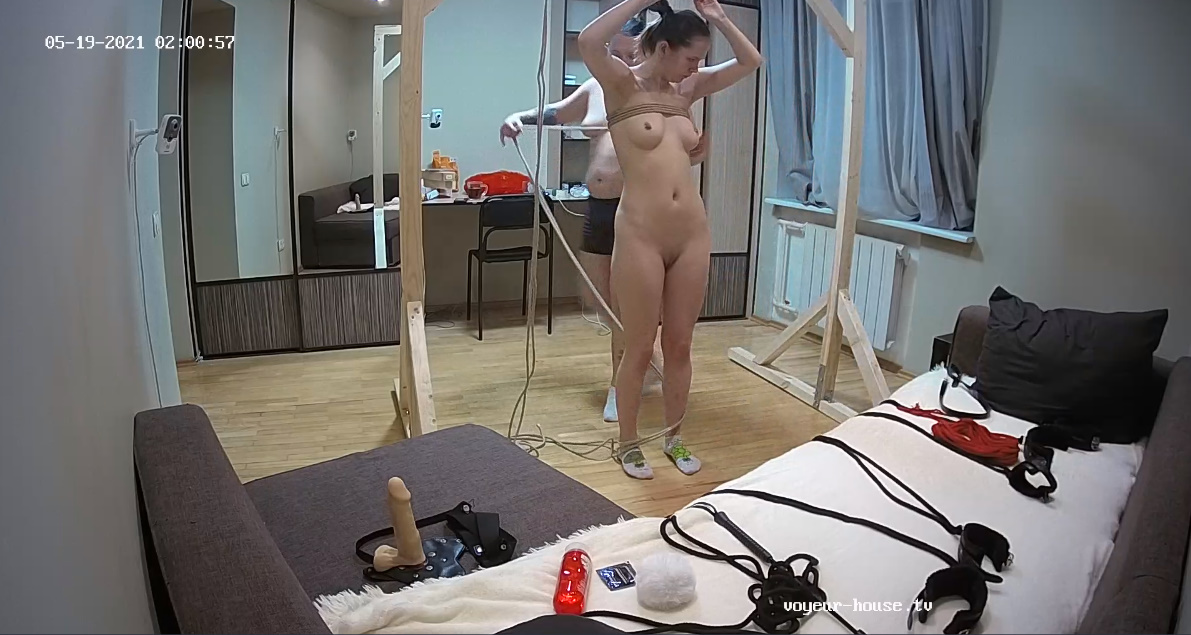
 Looks like Masha and Lex has finally brought some kind of real sex into the house by having another couple over for some action. I haven't seen any real action in a long time in that apartment. While Kira and Nina has slip off again for two or more days but won't be missed Masha and Lex and their friends got sexy and had some fun. I only wished Lex would have allowed Masha to make out with the other girl like she wanted too. As far as Nina and Kira..."VHTV should consider on giving them the BOOT their not VHTV material at all, I think they just needed a place to sleep for hours and hours and hours they have been a big waste of space and viewers MONEY.
 You have to give these two credit for trying and giving their fans some entertainment every week. "They should give some lesson's to others who does nothing but sleep for their pay checks." LOL
 Yes yes yes!!! "Today was the day that I tuned into the RLC section...lol...and Kitty and Smith haven't changed at all,..these two still fighting but still manage to keep a job at the RLC site." Kitty is looking a bit more mature, I do love that tan and I wonder if Smith is giving her what she really needs in bed now!!! I guess they are both still working under real reality and being themselves "isn't that what we want anyway?"
Rapper "2 Bellies" LOL
Yes yes yes!!! "Today was the day that I tuned into the RLC section...lol...and Kitty and Smith haven't changed at all,..these two still fighting but still manage to keep a job at the RLC site." Kitty is looking a bit more mature, I do love that tan and I wonder if Smith is giving her what she really needs in bed now!!! I guess they are both still working under real reality and being themselves "isn't that what we want anyway?"
Rapper "2 Bellies" LOL
Account
Navigation
Search
Configure browser push notifications
Chrome (Android)
- Tap the lock icon next to the address bar.
- Tap Permissions → Notifications.
- Adjust your preference.
Chrome (Desktop)
- Click the padlock icon in the address bar.
- Select Site settings.
- Find Notifications and adjust your preference.
Safari (iOS 16.4+)
- Ensure the site is installed via Add to Home Screen.
- Open Settings App → Notifications.
- Find your app name and adjust your preference.
Safari (macOS)
- Go to Safari → Preferences.
- Click the Websites tab.
- Select Notifications in the sidebar.
- Find this website and adjust your preference.
Edge (Android)
- Tap the lock icon next to the address bar.
- Tap Permissions.
- Find Notifications and adjust your preference.
Edge (Desktop)
- Click the padlock icon in the address bar.
- Click Permissions for this site.
- Find Notifications and adjust your preference.
Firefox (Android)
- Go to Settings → Site permissions.
- Tap Notifications.
- Find this site in the list and adjust your preference.
Firefox (Desktop)
- Open Firefox Settings.
- Search for Notifications.
- Find this site in the list and adjust your preference.