RUBBERMAN
Paid Members
-
Joined
Everything posted by RUBBERMAN
-
 Leora and Malia still wasting away laying in bed under each other as was over a year ago..."maybe now is the time to bring in Paul or some guys to make things more interesting to view." Both women are sexy but has turned into mannequins.
 -
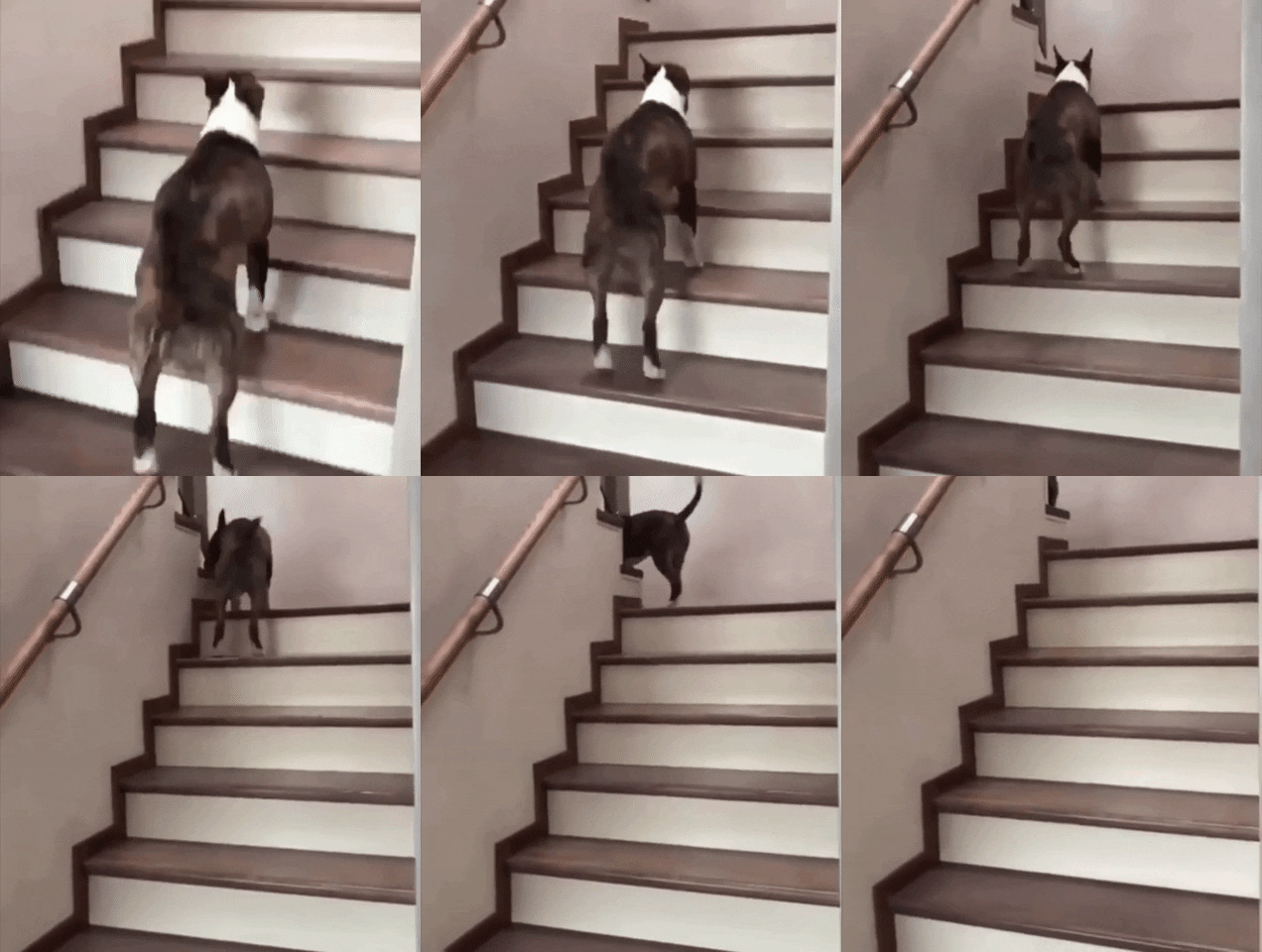
VHTV is just a walk away, join her on her walk!! PICTURE 6081.mp4
Pay attention!!
 I guess were going to have to keep looking and hoping for new Chatters with other topics to talk about. As it seems "whom ever is running RLC took it to another level two years ago by getting rid of the real watchable voyeur apartments and kept the lazy and drug fueled porn, and like any porn site "once you have seen it to many times over and over again with the same actors why watch it again. I rejoined RLC about a week ago and basically only view the apartments that doesn't get any kind of recognition at all, "good that I kept VHTV." As far as the Barc-working girls....most of us know by now what their weekly schedules are and the out come of things. Some in the Chat at times act as though these girls are the best thing in the world and that could be why things won't ever change with RLC too!! So lets hope one day someone with a none conqueror type mind or authoritarian personality and have an open mind for new opinions and thoughts well one day change things in there.
Account
Navigation
Search
Configure browser push notifications
Chrome (Android)
- Tap the lock icon next to the address bar.
- Tap Permissions → Notifications.
- Adjust your preference.
Chrome (Desktop)
- Click the padlock icon in the address bar.
- Select Site settings.
- Find Notifications and adjust your preference.
Safari (iOS 16.4+)
- Ensure the site is installed via Add to Home Screen.
- Open Settings App → Notifications.
- Find your app name and adjust your preference.
Safari (macOS)
- Go to Safari → Preferences.
- Click the Websites tab.
- Select Notifications in the sidebar.
- Find this website and adjust your preference.
Edge (Android)
- Tap the lock icon next to the address bar.
- Tap Permissions.
- Find Notifications and adjust your preference.
Edge (Desktop)
- Click the padlock icon in the address bar.
- Click Permissions for this site.
- Find Notifications and adjust your preference.
Firefox (Android)
- Go to Settings → Site permissions.
- Tap Notifications.
- Find this site in the list and adjust your preference.
Firefox (Desktop)
- Open Firefox Settings.
- Search for Notifications.
- Find this site in the list and adjust your preference.