RUBBERMAN
Paid Members
-
Joined
Everything posted by RUBBERMAN
-
 She would scare the hell out of me in bed. LOL
This just came in from the Chat Room..."The subject well not be changed.....well not be changed, it well continue to be all about the Barc-whoring girls, I mean working girls." LOL
She would scare the hell out of me in bed. LOL
This just came in from the Chat Room..."The subject well not be changed.....well not be changed, it well continue to be all about the Barc-whoring girls, I mean working girls." LOL They both gave us a treat, but boyfriend of her's can be a little to rough at times.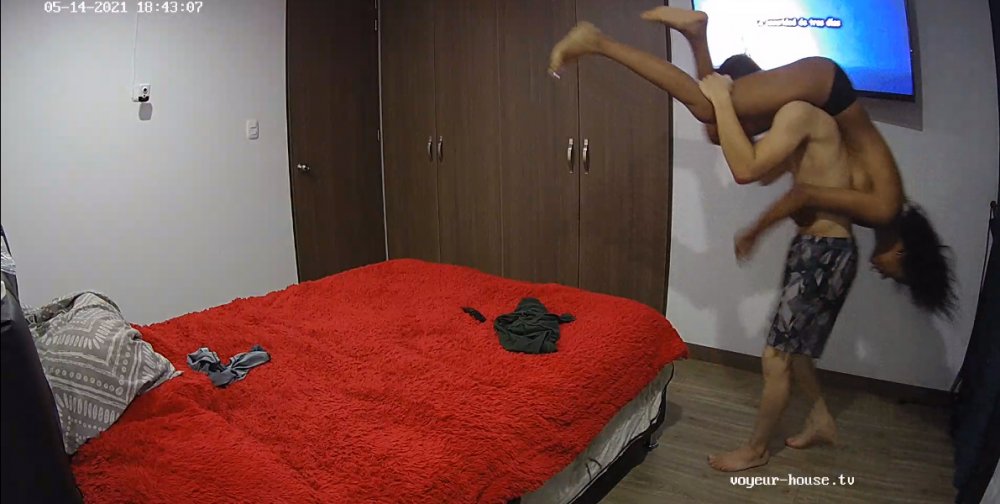
Account
Navigation
Search
Configure browser push notifications
Chrome (Android)
- Tap the lock icon next to the address bar.
- Tap Permissions → Notifications.
- Adjust your preference.
Chrome (Desktop)
- Click the padlock icon in the address bar.
- Select Site settings.
- Find Notifications and adjust your preference.
Safari (iOS 16.4+)
- Ensure the site is installed via Add to Home Screen.
- Open Settings App → Notifications.
- Find your app name and adjust your preference.
Safari (macOS)
- Go to Safari → Preferences.
- Click the Websites tab.
- Select Notifications in the sidebar.
- Find this website and adjust your preference.
Edge (Android)
- Tap the lock icon next to the address bar.
- Tap Permissions.
- Find Notifications and adjust your preference.
Edge (Desktop)
- Click the padlock icon in the address bar.
- Click Permissions for this site.
- Find Notifications and adjust your preference.
Firefox (Android)
- Go to Settings → Site permissions.
- Tap Notifications.
- Find this site in the list and adjust your preference.
Firefox (Desktop)
- Open Firefox Settings.
- Search for Notifications.
- Find this site in the list and adjust your preference.