RUBBERMAN
Paid Members
-
Joined
Everything posted by RUBBERMAN
-
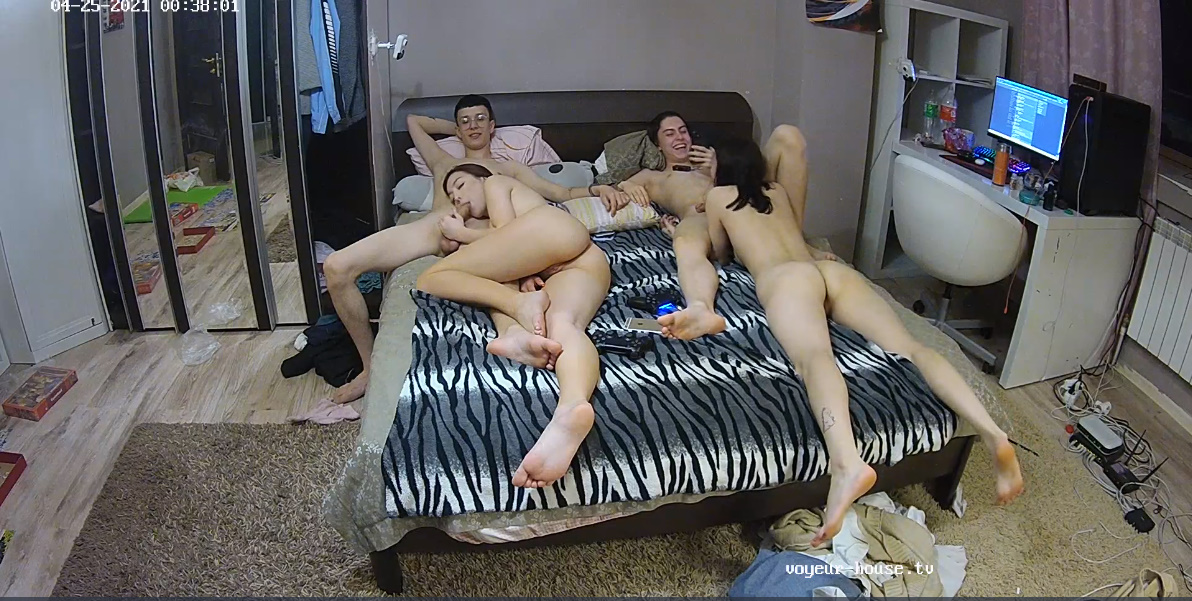
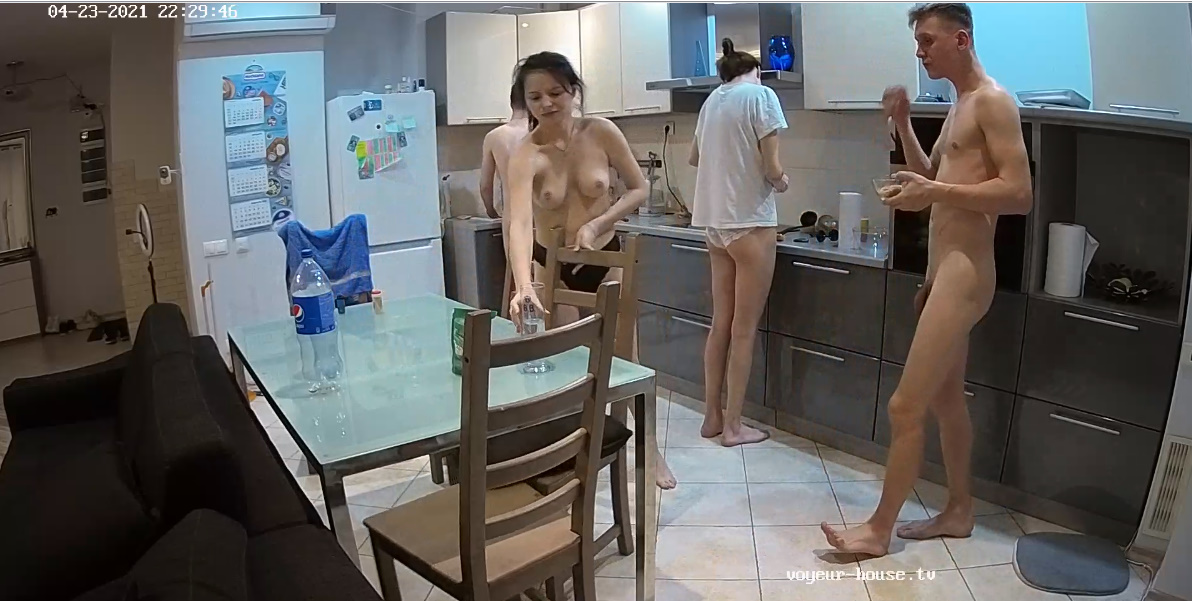
 After the return of their short lived vacation "Maddy and Rocco" seem distance from each other, don't know what may have happen while they was gone, but they was a great couple to view and so was their visiting friends. Hopefully they well return again one day.
RUBBERMAN replied to StnCld316's topic in Helena & Christopher, Demi & Ashton - (01/09/20 - 09/05/21)
RUBBERMAN replied to StnCld316's topic in Helena & Christopher, Demi & Ashton - (01/09/20 - 09/05/21)
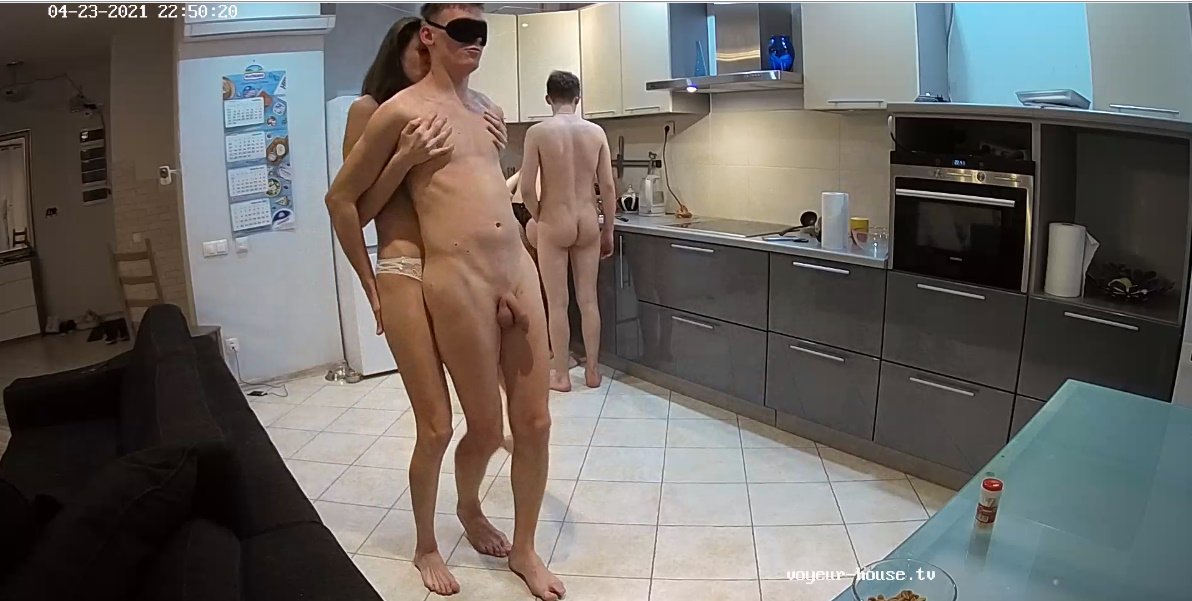
OMG, OMG...."Someone must have read my last going away comments on Gina and gave her an apartment. I really hope who made that decision wasn't drunk and knows what might happen to RLC. After a year sharing apartments with others some one gave her a pair of wings..lol...well lets see what's going to happen from here on, surly she well get her short chocolate girl friend and her friends bad knee boyfriend to join her with 3 months of wild drinking, getting high and sucking and fucking. Good luck Gina and please don't "F" things up girl. LOL
After the return of their short lived vacation "Maddy and Rocco" seem distance from each other, don't know what may have happen while they was gone, but they was a great couple to view and so was their visiting friends. Hopefully they well return again one day.
RUBBERMAN replied to StnCld316's topic in Helena & Christopher, Demi & Ashton - (01/09/20 - 09/05/21)
RUBBERMAN replied to StnCld316's topic in Helena & Christopher, Demi & Ashton - (01/09/20 - 09/05/21)
OMG, OMG...."Someone must have read my last going away comments on Gina and gave her an apartment. I really hope who made that decision wasn't drunk and knows what might happen to RLC. After a year sharing apartments with others some one gave her a pair of wings..lol...well lets see what's going to happen from here on, surly she well get her short chocolate girl friend and her friends bad knee boyfriend to join her with 3 months of wild drinking, getting high and sucking and fucking. Good luck Gina and please don't "F" things up girl. LOL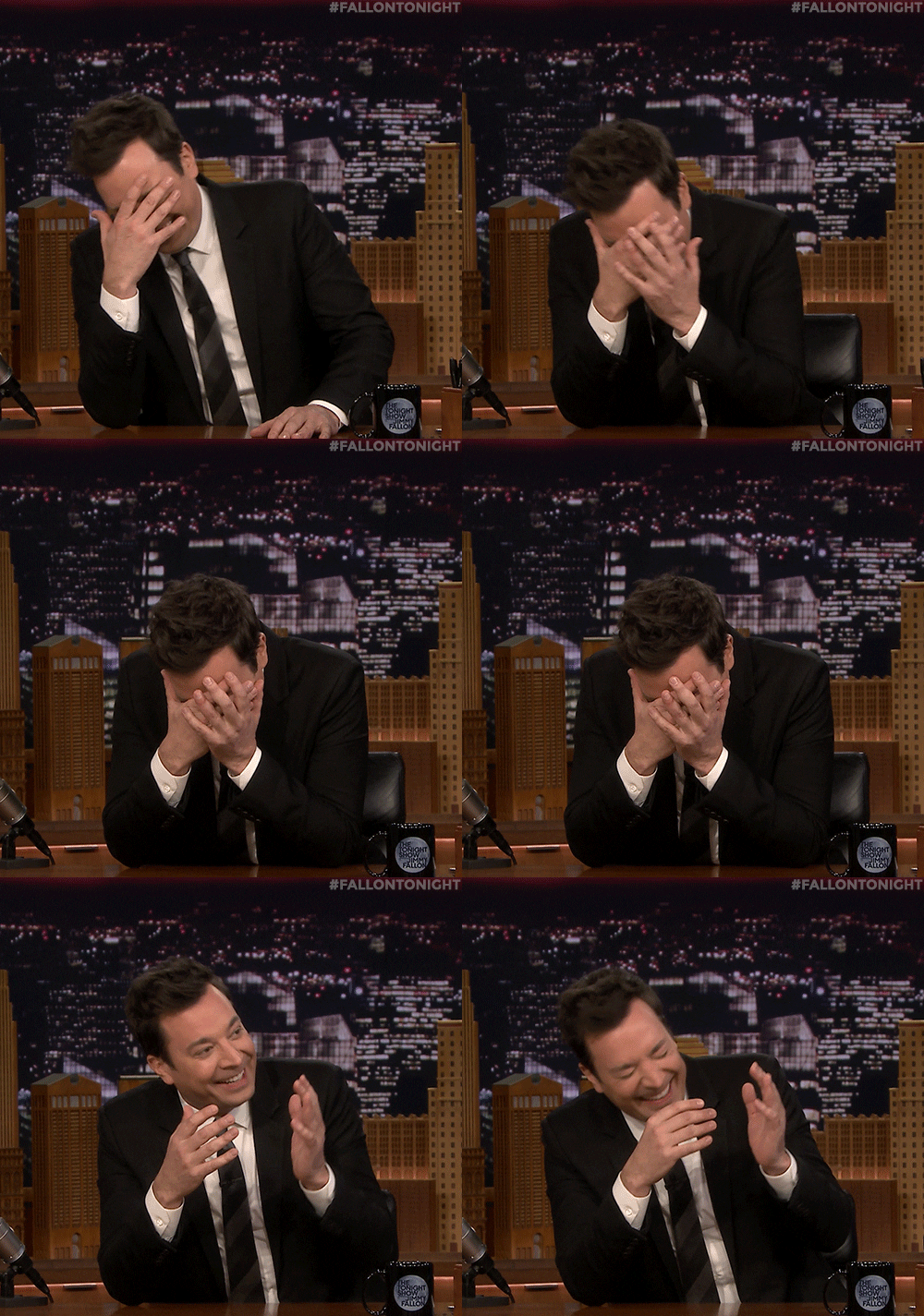 With all that's going on "that photo well soon be real."LOL
Account
Navigation
Search
Configure browser push notifications
Chrome (Android)
- Tap the lock icon next to the address bar.
- Tap Permissions → Notifications.
- Adjust your preference.
Chrome (Desktop)
- Click the padlock icon in the address bar.
- Select Site settings.
- Find Notifications and adjust your preference.
Safari (iOS 16.4+)
- Ensure the site is installed via Add to Home Screen.
- Open Settings App → Notifications.
- Find your app name and adjust your preference.
Safari (macOS)
- Go to Safari → Preferences.
- Click the Websites tab.
- Select Notifications in the sidebar.
- Find this website and adjust your preference.
Edge (Android)
- Tap the lock icon next to the address bar.
- Tap Permissions.
- Find Notifications and adjust your preference.
Edge (Desktop)
- Click the padlock icon in the address bar.
- Click Permissions for this site.
- Find Notifications and adjust your preference.
Firefox (Android)
- Go to Settings → Site permissions.
- Tap Notifications.
- Find this site in the list and adjust your preference.
Firefox (Desktop)
- Open Firefox Settings.
- Search for Notifications.
- Find this site in the list and adjust your preference.