RUBBERMAN
Paid Members
-
Joined
Everything posted by RUBBERMAN
-
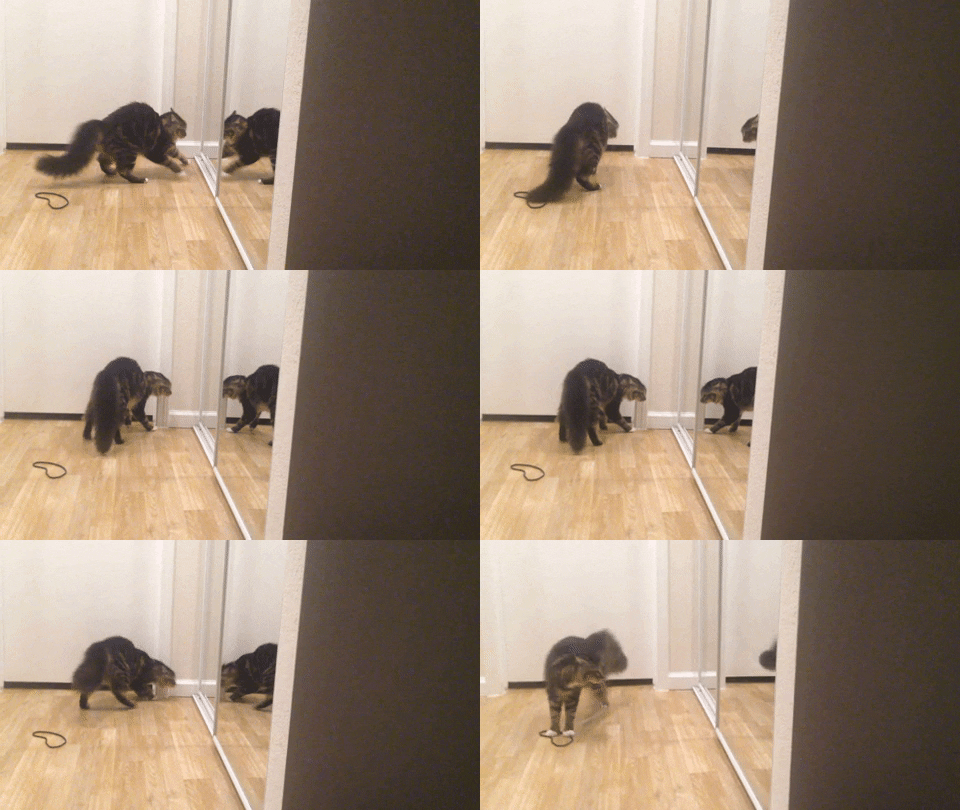
 Nasty ass pussy Cat!! LOL
 Do you want to read something new about RLC, exciting, different..."nothing but the same crap every week but in a different order." LOL
 I haven't been in the RLC paying section in a while now, if I read the Chat I may be somewhat off line most of the time trying to bring myself to understand whats going on half the time because one minute they are suppose to be having a party the next a fuck group thing, but nothing is never as said....VHTV seems to be more understanding "just figure things out for your self" but its nothing wrong with a few imaginary thoughts here and there to get a conversation started either...just let others express there thoughts with out your own thoughts and some what researched facts some times. I think that VHTV is doing a great job...."there is something for everyone whether straight, lesbian or gay, its all in one big bowl." I do plan on going back to visit RLC one day..."when they get their shit together and stop the daily scheduled fuck sessions."
 Looks like Maddy and Rocco took a break and left one of the visiting guest to house sit. She is doing a pretty good job of keeping viewers even after taking a break for a quick change and nap.
Account
Navigation
Search
Configure browser push notifications
Chrome (Android)
- Tap the lock icon next to the address bar.
- Tap Permissions → Notifications.
- Adjust your preference.
Chrome (Desktop)
- Click the padlock icon in the address bar.
- Select Site settings.
- Find Notifications and adjust your preference.
Safari (iOS 16.4+)
- Ensure the site is installed via Add to Home Screen.
- Open Settings App → Notifications.
- Find your app name and adjust your preference.
Safari (macOS)
- Go to Safari → Preferences.
- Click the Websites tab.
- Select Notifications in the sidebar.
- Find this website and adjust your preference.
Edge (Android)
- Tap the lock icon next to the address bar.
- Tap Permissions.
- Find Notifications and adjust your preference.
Edge (Desktop)
- Click the padlock icon in the address bar.
- Click Permissions for this site.
- Find Notifications and adjust your preference.
Firefox (Android)
- Go to Settings → Site permissions.
- Tap Notifications.
- Find this site in the list and adjust your preference.
Firefox (Desktop)
- Open Firefox Settings.
- Search for Notifications.
- Find this site in the list and adjust your preference.