RUBBERMAN
Paid Members
-
Joined
Everything posted by RUBBERMAN
-
 Some still think that RLC is still a voyeur site, funny how some who made that statement did tell new members and old members that "we can forget about RLC being a voyeur site any more, that "that's all in the past now." How do some forget what they say or simply have a very short memory." LOL
 Daisy and Shawn had another sexy couple visit them last night, after a few games of playing cards "I was sure and hoping things ended up with all four having sex together but it didn't but these two and their guest are young and who known's whats ahead and down the road. The visiting couple did give us some nice sex that evening, and earlier that morning while Daisy and Shawn was still asleep....not one session but two, they might even be working on an apartment of their own too."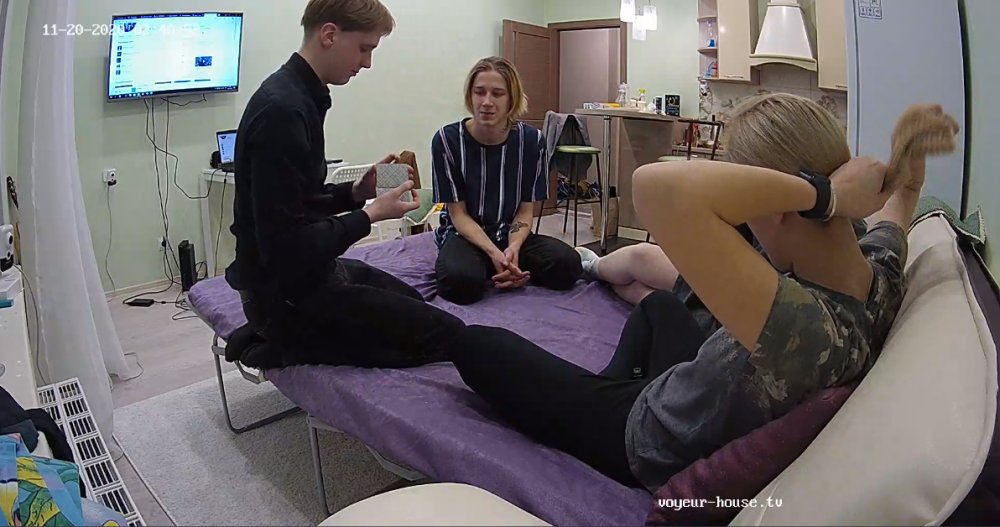
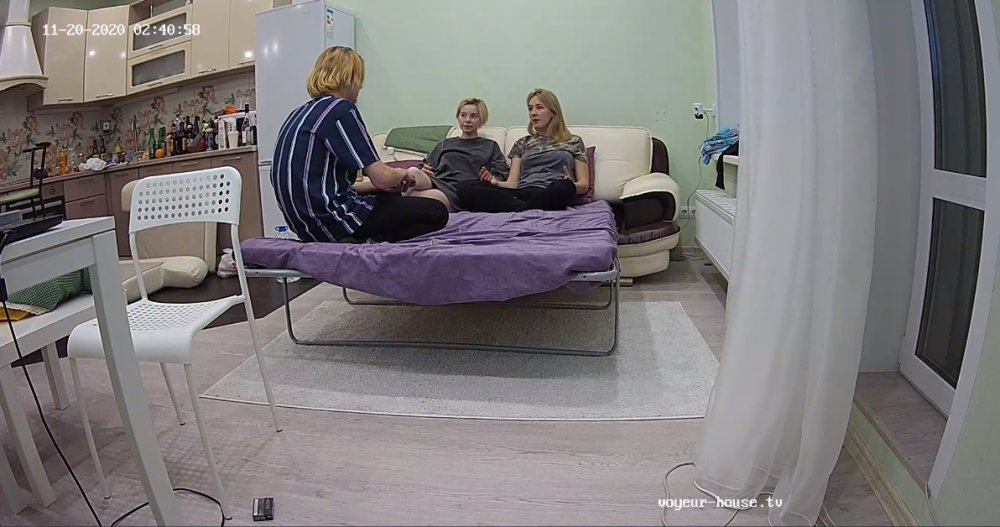
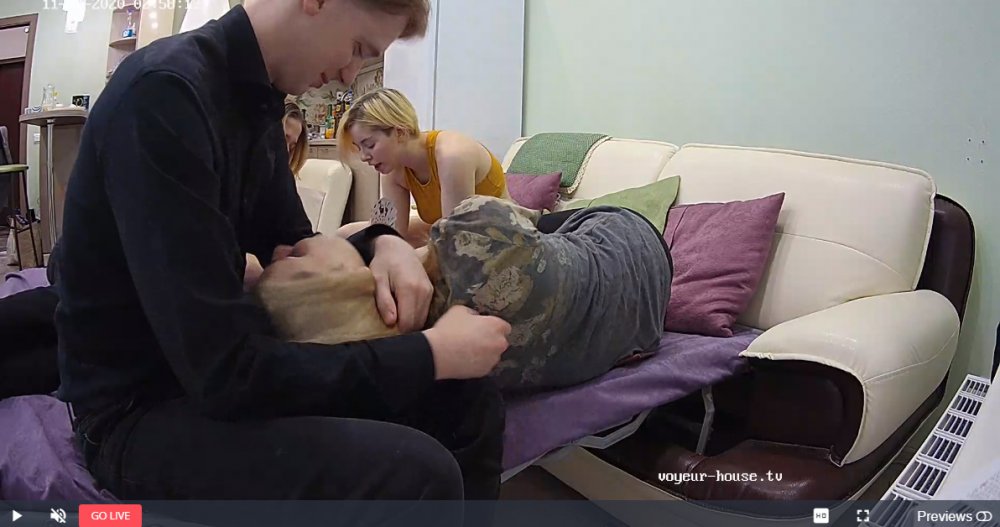
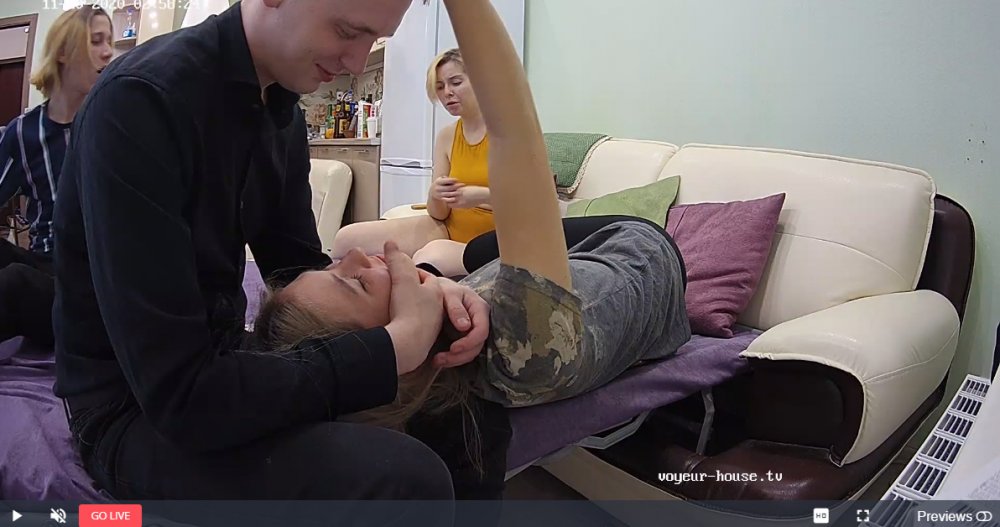
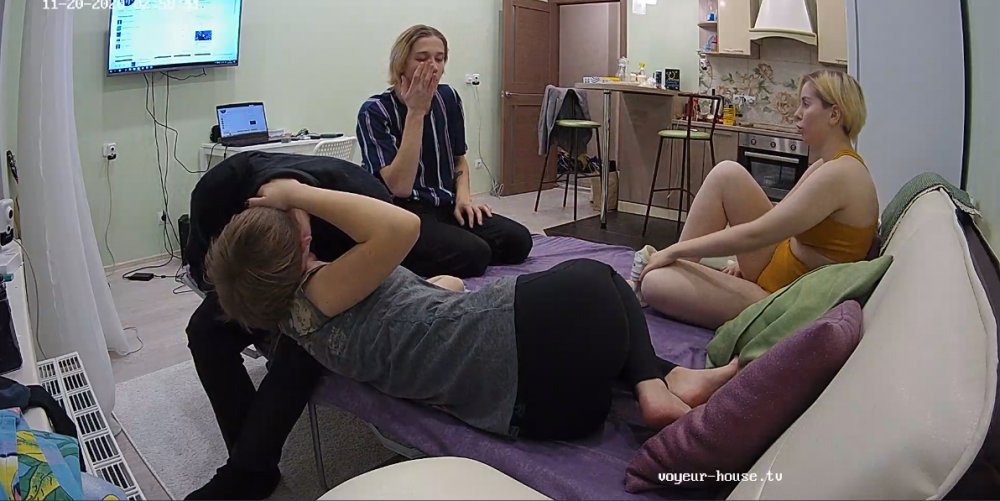
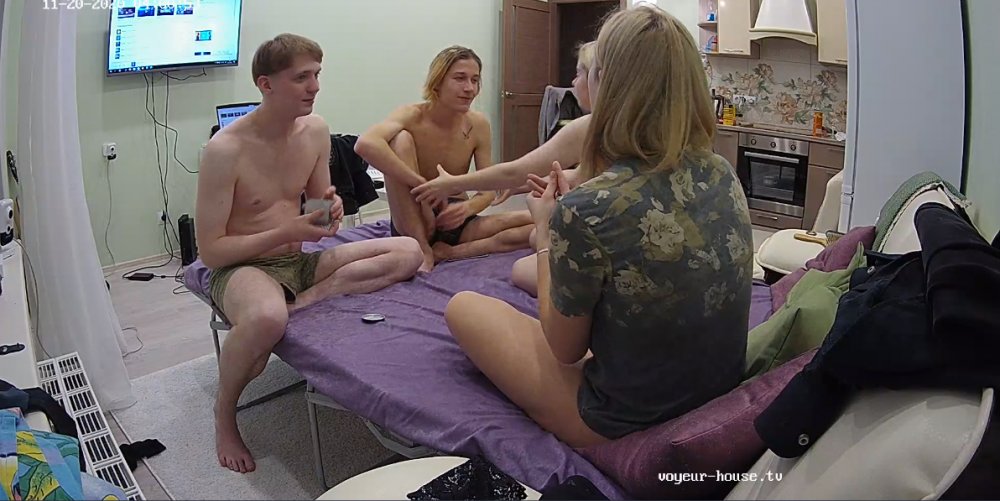
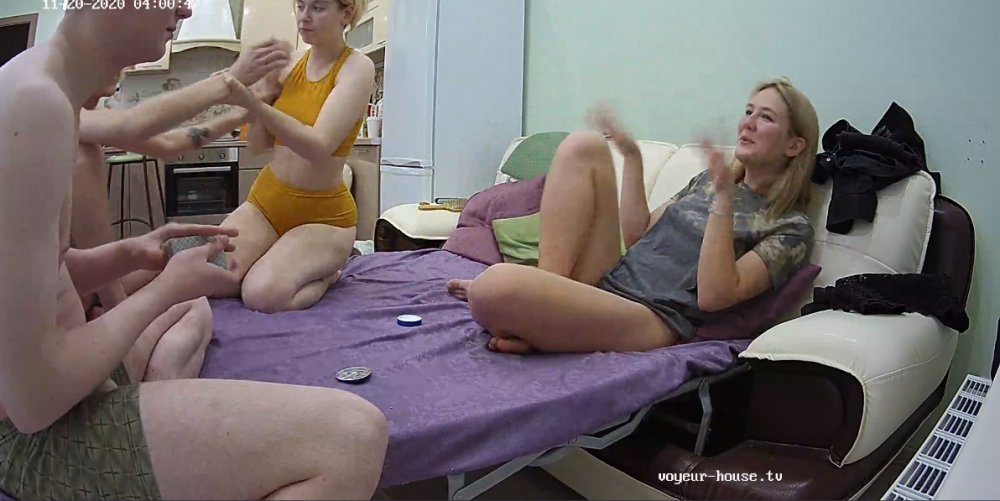 Very sexy, but after a week of trying to keep up with them, I got nothing but an empty apartment and a waste of time. Neither seems to like the cams to much and doesn't perform at all unless under the covers and seems to shut down when the cams hit them, and are very strange people. I am thinking most of their work is done out side the doors. Not even an open masturbation show yet!!
Account
Navigation
Search
Configure browser push notifications
Chrome (Android)
- Tap the lock icon next to the address bar.
- Tap Permissions → Notifications.
- Adjust your preference.
Chrome (Desktop)
- Click the padlock icon in the address bar.
- Select Site settings.
- Find Notifications and adjust your preference.
Safari (iOS 16.4+)
- Ensure the site is installed via Add to Home Screen.
- Open Settings App → Notifications.
- Find your app name and adjust your preference.
Safari (macOS)
- Go to Safari → Preferences.
- Click the Websites tab.
- Select Notifications in the sidebar.
- Find this website and adjust your preference.
Edge (Android)
- Tap the lock icon next to the address bar.
- Tap Permissions.
- Find Notifications and adjust your preference.
Edge (Desktop)
- Click the padlock icon in the address bar.
- Click Permissions for this site.
- Find Notifications and adjust your preference.
Firefox (Android)
- Go to Settings → Site permissions.
- Tap Notifications.
- Find this site in the list and adjust your preference.
Firefox (Desktop)
- Open Firefox Settings.
- Search for Notifications.
- Find this site in the list and adjust your preference.