RUBBERMAN
Paid Members
-
Joined
Everything posted by RUBBERMAN
-
 Now matter what is said now, lets face it "its dead in the Chat Room"....what is there to really talk about new, "old yes." Instead of trying to bring in new members for RLC, I think it would be wise to try and bring in new Chatters who could bring in better conversations and different thoughts and opinions.
-
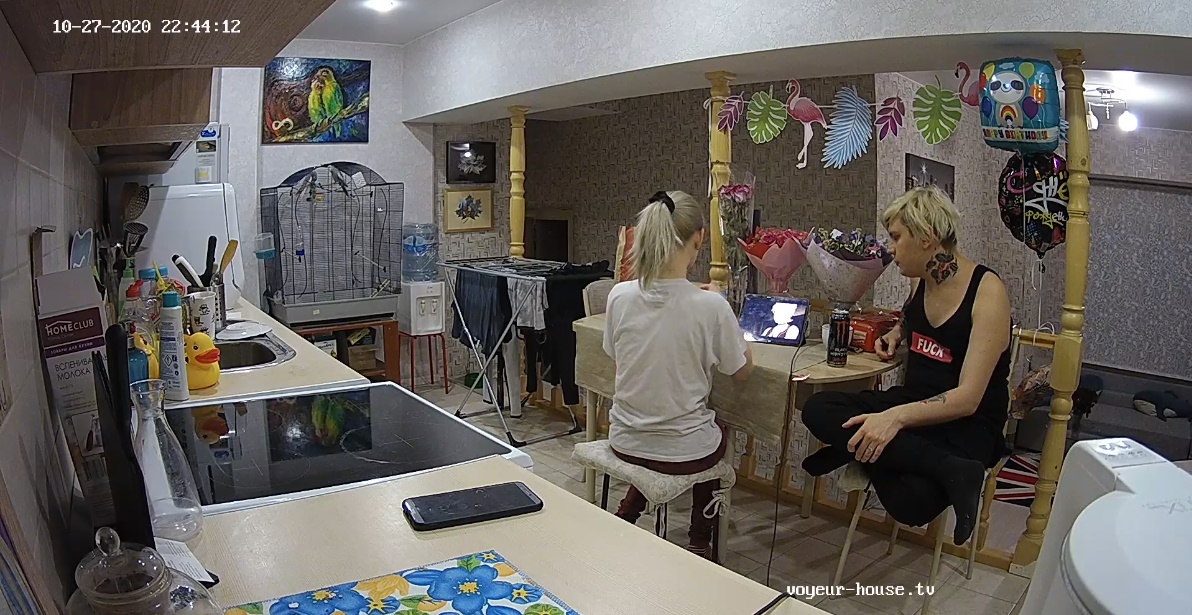
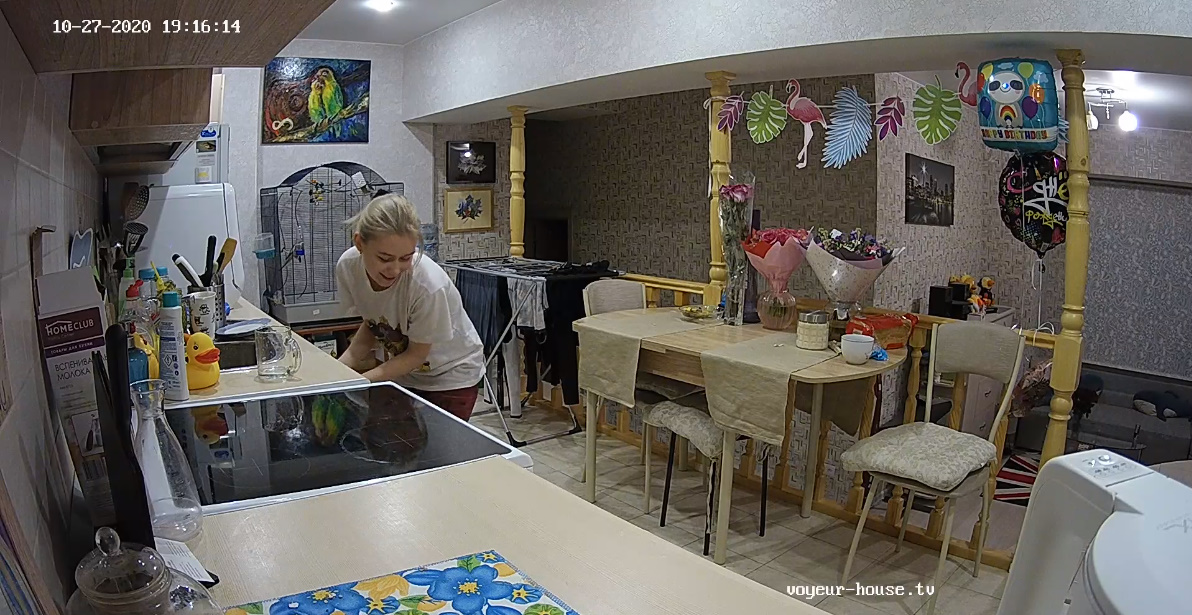
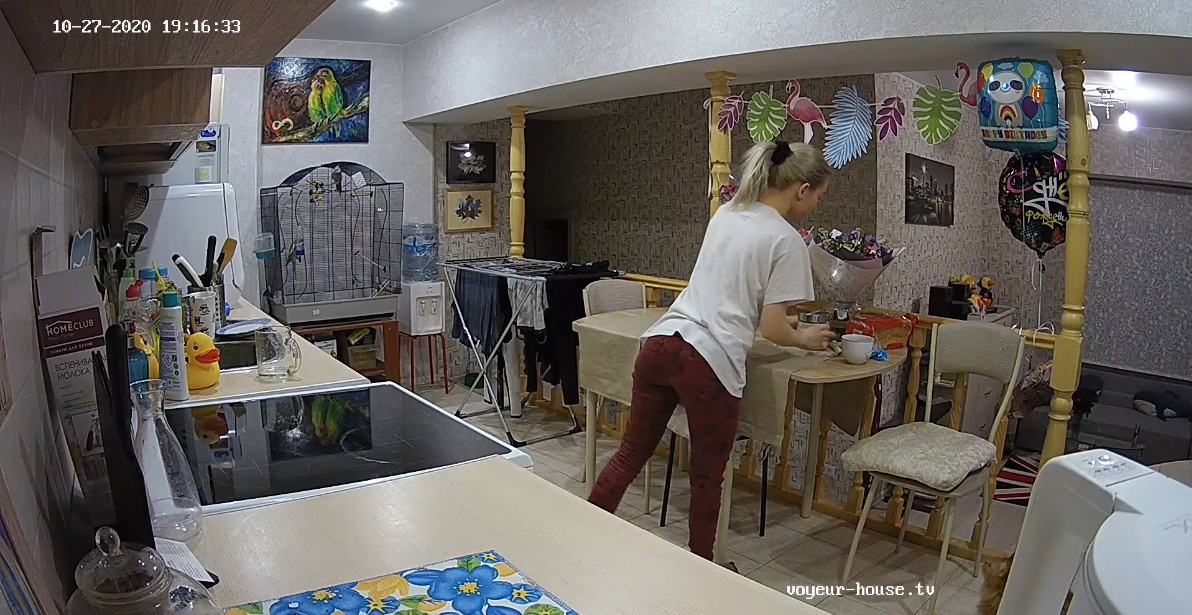
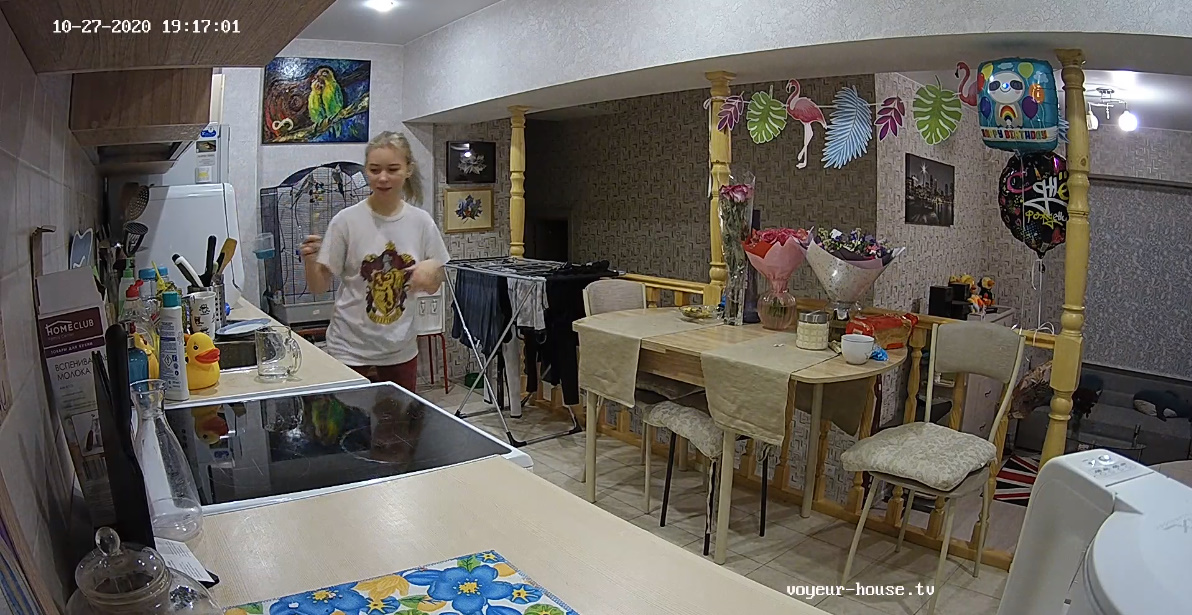
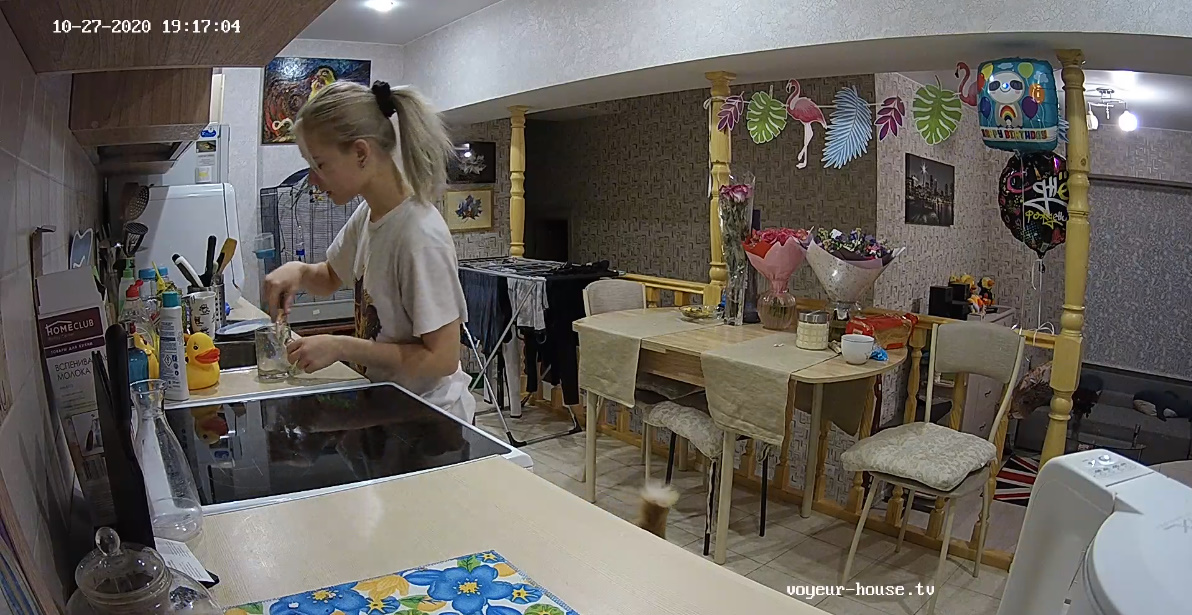
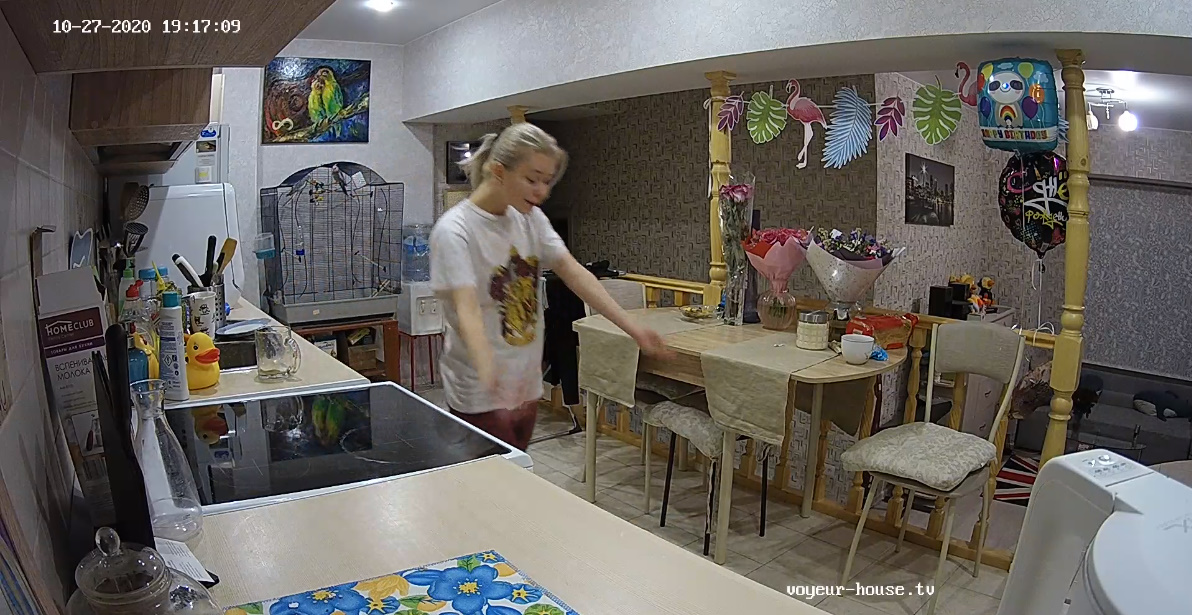
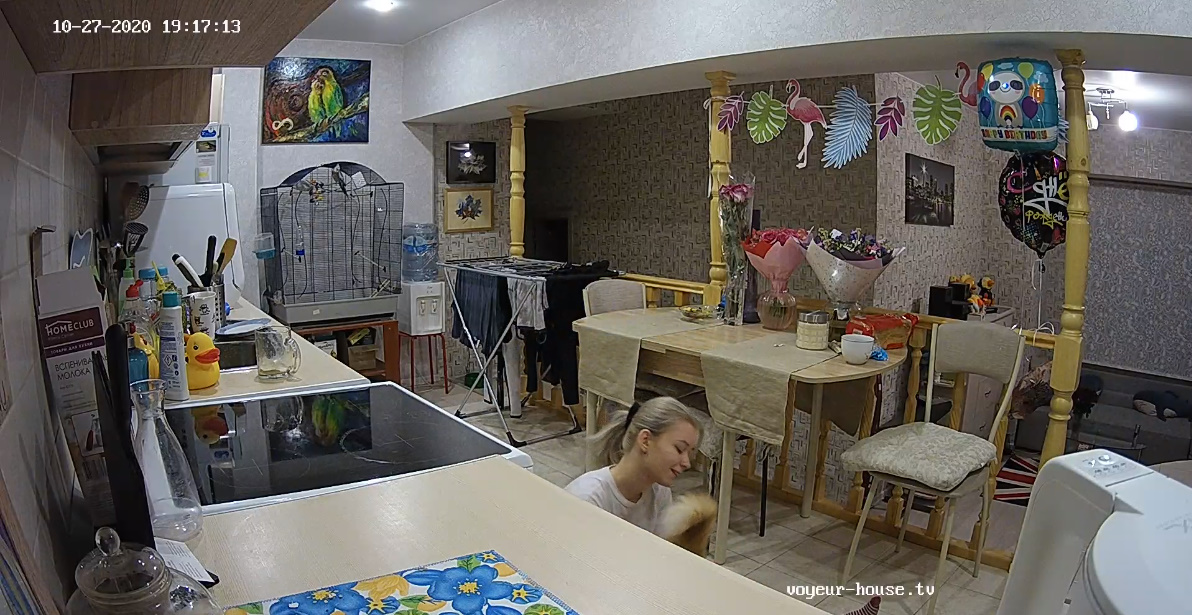
Looks like Kira and Nina have them some house sitters in place of them. I wonder how long they well be gone, nothing mention about a vacation. These girls might even be trying to get their own apartment too..."who knows."
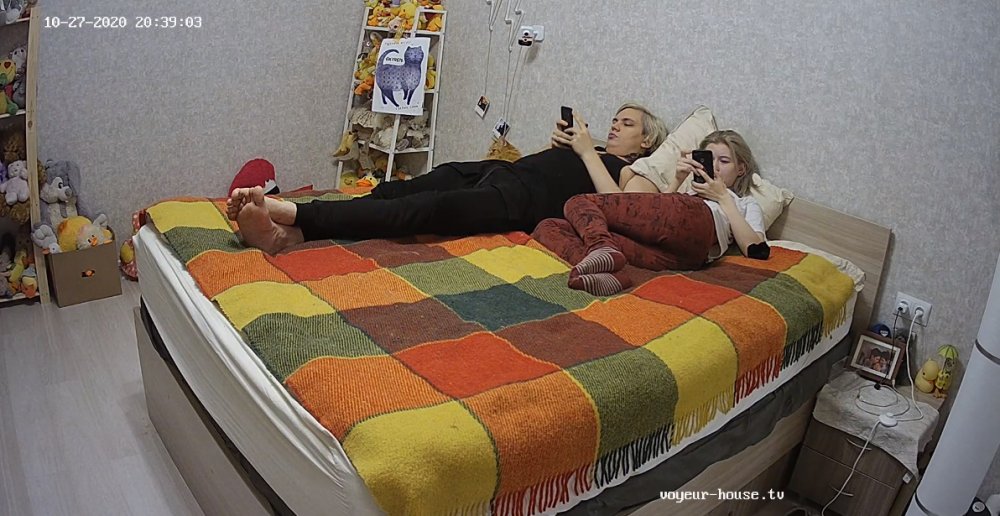
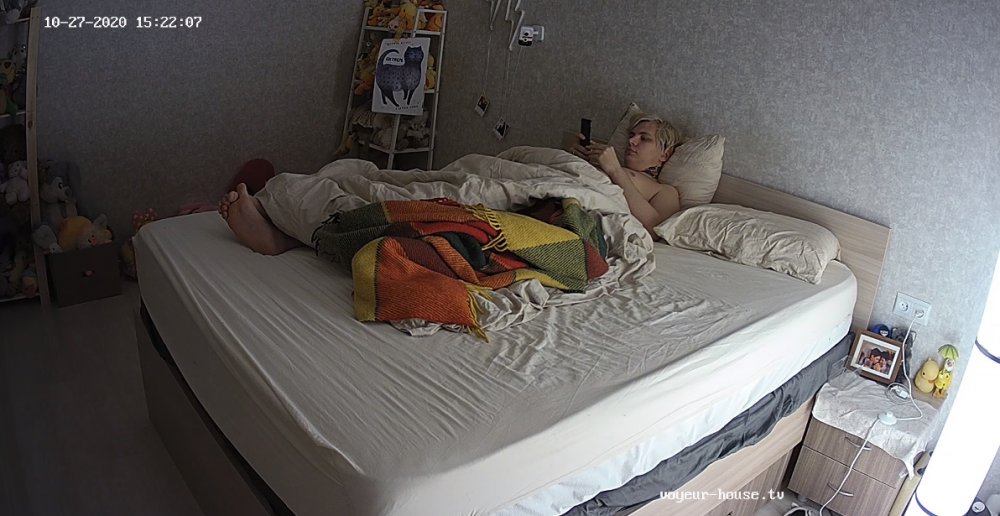
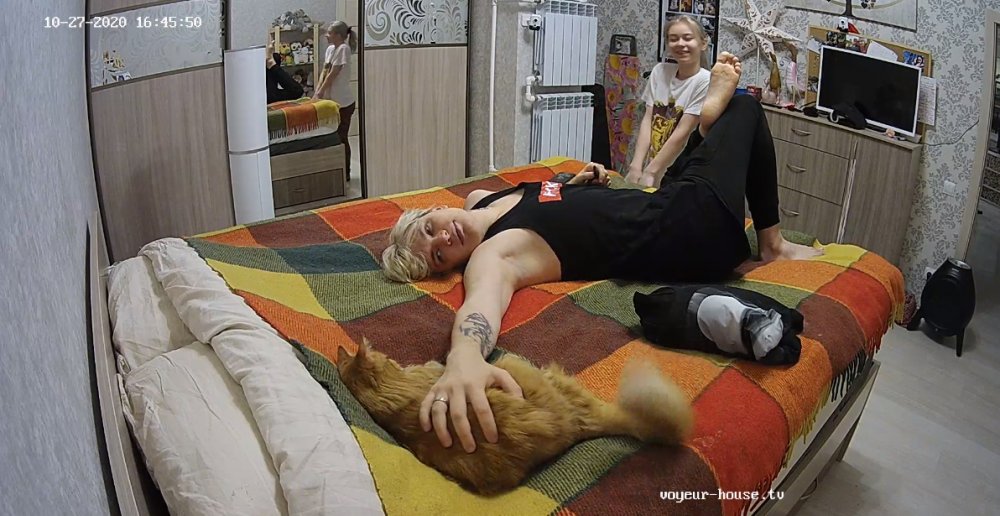
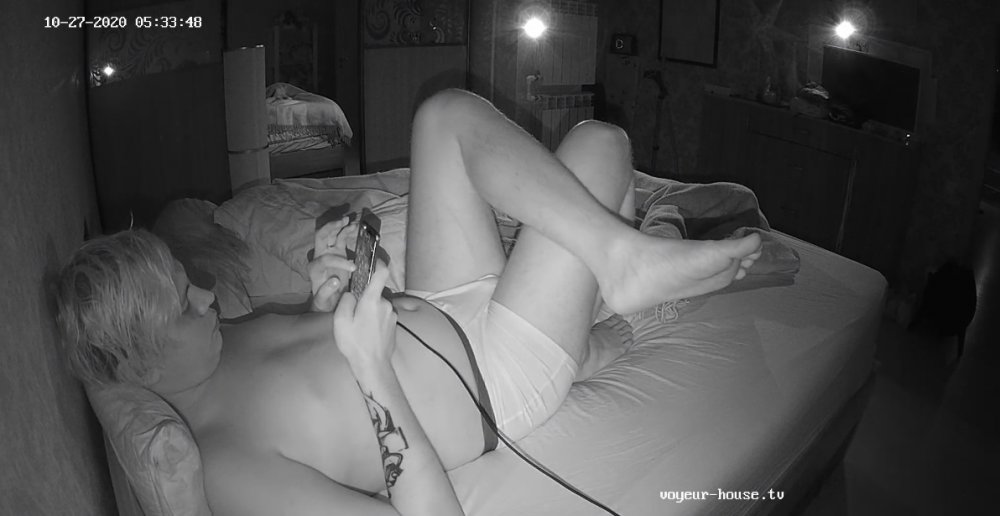
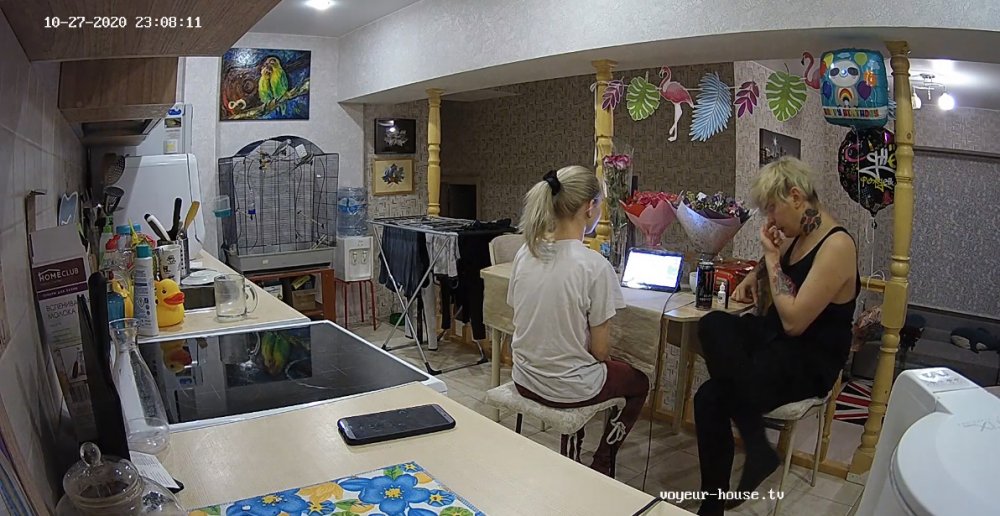 VHTV has been bringing in new tenants, and seem to be doing great. I am understanding that RLC is trying, but not hard enough.
They might be trying to improve from what I have been reading, then again "you can't trust to many in the chat either when it comes to the truth, some well back up those girls then save their own kin." lol "I do think that RLC are turning some of their apartments into night clubs or just whore houses to gain members,...well if this is true, "haven't we seen enough of that with in the pass 6 months?" I guess if you can hire a few studs to go along with russian working girls then anything is possible.
VHTV has been bringing in new tenants, and seem to be doing great. I am understanding that RLC is trying, but not hard enough.
They might be trying to improve from what I have been reading, then again "you can't trust to many in the chat either when it comes to the truth, some well back up those girls then save their own kin." lol "I do think that RLC are turning some of their apartments into night clubs or just whore houses to gain members,...well if this is true, "haven't we seen enough of that with in the pass 6 months?" I guess if you can hire a few studs to go along with russian working girls then anything is possible.
Account
Navigation
Search
Configure browser push notifications
Chrome (Android)
- Tap the lock icon next to the address bar.
- Tap Permissions → Notifications.
- Adjust your preference.
Chrome (Desktop)
- Click the padlock icon in the address bar.
- Select Site settings.
- Find Notifications and adjust your preference.
Safari (iOS 16.4+)
- Ensure the site is installed via Add to Home Screen.
- Open Settings App → Notifications.
- Find your app name and adjust your preference.
Safari (macOS)
- Go to Safari → Preferences.
- Click the Websites tab.
- Select Notifications in the sidebar.
- Find this website and adjust your preference.
Edge (Android)
- Tap the lock icon next to the address bar.
- Tap Permissions.
- Find Notifications and adjust your preference.
Edge (Desktop)
- Click the padlock icon in the address bar.
- Click Permissions for this site.
- Find Notifications and adjust your preference.
Firefox (Android)
- Go to Settings → Site permissions.
- Tap Notifications.
- Find this site in the list and adjust your preference.
Firefox (Desktop)
- Open Firefox Settings.
- Search for Notifications.
- Find this site in the list and adjust your preference.