RUBBERMAN
Paid Members
-
Joined
Everything posted by RUBBERMAN
-
 As it has been said by those with the biggest mouths "we well never go back to the pass, better get use to what's going on now, or leave!!" Strange how we have lost so many good members too!!!
 -
-
-
Nice group depending on what your into!!! "When it comes to sex and kinky thoughts, I think that we may get a little of everything with these tenants."
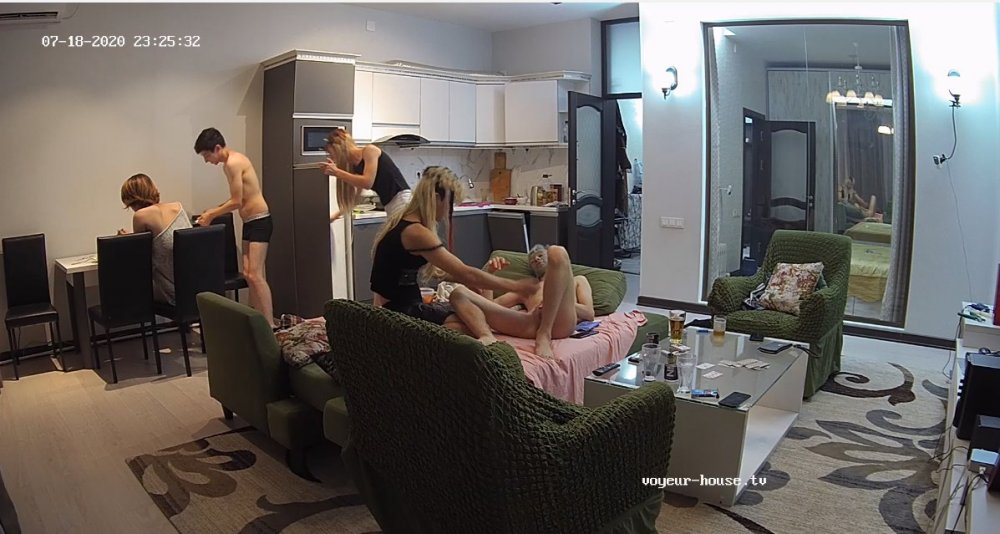
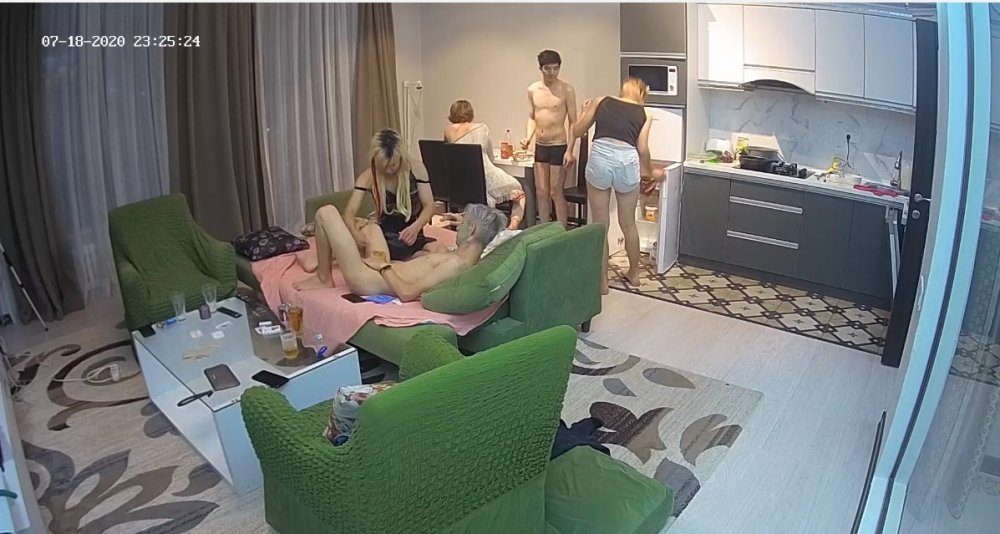
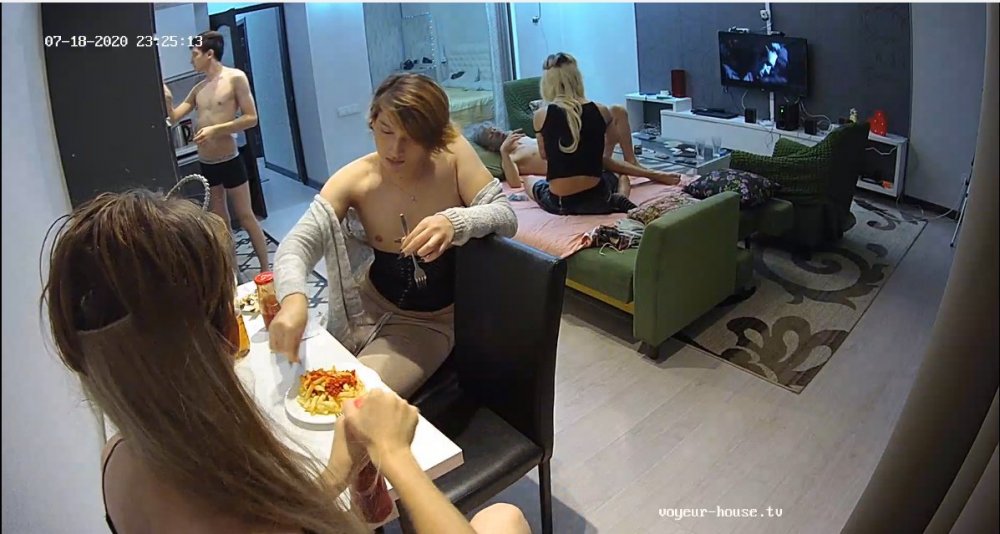
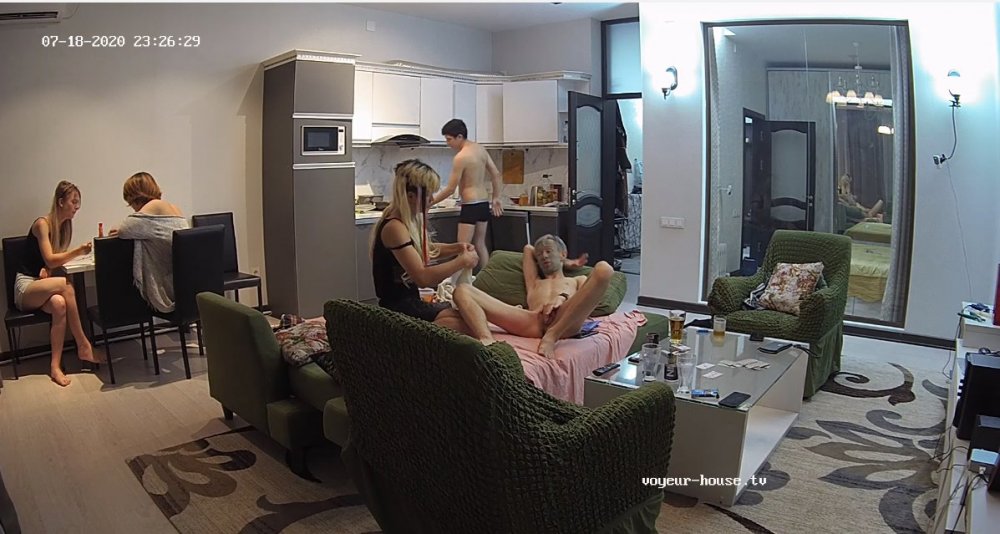 Rus and Kylie has left the project, "I am not surprised, they seemed bored most of the time since Viola left." Seeing how bad this virus is, I believe that they where one of the safest couples in the project..."they didn't have people coming in and out of their apartment off the streets like most of the apartments are doing now." Lets hope these two have a safe trip home and if RLC is still around maybe they well come back for good one day.
Account
Navigation
Search
Configure browser push notifications
Chrome (Android)
- Tap the lock icon next to the address bar.
- Tap Permissions → Notifications.
- Adjust your preference.
Chrome (Desktop)
- Click the padlock icon in the address bar.
- Select Site settings.
- Find Notifications and adjust your preference.
Safari (iOS 16.4+)
- Ensure the site is installed via Add to Home Screen.
- Open Settings App → Notifications.
- Find your app name and adjust your preference.
Safari (macOS)
- Go to Safari → Preferences.
- Click the Websites tab.
- Select Notifications in the sidebar.
- Find this website and adjust your preference.
Edge (Android)
- Tap the lock icon next to the address bar.
- Tap Permissions.
- Find Notifications and adjust your preference.
Edge (Desktop)
- Click the padlock icon in the address bar.
- Click Permissions for this site.
- Find Notifications and adjust your preference.
Firefox (Android)
- Go to Settings → Site permissions.
- Tap Notifications.
- Find this site in the list and adjust your preference.
Firefox (Desktop)
- Open Firefox Settings.
- Search for Notifications.
- Find this site in the list and adjust your preference.