cyberleader
Hero Member
-
Joined
-
Last visited
Everything posted by cyberleader
-
 the new lady has put gloves on,is she about to do a body cavity search on inna??? nah juss kidding she is doing innas hair for her



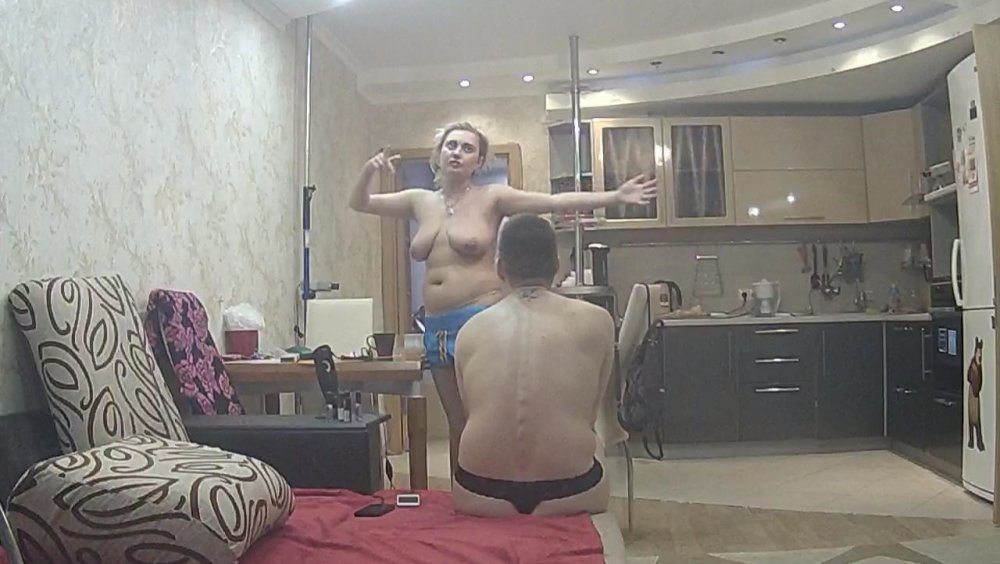
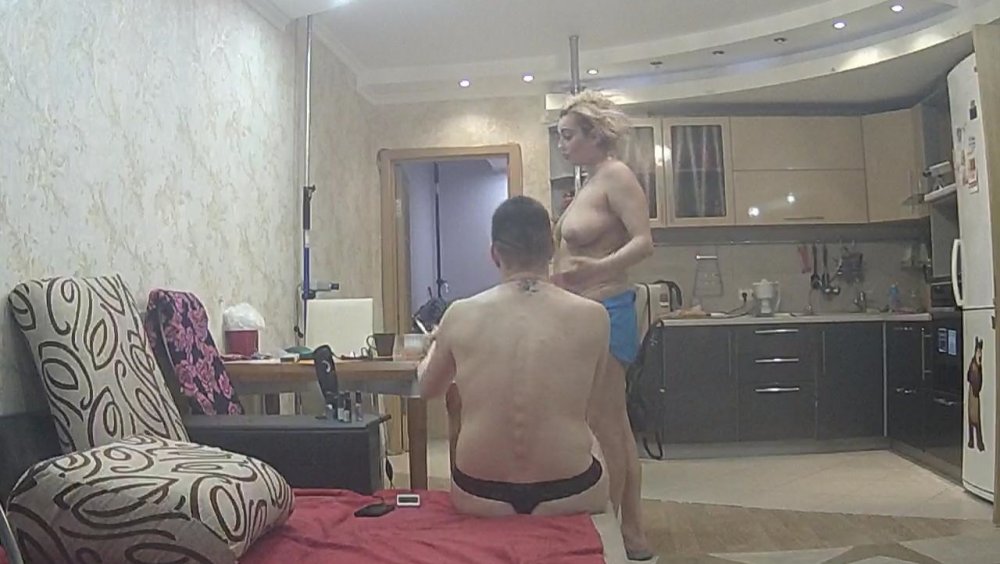


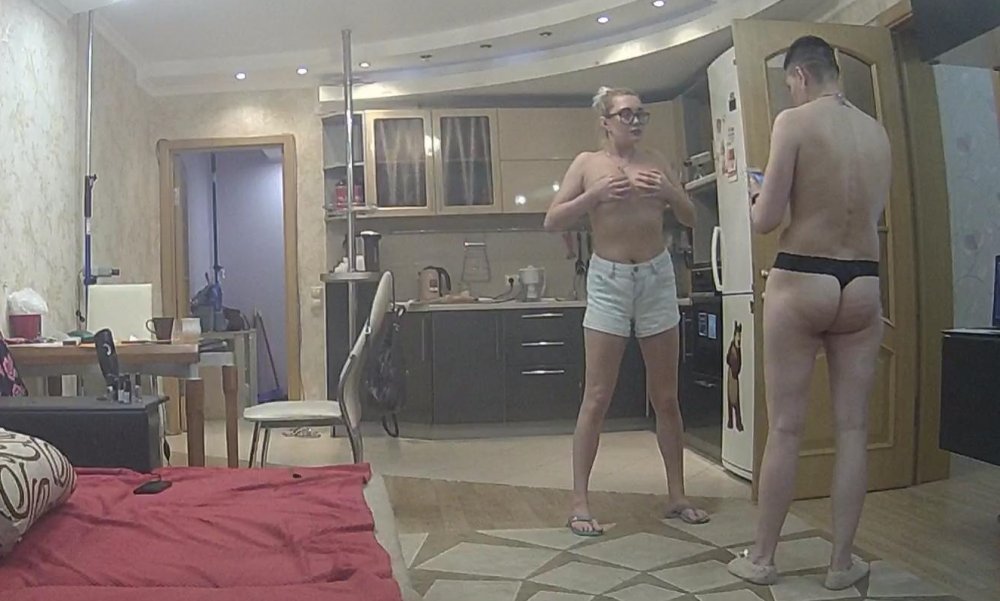
 inna and the new lady
 the definition of fine arse
 logic would seem to suggest that.poor inna must be lonely
seems to fit here. lotts of hott buttz
i could watch these two loaf naked all day
logic would seem to suggest that.poor inna must be lonely
seems to fit here. lotts of hott buttz
i could watch these two loaf naked all day





 most excellent

 the nude gods have almost granted my wish, marna and inna without the boys yeeeeeeehaaaaa lets see how it goes


Account
Navigation
Search
Configure browser push notifications
Chrome (Android)
- Tap the lock icon next to the address bar.
- Tap Permissions → Notifications.
- Adjust your preference.
Chrome (Desktop)
- Click the padlock icon in the address bar.
- Select Site settings.
- Find Notifications and adjust your preference.
Safari (iOS 16.4+)
- Ensure the site is installed via Add to Home Screen.
- Open Settings App → Notifications.
- Find your app name and adjust your preference.
Safari (macOS)
- Go to Safari → Preferences.
- Click the Websites tab.
- Select Notifications in the sidebar.
- Find this website and adjust your preference.
Edge (Android)
- Tap the lock icon next to the address bar.
- Tap Permissions.
- Find Notifications and adjust your preference.
Edge (Desktop)
- Click the padlock icon in the address bar.
- Click Permissions for this site.
- Find Notifications and adjust your preference.
Firefox (Android)
- Go to Settings → Site permissions.
- Tap Notifications.
- Find this site in the list and adjust your preference.
Firefox (Desktop)
- Open Firefox Settings.
- Search for Notifications.
- Find this site in the list and adjust your preference.



















































































.jpg.1c9cb30c375304f6c149b84dfe0ea5f9.jpg)


























.jpg.3a73290f4b0e07c7fbd47277505b4342.jpg)