cyberleader
Hero Member
-
Joined
-
Last visited
Everything posted by cyberleader
-
 one thing is puzzling me for a very long time,where are the washing machines and tumble dryers,where do people wash their clothes unless there is a utility room of cam
your logic is correct both are do-able one at a time or both at once,either way its great
i have no idea who the dark haired giant is, but she is doable
one thing is puzzling me for a very long time,where are the washing machines and tumble dryers,where do people wash their clothes unless there is a utility room of cam
your logic is correct both are do-able one at a time or both at once,either way its great
i have no idea who the dark haired giant is, but she is doable






 your logic is correct
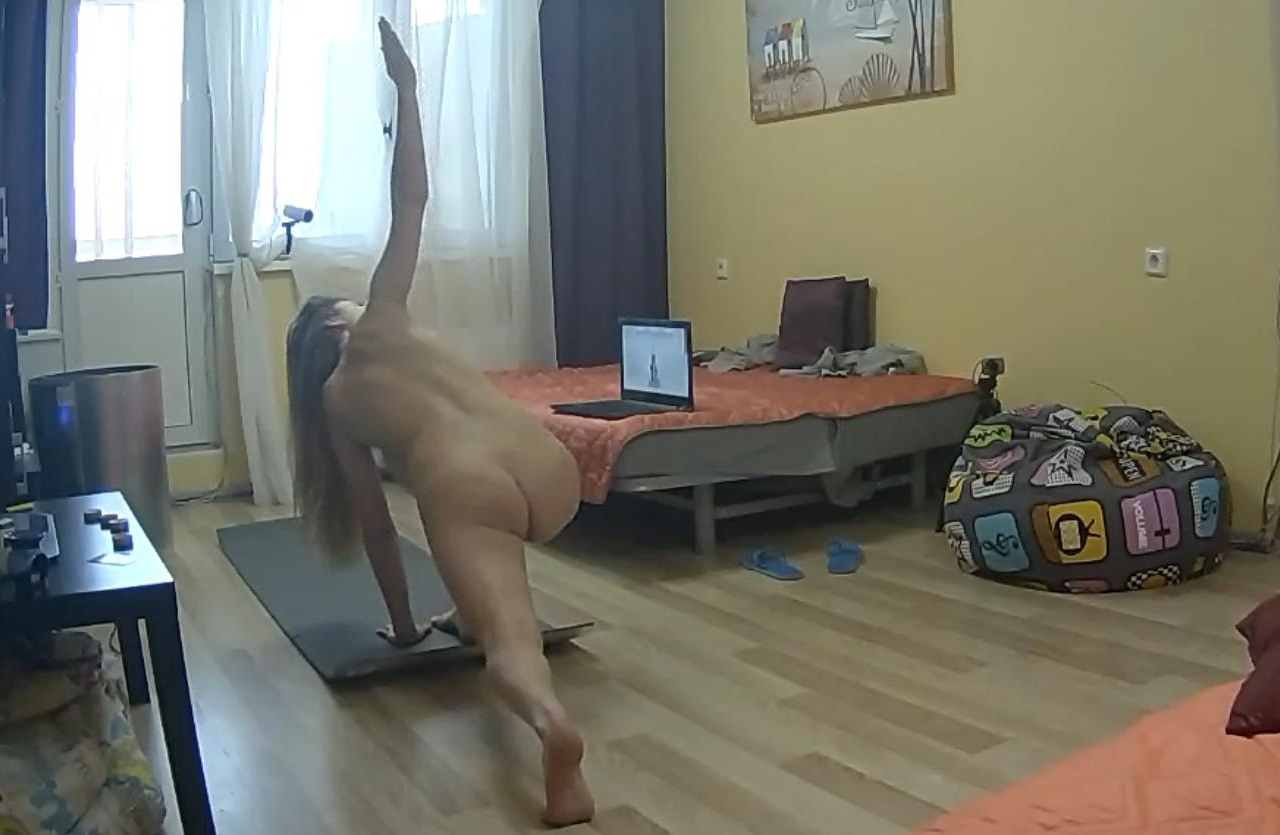
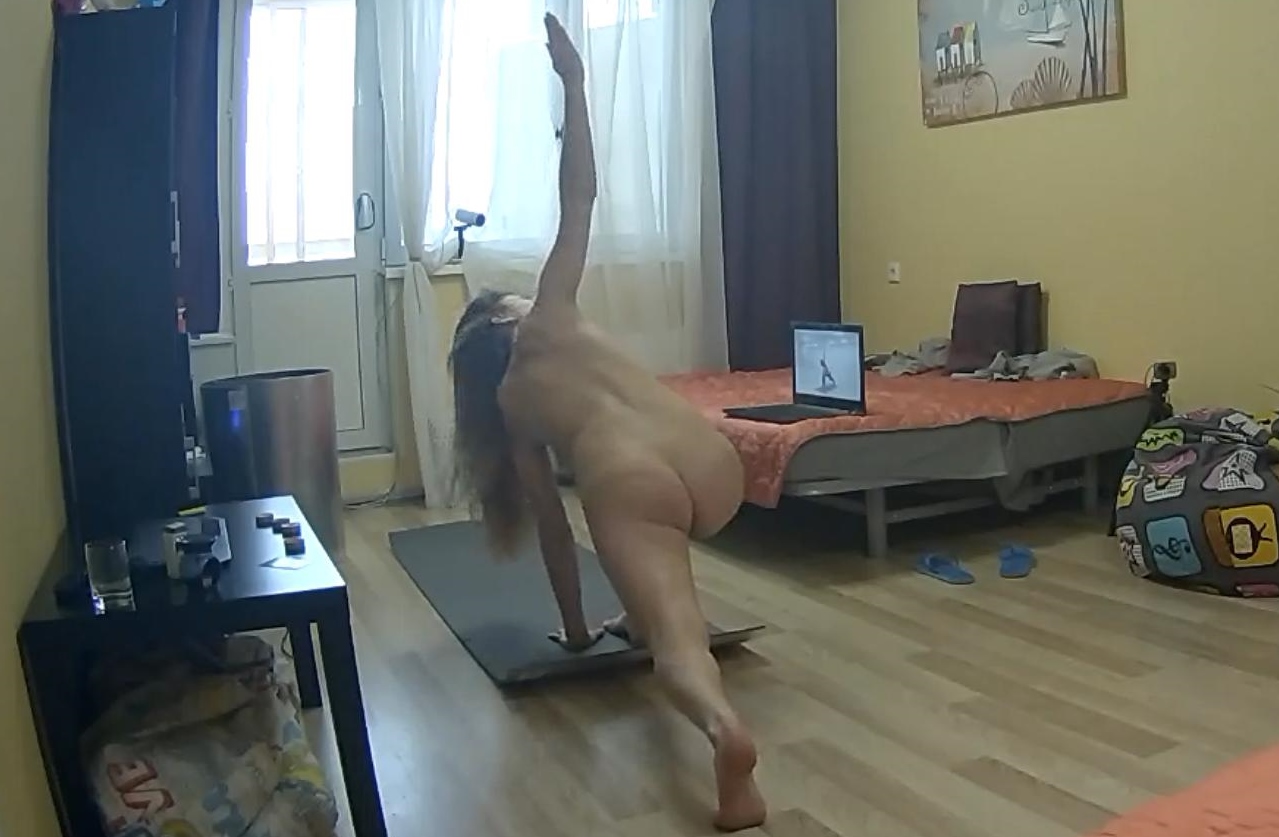
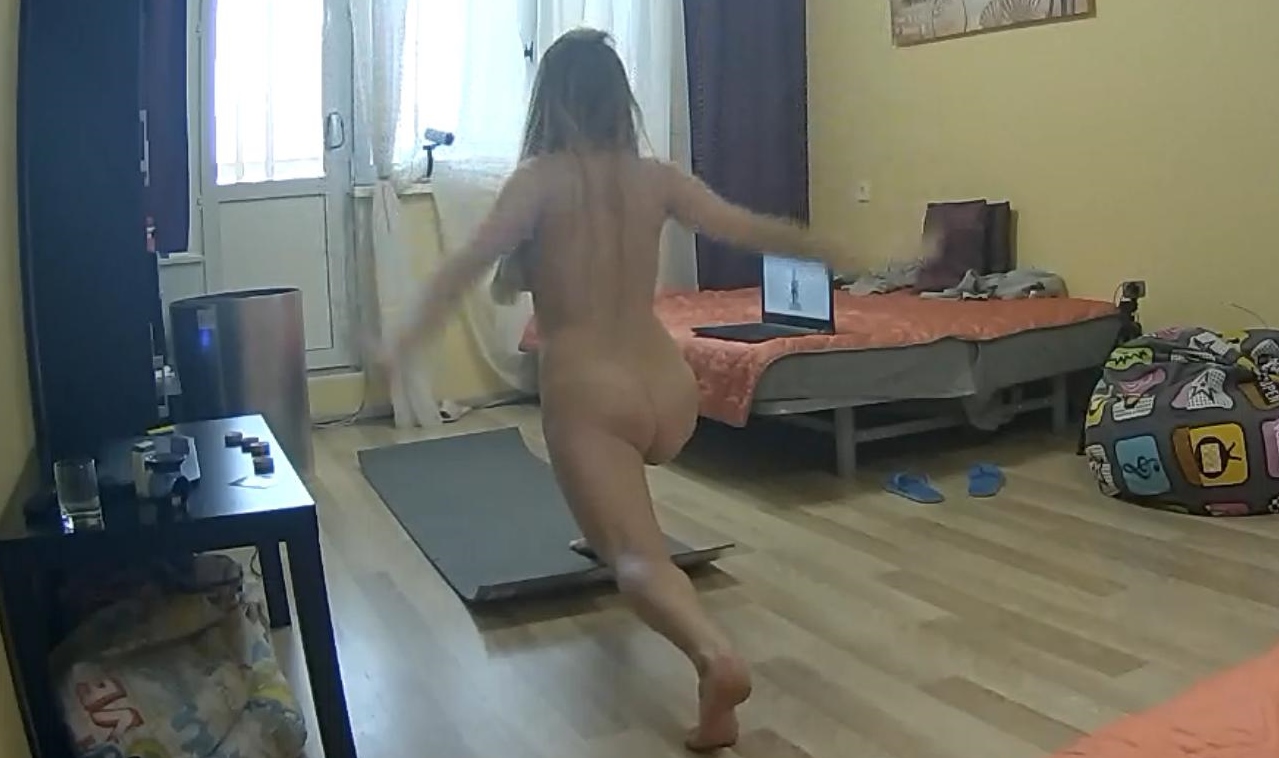
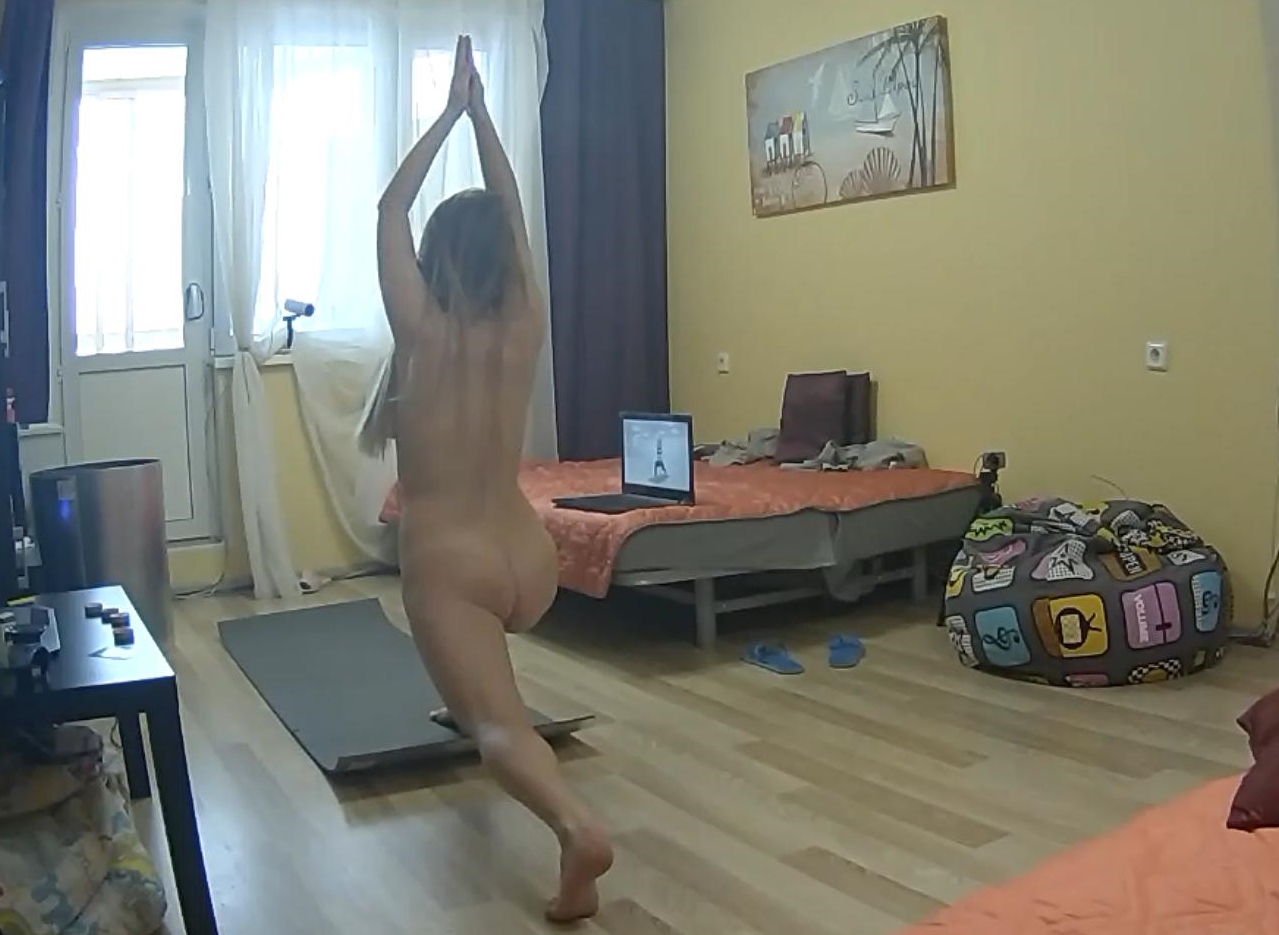
 naked yoga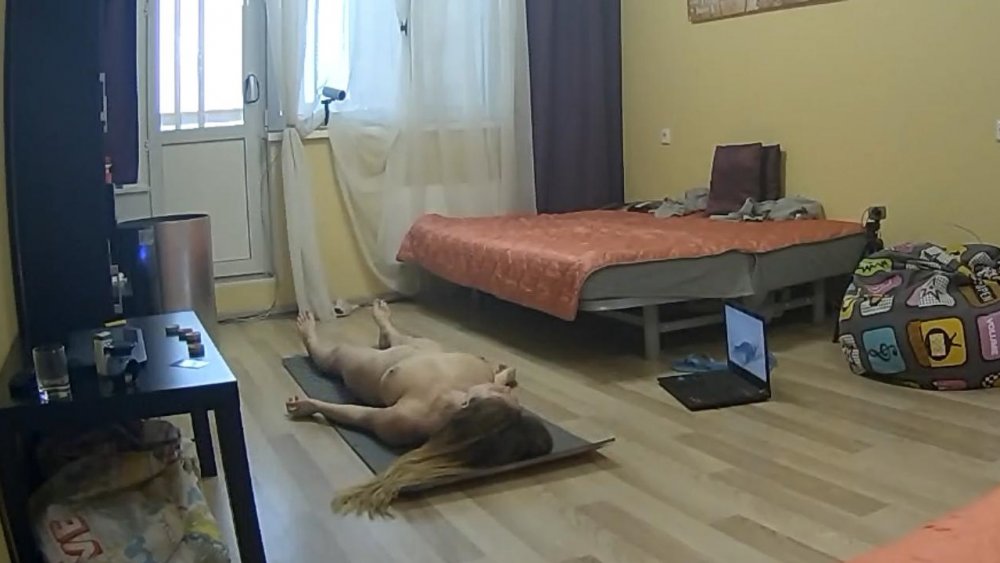
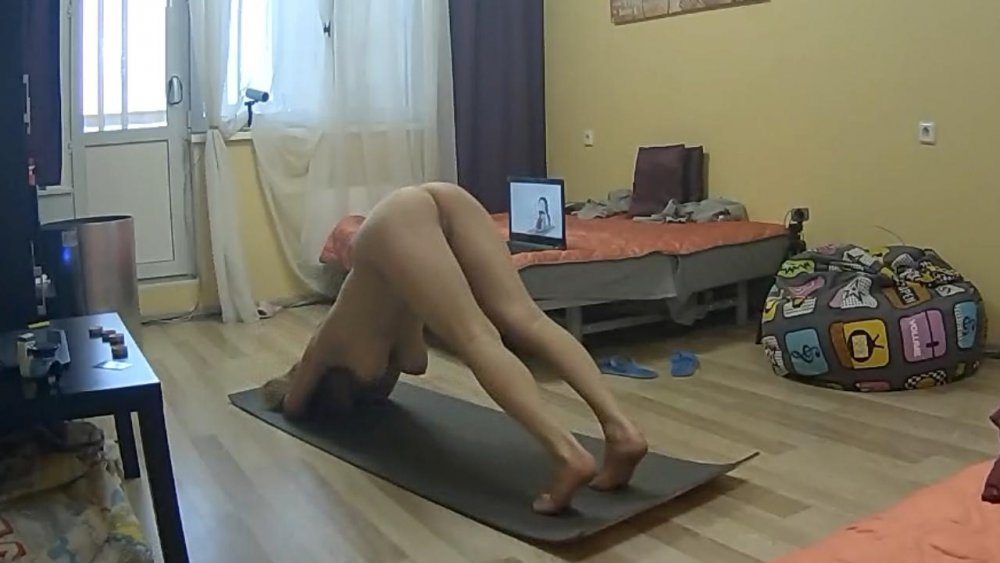
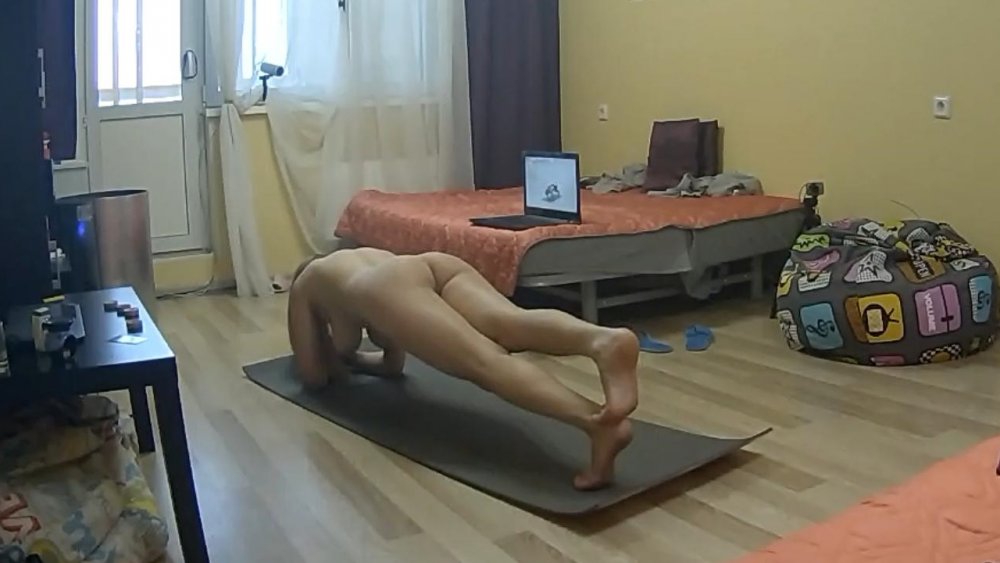
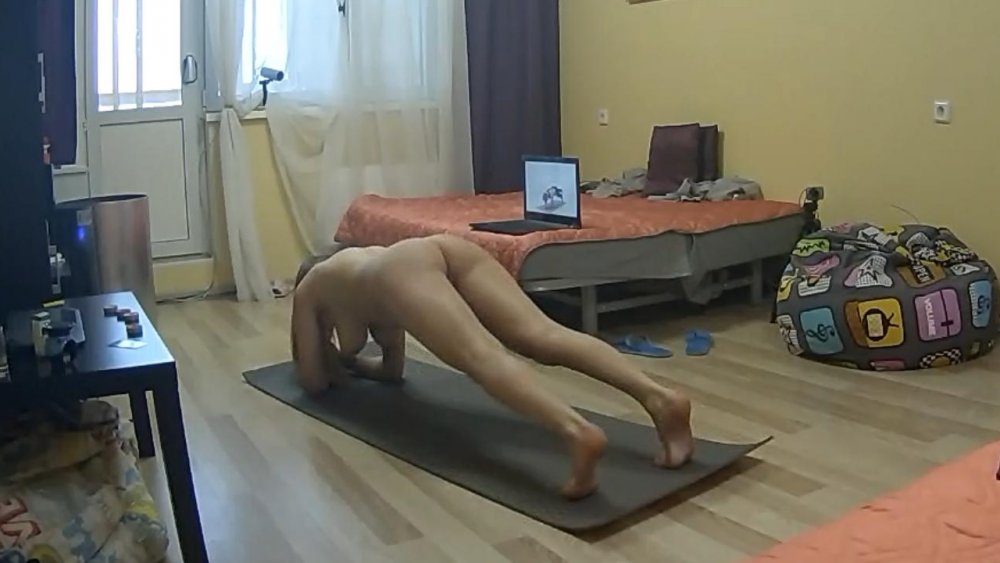
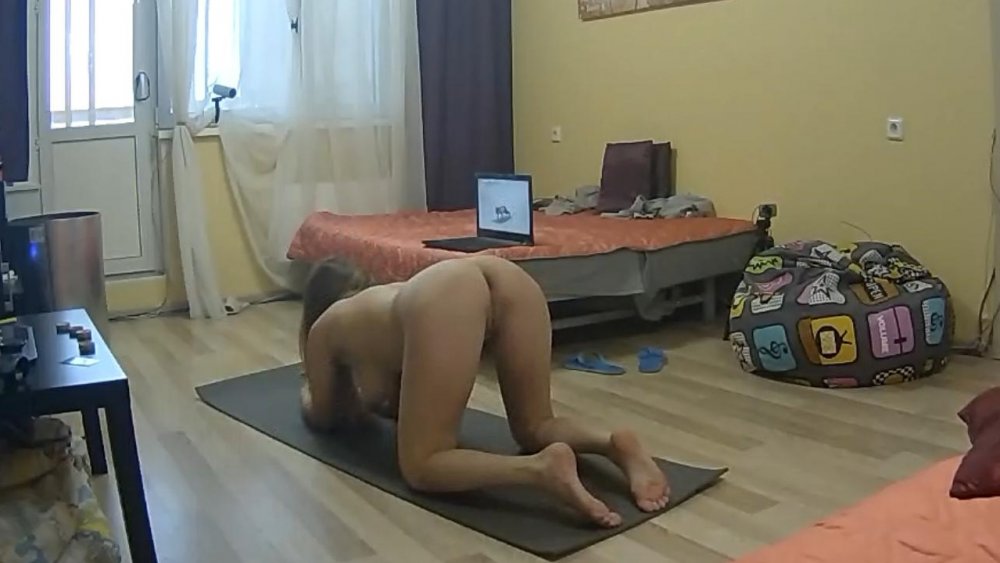
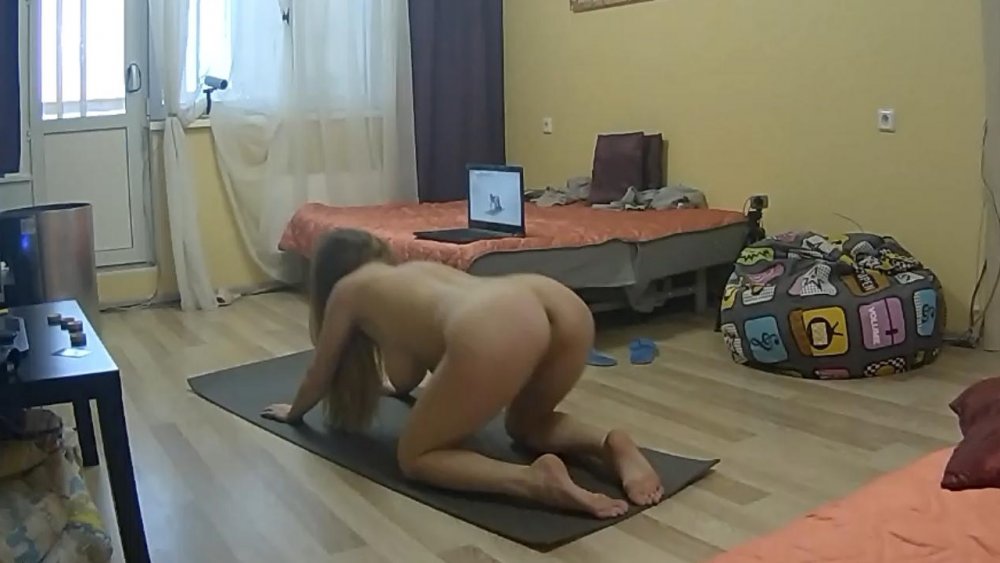
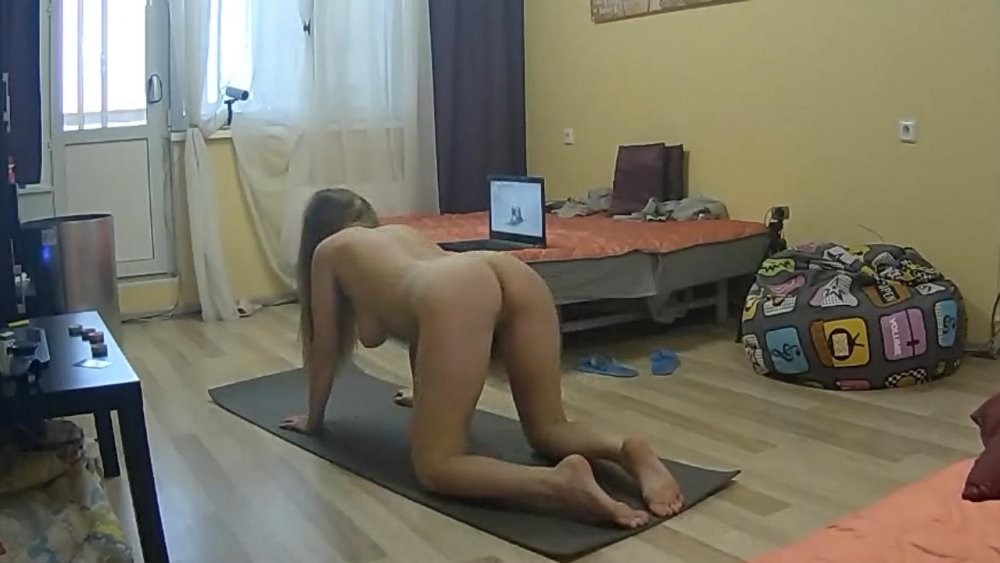
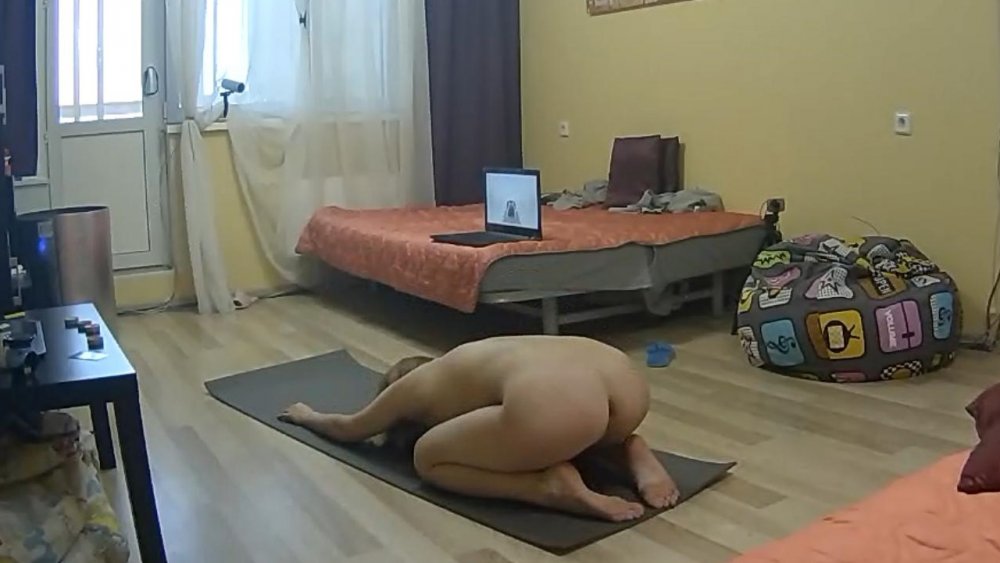
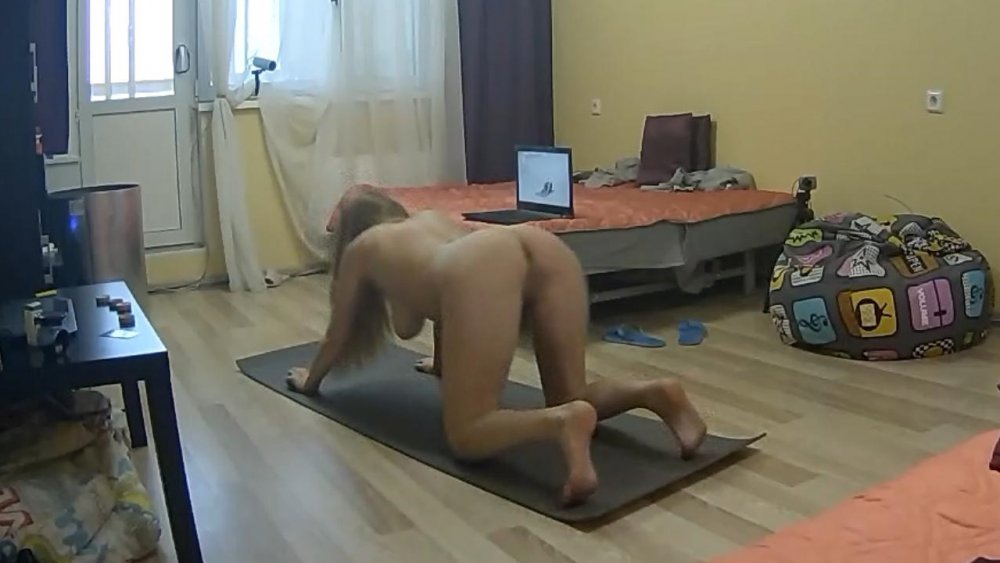
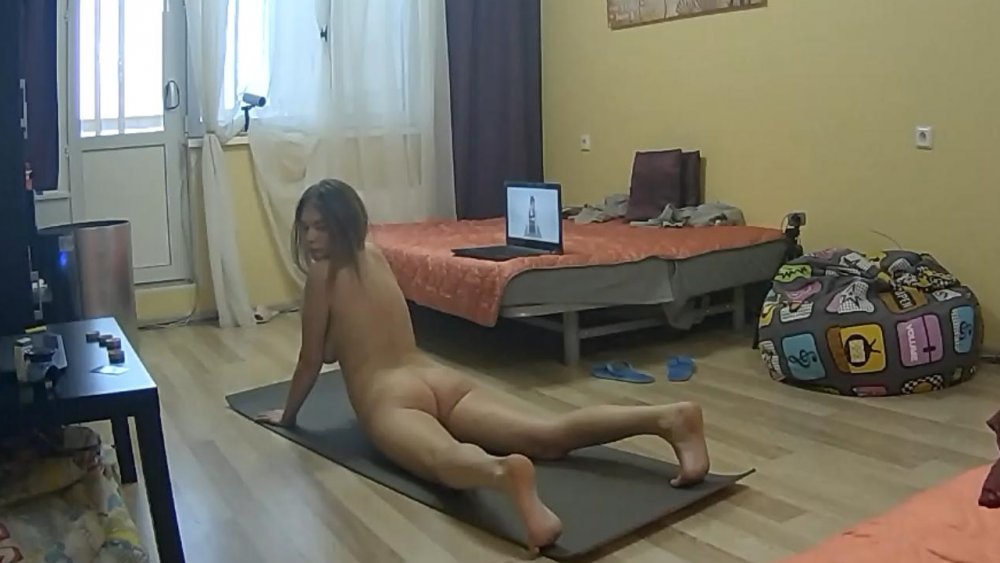
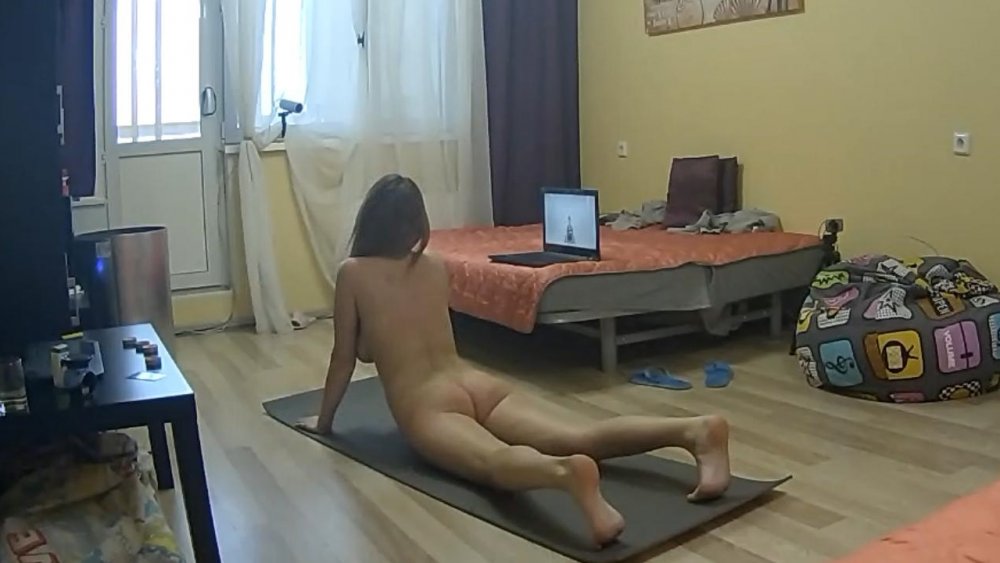
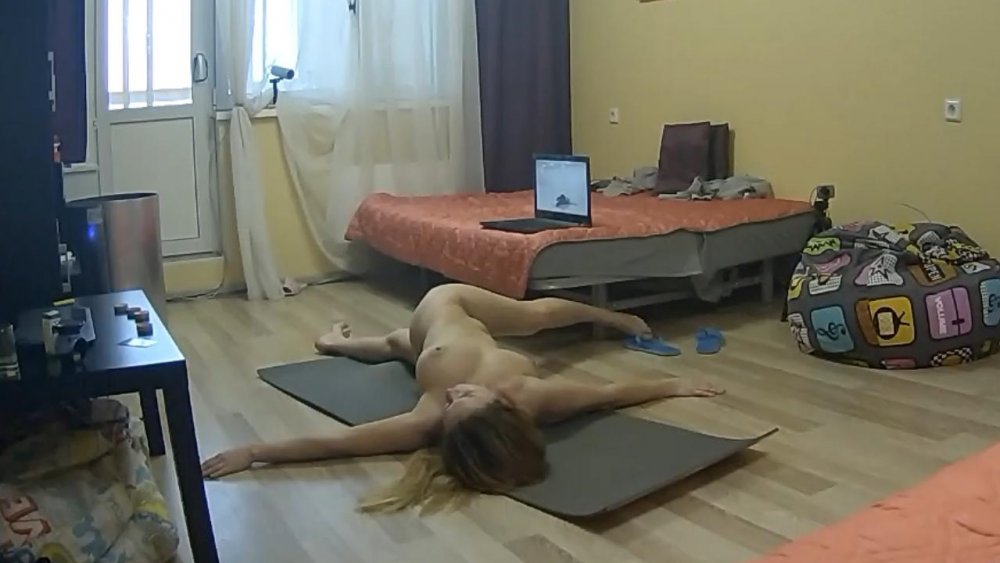
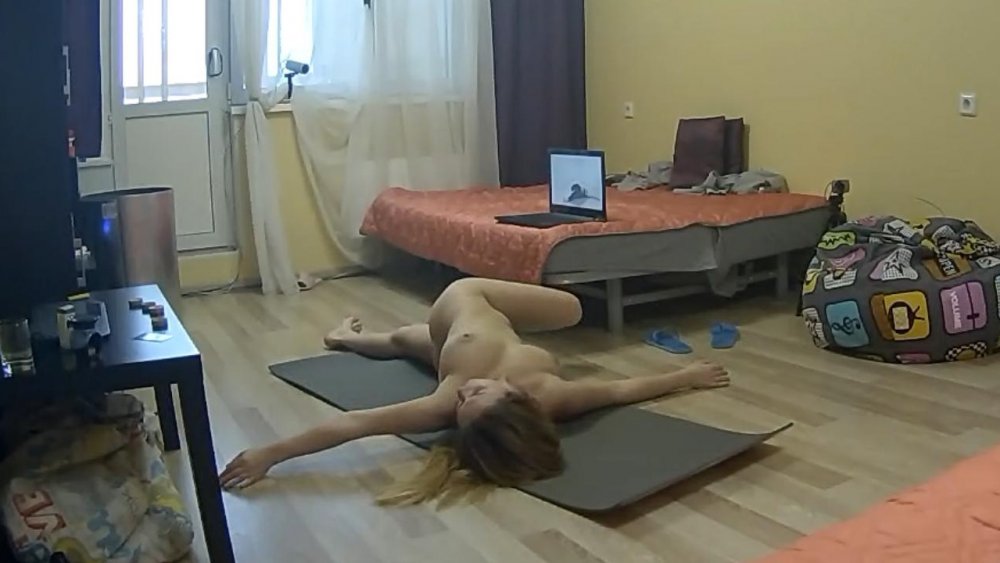
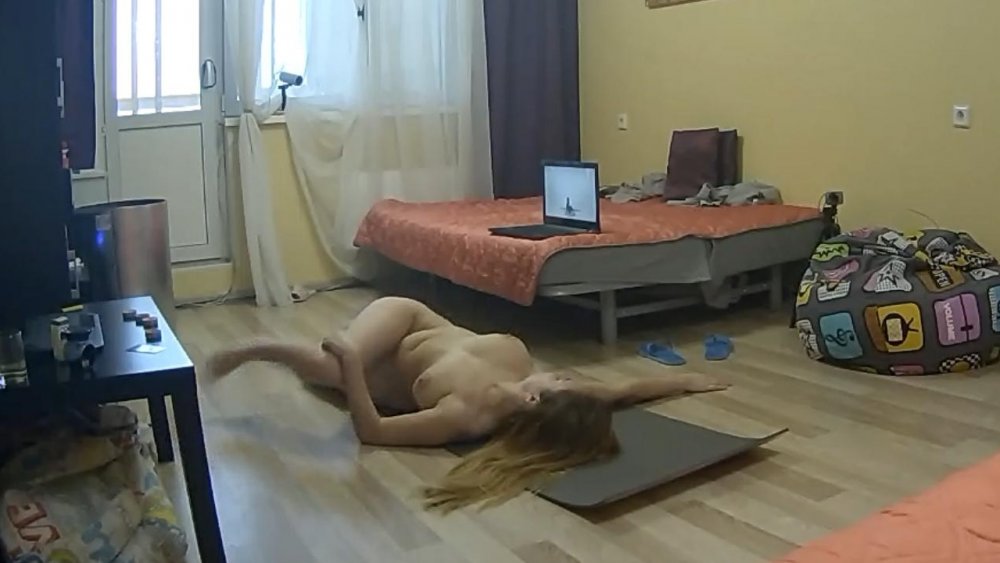
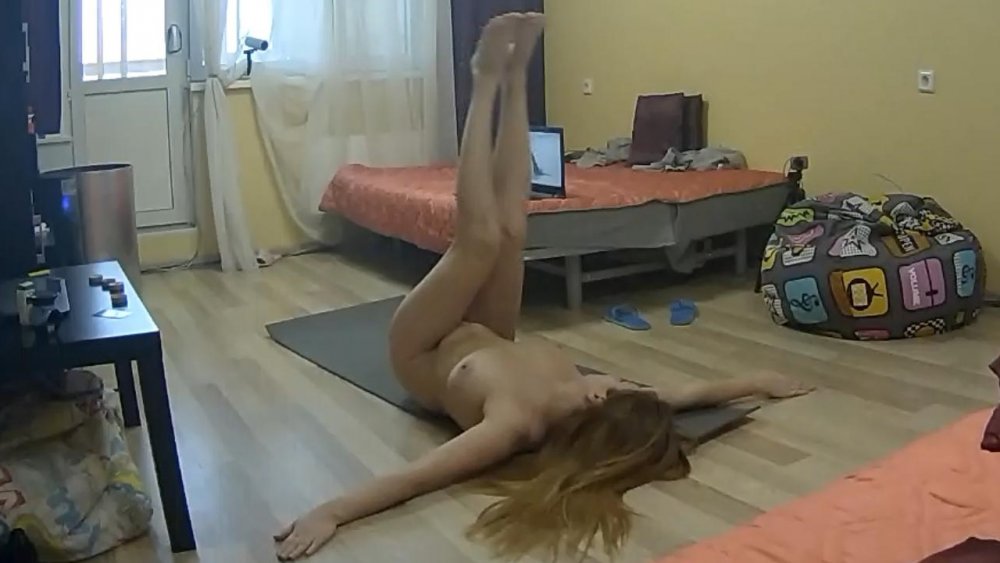
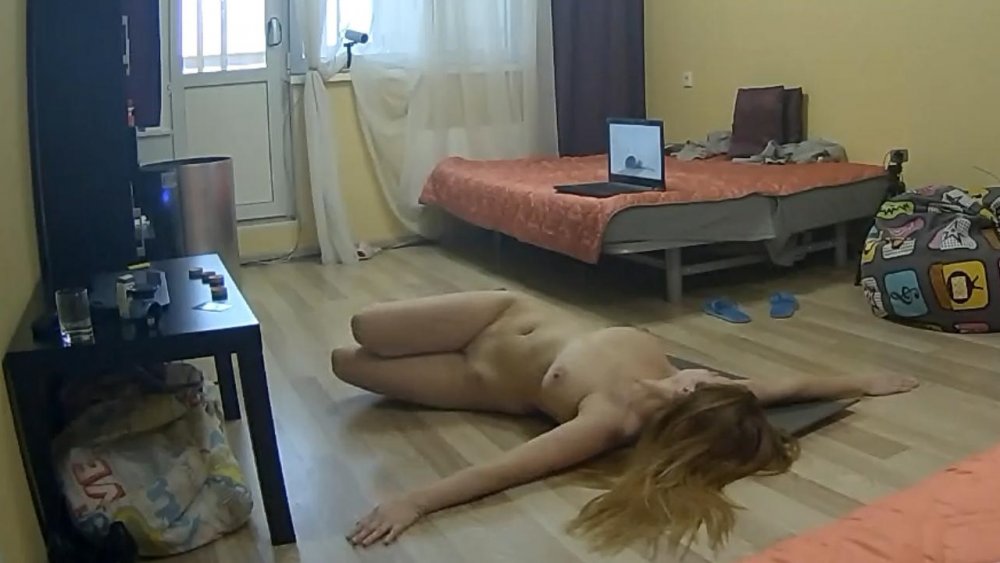
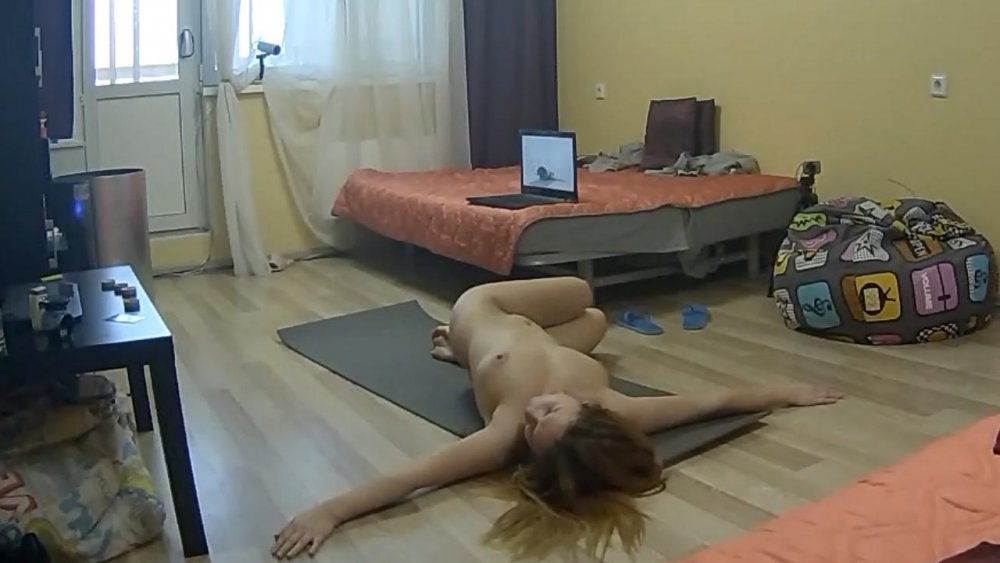
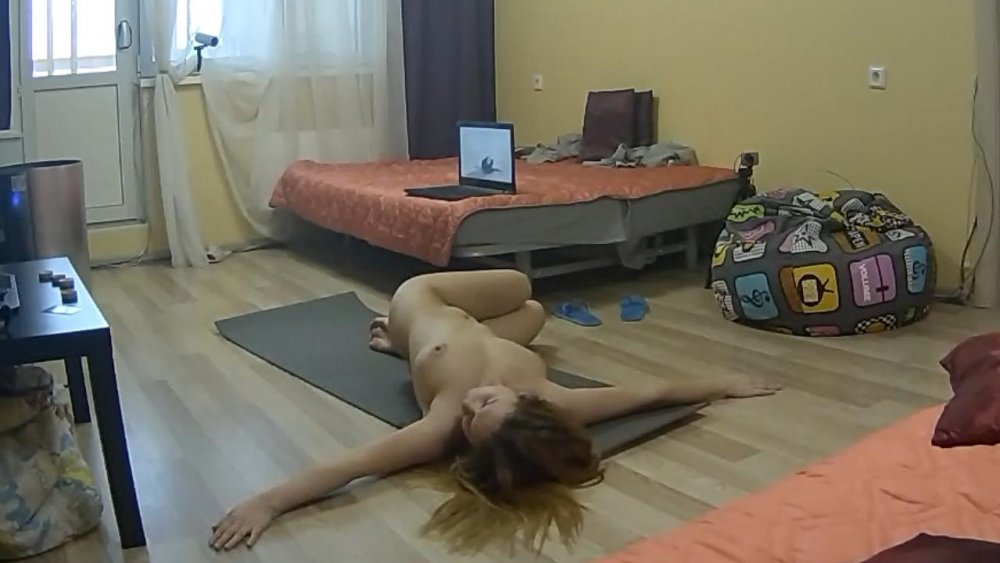
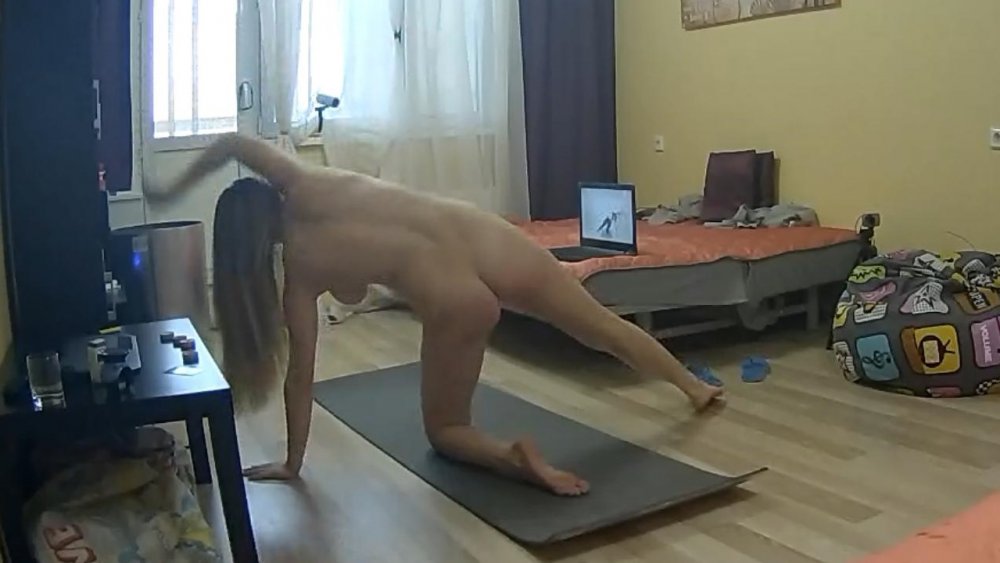
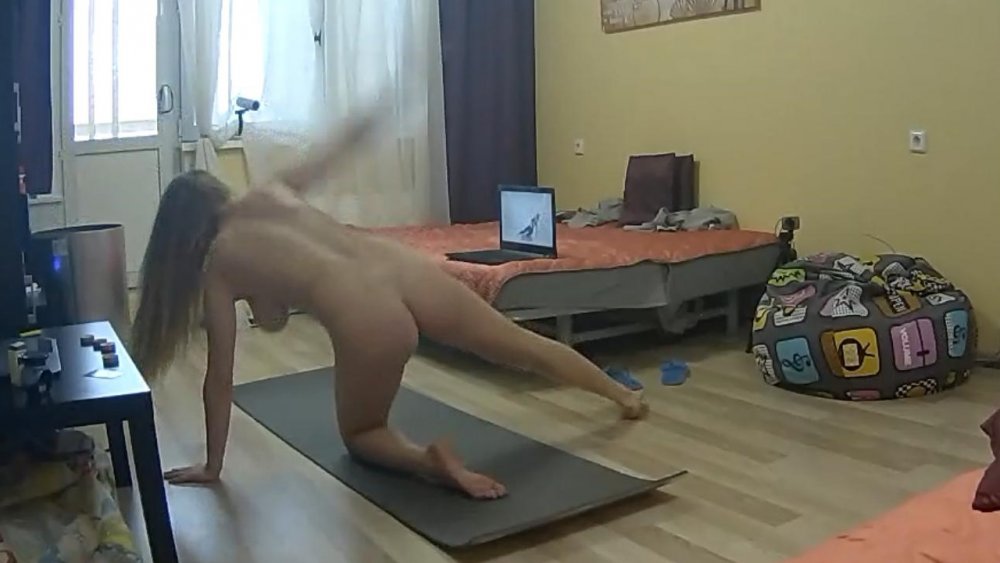
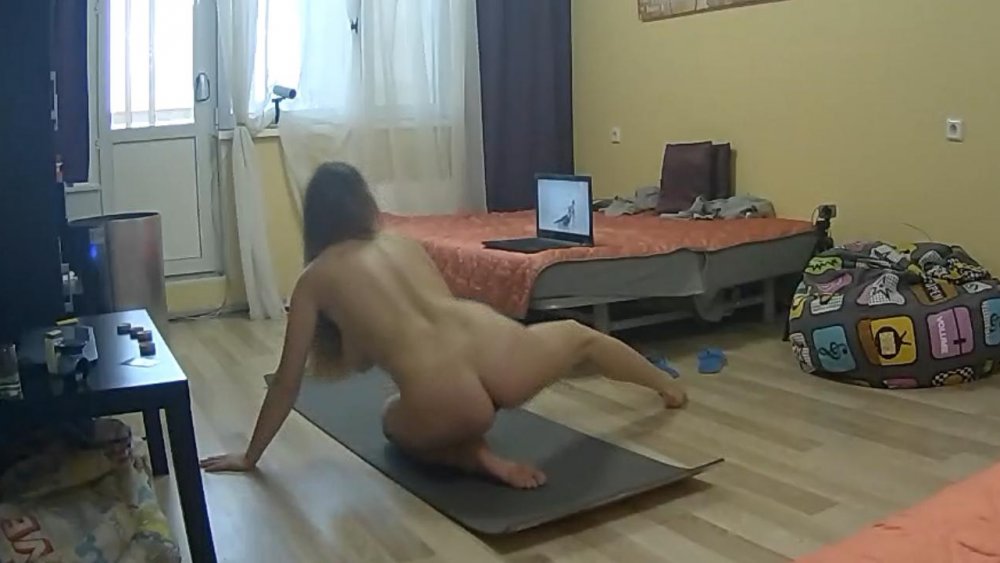
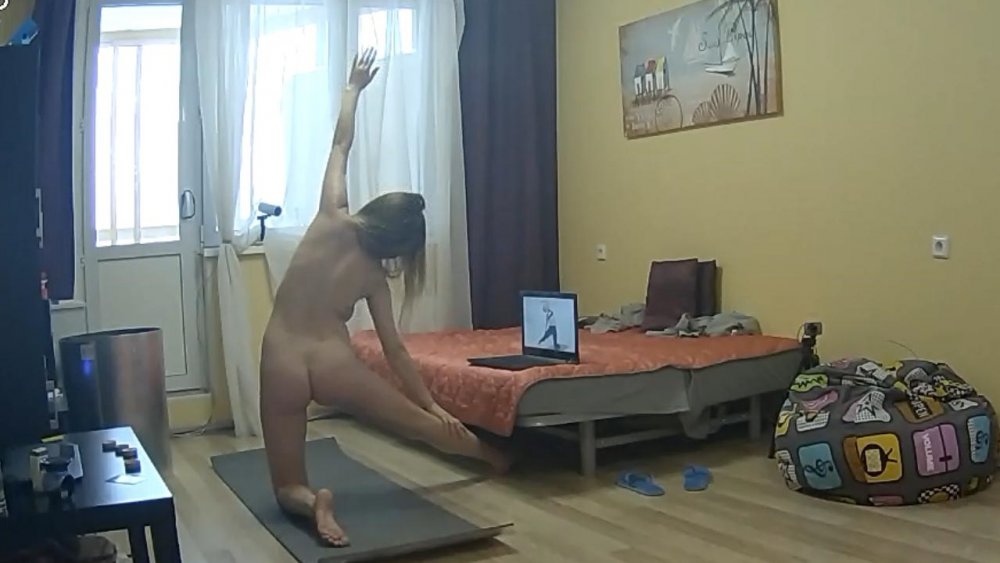
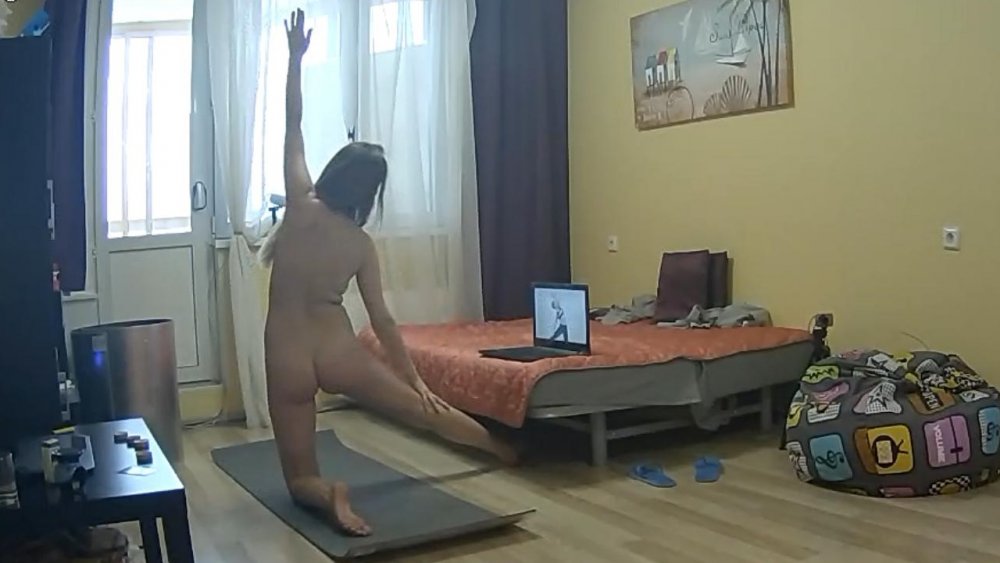
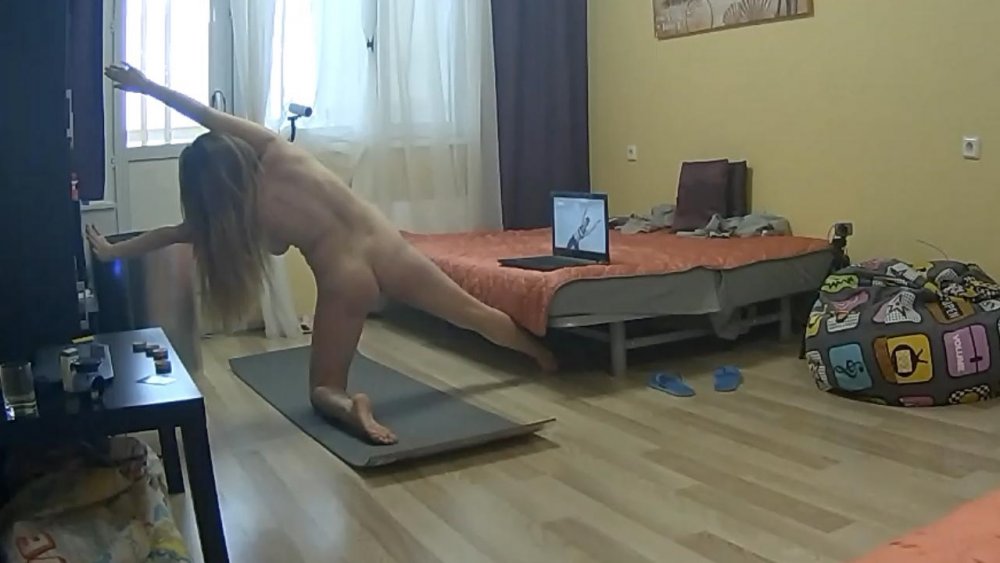
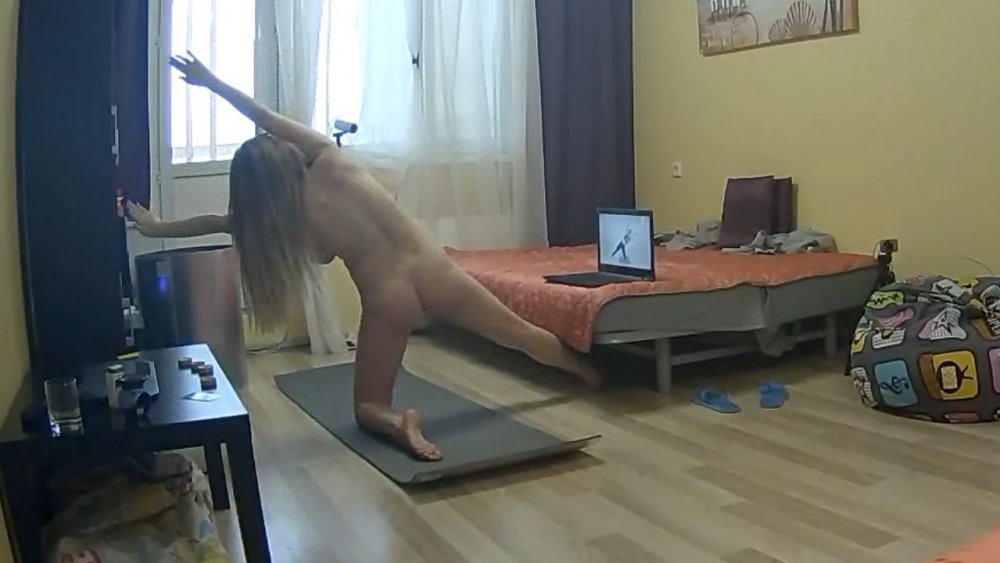
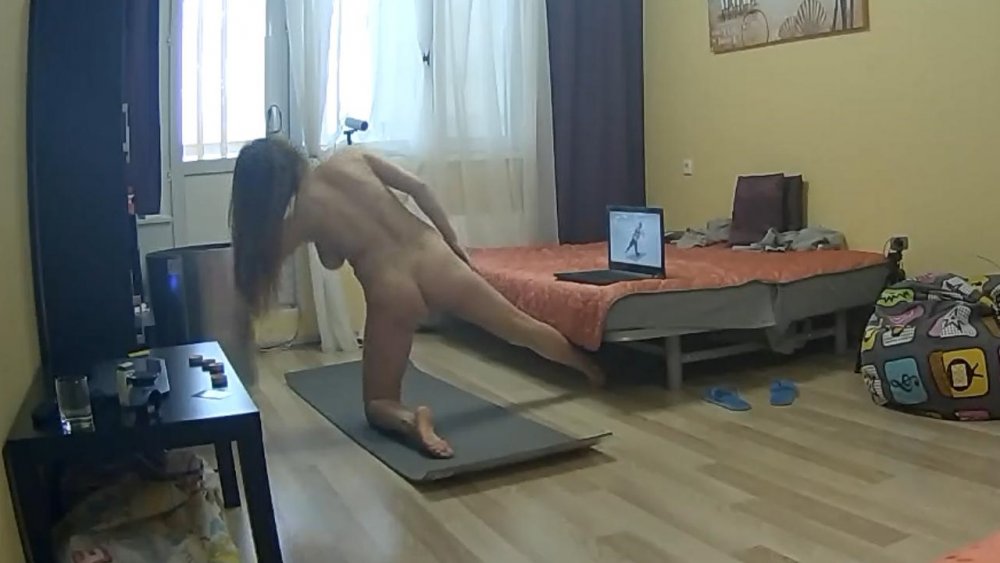
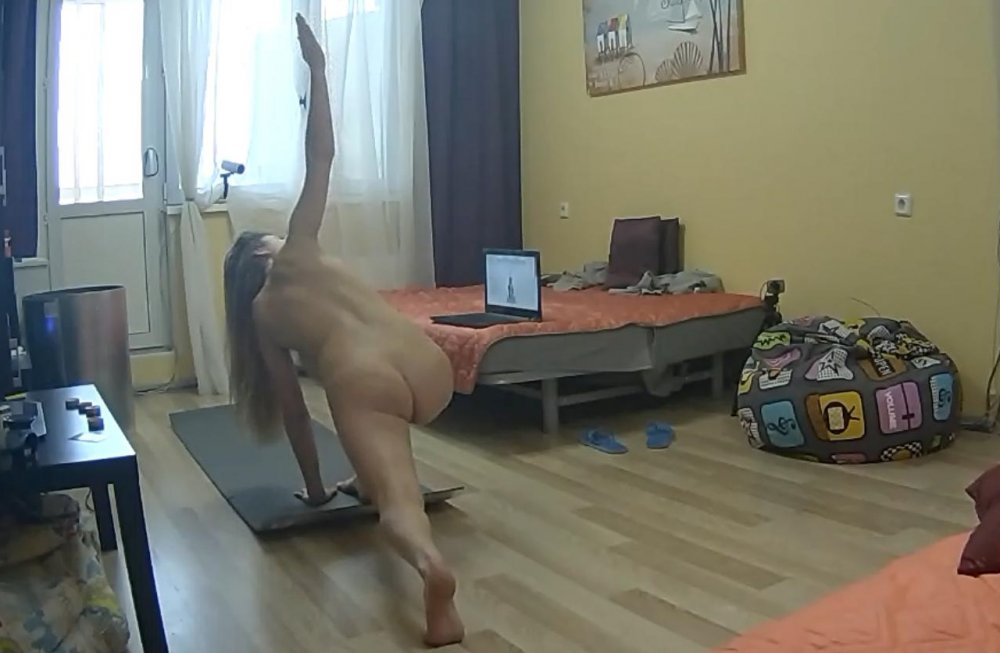
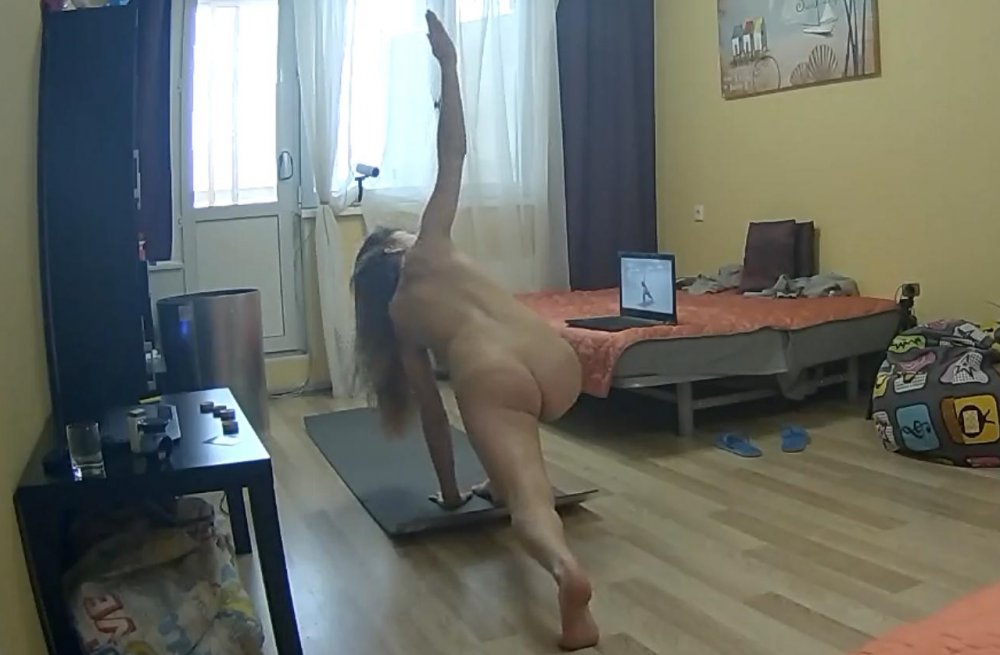
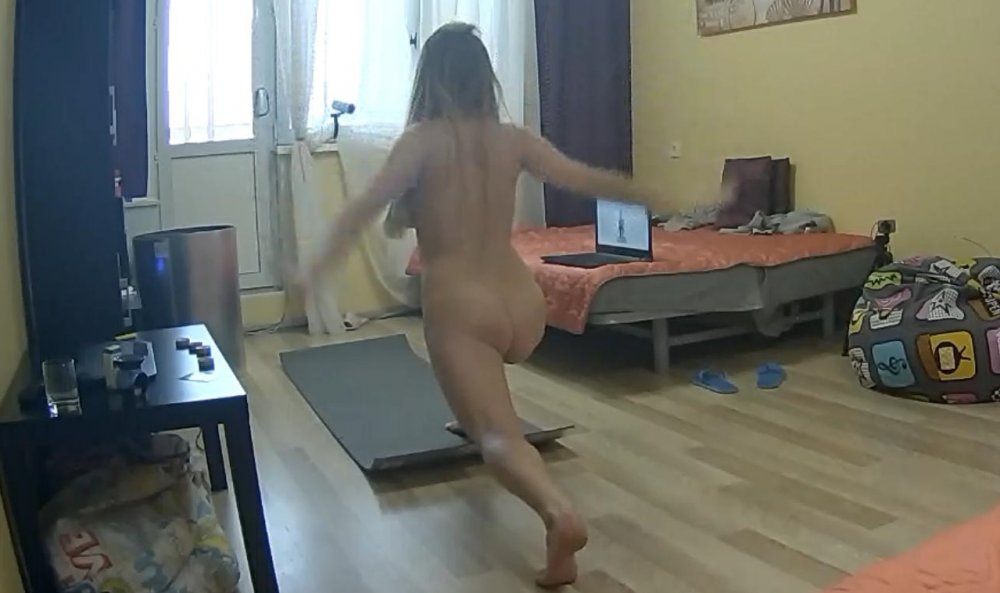
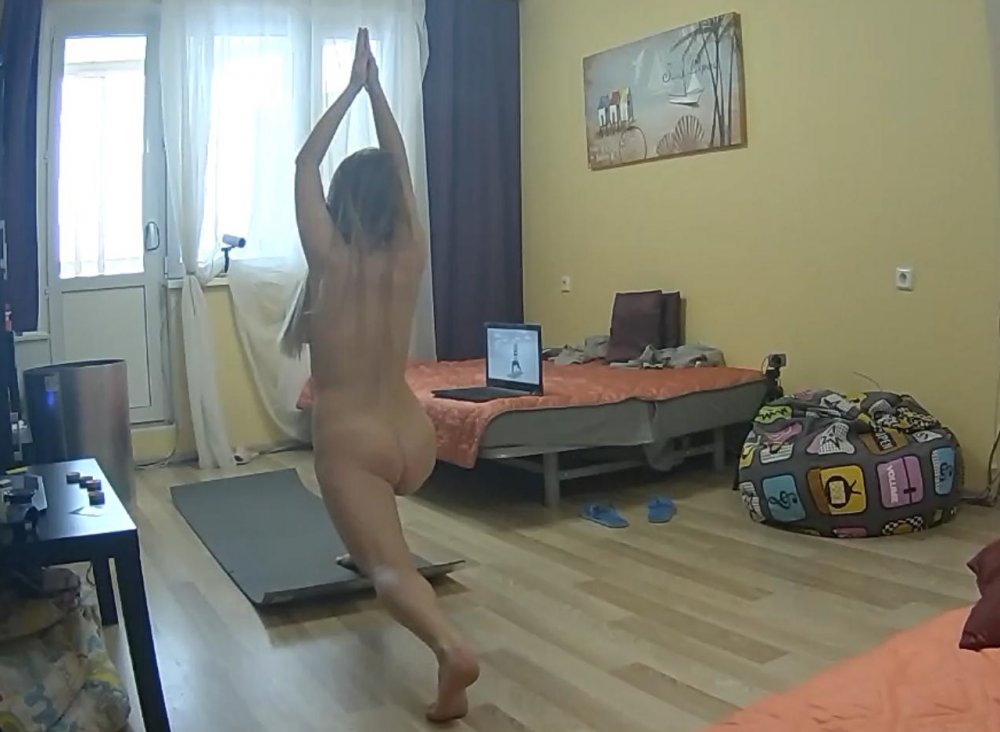
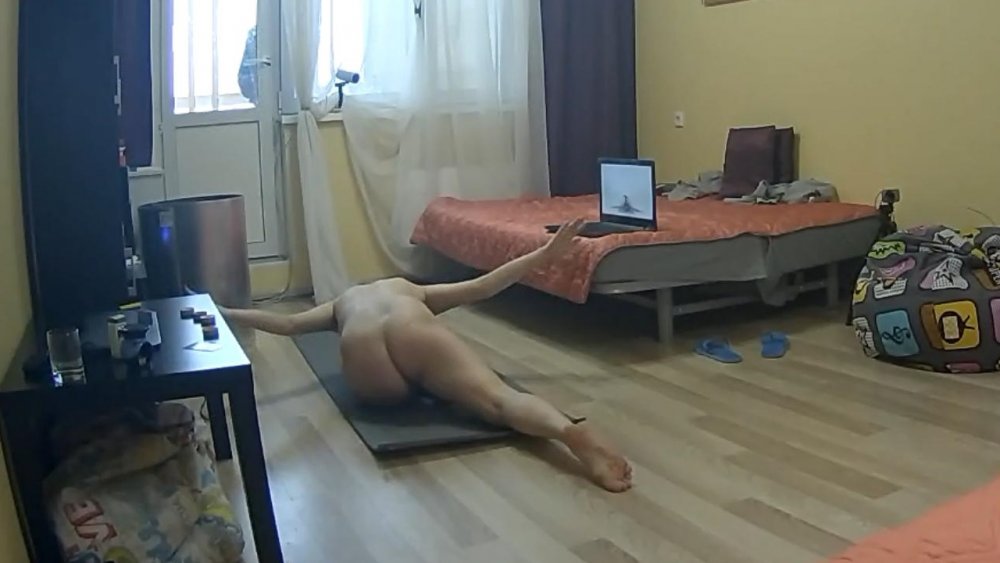
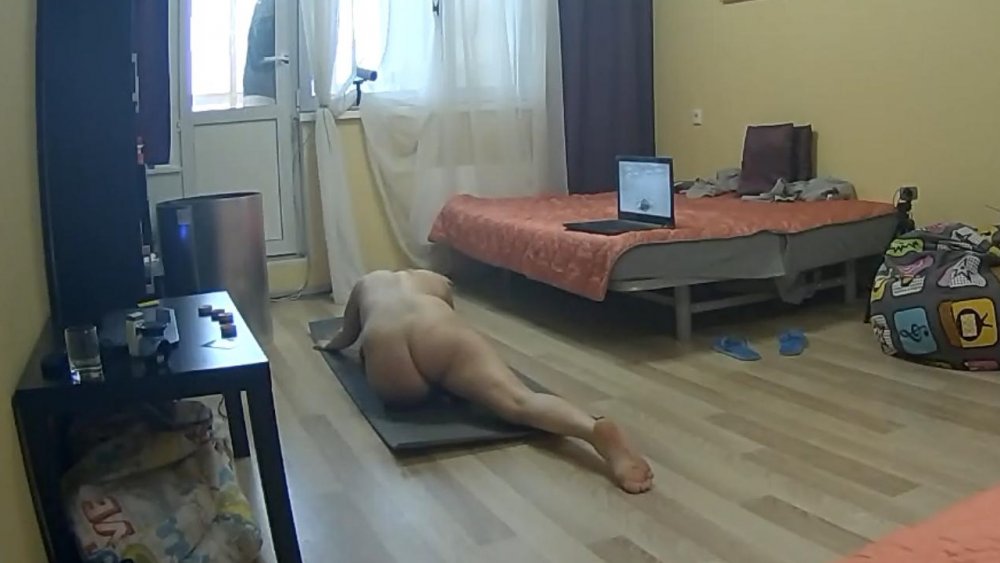
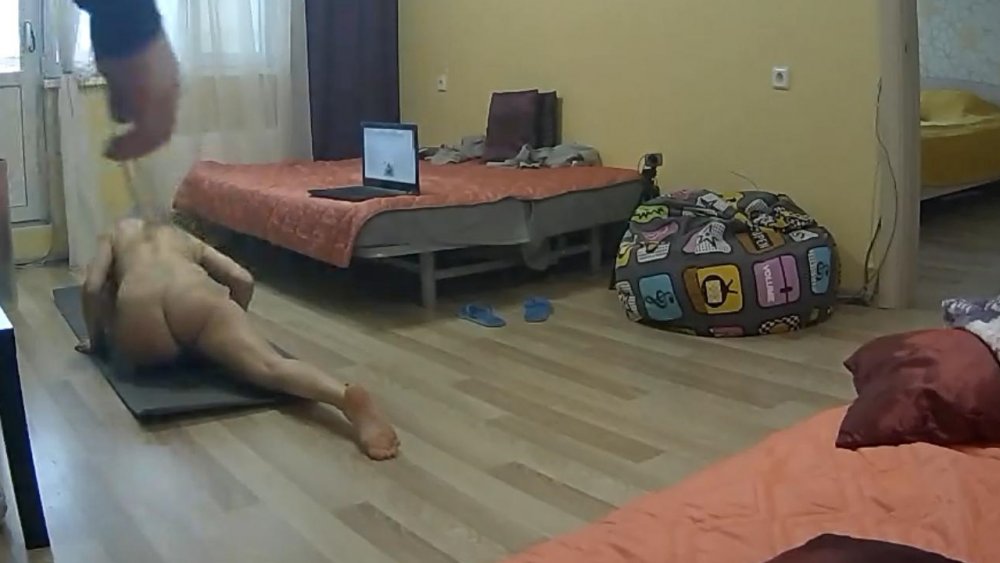
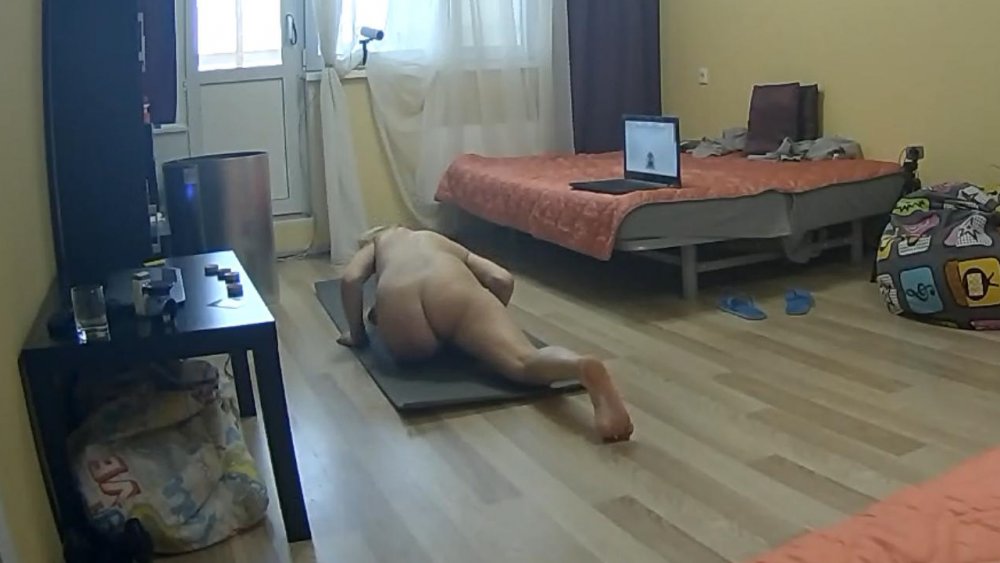
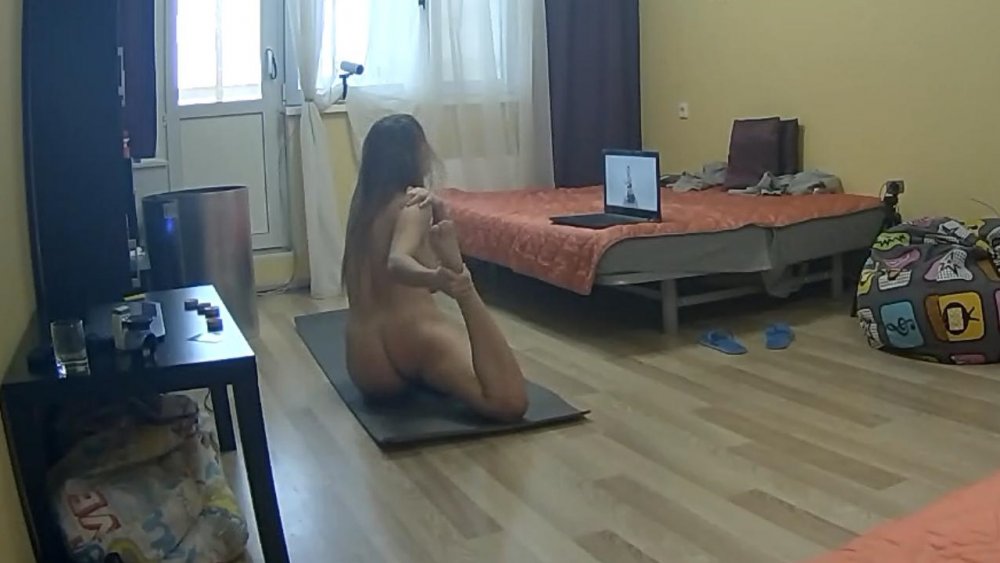
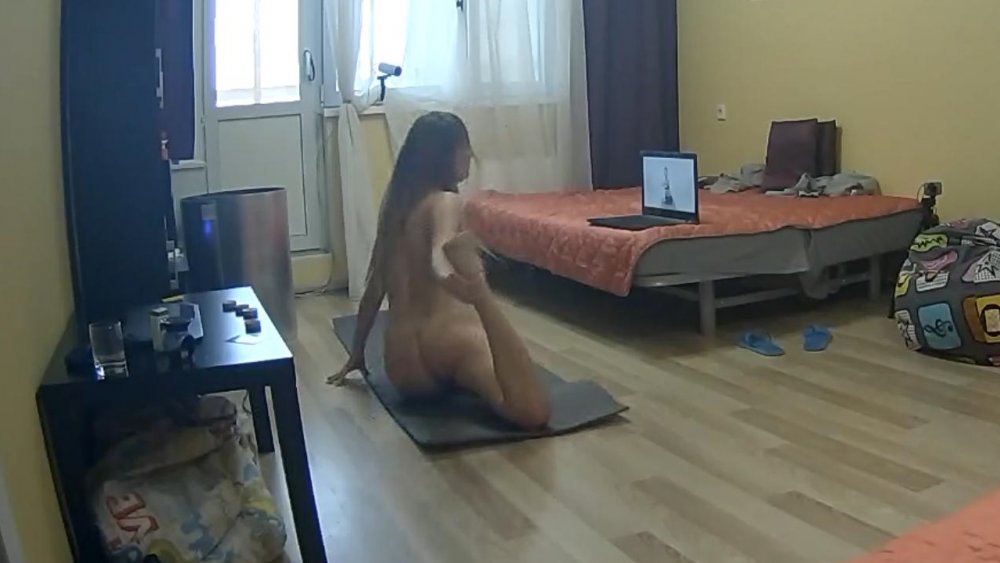
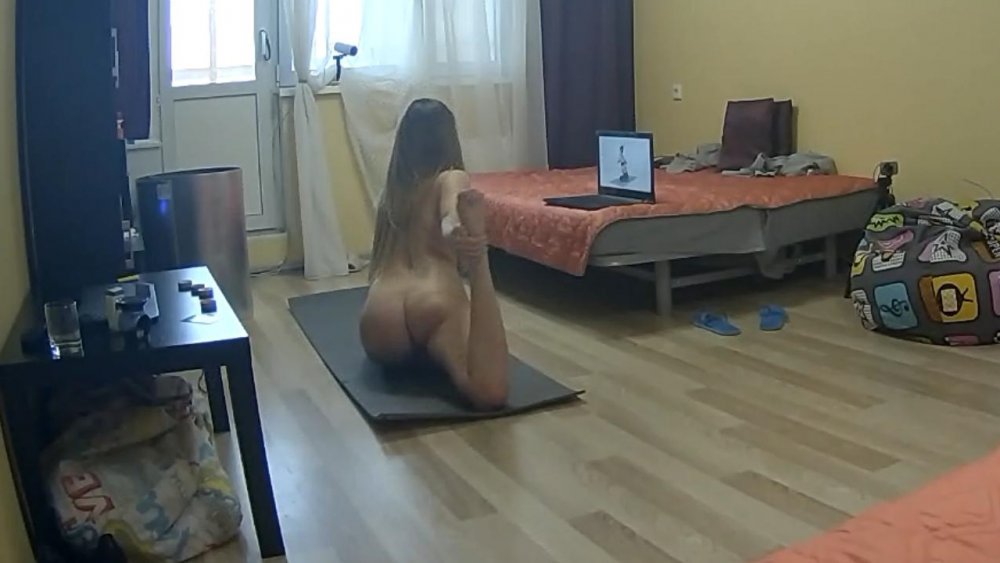
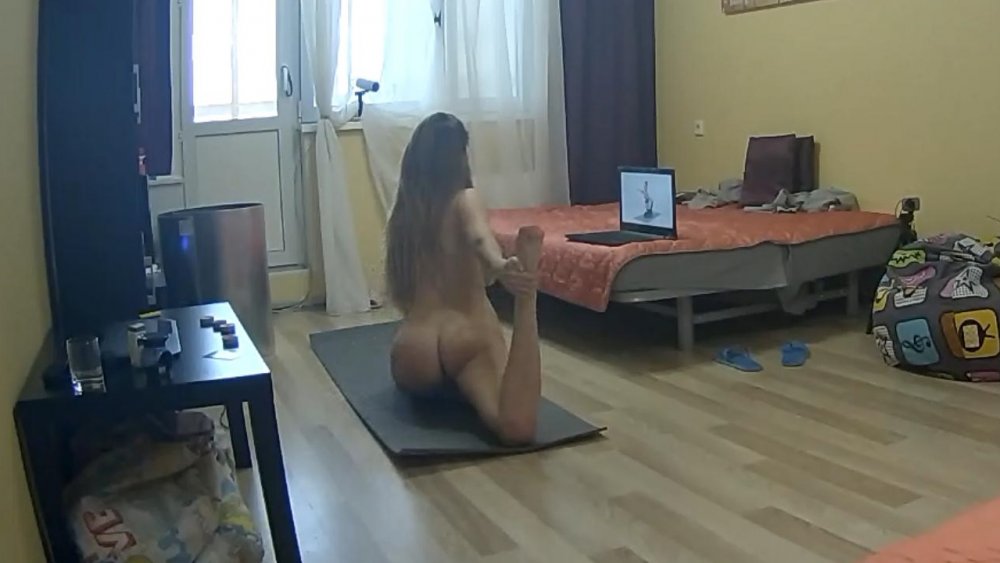
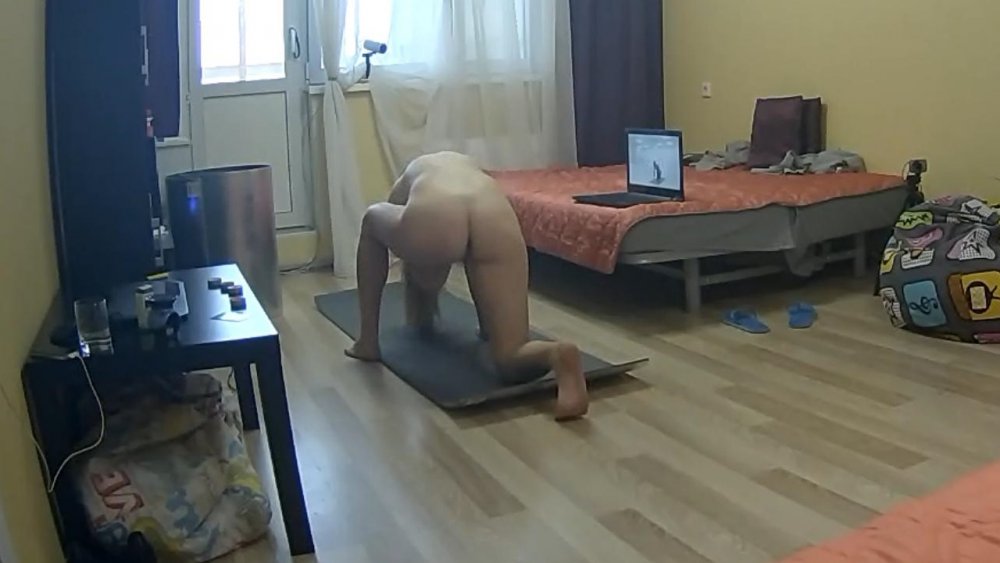
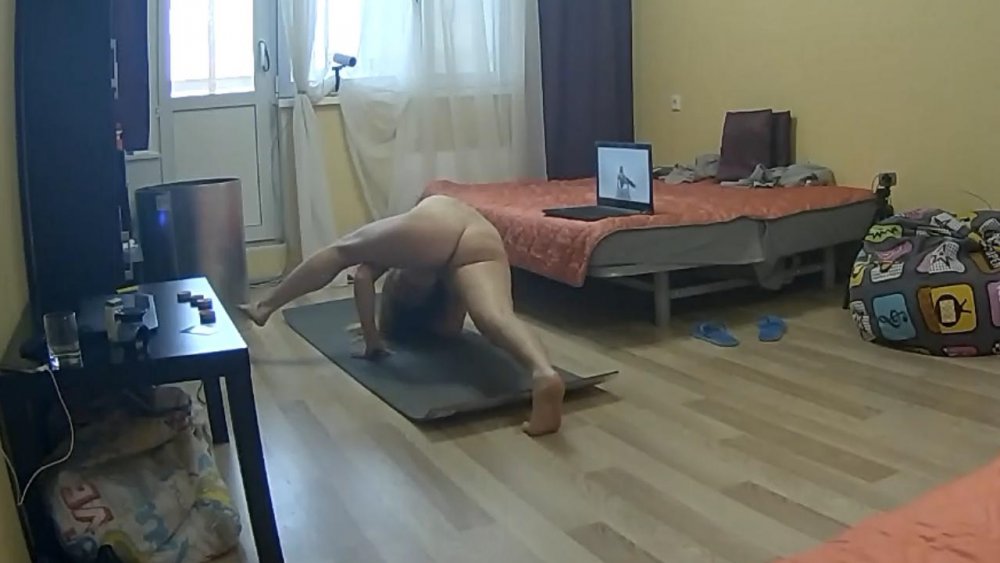
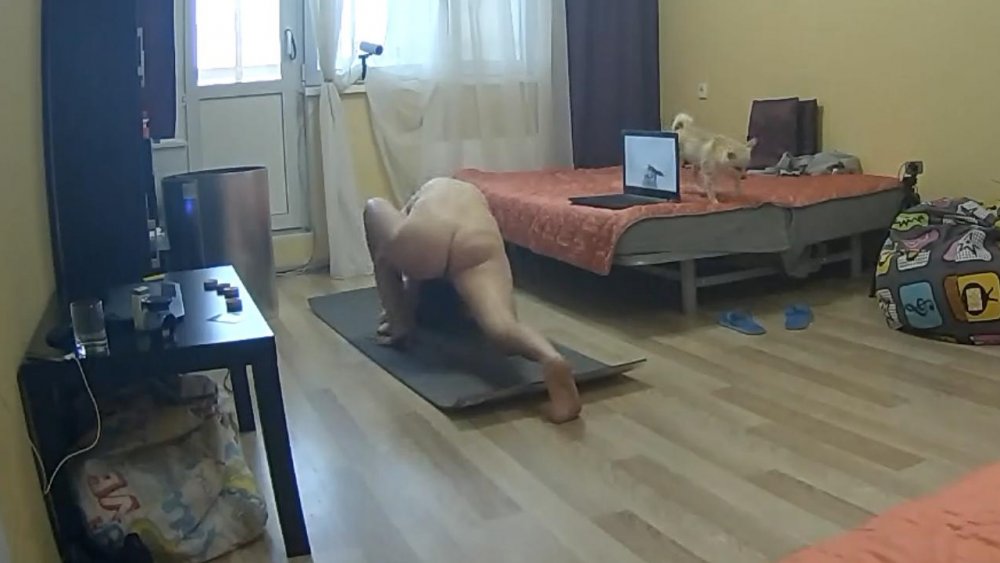
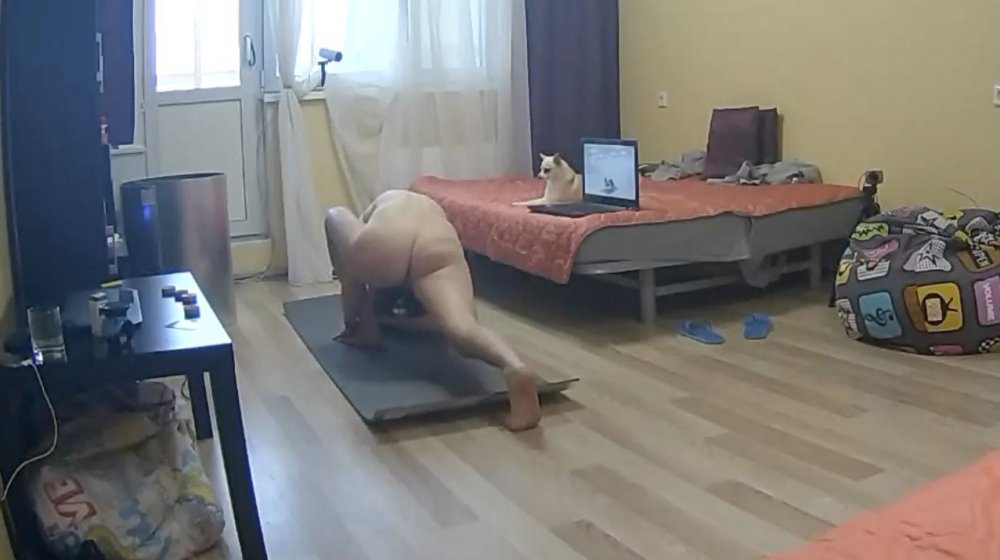
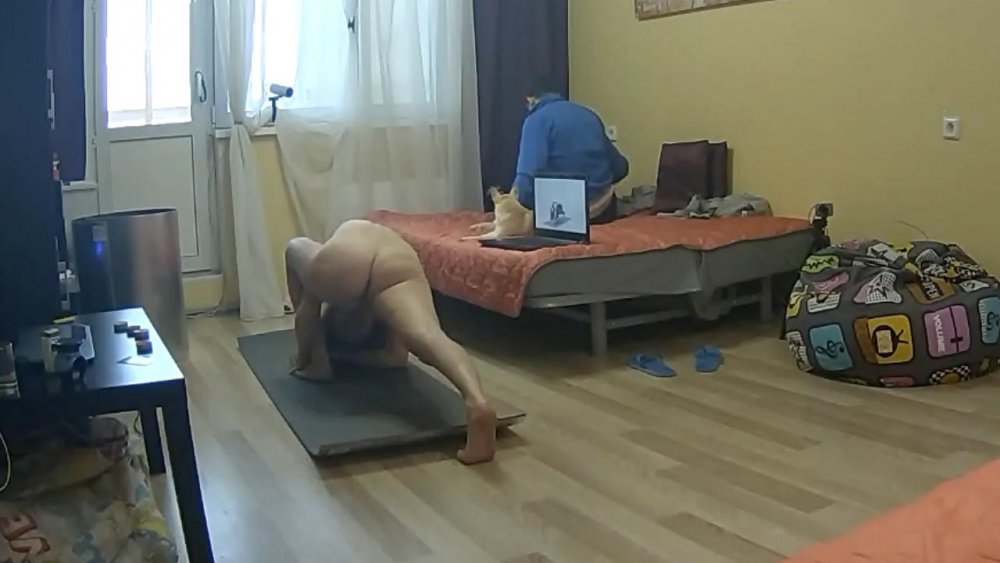
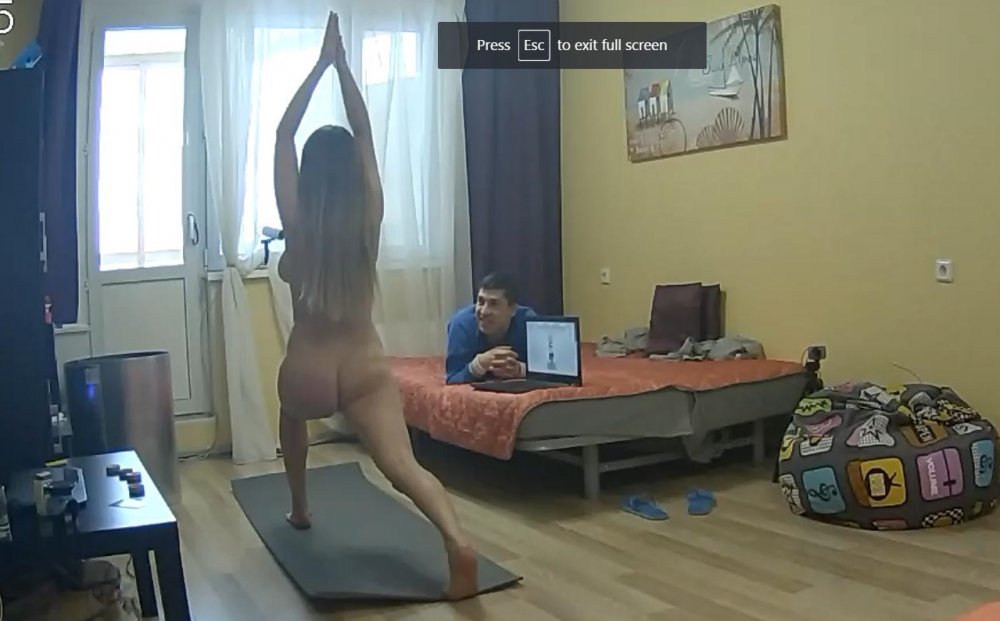
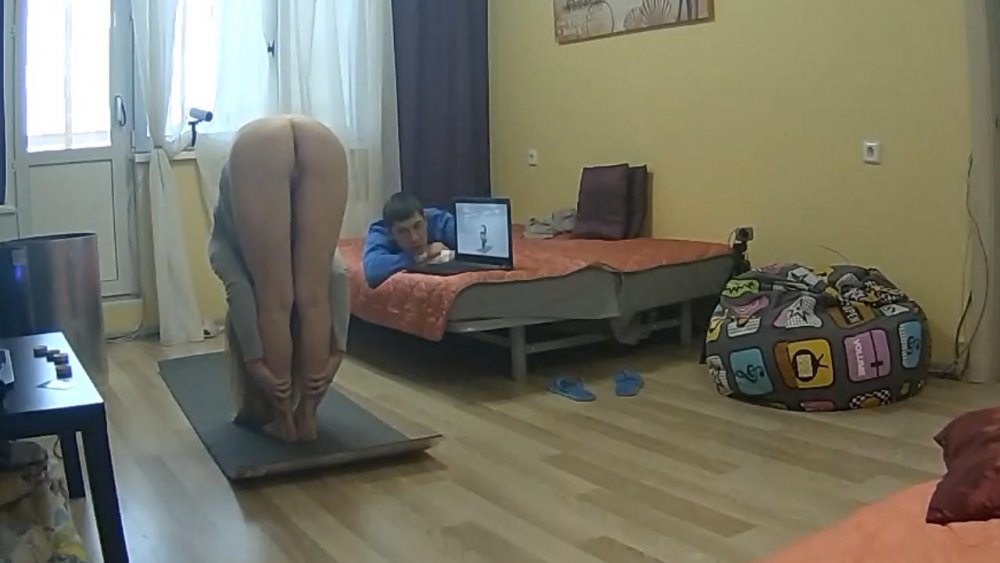
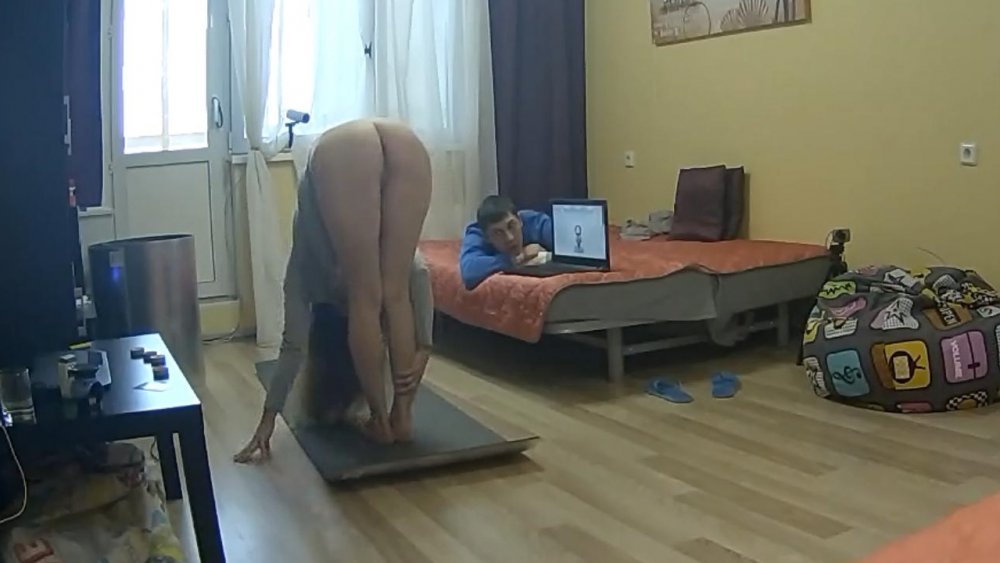
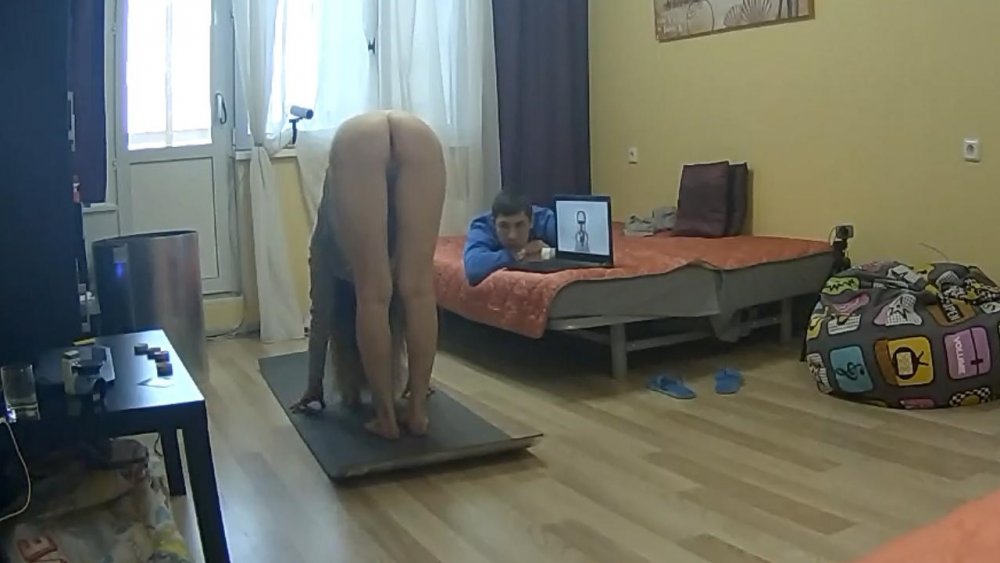
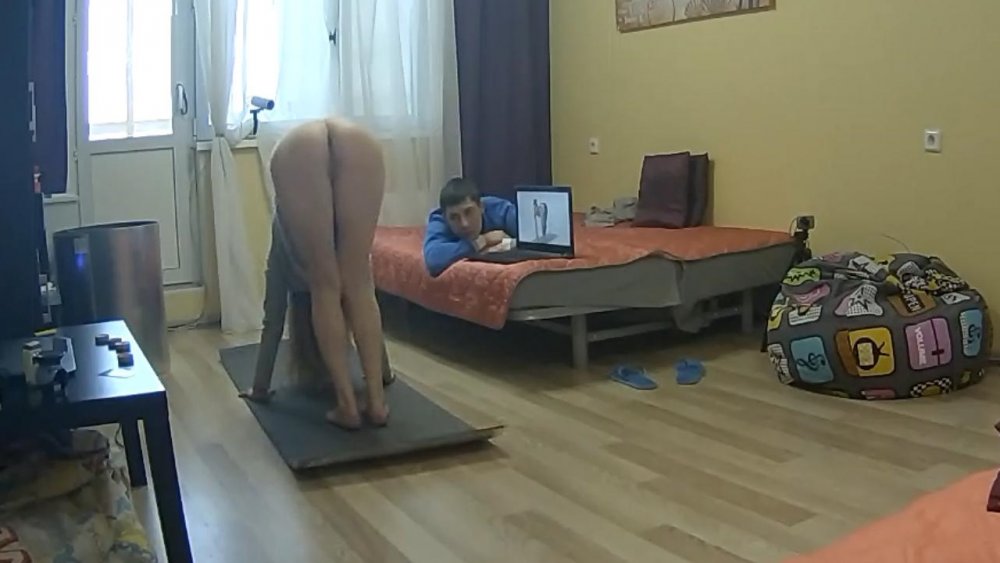
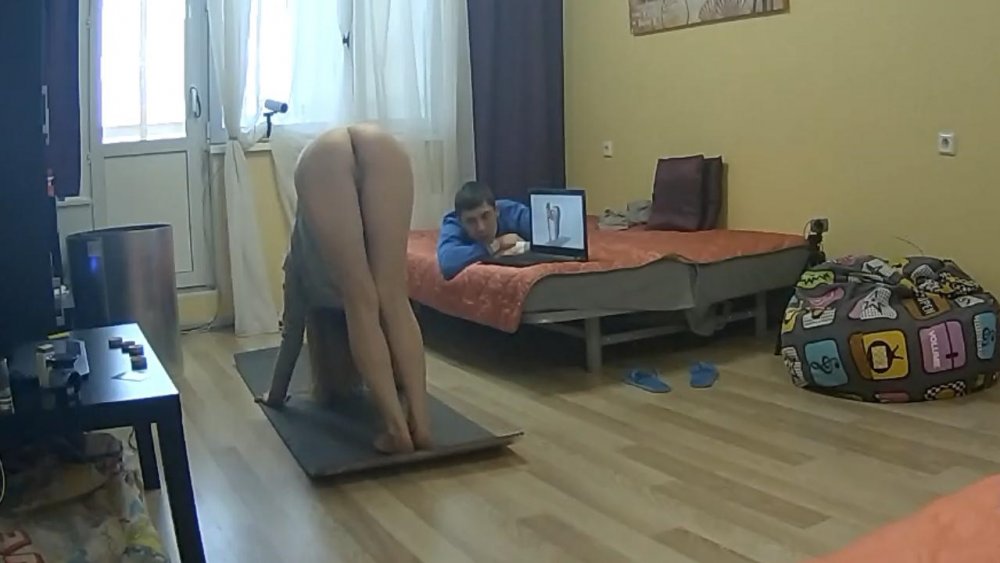
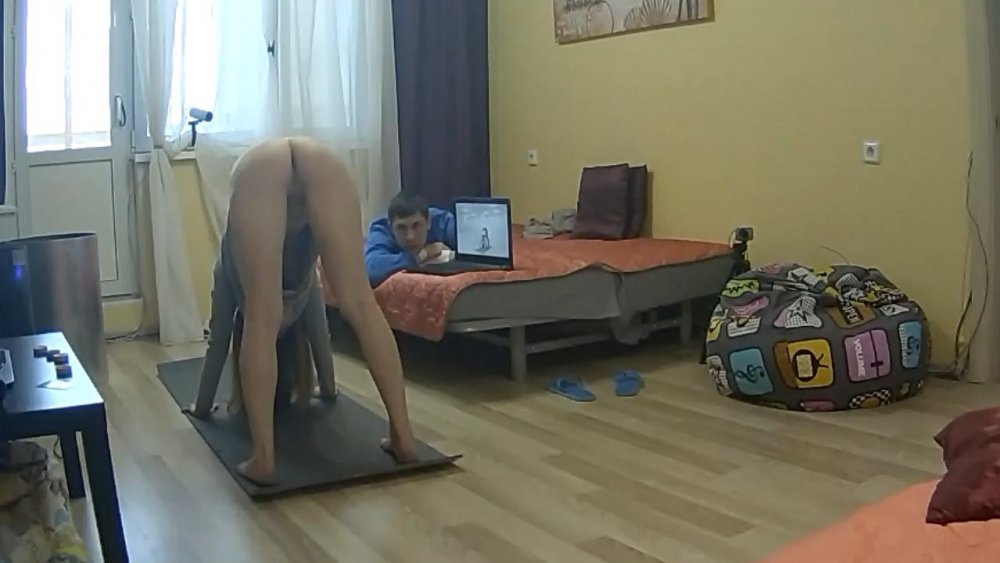
 what n what to do with those asses
 there is video of these but not sure how to get it to you
no competition we just enjoy a good set thrupney bits
best way to do housework,the only slight drawback is she still is not correctly dressed.naked is the apropiate atire
there is video of these but not sure how to get it to you
no competition we just enjoy a good set thrupney bits
best way to do housework,the only slight drawback is she still is not correctly dressed.naked is the apropiate atire
 indeed my type of woman.could invent some new positions just for that ass
Account
Navigation
Search
Configure browser push notifications
Chrome (Android)
- Tap the lock icon next to the address bar.
- Tap Permissions → Notifications.
- Adjust your preference.
Chrome (Desktop)
- Click the padlock icon in the address bar.
- Select Site settings.
- Find Notifications and adjust your preference.
Safari (iOS 16.4+)
- Ensure the site is installed via Add to Home Screen.
- Open Settings App → Notifications.
- Find your app name and adjust your preference.
Safari (macOS)
- Go to Safari → Preferences.
- Click the Websites tab.
- Select Notifications in the sidebar.
- Find this website and adjust your preference.
Edge (Android)
- Tap the lock icon next to the address bar.
- Tap Permissions.
- Find Notifications and adjust your preference.
Edge (Desktop)
- Click the padlock icon in the address bar.
- Click Permissions for this site.
- Find Notifications and adjust your preference.
Firefox (Android)
- Go to Settings → Site permissions.
- Tap Notifications.
- Find this site in the list and adjust your preference.
Firefox (Desktop)
- Open Firefox Settings.
- Search for Notifications.
- Find this site in the list and adjust your preference.