cyberleader
Hero Member
-
Joined
-
Last visited
Everything posted by cyberleader
-
 they will be picking this out for weeks bandicam 2021-11-14 16-22-34-283.mp4
 you misread what i was on about.nice to get this one of the ground meant there were no picture posts until i posted the first ones.
bandicam 2021-11-14 10-54-49-011.mp4
you misread what i was on about.nice to get this one of the ground meant there were no picture posts until i posted the first ones.
bandicam 2021-11-14 10-54-49-011.mp4
 bandicam 2021-11-14 10-48-57-106.mp4
bandicam 2021-11-14 09-46-51-953.mp4
bandicam 2021-11-14 10-48-57-106.mp4
bandicam 2021-11-14 09-46-51-953.mp4
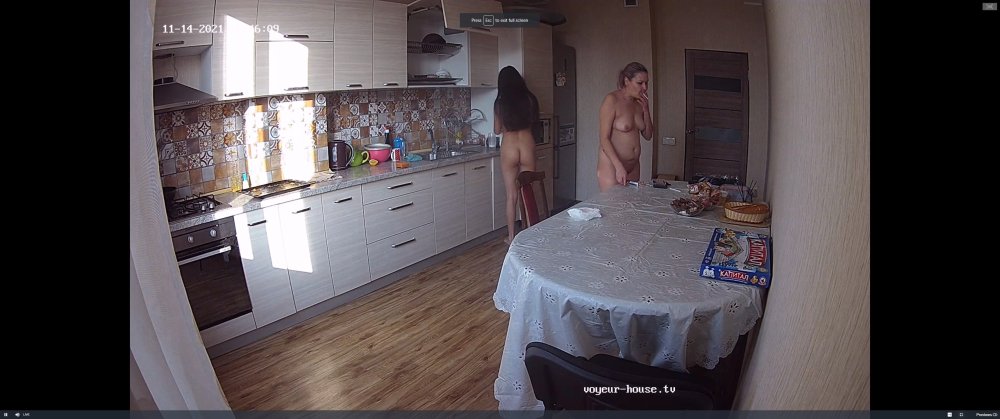
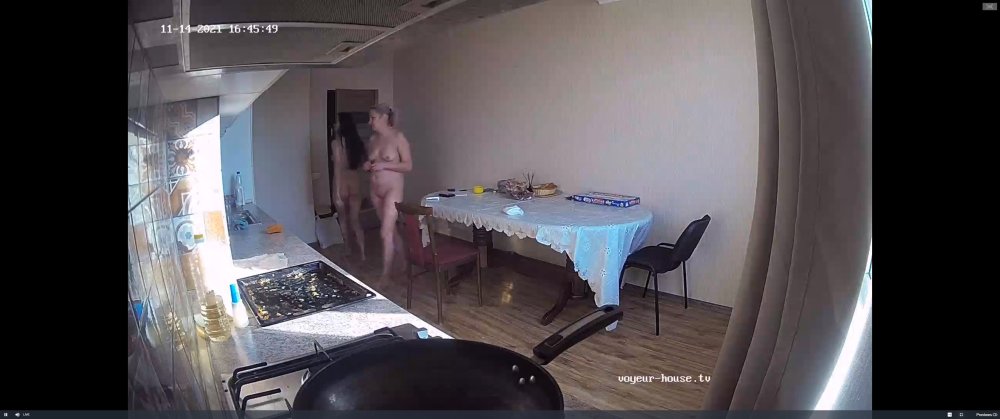
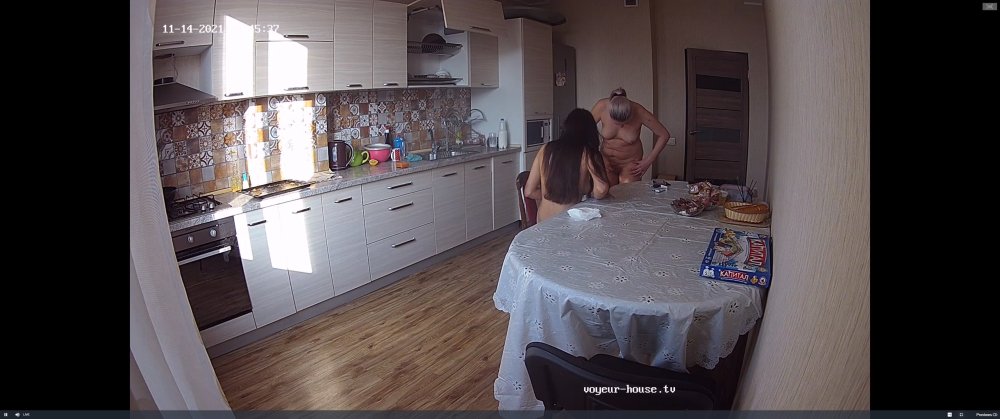 boobs and more boobs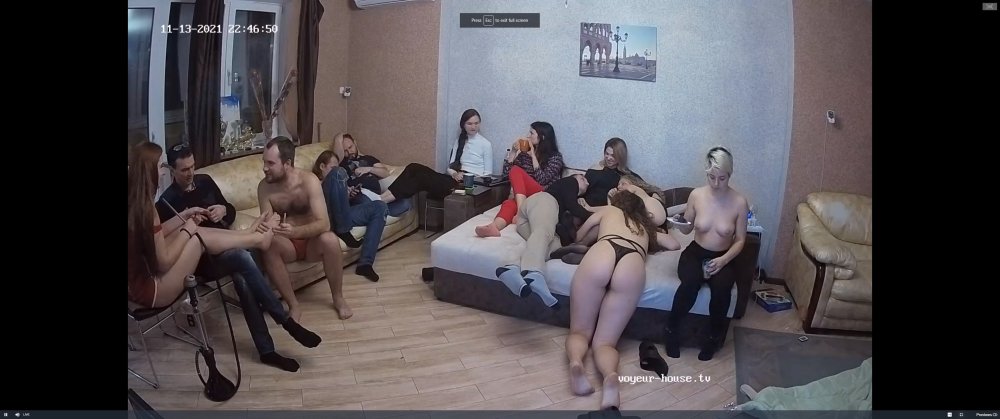
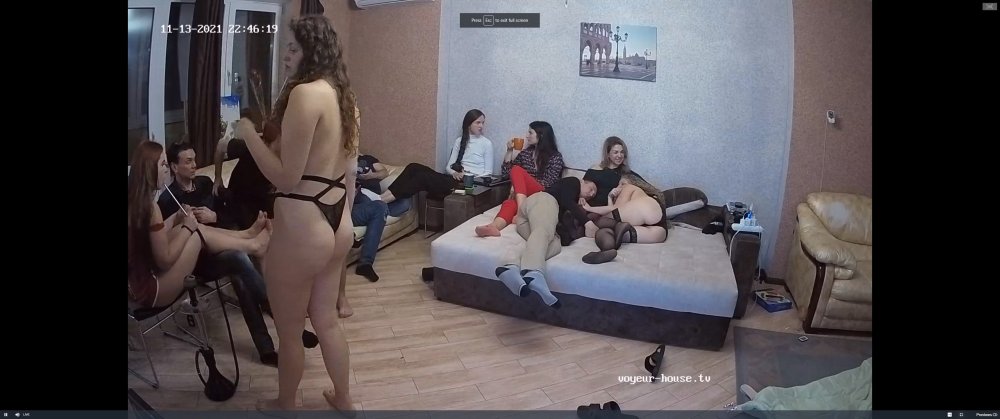
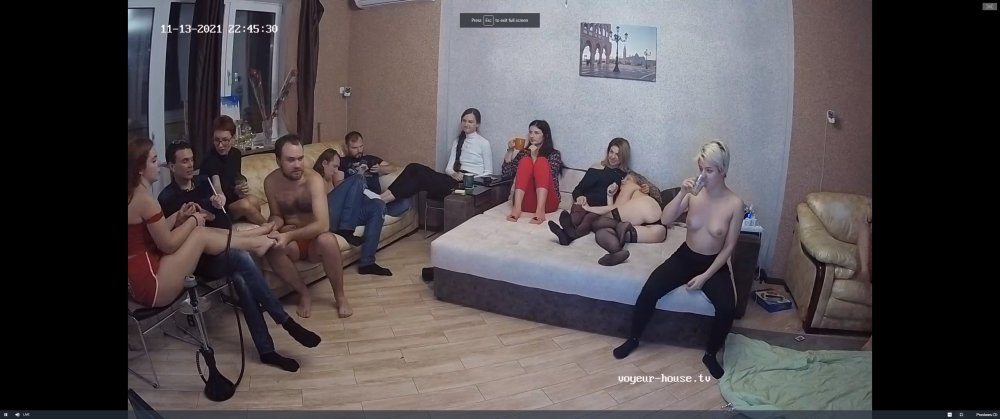
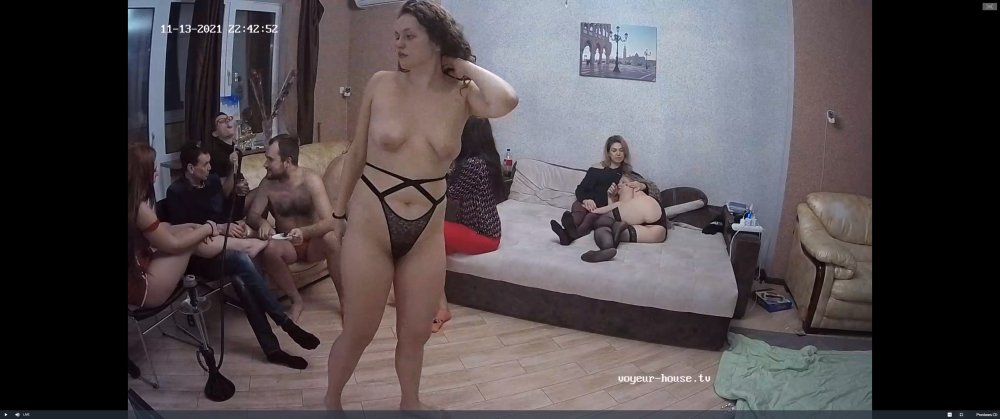 please be gentle bandicam 2021-11-13 17-24-36-753.mp4
naked bottom probing taking place ,,youch bandicam 2021-11-13 17-21-30-827.mp4
grease, gloves and bare arse,only means some probing is being done
please be gentle bandicam 2021-11-13 17-24-36-753.mp4
naked bottom probing taking place ,,youch bandicam 2021-11-13 17-21-30-827.mp4
grease, gloves and bare arse,only means some probing is being done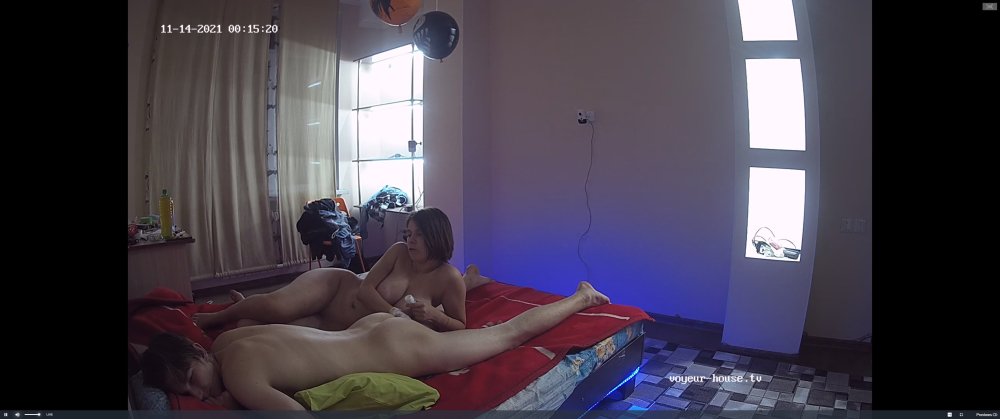
 bandicam 2021-11-13 15-57-31-466.mp4

 bandicam 2021-11-13 15-53-39-719.mp4 bandicam 2021-11-13 15-52-45-605.mp4

 its not just him it was a joint phonecall as she was on the phone first
someone remind him she is not a balloon,she already has two big balloons and i am sure they dont need blowing up anymore
its not just him it was a joint phonecall as she was on the phone first
someone remind him she is not a balloon,she already has two big balloons and i am sure they dont need blowing up anymore
Account
Navigation
Search
Configure browser push notifications
Chrome (Android)
- Tap the lock icon next to the address bar.
- Tap Permissions → Notifications.
- Adjust your preference.
Chrome (Desktop)
- Click the padlock icon in the address bar.
- Select Site settings.
- Find Notifications and adjust your preference.
Safari (iOS 16.4+)
- Ensure the site is installed via Add to Home Screen.
- Open Settings App → Notifications.
- Find your app name and adjust your preference.
Safari (macOS)
- Go to Safari → Preferences.
- Click the Websites tab.
- Select Notifications in the sidebar.
- Find this website and adjust your preference.
Edge (Android)
- Tap the lock icon next to the address bar.
- Tap Permissions.
- Find Notifications and adjust your preference.
Edge (Desktop)
- Click the padlock icon in the address bar.
- Click Permissions for this site.
- Find Notifications and adjust your preference.
Firefox (Android)
- Go to Settings → Site permissions.
- Tap Notifications.
- Find this site in the list and adjust your preference.
Firefox (Desktop)
- Open Firefox Settings.
- Search for Notifications.
- Find this site in the list and adjust your preference.