



Scorpio 2.2
Hero Member
-
Joined
Everything posted by Scorpio 2.2
-
 Could be worse. Could be hanging around with the "Classy" drunks. 🤣
😂
What a "party" lol. Full of herself Ariana and Amy. Goal in life to be a "prostitute" lol. Sounds like Saturday night on ReturnLifeCam really took off. 😂
Pussy tower. 😂
Could be worse. Could be hanging around with the "Classy" drunks. 🤣
😂
What a "party" lol. Full of herself Ariana and Amy. Goal in life to be a "prostitute" lol. Sounds like Saturday night on ReturnLifeCam really took off. 😂
Pussy tower. 😂 Explains a lot. Owner counting his money. 😂
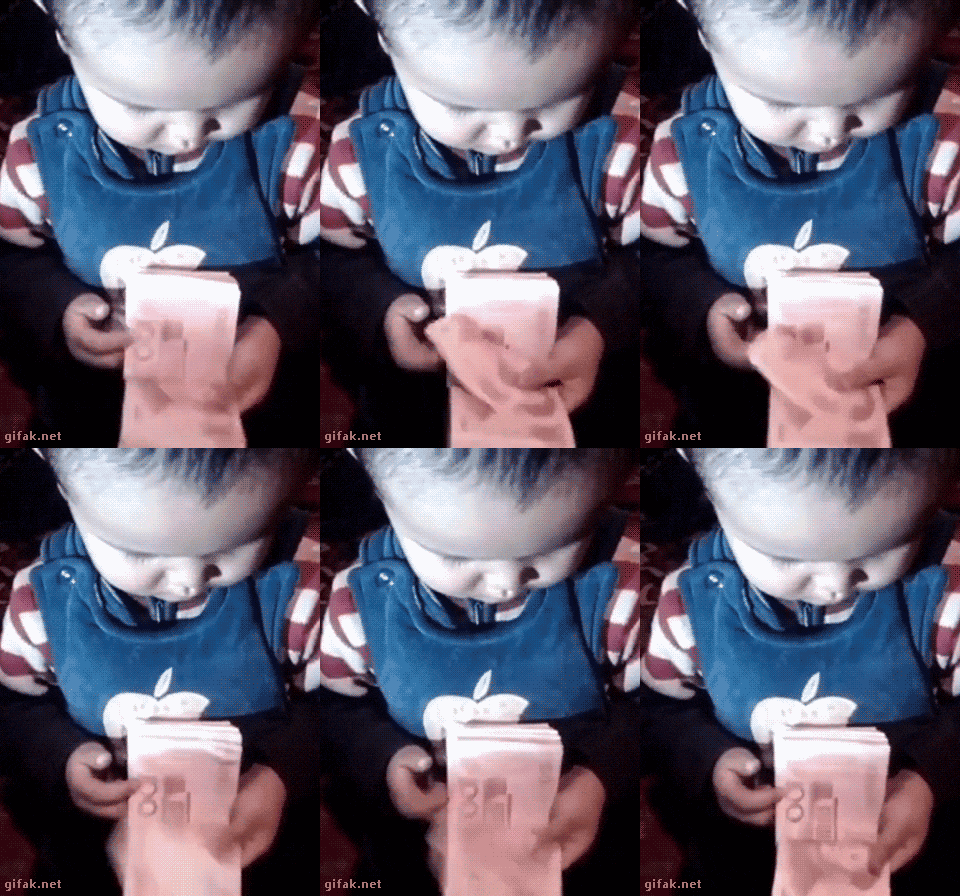 Being a long time member like many still around. Think about it this way. How many still chat that did when it was good, and before the obsessives took over?. 🤣
Account
Navigation
Search
Configure browser push notifications
Chrome (Android)
- Tap the lock icon next to the address bar.
- Tap Permissions → Notifications.
- Adjust your preference.
Chrome (Desktop)
- Click the padlock icon in the address bar.
- Select Site settings.
- Find Notifications and adjust your preference.
Safari (iOS 16.4+)
- Ensure the site is installed via Add to Home Screen.
- Open Settings App → Notifications.
- Find your app name and adjust your preference.
Safari (macOS)
- Go to Safari → Preferences.
- Click the Websites tab.
- Select Notifications in the sidebar.
- Find this website and adjust your preference.
Edge (Android)
- Tap the lock icon next to the address bar.
- Tap Permissions.
- Find Notifications and adjust your preference.
Edge (Desktop)
- Click the padlock icon in the address bar.
- Click Permissions for this site.
- Find Notifications and adjust your preference.
Firefox (Android)
- Go to Settings → Site permissions.
- Tap Notifications.
- Find this site in the list and adjust your preference.
Firefox (Desktop)
- Open Firefox Settings.
- Search for Notifications.
- Find this site in the list and adjust your preference.



.gif.fc703d00300ec3773a8167c21cd4a95a.gif)
.gif.5cd0e84ee5367c5c3e9ce2a254b7ce53.gif)




.gif.557966ed8ba4df361f2db75a2d52b63c.gif)


.jpg.8492a7c1724dda6f31b593cdf6c8d45a.jpg)

.gif.3324960be8550fa80d198da20372a869.gif)
.gif.5e527f352b23baa8b7a9cbfcdad3ce78.gif)