Scorpio 2.2
Hero Member
-
Joined
Everything posted by Scorpio 2.2
-
 Bang on. Because they get away with it. How many would put up with that shit. Obviously making plenty money to cover them. Thank God for addictive and "it'll improve soon" subscribers. 🤣
 -
Say what you want about Zabava, Esmi etc. They get the last laugh. Spending unearned money on clothes etc. Zabava especially looks to be doing exactly that. 🤣
-
I'm sure a certain member will be happy lol. Personally did nothing for me, but still more natural compared to what we have nowadays (don't have to constantly watch to know exactly what majority are doing daily). 🤣
Yet, she's a "voyeurs" dream according to some lol.
Another topic about it. And supposedly only a few people have a problem with it. Doesn't look that way lol. 🤣
Cannot believe I watched that. 3:37 I'll never get back. 🤣
.gif.935195339f56126cac1dc7a778b61262.gif) Tibor singing/rapping. 😂
Tibor singing/rapping. 😂 Good luck with the spew, shitty nappies etc. Think we all know who'll be doing most of the work. 🤣
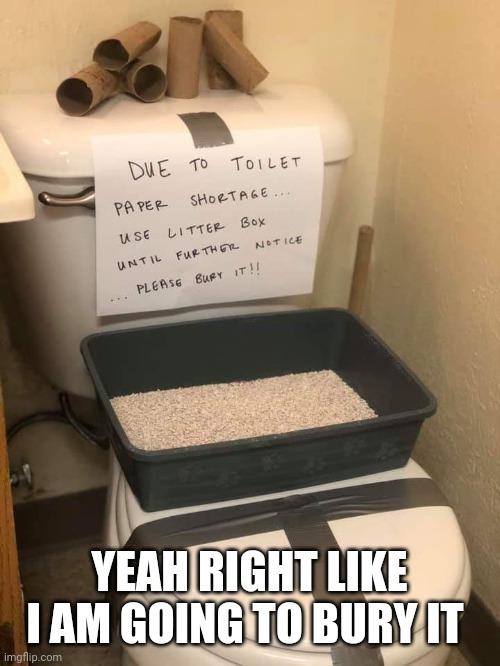
Must have different loos there as well. Not like that in my country. 🤣
Good luck with the spew, shitty nappies etc. Think we all know who'll be doing most of the work. 🤣
Must have different loos there as well. Not like that in my country. 🤣Account
Navigation
Search
Configure browser push notifications
Chrome (Android)
- Tap the lock icon next to the address bar.
- Tap Permissions → Notifications.
- Adjust your preference.
Chrome (Desktop)
- Click the padlock icon in the address bar.
- Select Site settings.
- Find Notifications and adjust your preference.
Safari (iOS 16.4+)
- Ensure the site is installed via Add to Home Screen.
- Open Settings App → Notifications.
- Find your app name and adjust your preference.
Safari (macOS)
- Go to Safari → Preferences.
- Click the Websites tab.
- Select Notifications in the sidebar.
- Find this website and adjust your preference.
Edge (Android)
- Tap the lock icon next to the address bar.
- Tap Permissions.
- Find Notifications and adjust your preference.
Edge (Desktop)
- Click the padlock icon in the address bar.
- Click Permissions for this site.
- Find Notifications and adjust your preference.
Firefox (Android)
- Go to Settings → Site permissions.
- Tap Notifications.
- Find this site in the list and adjust your preference.
Firefox (Desktop)
- Open Firefox Settings.
- Search for Notifications.
- Find this site in the list and adjust your preference.