Scorpio 2.2
Hero Member
-
Joined
Everything posted by Scorpio 2.2
-
 Kylie is 30. Must have had a hard paper round. 🤣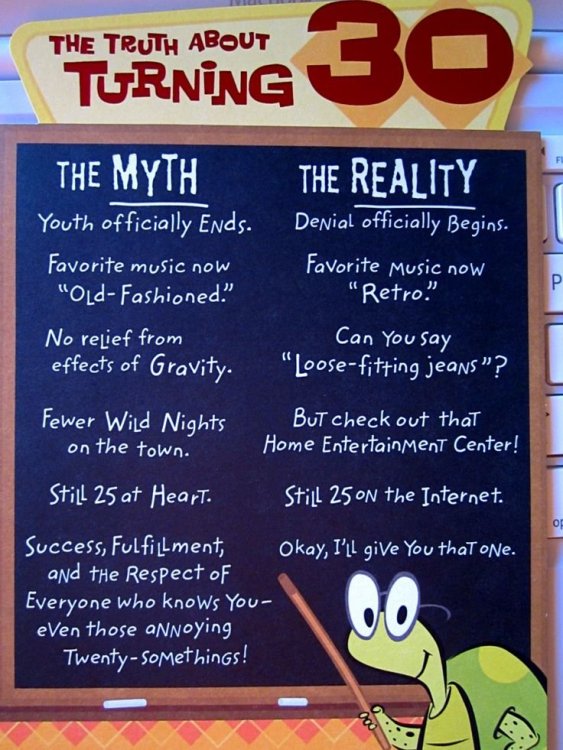
-
Personally think Karol has every right to be a little pissed. Giving up a bigger room for a girl that's done pretty much fuck all and her sister. Time will tell if she will do anything. At least Karol does something to earn her keep.
Zabava going to have to calm down on the masturbating and having guys over now she has her sister sharing with her. 😂
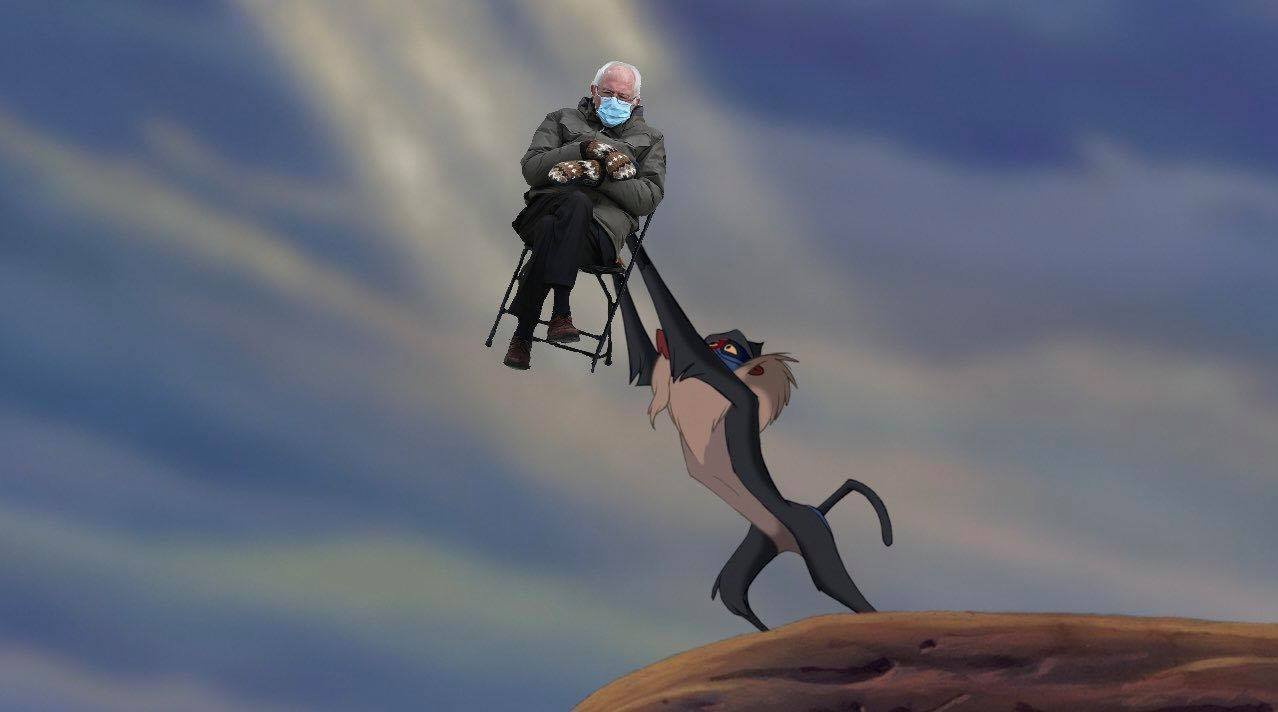
Maybe this happened. 😂
 You get it for NADA (expensive fuck up by RLC lol) might as well watch it and get a laugh. Giving your opinion positive and negative.
Kiss and make up soon enough. Little oral would probably help as well. 😂
Zabava sister joined. Let's hope she's more entertaining than her. 🤣
You get it for NADA (expensive fuck up by RLC lol) might as well watch it and get a laugh. Giving your opinion positive and negative.
Kiss and make up soon enough. Little oral would probably help as well. 😂
Zabava sister joined. Let's hope she's more entertaining than her. 🤣
Account
Navigation
Search
Configure browser push notifications
Chrome (Android)
- Tap the lock icon next to the address bar.
- Tap Permissions → Notifications.
- Adjust your preference.
Chrome (Desktop)
- Click the padlock icon in the address bar.
- Select Site settings.
- Find Notifications and adjust your preference.
Safari (iOS 16.4+)
- Ensure the site is installed via Add to Home Screen.
- Open Settings App → Notifications.
- Find your app name and adjust your preference.
Safari (macOS)
- Go to Safari → Preferences.
- Click the Websites tab.
- Select Notifications in the sidebar.
- Find this website and adjust your preference.
Edge (Android)
- Tap the lock icon next to the address bar.
- Tap Permissions.
- Find Notifications and adjust your preference.
Edge (Desktop)
- Click the padlock icon in the address bar.
- Click Permissions for this site.
- Find Notifications and adjust your preference.
Firefox (Android)
- Go to Settings → Site permissions.
- Tap Notifications.
- Find this site in the list and adjust your preference.
Firefox (Desktop)
- Open Firefox Settings.
- Search for Notifications.
- Find this site in the list and adjust your preference.








.jpg.3a5fa0c2af34a25097ddc7120eeb20fc.jpg)



.jpeg.a5809e8a8f52dcef21f44bd10ccb0d60.jpeg)