Scotsman84
Hero Member
-
Joined
Everything posted by Scotsman84
-
 What if you get a nice Chat Mod uniform to wear!!
That's what they put up on their Chaturbate to try and get people interested and tip.
Kiki and husband are back and we are close to getting them swingers.
What if you get a nice Chat Mod uniform to wear!!
That's what they put up on their Chaturbate to try and get people interested and tip.
Kiki and husband are back and we are close to getting them swingers.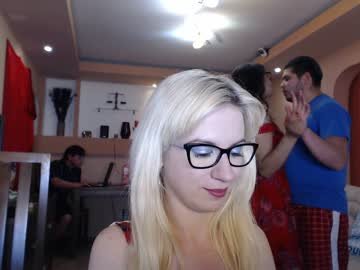 He was on with another girl and a different routine.
Going to Eric and Julia's to see sex is Like
He was on with another girl and a different routine.
Going to Eric and Julia's to see sex is Like You can change it in the settings.
Account
Navigation
Search
Configure browser push notifications
Chrome (Android)
- Tap the lock icon next to the address bar.
- Tap Permissions → Notifications.
- Adjust your preference.
Chrome (Desktop)
- Click the padlock icon in the address bar.
- Select Site settings.
- Find Notifications and adjust your preference.
Safari (iOS 16.4+)
- Ensure the site is installed via Add to Home Screen.
- Open Settings App → Notifications.
- Find your app name and adjust your preference.
Safari (macOS)
- Go to Safari → Preferences.
- Click the Websites tab.
- Select Notifications in the sidebar.
- Find this website and adjust your preference.
Edge (Android)
- Tap the lock icon next to the address bar.
- Tap Permissions.
- Find Notifications and adjust your preference.
Edge (Desktop)
- Click the padlock icon in the address bar.
- Click Permissions for this site.
- Find Notifications and adjust your preference.
Firefox (Android)
- Go to Settings → Site permissions.
- Tap Notifications.
- Find this site in the list and adjust your preference.
Firefox (Desktop)
- Open Firefox Settings.
- Search for Notifications.
- Find this site in the list and adjust your preference.