cyberleader
Hero Member
-
Joined
-
Last visited
Everything posted by cyberleader
-
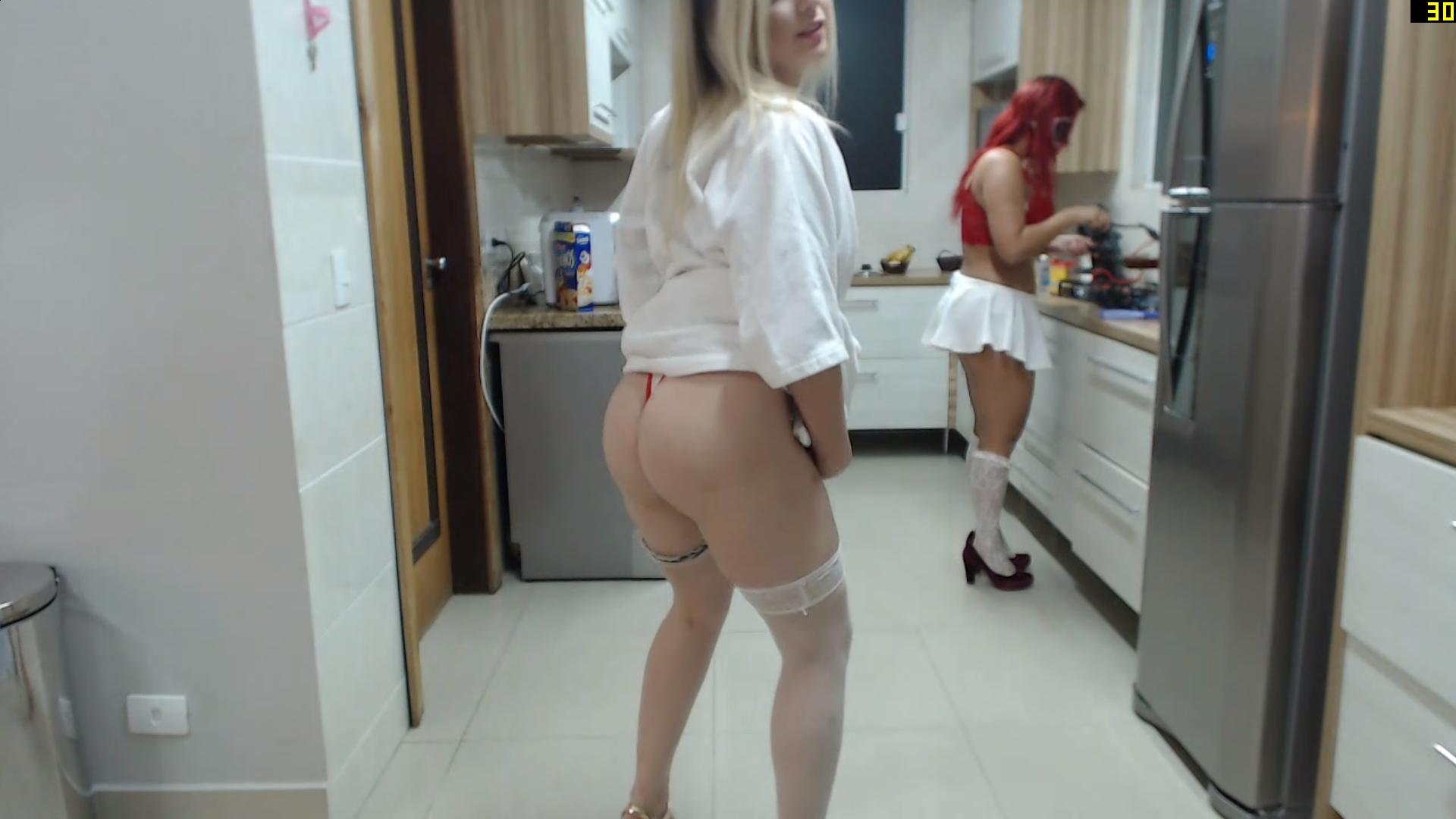
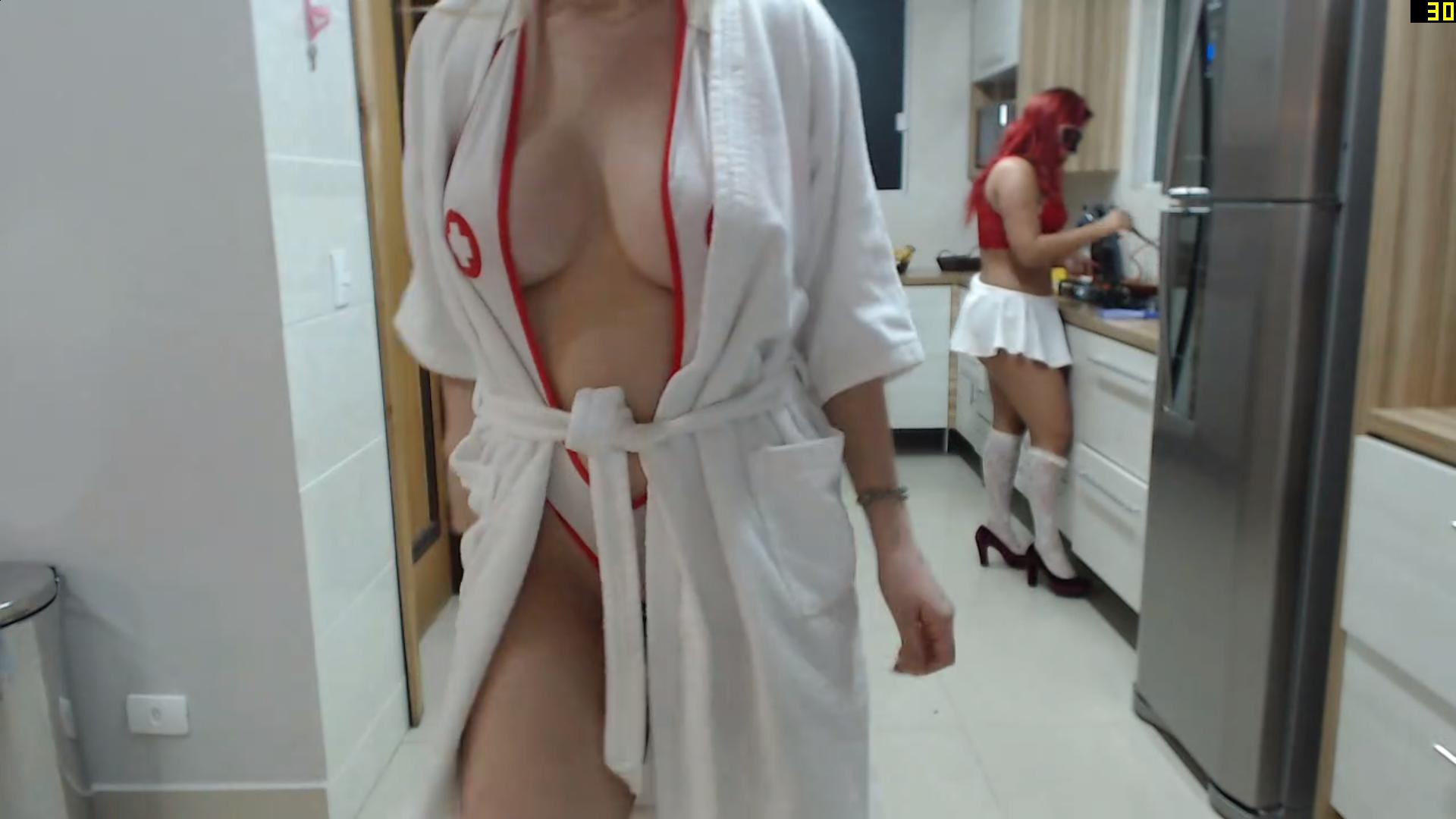
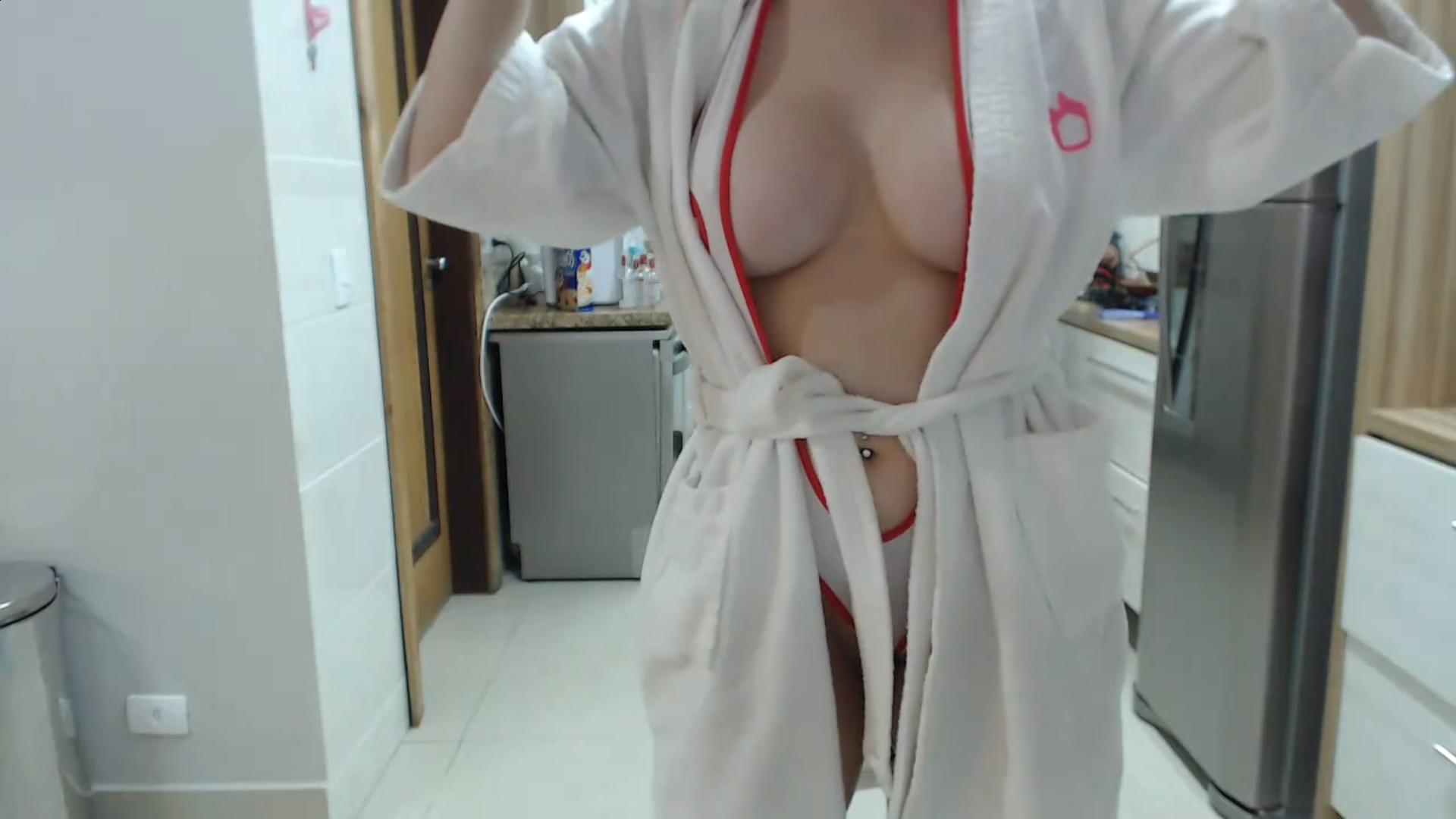
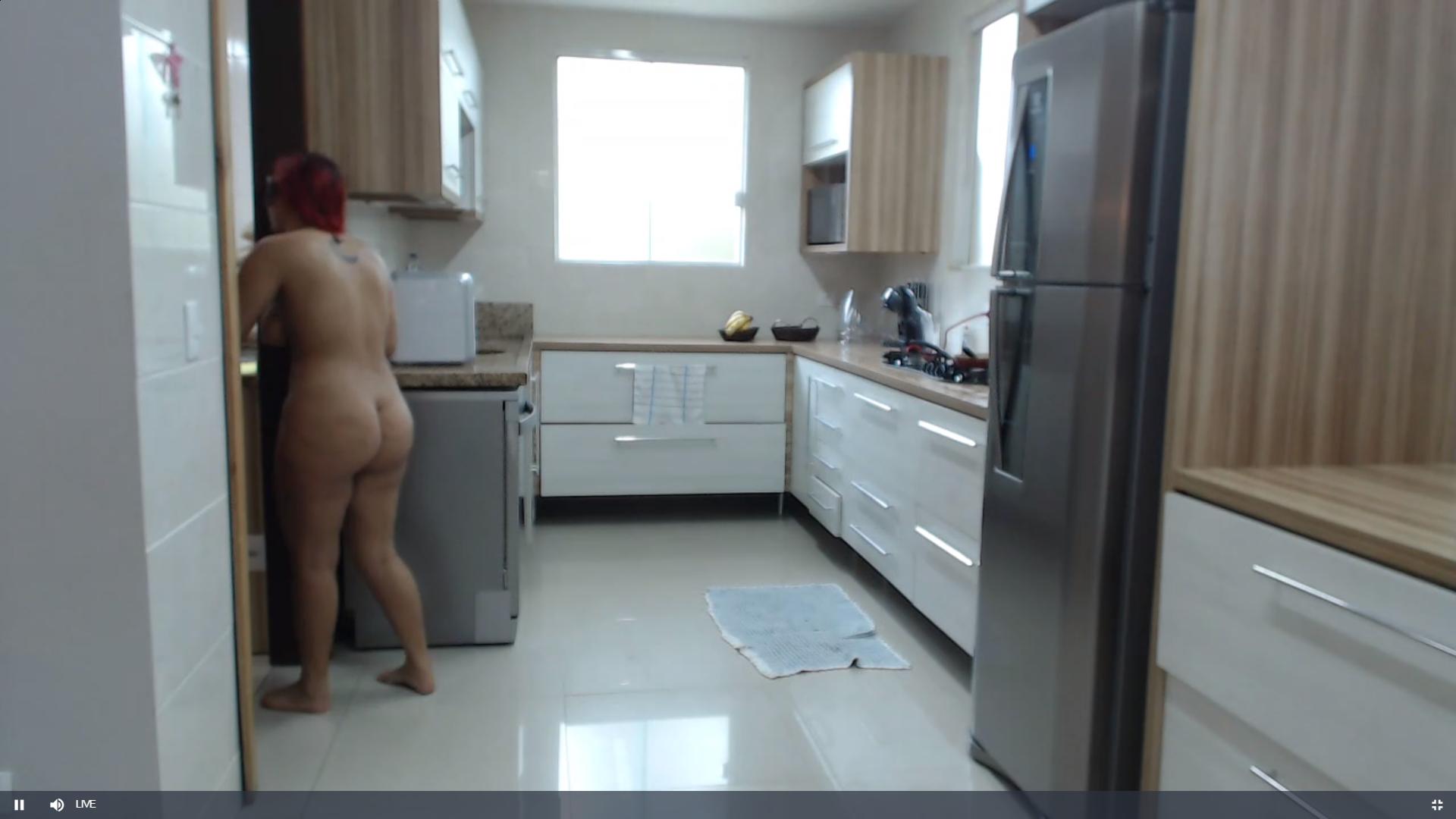
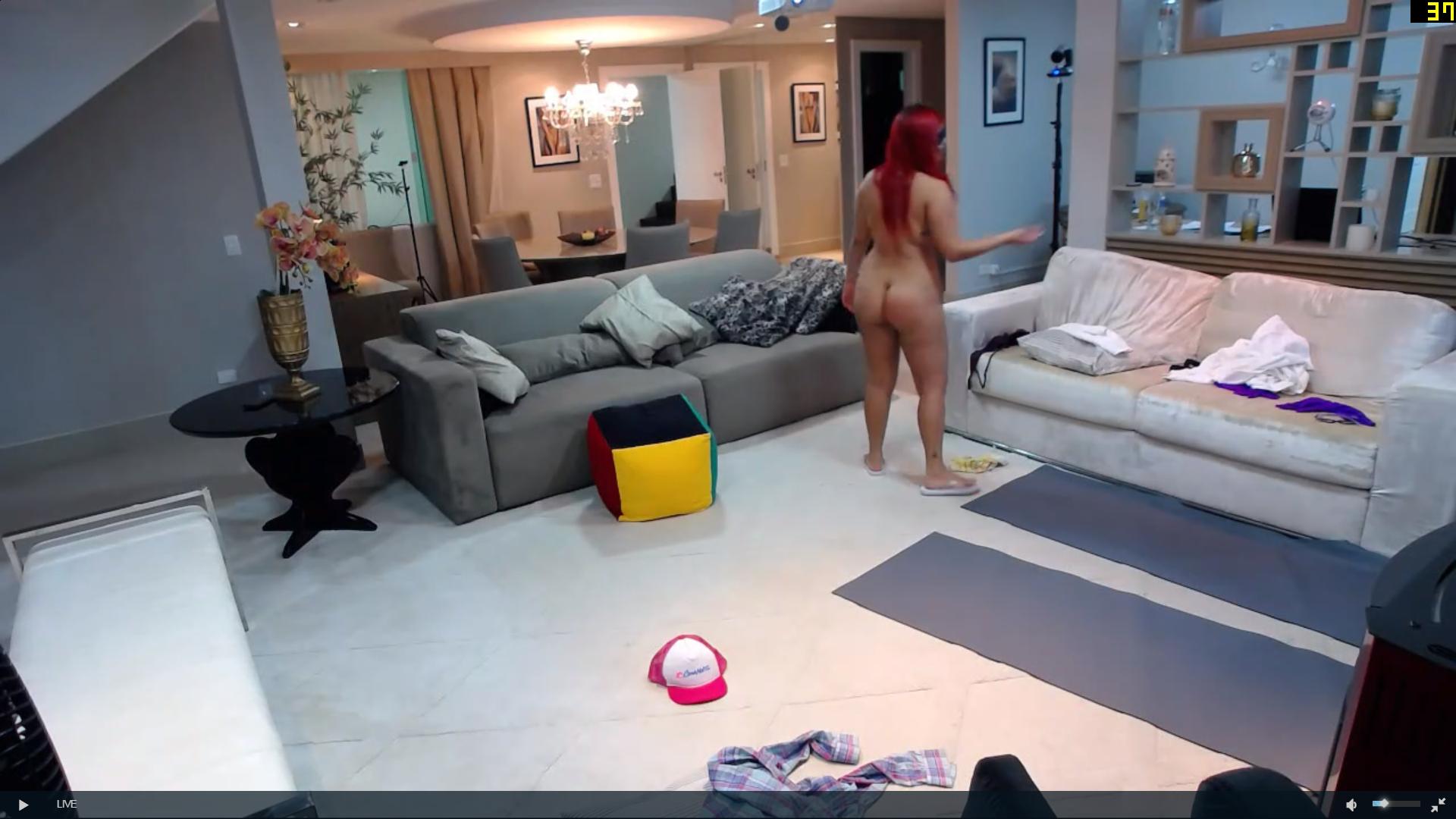
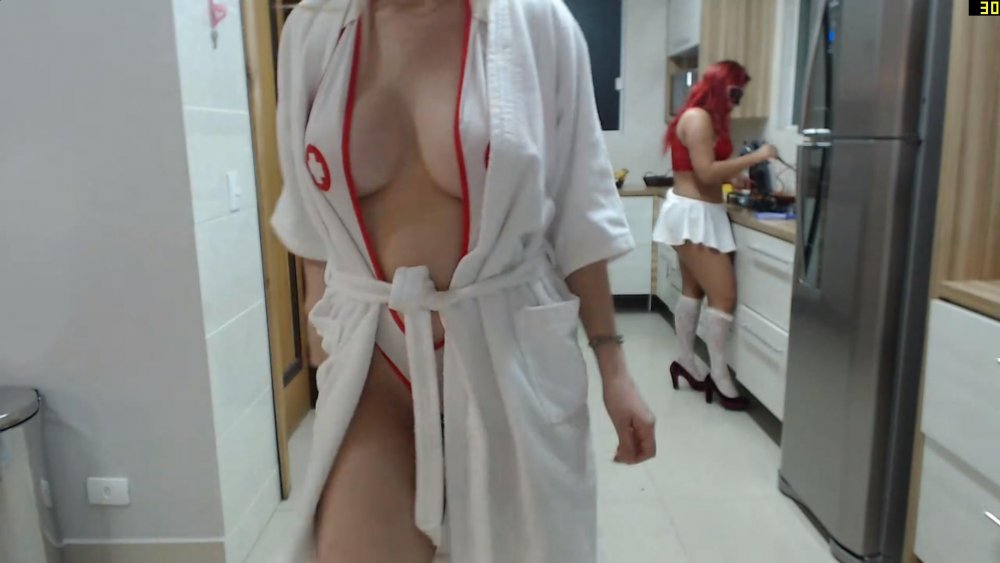
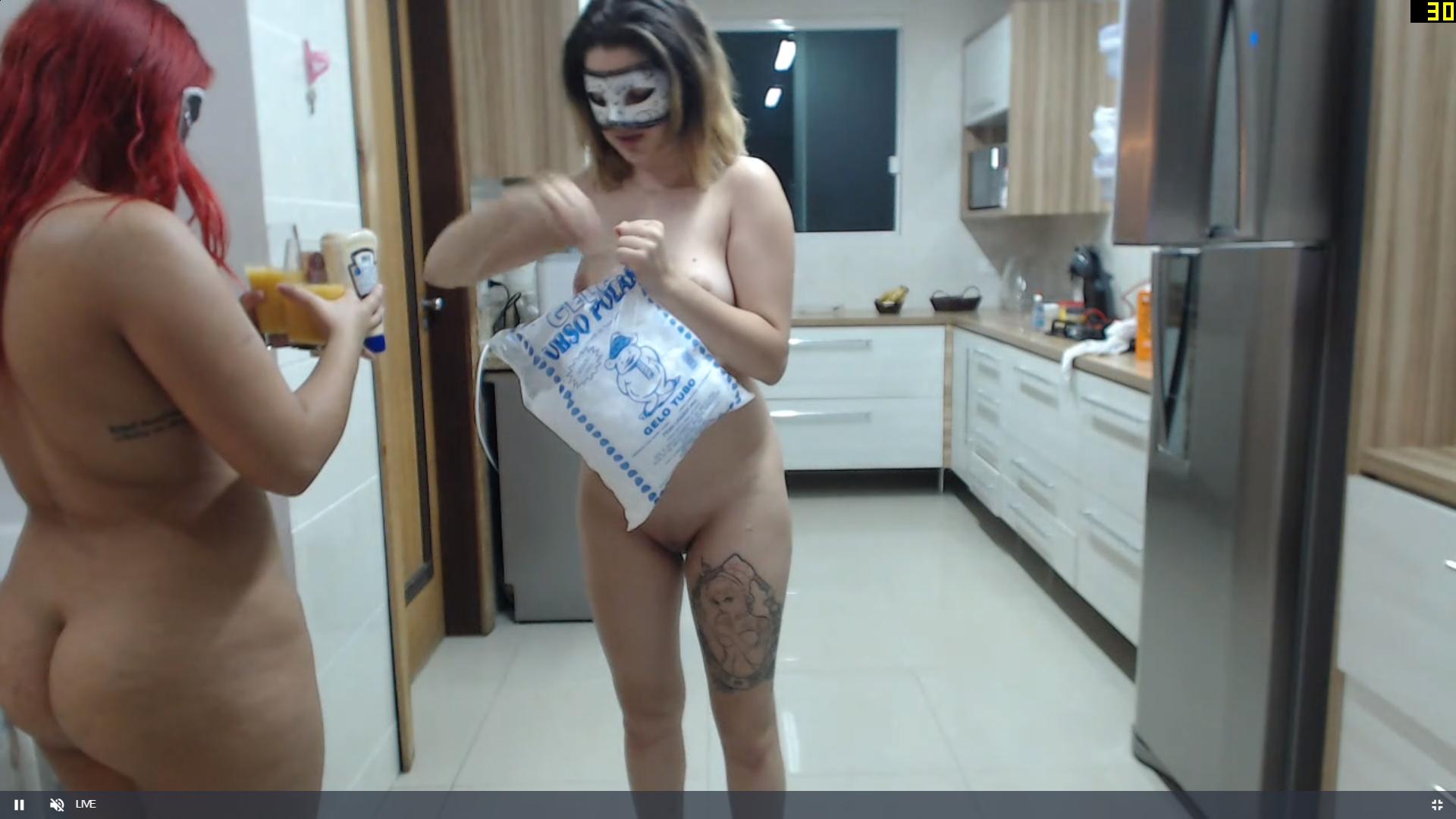
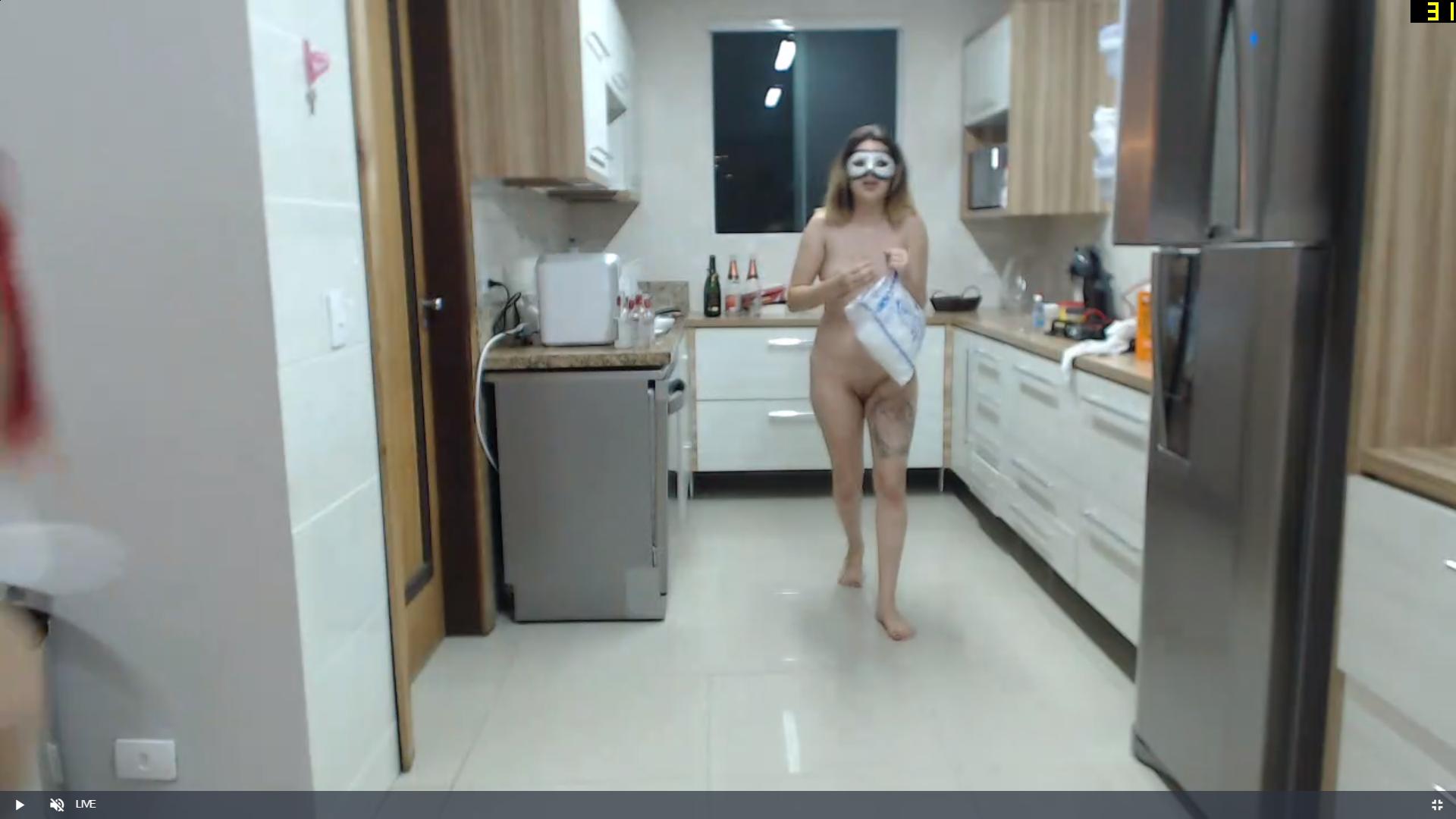
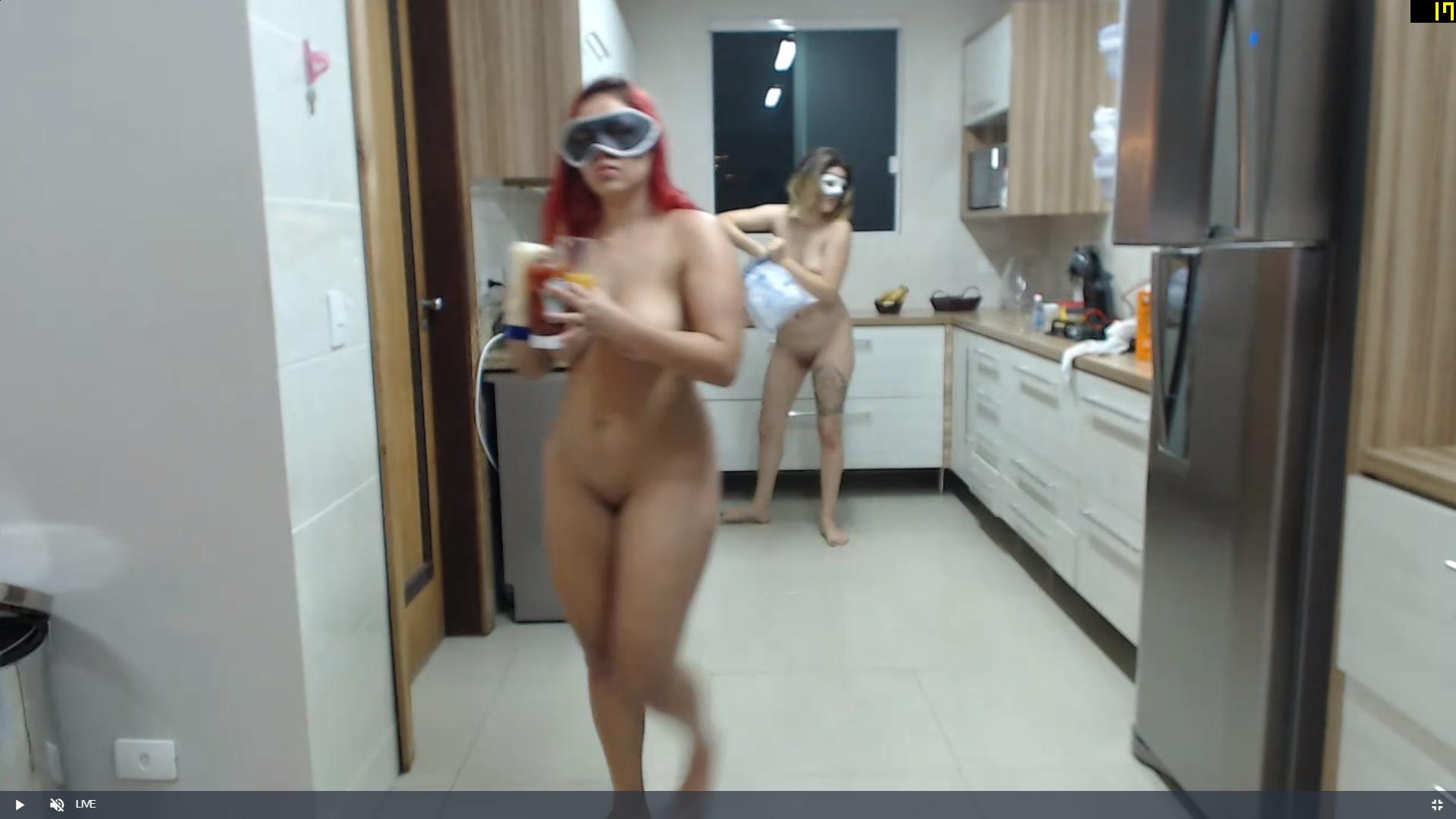
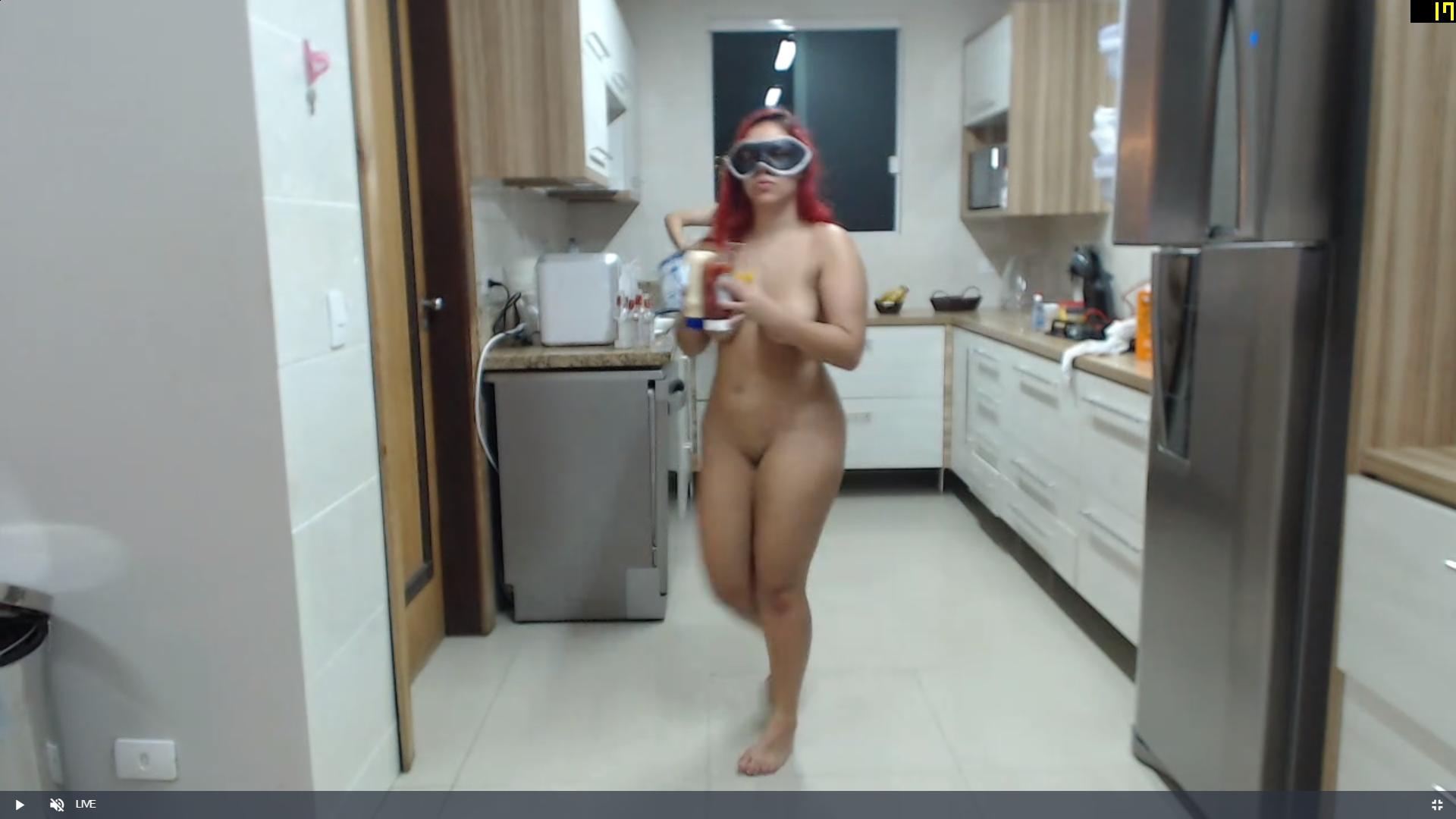
 duttz n cleavage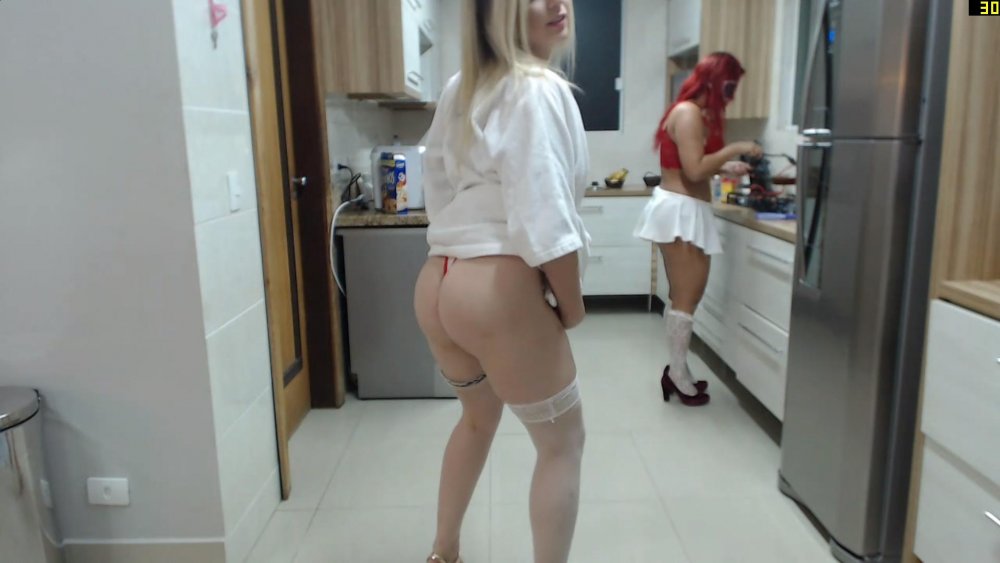

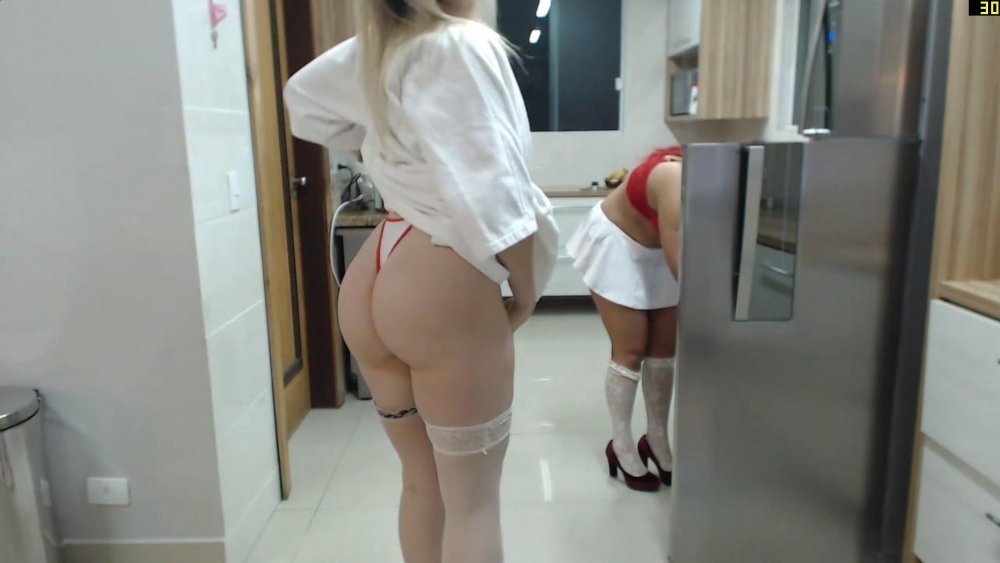

 buttz a plenty in this set
a really nice couple these two,
buttz a plenty in this set
a really nice couple these two,
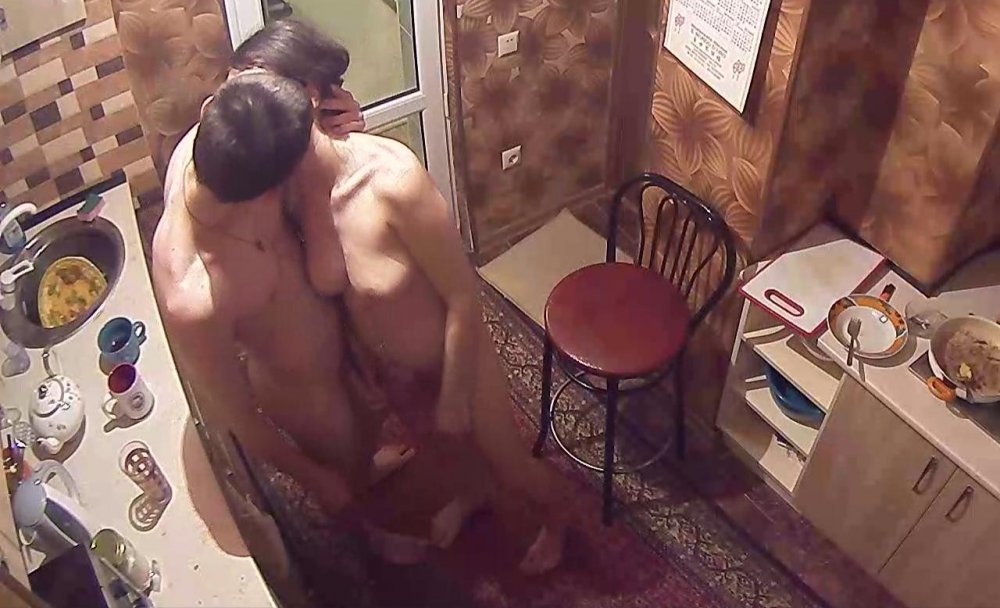
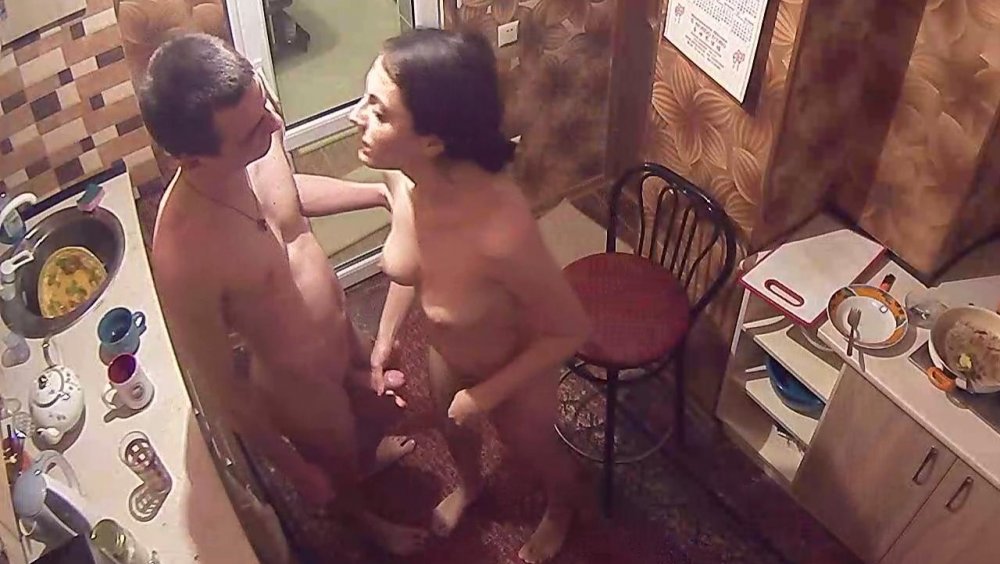
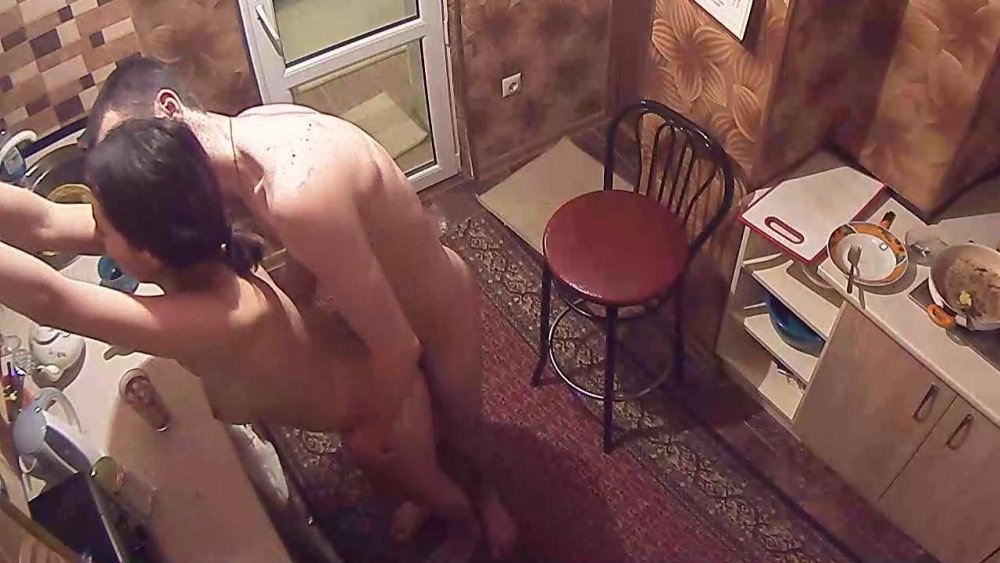
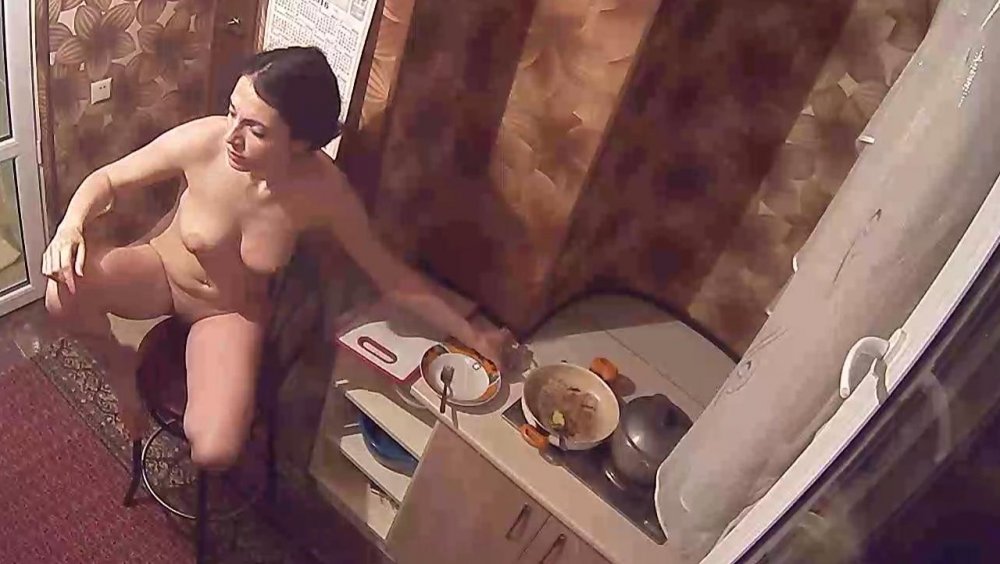
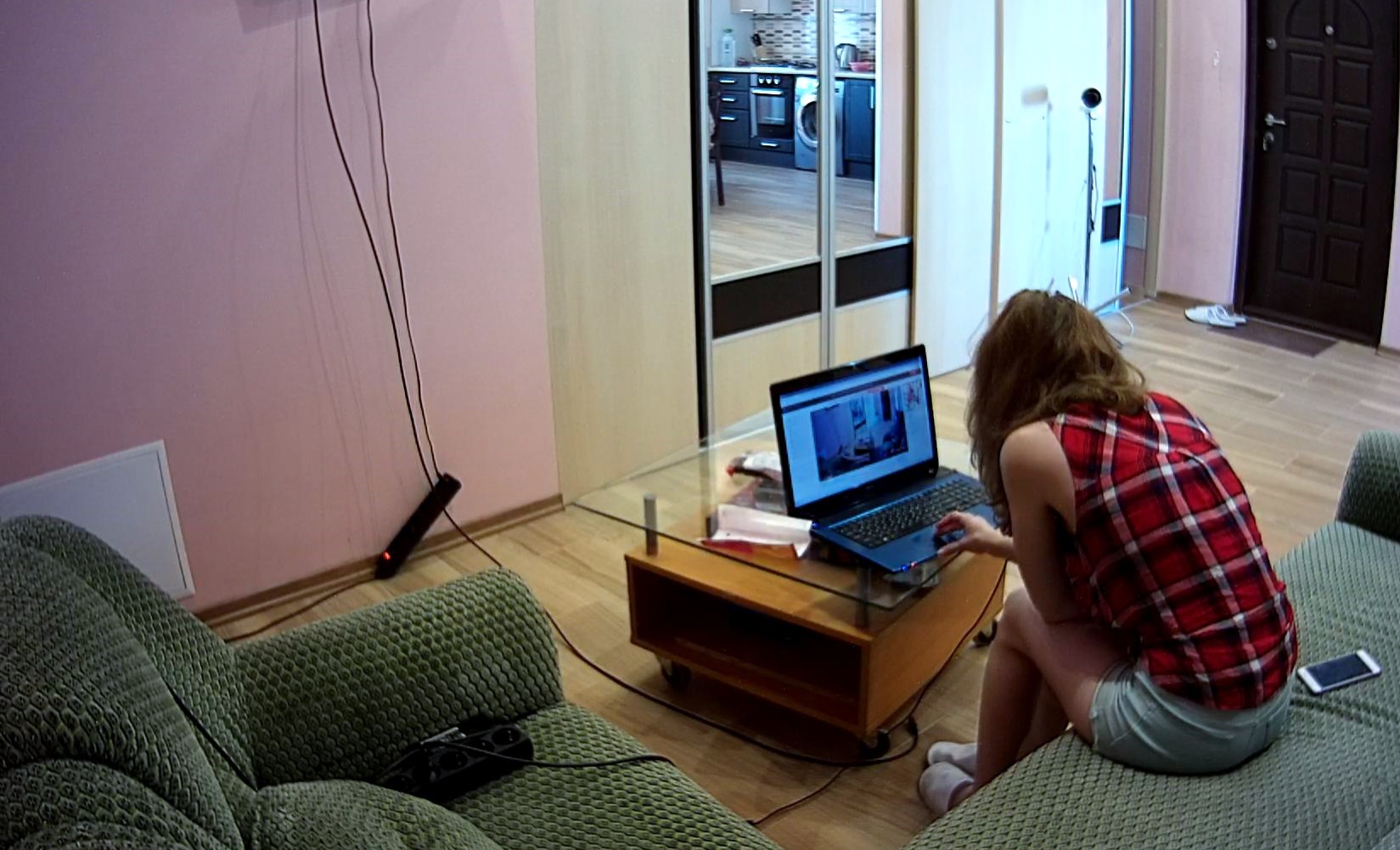
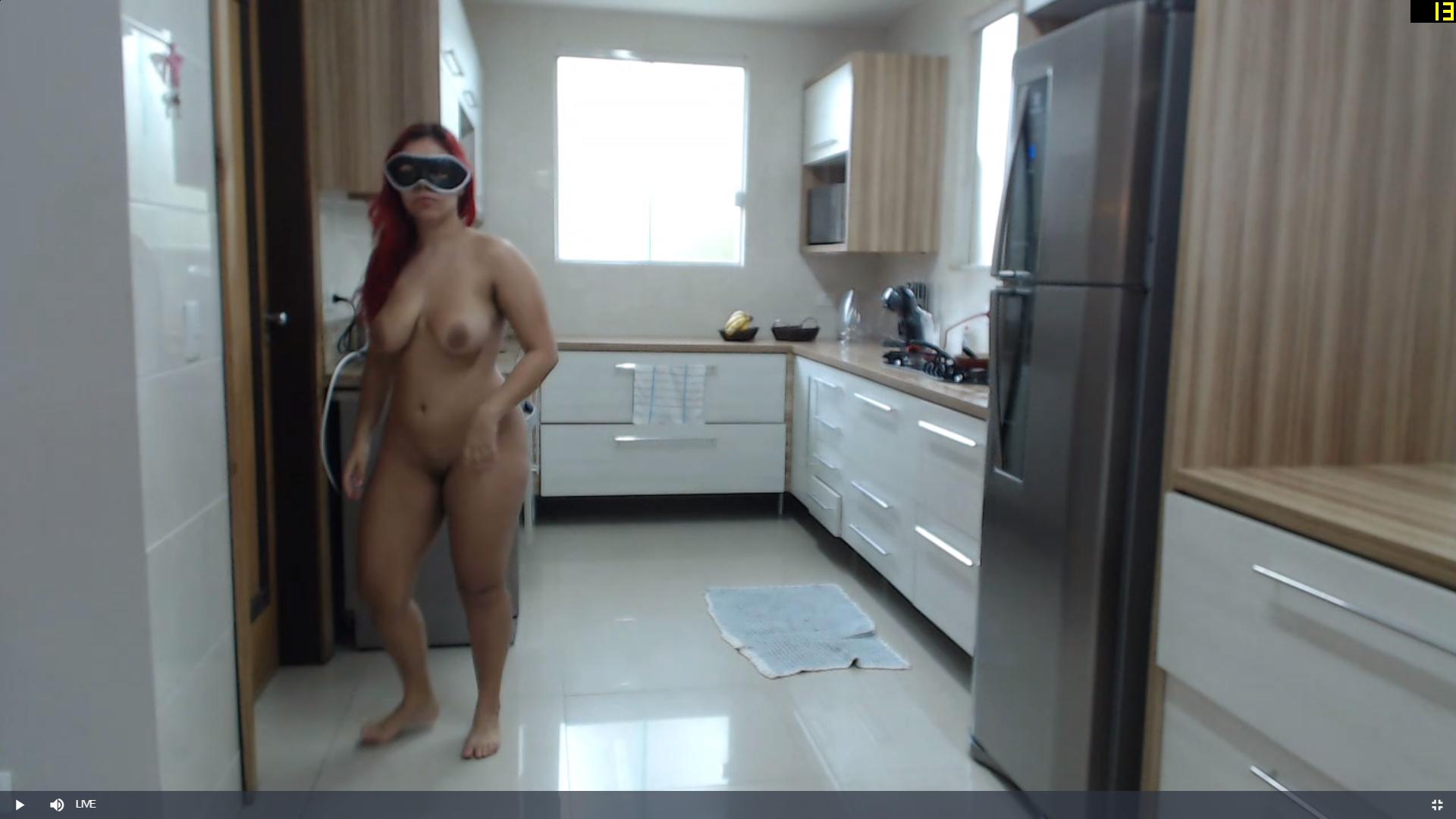
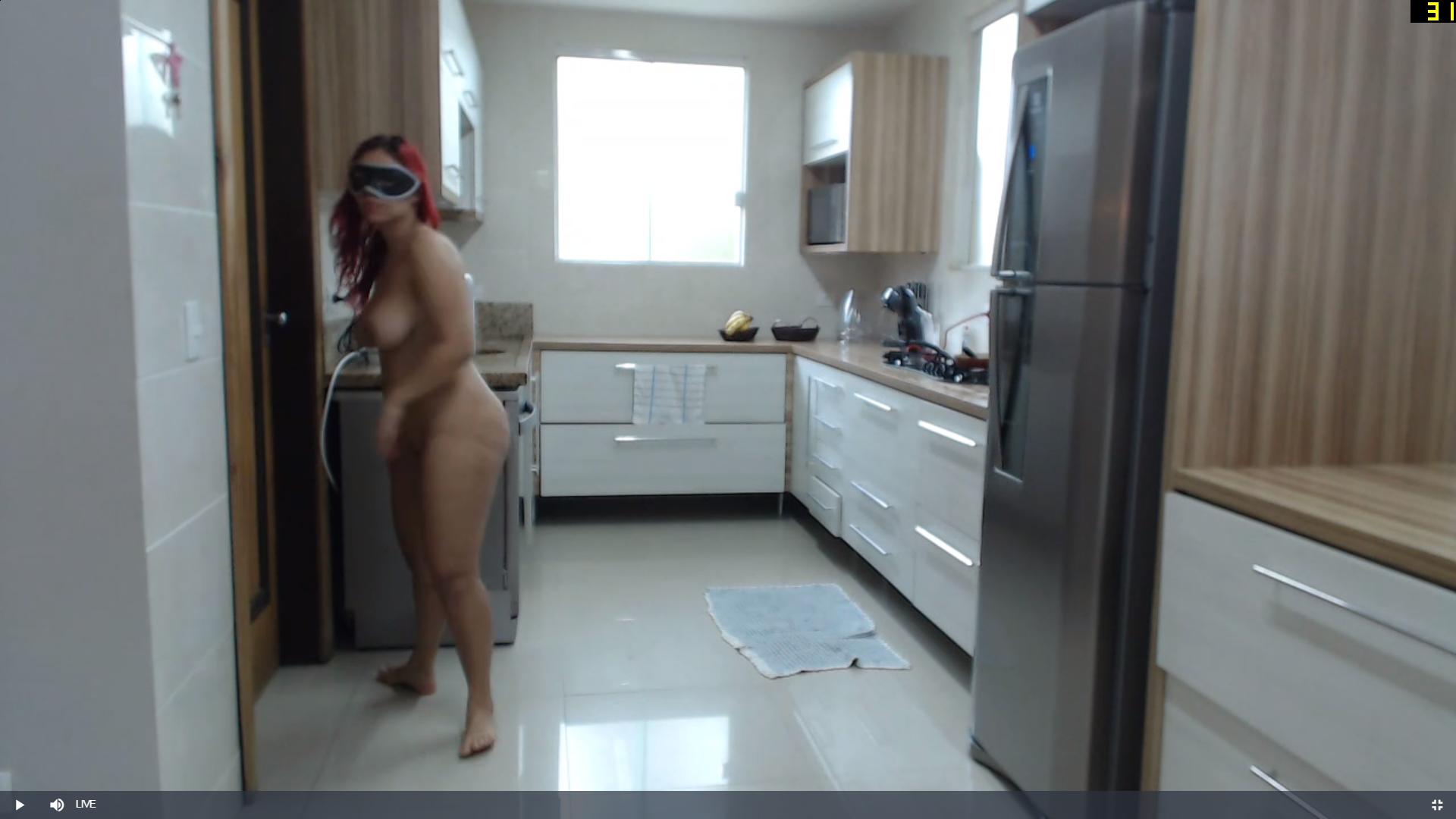
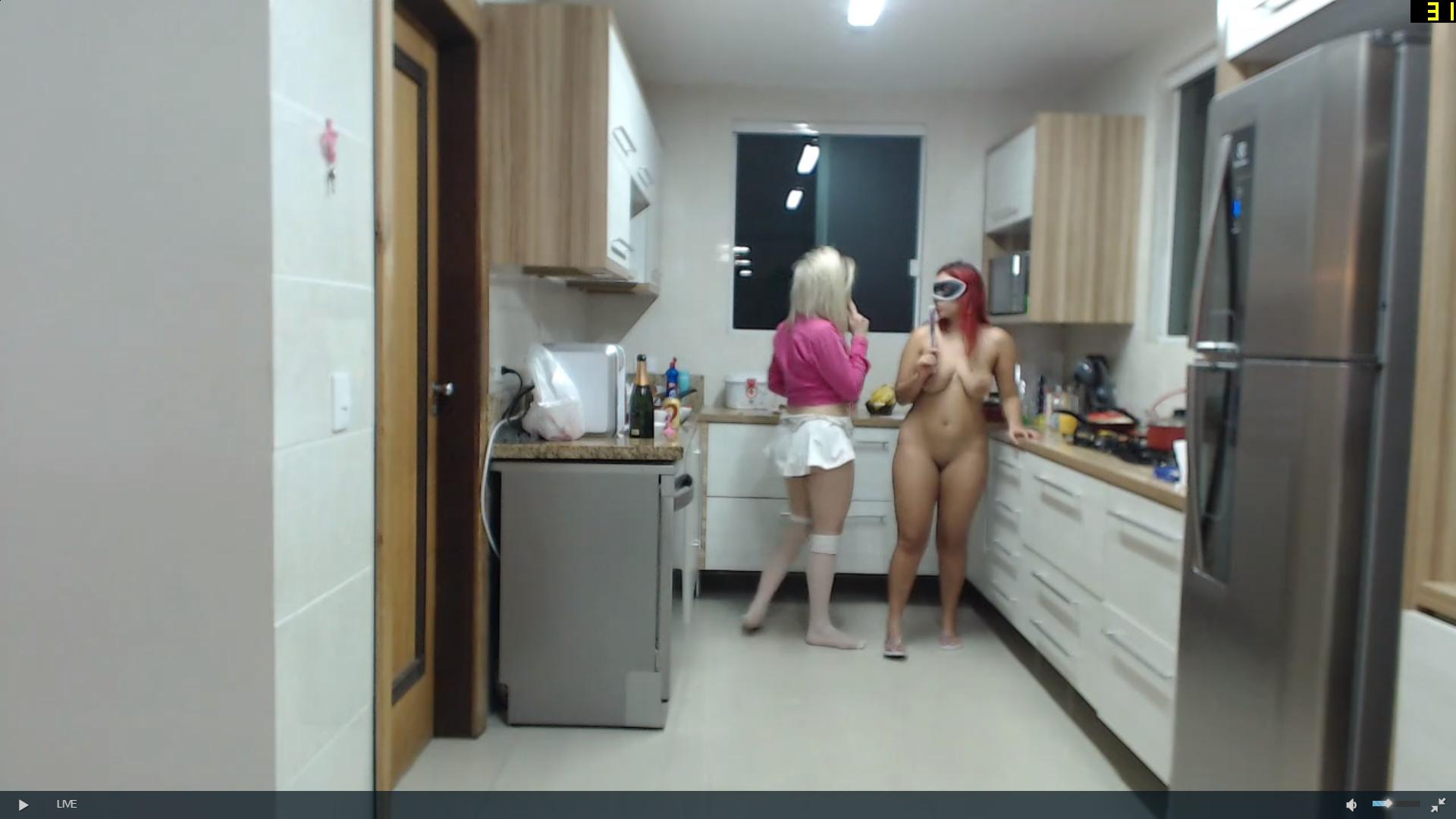
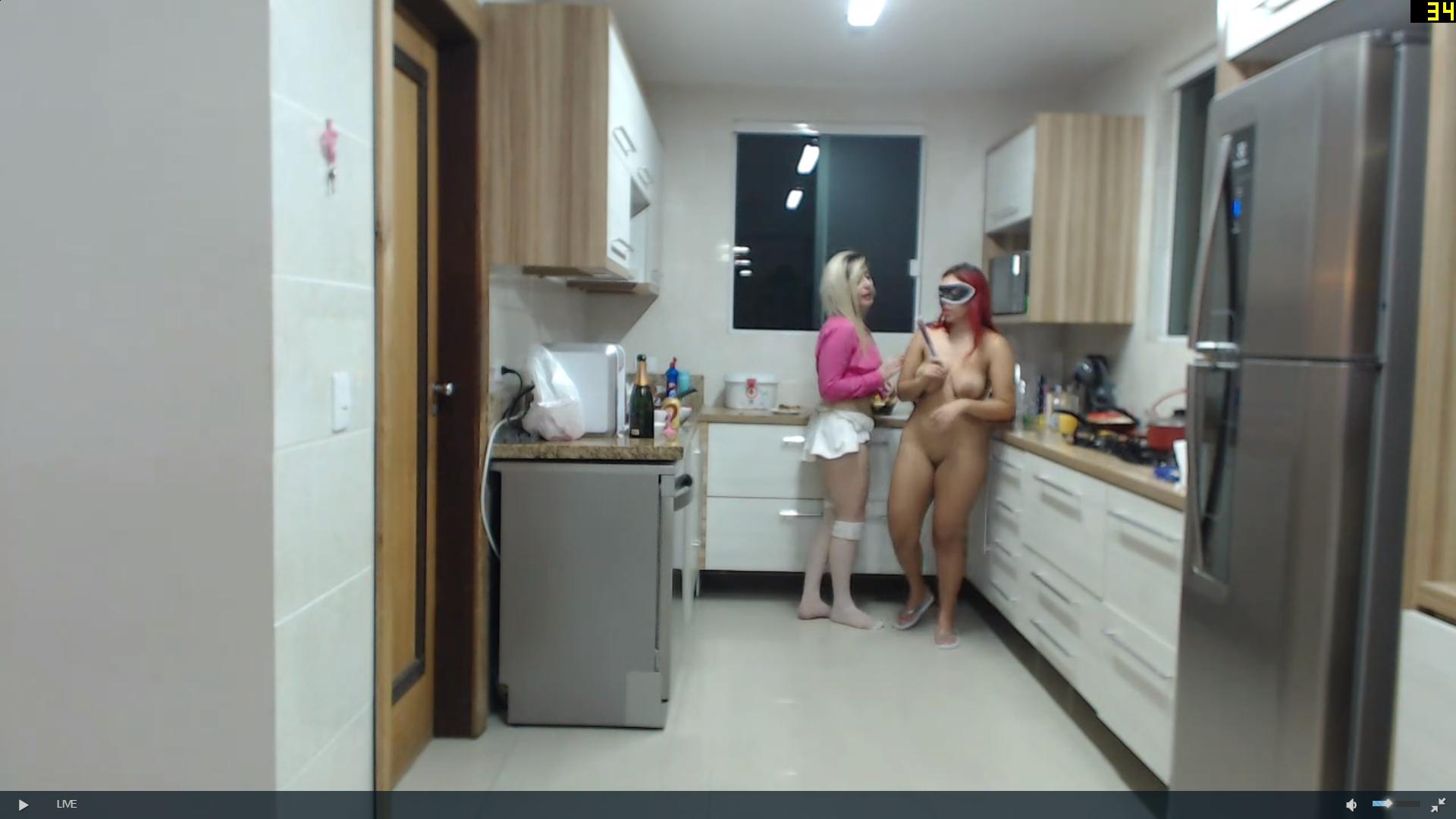
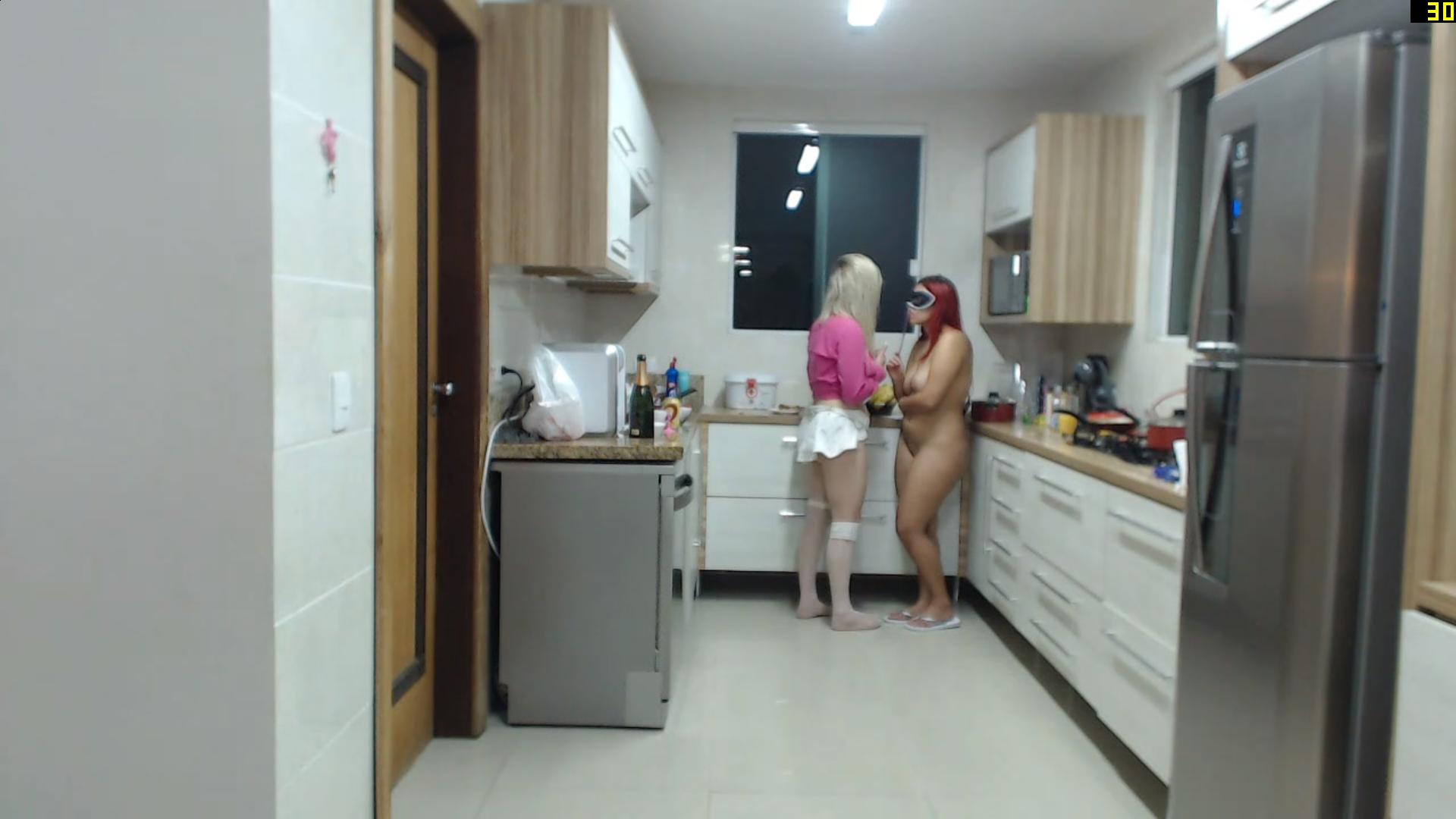
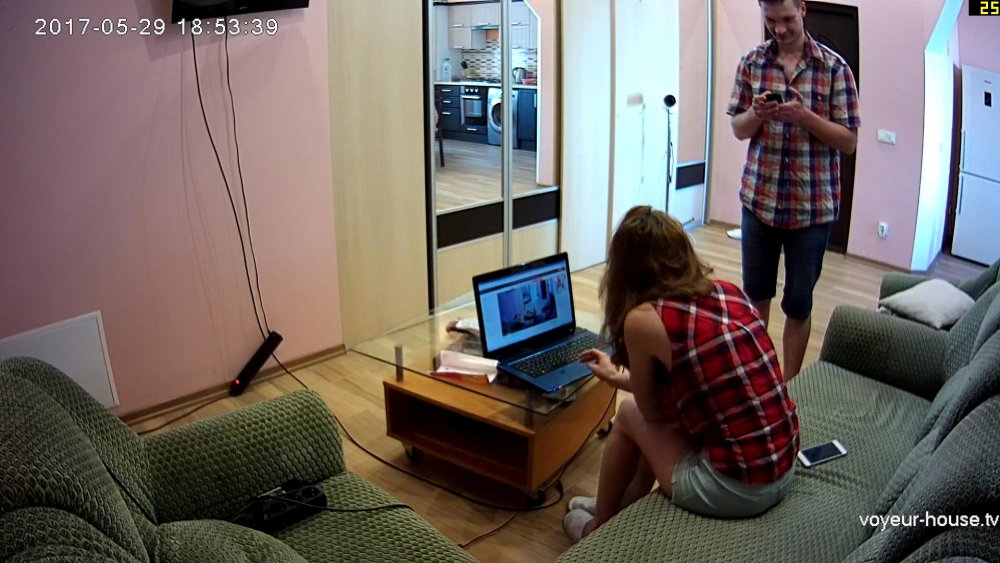
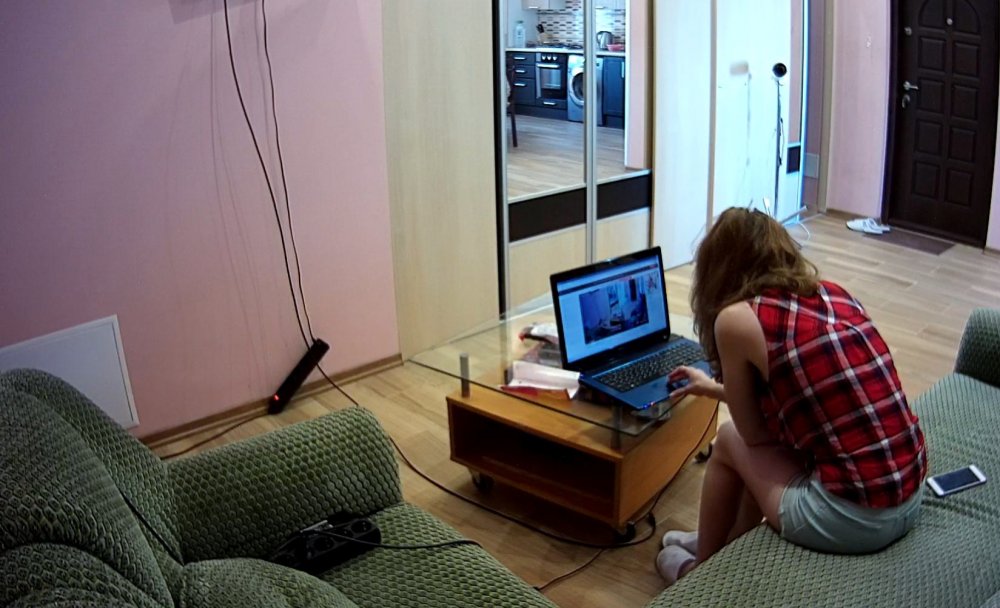
 checking out the neighbours anna n alex
 they are watching themselves,the voyeured become the voyeur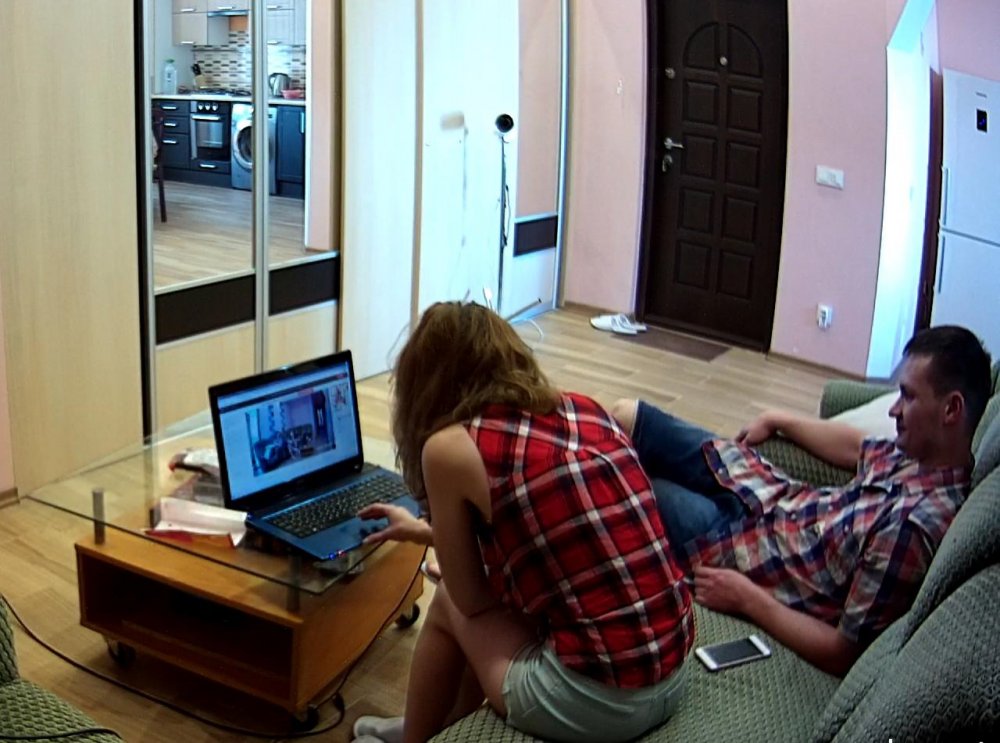
 thats ok mate no worrys, its all good,i do the same check the other apartments the pop over to casa,sometime in can be pot luck as to what i capture,whilst viewing one i may miss something in another,and vice versa,but its a case of reading whats happening on screen as to know when to change the channel, change the channel sounds like the old style tv ,bbc1, bbc2 ,itv,
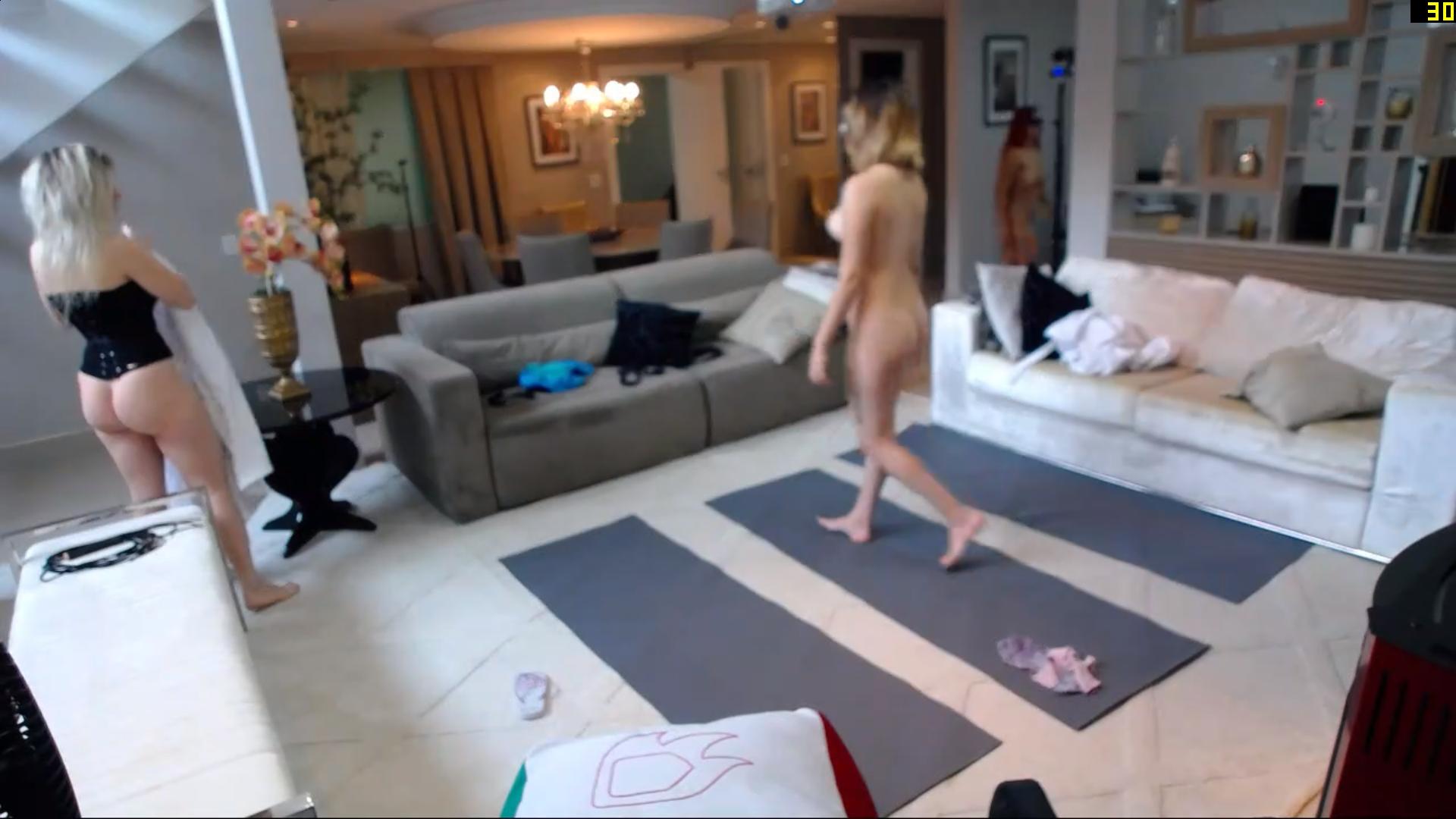
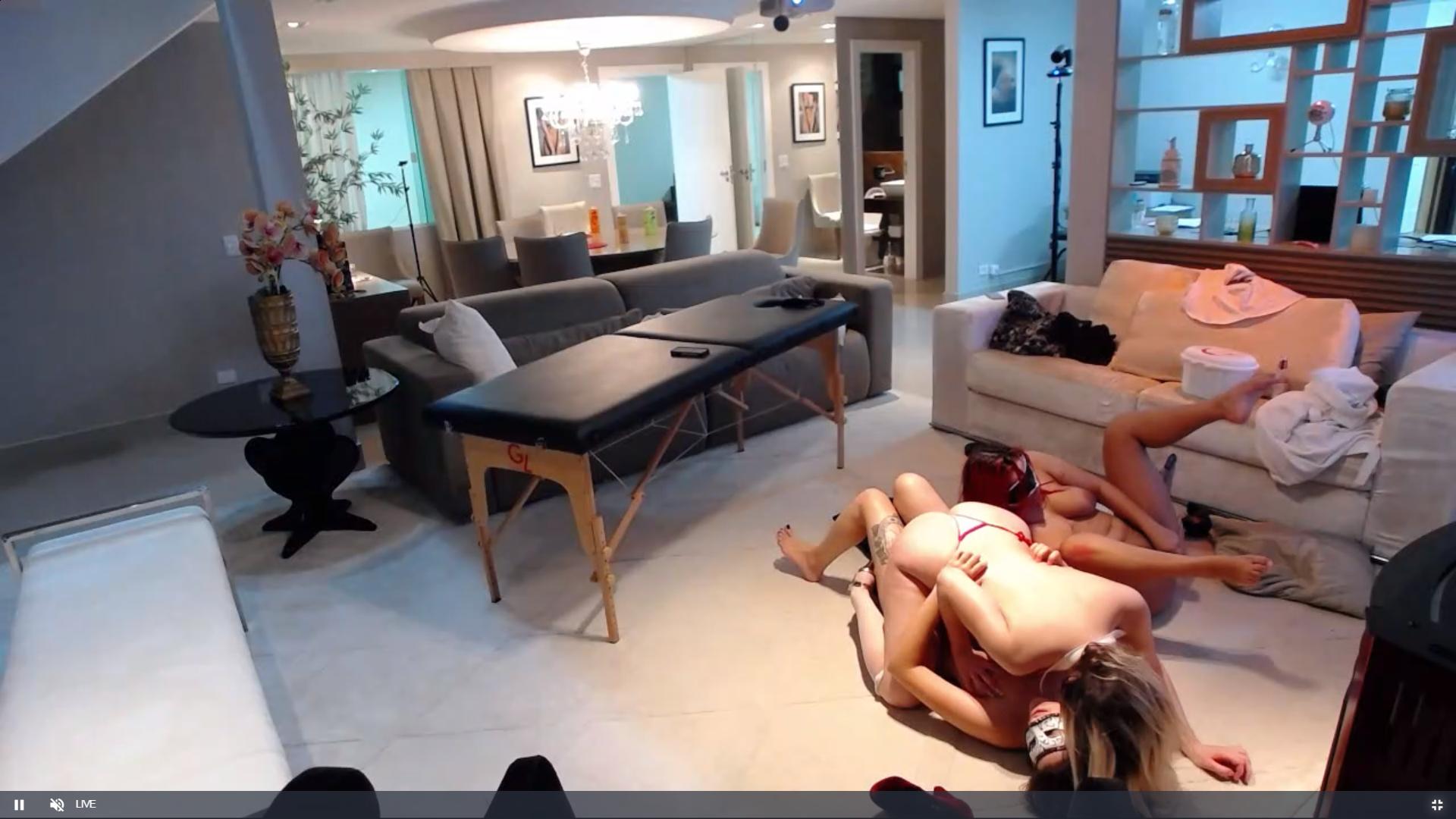
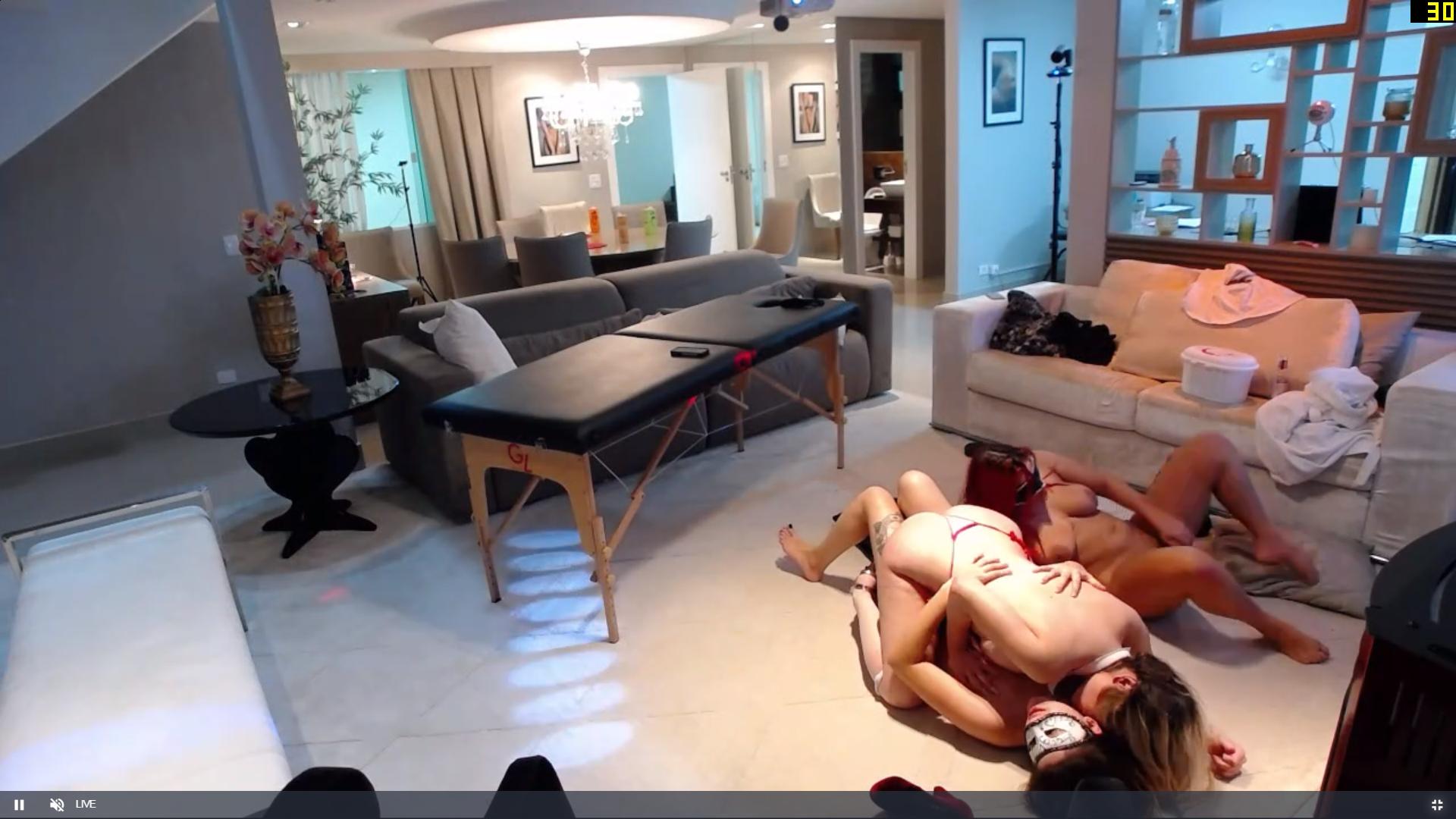
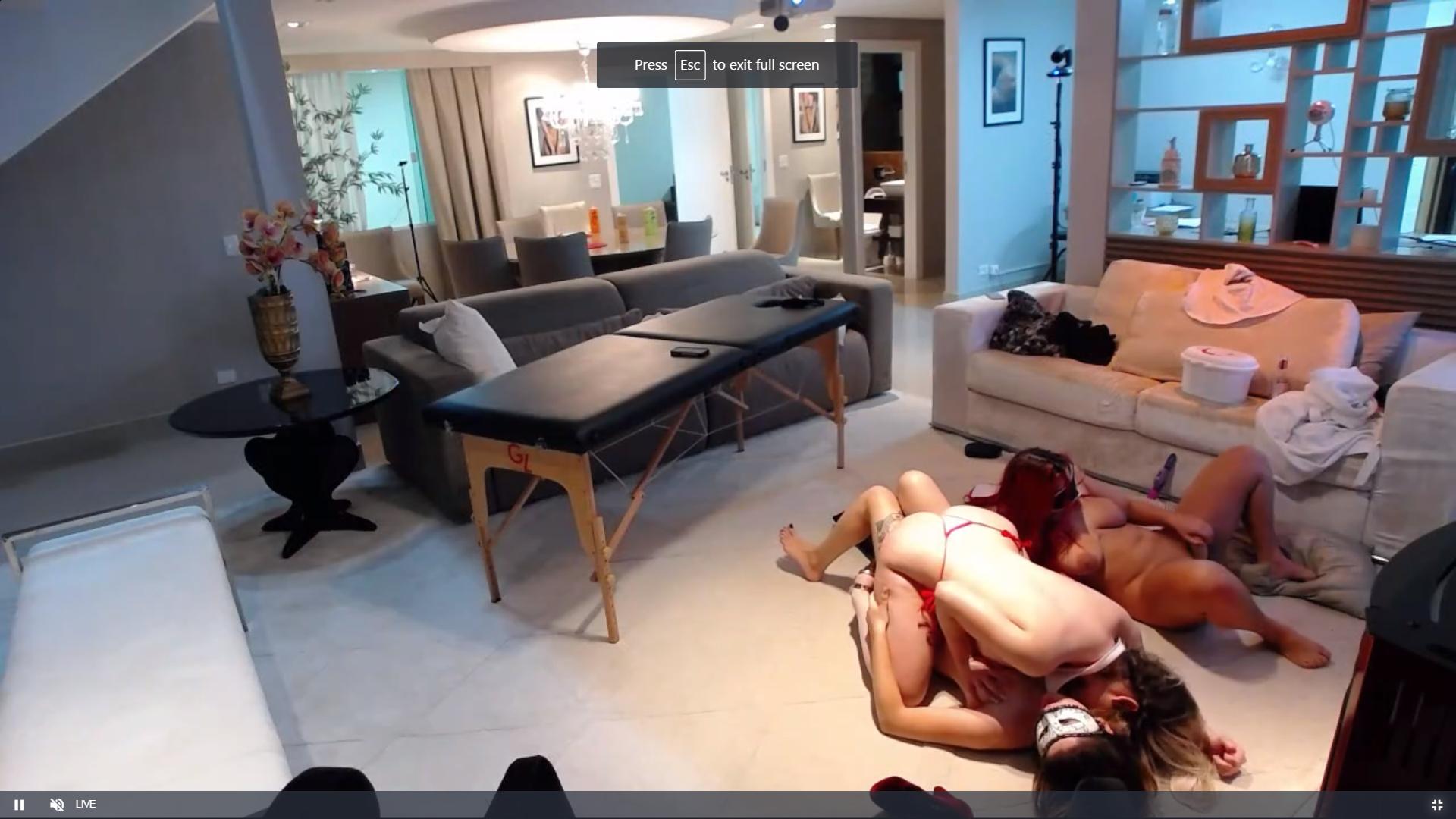
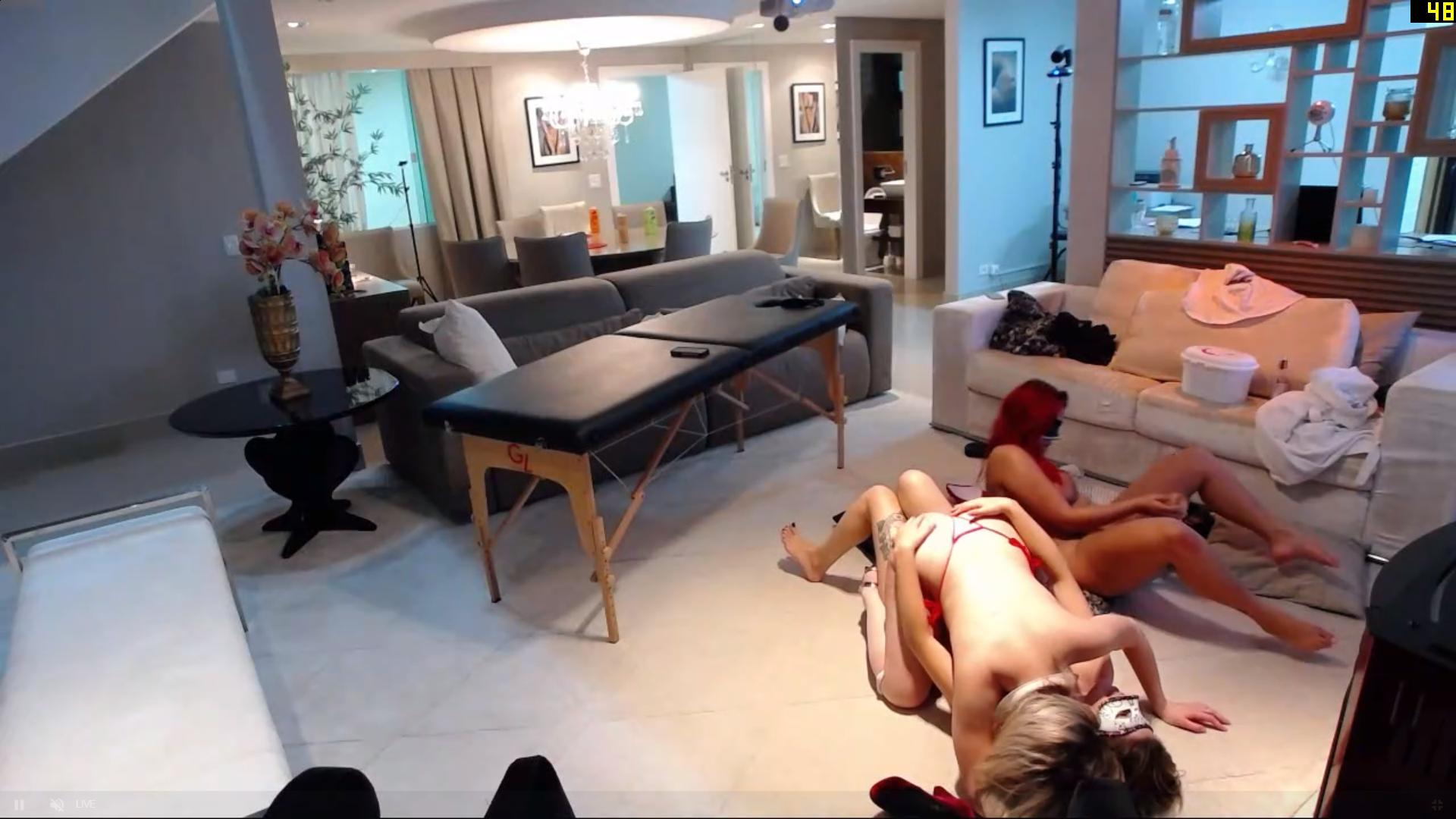
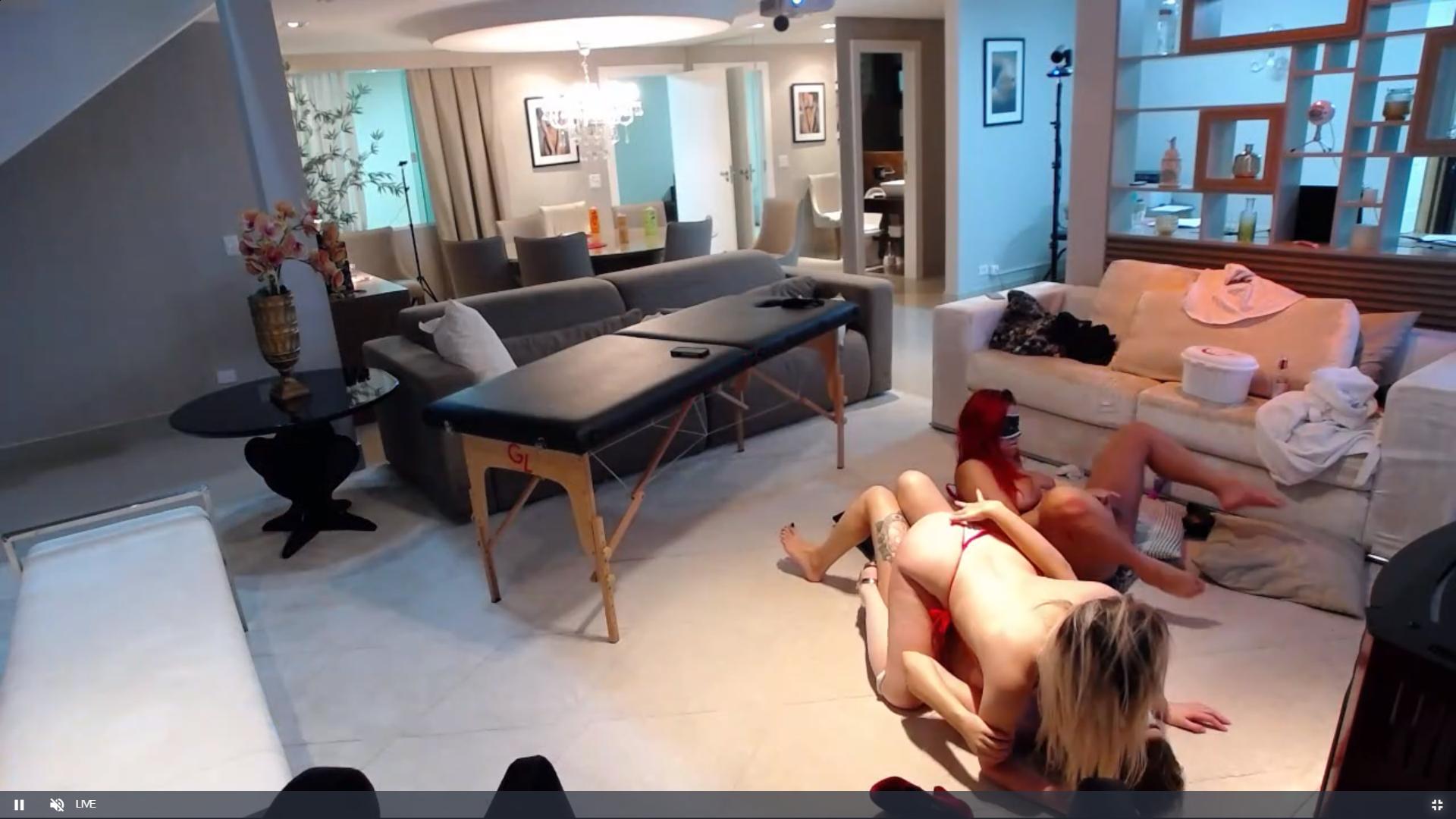
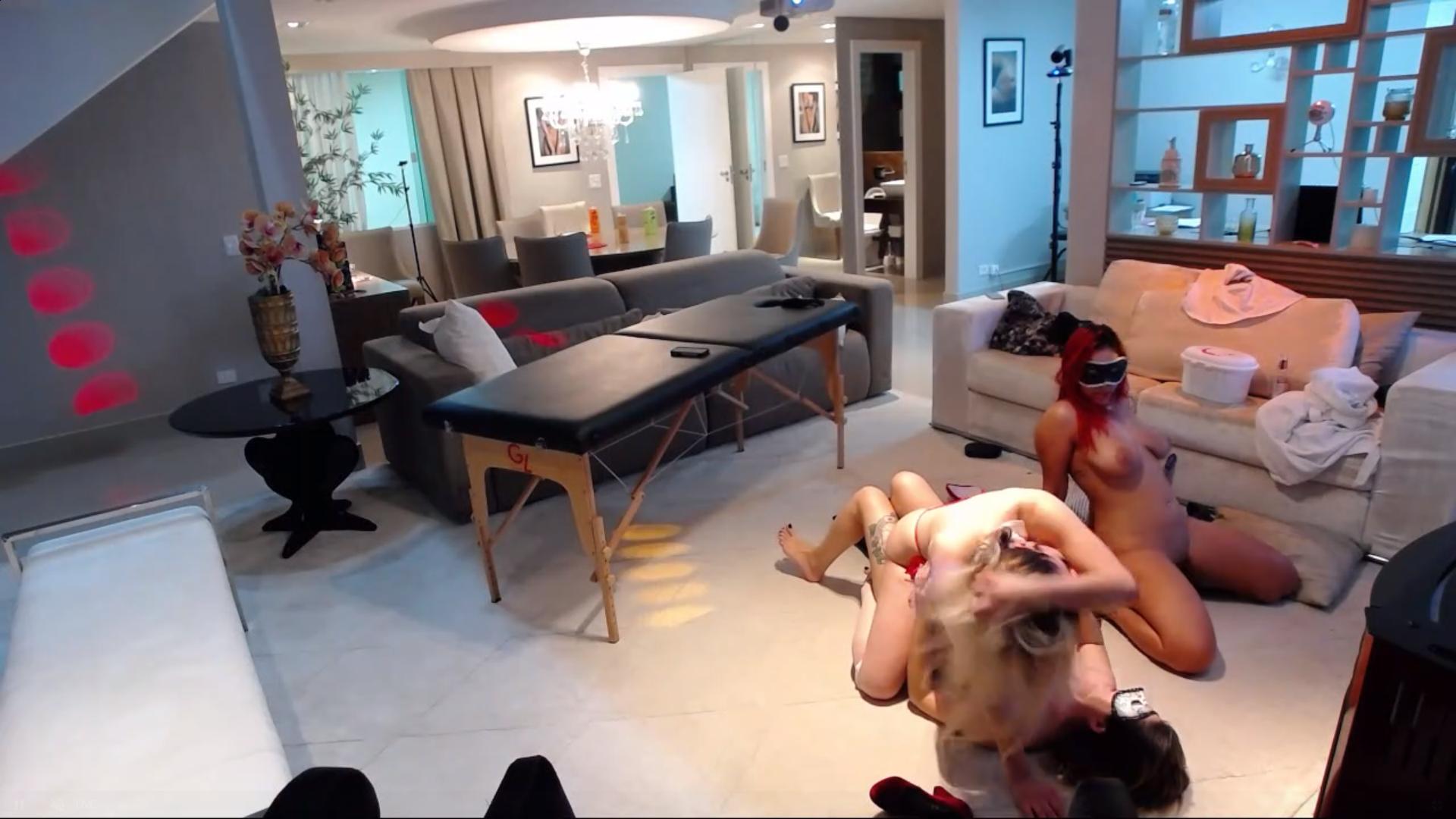
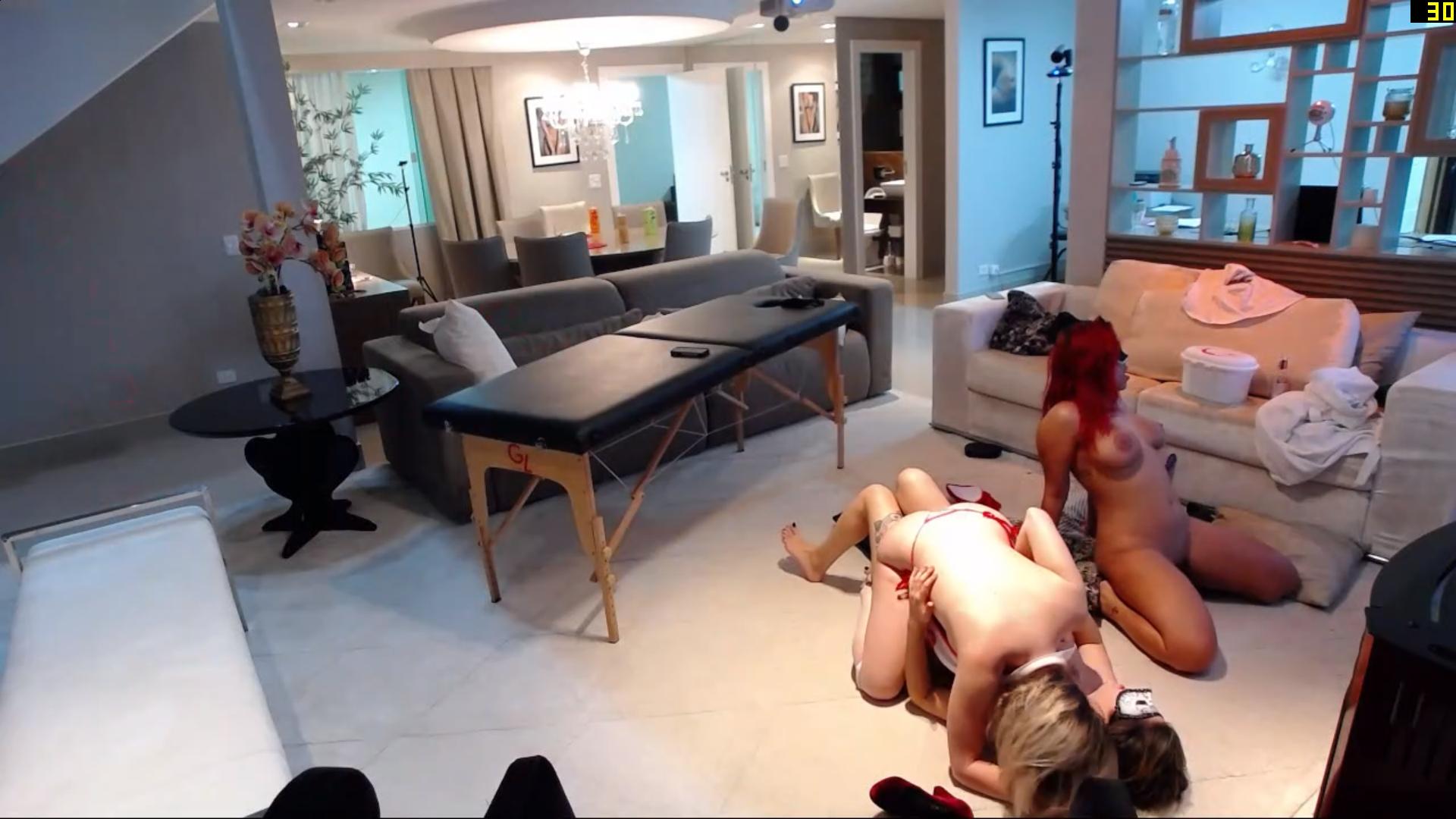
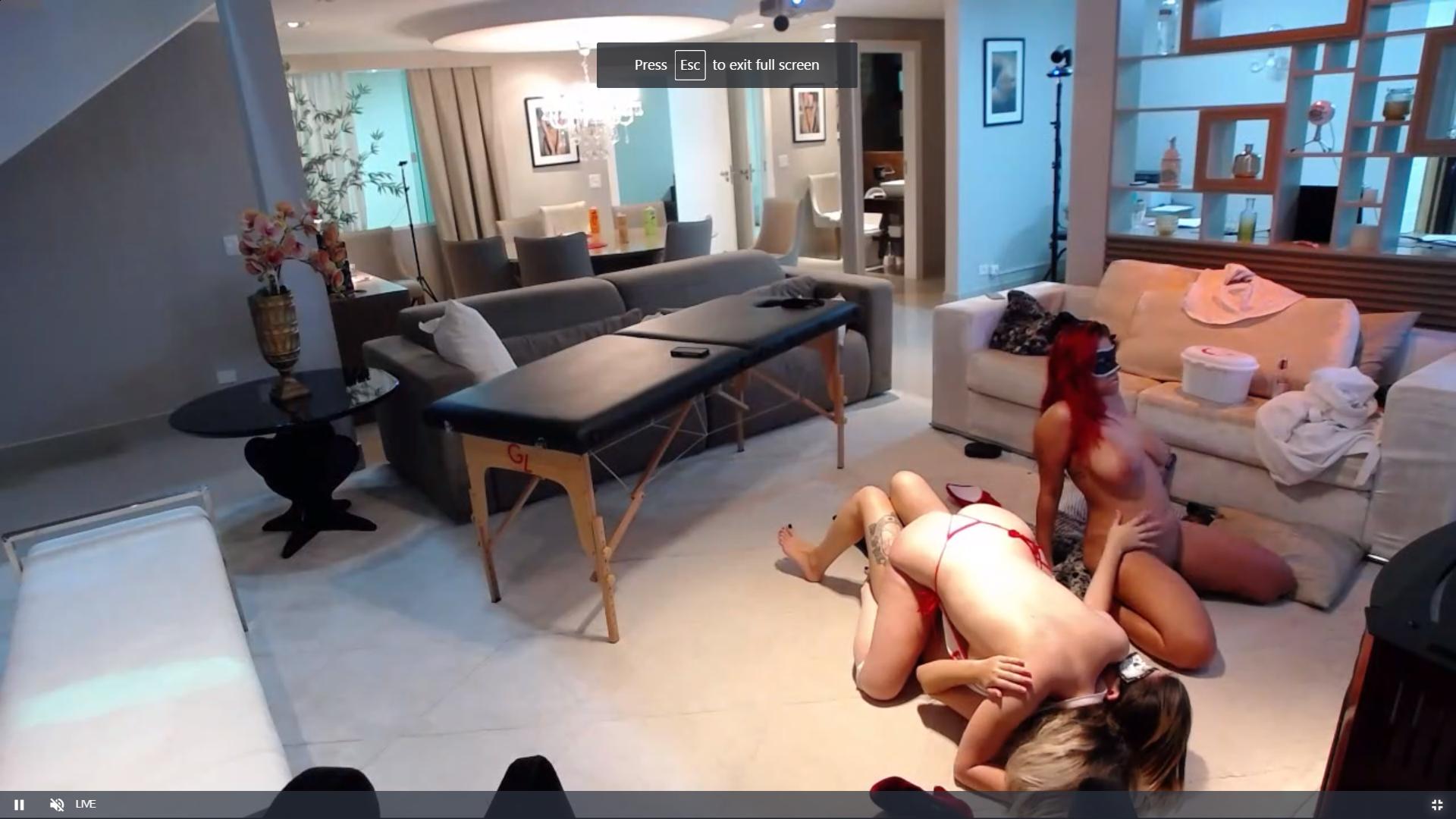
i know that there will be periods of inactivity no nudity and so on,thats why i am glad that casahot has arrived it has in a round a butt i mean about way liven things up a bit,so where as the other appartments have cameras watching empty rooms or our favourite ladies are not in their best formal evening gowns (fully naked),the casa girls are fun to watch.i was quite suprised to see anna being double teamed and almost triple,had they worked out the positions better it could have been triple penetration. long may the naked ladies continue
this is a first
thats ok mate no worrys, its all good,i do the same check the other apartments the pop over to casa,sometime in can be pot luck as to what i capture,whilst viewing one i may miss something in another,and vice versa,but its a case of reading whats happening on screen as to know when to change the channel, change the channel sounds like the old style tv ,bbc1, bbc2 ,itv,
i know that there will be periods of inactivity no nudity and so on,thats why i am glad that casahot has arrived it has in a round a butt i mean about way liven things up a bit,so where as the other appartments have cameras watching empty rooms or our favourite ladies are not in their best formal evening gowns (fully naked),the casa girls are fun to watch.i was quite suprised to see anna being double teamed and almost triple,had they worked out the positions better it could have been triple penetration. long may the naked ladies continue
this is a first

Account
Navigation
Search
Configure browser push notifications
Chrome (Android)
- Tap the lock icon next to the address bar.
- Tap Permissions → Notifications.
- Adjust your preference.
Chrome (Desktop)
- Click the padlock icon in the address bar.
- Select Site settings.
- Find Notifications and adjust your preference.
Safari (iOS 16.4+)
- Ensure the site is installed via Add to Home Screen.
- Open Settings App → Notifications.
- Find your app name and adjust your preference.
Safari (macOS)
- Go to Safari → Preferences.
- Click the Websites tab.
- Select Notifications in the sidebar.
- Find this website and adjust your preference.
Edge (Android)
- Tap the lock icon next to the address bar.
- Tap Permissions.
- Find Notifications and adjust your preference.
Edge (Desktop)
- Click the padlock icon in the address bar.
- Click Permissions for this site.
- Find Notifications and adjust your preference.
Firefox (Android)
- Go to Settings → Site permissions.
- Tap Notifications.
- Find this site in the list and adjust your preference.
Firefox (Desktop)
- Open Firefox Settings.
- Search for Notifications.
- Find this site in the list and adjust your preference.





.jpg.7d27181bee78219ce0efc51543ec69a7.jpg)
.jpg.11a675d5734c366903107c207affaed1.jpg)