Scorpio 22
Members
-
Joined
-
Last visited
Everything posted by Scorpio 22
-
And most actually think they look good wearing them. 😂
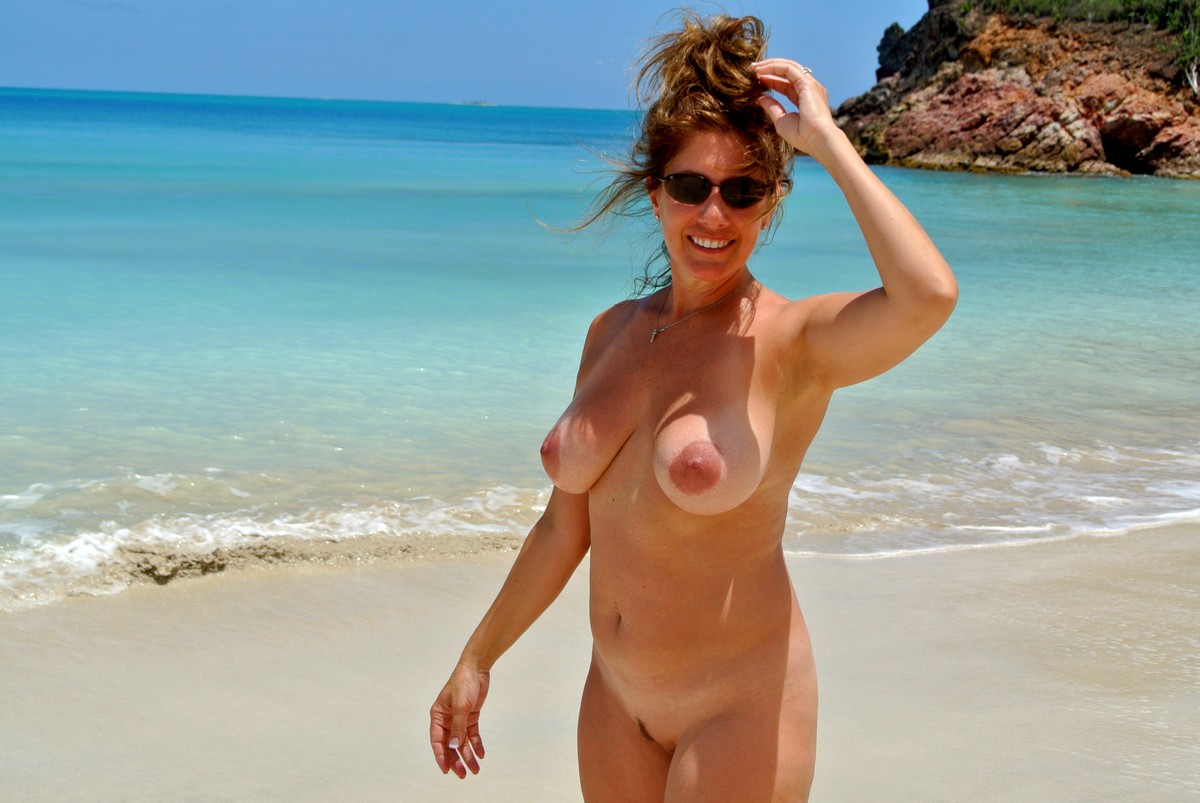
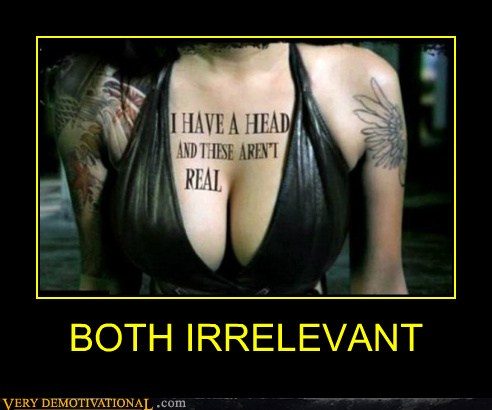
Masha is an asshole and just playing them all. Especially Megan & Holly. Could have had Megan ages ago, but clearly just fucking with her. As for master Baters. One is pretty genuine, while the other is about as fake and false looking as her tits 😂
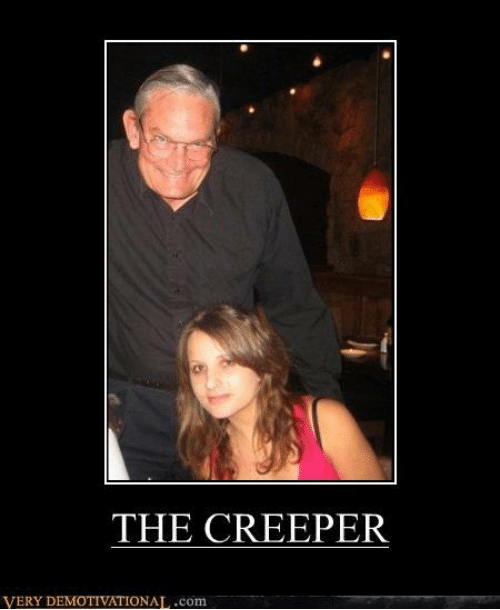
Remind you of anyone. 😂
 Only positive comments allowed lol. Here has nothing on CC. If you don't have your head up tenants ass's and brown nosed, you're fucked lol. That's unless you are part of a certain crew. Then you can say and criticise who you want. 💩😂
The obsession to know everything about them. Wouldn't surprise me if they record, get stuff translated and take notes about it lol. You can only imagine what weird shit they do with women they watch in the Real world. Let's hope they don't for their sake.
Kira is the bigger butch looking one. Won't say lesbian because like so many others that would just be lies. Definitely know where the camera's are. 😂
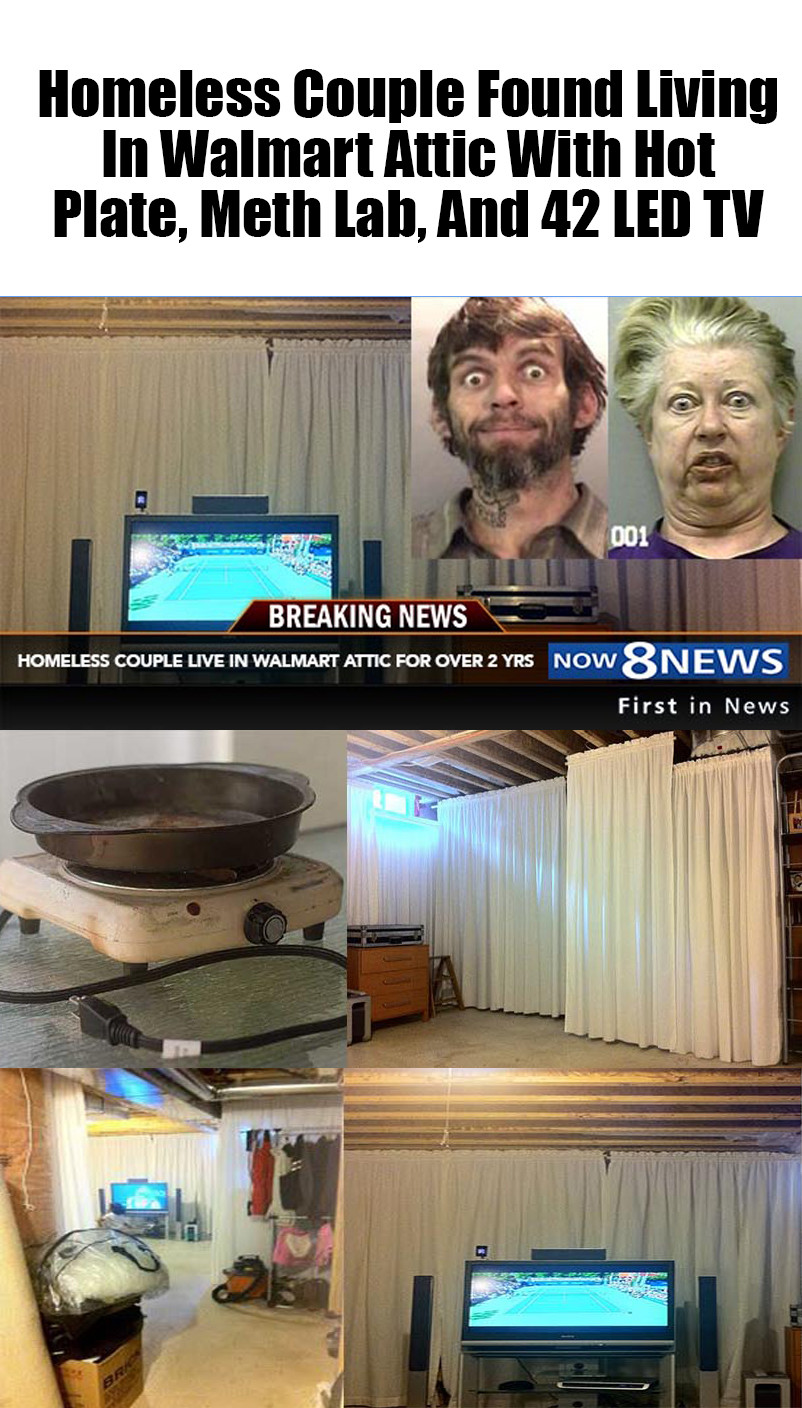
Get yourself to Walmart. 😂
Only positive comments allowed lol. Here has nothing on CC. If you don't have your head up tenants ass's and brown nosed, you're fucked lol. That's unless you are part of a certain crew. Then you can say and criticise who you want. 💩😂
The obsession to know everything about them. Wouldn't surprise me if they record, get stuff translated and take notes about it lol. You can only imagine what weird shit they do with women they watch in the Real world. Let's hope they don't for their sake.
Kira is the bigger butch looking one. Won't say lesbian because like so many others that would just be lies. Definitely know where the camera's are. 😂
Get yourself to Walmart. 😂Account
Search
Configure browser push notifications
Chrome (Android)
- Tap the lock icon next to the address bar.
- Tap Permissions → Notifications.
- Adjust your preference.
Chrome (Desktop)
- Click the padlock icon in the address bar.
- Select Site settings.
- Find Notifications and adjust your preference.
Safari (iOS 16.4+)
- Ensure the site is installed via Add to Home Screen.
- Open Settings App → Notifications.
- Find your app name and adjust your preference.
Safari (macOS)
- Go to Safari → Preferences.
- Click the Websites tab.
- Select Notifications in the sidebar.
- Find this website and adjust your preference.
Edge (Android)
- Tap the lock icon next to the address bar.
- Tap Permissions.
- Find Notifications and adjust your preference.
Edge (Desktop)
- Click the padlock icon in the address bar.
- Click Permissions for this site.
- Find Notifications and adjust your preference.
Firefox (Android)
- Go to Settings → Site permissions.
- Tap Notifications.
- Find this site in the list and adjust your preference.
Firefox (Desktop)
- Open Firefox Settings.
- Search for Notifications.
- Find this site in the list and adjust your preference.







.jpg.93627da43180ae3dc3b198631d433135.jpg)


.jpg.84318973204e8f1df43fc91a76b5c3cb.jpg)
.jpg.3ef68dce72376a2a6026de4971ce41fe.jpg)
.jpg.e3fe814fedebb28ecc3d49716d447b65.jpg)