



Scorpio 2.2
Hero Member
-
Joined
Everything posted by Scorpio 2.2
-
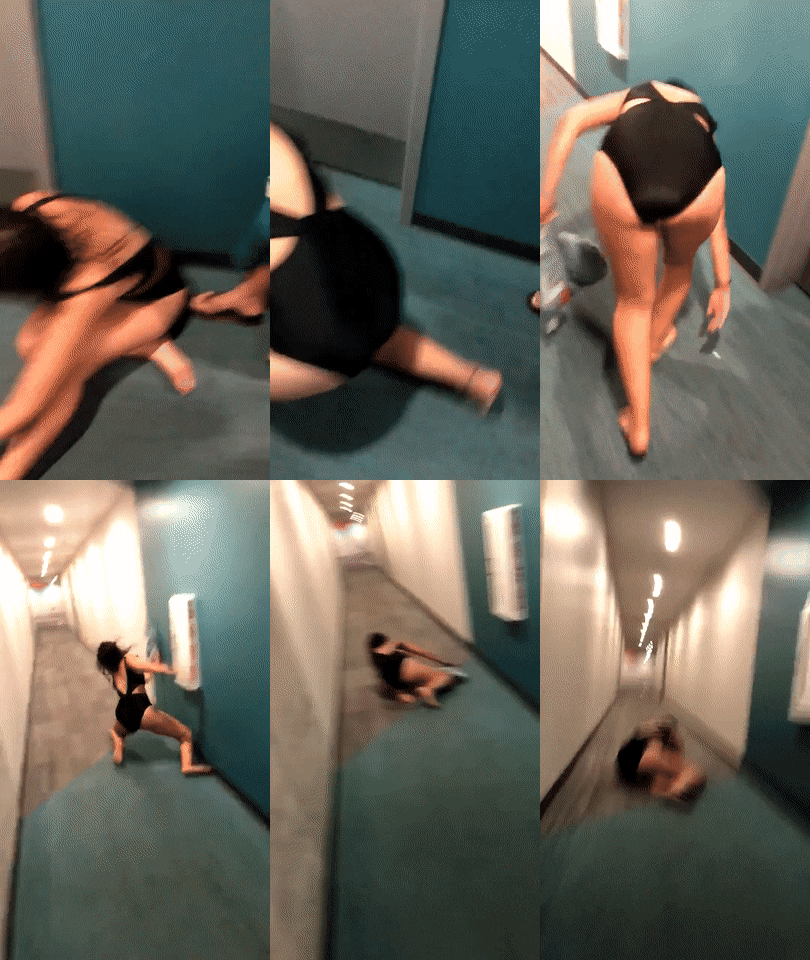
 Looks as though looking for her keys. Looked like a good one lol. That sure would have sobered her up a little. 😂
Still better than majority of the RLC girls. 🤣
Exactly the sort of performers that site is getting. The worst. Major put off as far as I'm concerned.
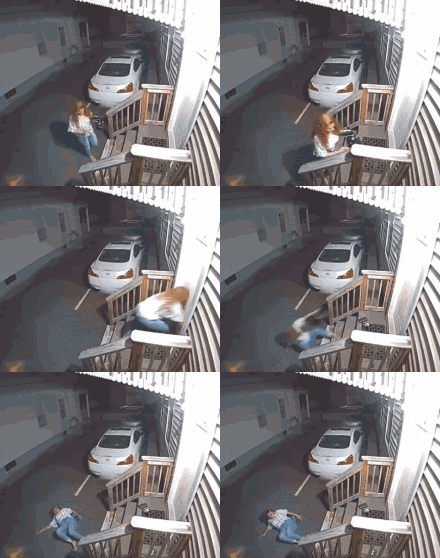
"Wonder" if any of the RLC girls know what that feels like. 🤣
🤣
Looks as though looking for her keys. Looked like a good one lol. That sure would have sobered her up a little. 😂
Still better than majority of the RLC girls. 🤣
Exactly the sort of performers that site is getting. The worst. Major put off as far as I'm concerned.
"Wonder" if any of the RLC girls know what that feels like. 🤣
🤣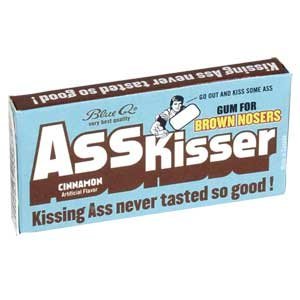 Mr.Ass Kisser and all round know it all having the nerve to say it's others fault Chat is the way it is lol. Calling use names lol. Maybe not act like creepy weirdos then. No wonder this sort of thing gets the responses it does. Not forgetting the one that said it was "RLC" only chat. 🤣
Raditomato came to Mila's.
That makes perfect sense lol. Losing subscribers because the current tenants are useless and lazy. So reduce their salary so they are even more useless and lazy. 🤣
Looks like there was a "massage show" with Mila and Raditomato. Bet that was incredible and dirty. 🤣
Amazing that someone so boring and the sexual appetite of a tree, has two pages of requests for Onlyfans account. Must keep all her naughtyness & dirtyness for her Onlyfans. 🤣
If only. 😂
Mr.Ass Kisser and all round know it all having the nerve to say it's others fault Chat is the way it is lol. Calling use names lol. Maybe not act like creepy weirdos then. No wonder this sort of thing gets the responses it does. Not forgetting the one that said it was "RLC" only chat. 🤣
Raditomato came to Mila's.
That makes perfect sense lol. Losing subscribers because the current tenants are useless and lazy. So reduce their salary so they are even more useless and lazy. 🤣
Looks like there was a "massage show" with Mila and Raditomato. Bet that was incredible and dirty. 🤣
Amazing that someone so boring and the sexual appetite of a tree, has two pages of requests for Onlyfans account. Must keep all her naughtyness & dirtyness for her Onlyfans. 🤣
If only. 😂.gif.f2e03906a9003ea789e2278fcf7da5af.gif) CamCaps has it all. Crazy bus for sure dropped some crazy motherfuckers there. 🤣
CamCaps has it all. Crazy bus for sure dropped some crazy motherfuckers there. 🤣 It's definitely "different". 🤣
@dougiestyle4u. You worked out WTF is going on yet?? 🤣
It's definitely "different". 🤣
@dougiestyle4u. You worked out WTF is going on yet?? 🤣Account
Navigation
Search
Configure browser push notifications
Chrome (Android)
- Tap the lock icon next to the address bar.
- Tap Permissions → Notifications.
- Adjust your preference.
Chrome (Desktop)
- Click the padlock icon in the address bar.
- Select Site settings.
- Find Notifications and adjust your preference.
Safari (iOS 16.4+)
- Ensure the site is installed via Add to Home Screen.
- Open Settings App → Notifications.
- Find your app name and adjust your preference.
Safari (macOS)
- Go to Safari → Preferences.
- Click the Websites tab.
- Select Notifications in the sidebar.
- Find this website and adjust your preference.
Edge (Android)
- Tap the lock icon next to the address bar.
- Tap Permissions.
- Find Notifications and adjust your preference.
Edge (Desktop)
- Click the padlock icon in the address bar.
- Click Permissions for this site.
- Find Notifications and adjust your preference.
Firefox (Android)
- Go to Settings → Site permissions.
- Tap Notifications.
- Find this site in the list and adjust your preference.
Firefox (Desktop)
- Open Firefox Settings.
- Search for Notifications.
- Find this site in the list and adjust your preference.
.gif.415b7623ab61dd178c9c43f077a4c788.gif)







.jpg.4d575049508345074af180eb439ce756.jpg)
.jpg.acee6fa3c919c8c956783759c6fa2a4c.jpg)