Scorpio 2.2
Hero Member
-
Joined
Everything posted by Scorpio 2.2
-
 Unless there is camera showing the other view, she's got her angles completely wrong. 😂
 -
She wishes her ass was that good. 😂
That's way above their ability. Maybe they could get one of the smarter tenants to show them how. 🤣
Can't really blame them. If the company allow you to take the piss, you are going to do it. Eat, drink, shopping and give nothing in return.
 Can't even set-up the Replay to make it look interesting or worth while. Owners and staff (if) any need to go. On it's arse and getting worse. Dim Tim. 🤣
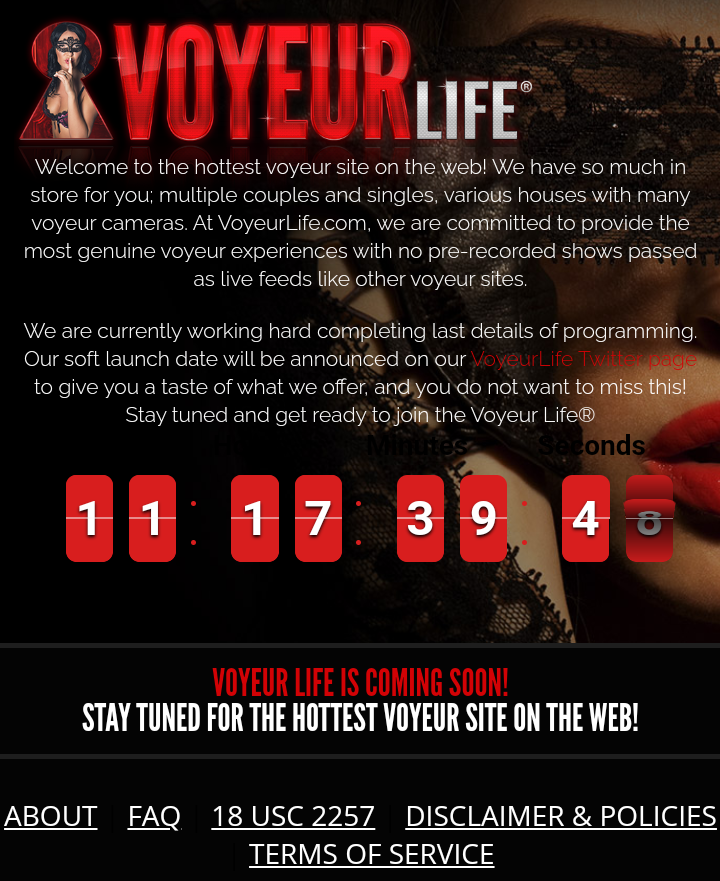
The latest. Another countdown 😂
Can't even set-up the Replay to make it look interesting or worth while. Owners and staff (if) any need to go. On it's arse and getting worse. Dim Tim. 🤣
The latest. Another countdown 😂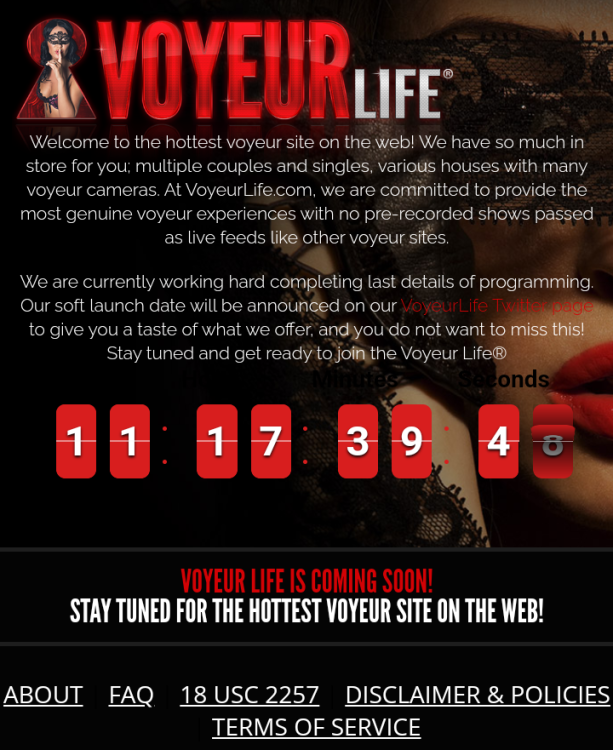
Account
Navigation
Search
Configure browser push notifications
Chrome (Android)
- Tap the lock icon next to the address bar.
- Tap Permissions → Notifications.
- Adjust your preference.
Chrome (Desktop)
- Click the padlock icon in the address bar.
- Select Site settings.
- Find Notifications and adjust your preference.
Safari (iOS 16.4+)
- Ensure the site is installed via Add to Home Screen.
- Open Settings App → Notifications.
- Find your app name and adjust your preference.
Safari (macOS)
- Go to Safari → Preferences.
- Click the Websites tab.
- Select Notifications in the sidebar.
- Find this website and adjust your preference.
Edge (Android)
- Tap the lock icon next to the address bar.
- Tap Permissions.
- Find Notifications and adjust your preference.
Edge (Desktop)
- Click the padlock icon in the address bar.
- Click Permissions for this site.
- Find Notifications and adjust your preference.
Firefox (Android)
- Go to Settings → Site permissions.
- Tap Notifications.
- Find this site in the list and adjust your preference.
Firefox (Desktop)
- Open Firefox Settings.
- Search for Notifications.
- Find this site in the list and adjust your preference.