Scorpio 2.2
Hero Member
-
Joined
Everything posted by Scorpio 2.2
-
 Personally don't think this will be the last we'll see if these two.
.gif.20de938504aee36abec6a5bdcb642818.gif)
-
Anything could have happened especially with them two. Finally gone and personally for good hopefully.
-
Wrong.... Never lol. Good for first time using it clearly. Power of it surprised her. Hopefully more will follow.
-
Could be wrong but looks like Marlene treated herself to a sex toy.
Even found her a sign for her bedroom door. Raditomato don't say I'm not good to ya. 🤣
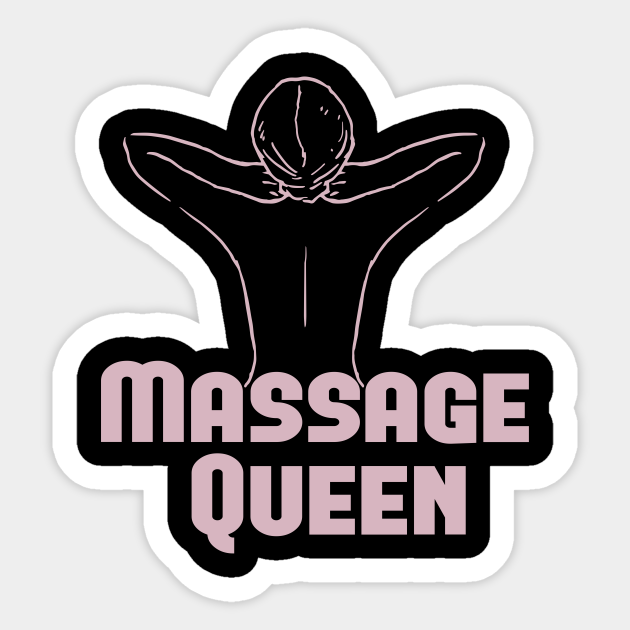 The "Massage Queen" getting herself set-up for another lol. Happy Ending maybe. One thing for sure she's definitely got the record and take a lot to take it from her. 🤣
Probably would have left with blueballs anyway. 🤣
Karol showing once more she's worth her place, no matter what a few Clueless chatters think. More genuine than a few we could mention. 😂
These girls showing once more they have no class or values when it's comes to what guys they fuck. The assholes here and CamCaps have a chance. 🤣
Just had a look through. And nothing has changed. Still the same staged, over the top wannabe porn stars. 🤣
The "Massage Queen" getting herself set-up for another lol. Happy Ending maybe. One thing for sure she's definitely got the record and take a lot to take it from her. 🤣
Probably would have left with blueballs anyway. 🤣
Karol showing once more she's worth her place, no matter what a few Clueless chatters think. More genuine than a few we could mention. 😂
These girls showing once more they have no class or values when it's comes to what guys they fuck. The assholes here and CamCaps have a chance. 🤣
Just had a look through. And nothing has changed. Still the same staged, over the top wannabe porn stars. 🤣
Account
Navigation
Search
Configure browser push notifications
Chrome (Android)
- Tap the lock icon next to the address bar.
- Tap Permissions → Notifications.
- Adjust your preference.
Chrome (Desktop)
- Click the padlock icon in the address bar.
- Select Site settings.
- Find Notifications and adjust your preference.
Safari (iOS 16.4+)
- Ensure the site is installed via Add to Home Screen.
- Open Settings App → Notifications.
- Find your app name and adjust your preference.
Safari (macOS)
- Go to Safari → Preferences.
- Click the Websites tab.
- Select Notifications in the sidebar.
- Find this website and adjust your preference.
Edge (Android)
- Tap the lock icon next to the address bar.
- Tap Permissions.
- Find Notifications and adjust your preference.
Edge (Desktop)
- Click the padlock icon in the address bar.
- Click Permissions for this site.
- Find Notifications and adjust your preference.
Firefox (Android)
- Go to Settings → Site permissions.
- Tap Notifications.
- Find this site in the list and adjust your preference.
Firefox (Desktop)
- Open Firefox Settings.
- Search for Notifications.
- Find this site in the list and adjust your preference.



.jpg.f4f439530511c5729ac8f76243edbe0e.jpg)




.gif.870055b843ced764a255f54bd0078ab2.gif)