



.gif.c635a56b7fefe720de75a19d4745de74.gif)
StnCld316
Forum Admin
-
Joined
-
Last visited
Everything posted by StnCld316
-
.thumb.gif.9ff513ac73d201304fa9372c2114c99e.gif) Beverley Peeling Dinner Nude 06-23-21.avi
Beverley Peeling Dinner Nude 06-23-21.avi -
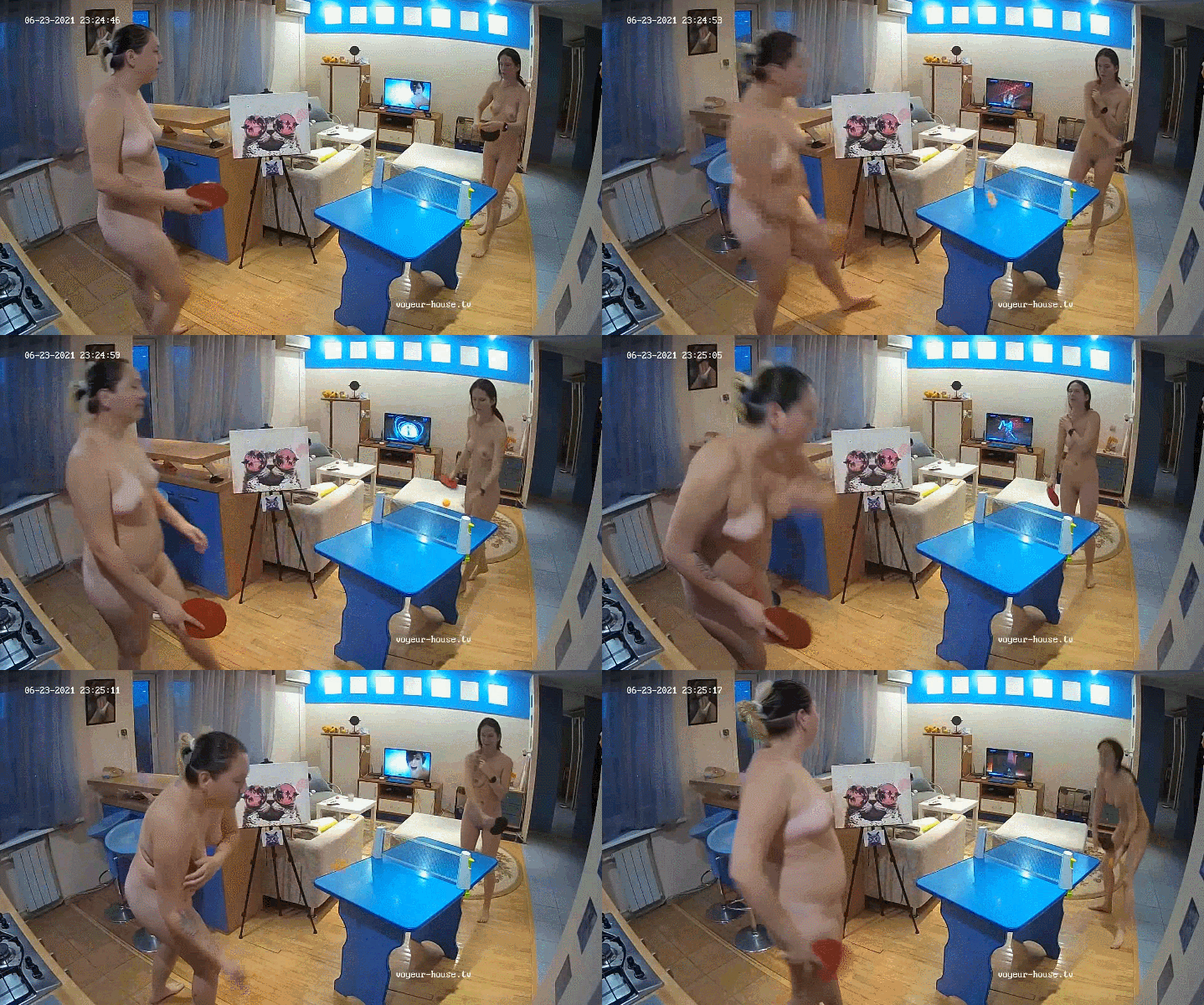
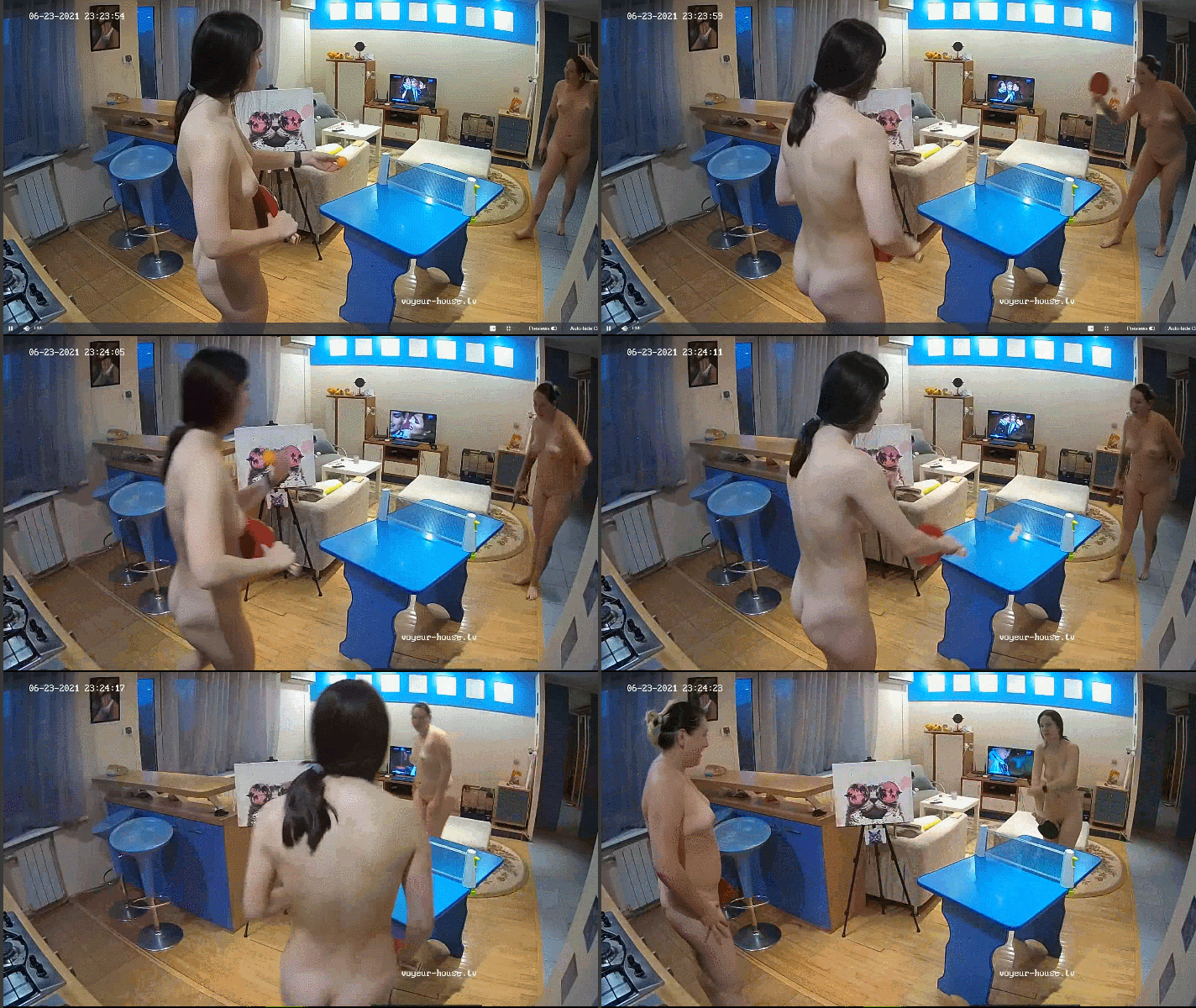
Kira & Emily - Nude Ping Pong 06-23-21.avi
Hope & Yan have departed the VHTV Project. Apartment is now only listed with Lola & Otto.
Did not take her long to find another mate.
I have never ever heard it killing anyone so it appears to be a safe practice for whoever indulges in it. 😁
Alissa seems to have found a new mate. NikobeLich has left the VHTV project.
It's the worst invention in our lifetime they ever come up with. Never had that problem when only a Landline Phone was the only means of communication besides Morse Code from the war days.
Karolina has departed the VHTV Project.
Goldie has been added to Stifler's apartment.
A tease feature. RLC looking to swindle another $50 out of someone's CC.
Rejolda has departed the VHTV Project.
Goldie has left the building. Short & Sweet less than a full day.
Anna has returned along with her sidekick Lola.
Lola has returned after being away for 3 Years & 8 Months.
They're not new. They have been on RLC in the past. It's Lola and Anna. Since RLC does not have them listed their stay must only be a brief one.
Topic for Kylara & Dylan. Place your Comments and Pictures for this Apartment.

.png.7bf5c47badcd256a6e03eef71b81cf66.png)
.png.bc15e67739253e1b2b7897bc5fa617b4.png)
.png.58612b01b07526033ad5f2bcd3012f52.png)

.png.3b2434ada2abb877025e3281962d9838.png)
.png.51f148c897d152378412eeca3351e497.png)
Account
Navigation
Search
Configure browser push notifications
Chrome (Android)
- Tap the lock icon next to the address bar.
- Tap Permissions → Notifications.
- Adjust your preference.
Chrome (Desktop)
- Click the padlock icon in the address bar.
- Select Site settings.
- Find Notifications and adjust your preference.
Safari (iOS 16.4+)
- Ensure the site is installed via Add to Home Screen.
- Open Settings App → Notifications.
- Find your app name and adjust your preference.
Safari (macOS)
- Go to Safari → Preferences.
- Click the Websites tab.
- Select Notifications in the sidebar.
- Find this website and adjust your preference.
Edge (Android)
- Tap the lock icon next to the address bar.
- Tap Permissions.
- Find Notifications and adjust your preference.
Edge (Desktop)
- Click the padlock icon in the address bar.
- Click Permissions for this site.
- Find Notifications and adjust your preference.
Firefox (Android)
- Go to Settings → Site permissions.
- Tap Notifications.
- Find this site in the list and adjust your preference.
Firefox (Desktop)
- Open Firefox Settings.
- Search for Notifications.
- Find this site in the list and adjust your preference.