Scorpio 2.2
Hero Member
-
Joined
Everything posted by Scorpio 2.2
-
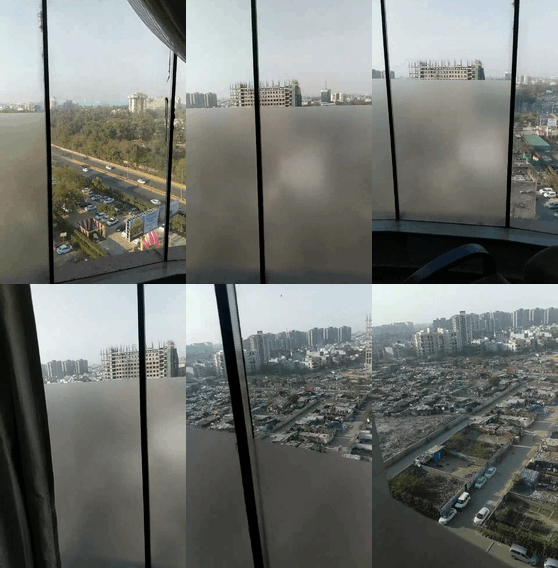
 Stunning view. 🤣
 The idiots keep mentioning girls they want back and they are useless. Have one "tour" and put on a "lesbian" show and all of a sudden they are greats. Thank fuck they don't have more of a say. Know it's bad when the drunks Gina and her fool of a sidekick are supposedly the best entertainment. 🤣
Funny when you put the weird and creepy on ignore, there's very little left. 🤣
🤣
The idiots keep mentioning girls they want back and they are useless. Have one "tour" and put on a "lesbian" show and all of a sudden they are greats. Thank fuck they don't have more of a say. Know it's bad when the drunks Gina and her fool of a sidekick are supposedly the best entertainment. 🤣
Funny when you put the weird and creepy on ignore, there's very little left. 🤣
🤣
Account
Navigation
Search
Configure browser push notifications
Chrome (Android)
- Tap the lock icon next to the address bar.
- Tap Permissions → Notifications.
- Adjust your preference.
Chrome (Desktop)
- Click the padlock icon in the address bar.
- Select Site settings.
- Find Notifications and adjust your preference.
Safari (iOS 16.4+)
- Ensure the site is installed via Add to Home Screen.
- Open Settings App → Notifications.
- Find your app name and adjust your preference.
Safari (macOS)
- Go to Safari → Preferences.
- Click the Websites tab.
- Select Notifications in the sidebar.
- Find this website and adjust your preference.
Edge (Android)
- Tap the lock icon next to the address bar.
- Tap Permissions.
- Find Notifications and adjust your preference.
Edge (Desktop)
- Click the padlock icon in the address bar.
- Click Permissions for this site.
- Find Notifications and adjust your preference.
Firefox (Android)
- Go to Settings → Site permissions.
- Tap Notifications.
- Find this site in the list and adjust your preference.
Firefox (Desktop)
- Open Firefox Settings.
- Search for Notifications.
- Find this site in the list and adjust your preference.








.jpg.3bf273462ec80cb40b674c5e8e858154.jpg)










.gif.2068f84b639e3b8412862b783f57b40f.gif)